As an Amazon Associate we earn from qualifying purchases.
Choose TP-Link outdoor security cameras by power, network connection, and recording requirements before comparing resolution. In the documented US Tapo range, C120 V2 is a plug-in Wi-Fi option, C320WS V2.20 adds Ethernet networking with separate DC power, and C425 V2 is a battery camera for motion clips. Adding a solar panel to C425 does not turn it into a continuous-recording or RTSP camera.
This guide helps US homeowners compare those exact Tapo examples. It uses manufacturer specifications and support guidance rather than hands-on testing. Specifications for these revisions should not be applied automatically to older units or other regional versions; Kasa, VIGI, and Omada also need their own compatibility checks.
Quick choice: Start with an available power route. Then decide whether you want app and memory-card recording or a compatible third-party recorder. Check the hardware revision before ordering a camera or solar accessory.
As an Amazon Associate I earn from qualifying purchases. We may earn a commission when you buy through links on this page.
On this page
- Model comparison
- C120 V2
- C320WS V2.20
- C425 V2
- Solar panel checks
- Recording options
- Upgrade worksheet
- Questions
Compare the documented Tapo outdoor camera options
| Exact US example | Power and network | Local recording option | Main reason to consider it |
|---|---|---|---|
| Tapo C120 V2 | 5 V/1 A USB-C power; 2.4 GHz Wi-Fi; no Ethernet port | On-camera microSD up to 512 GB | A plug-in camera where Wi-Fi and a suitable power route fit |
| Tapo C320WS V2.20 | Separate 9 V/0.6 A DC adapter; 2.4 GHz Wi-Fi or 10/100 Mbps Ethernet | On-camera microSD up to 512 GB | A powered camera with an Ethernet networking option |
| Tapo C425 V2 | Built-in rechargeable battery; 2.4 GHz Wi-Fi | On-camera microSD up to 512 GB; motion clips | Battery-based placement where event recording meets the need |
These details come from the official C120 V2 page, C320WS V2.20 page, and C425 V2 page. The rows describe exact documented examples, not every product sold under a similar name.
All three documented examples list 2560 × 1440 recording, so that resolution alone does not settle the choice. A camera that matches the required power and recording arrangement is a better starting point than one chosen only because its image-size label looks familiar.
Wireless camera connectivity should be checked independently from the camera’s power supply.
C120 V2: a plug-in Wi-Fi choice
The captured US C120 V2 specification lists 5 V/1 A Type-C power and a 3-meter cable. It uses 2.4 GHz Wi-Fi, has no Ethernet camera interface, and is rated IP66. It also lists RTSP and ONVIF Profile S, protocols used to connect supported camera streams with compatible software or recording devices. C120 V2 specifications
Consider this model when the useful outdoor view has both an appropriate power route and workable Wi-Fi. For example, assuming a camera near your back door can receive the network and the manufacturer’s power arrangement fits the location, plug-in power may suit your routine better than managing battery charging.
Measure the real cable route before deciding that a 3-meter lead reaches. Include the path to the approved power location and any mounting constraints. Do not assume an outdoor camera rating establishes the suitability of every adapter, cable extension, or exposed connection; follow the exact installation instructions for the whole arrangement.
The V2 distinction matters here. The power, card capacity, weather rating, and protocol details in this guide refer to the captured US V2 page. Check the actual unit’s version rather than filling in a seller’s incomplete listing with specifications from a different generation.
If this fits your installation, search Amazon for Tapo C120 V2, then confirm the version and package contents before ordering.
C320WS V2.20: Ethernet networking with separate power
C320WS V2.20 gives you a choice of 2.4 GHz Wi-Fi or a 10/100 Mbps Ethernet port. Its specified power supply is a separate 9 V/0.6 A DC adapter. Ethernet networking is therefore not evidence that this model can be powered by PoE. C320WS V2.20 power and network specifications
Power over Ethernet, or PoE, is a specific arrangement that carries power and data through a compatible Ethernet connection. A camera can have an Ethernet port and still need another cable for power. Before choosing C320WS V2.20 for a cabled location, account for both its network route and its documented power supply.
Assume you already have an Ethernet run near a driveway. That may make this networking option useful, but it does not complete the installation if no appropriate power route exists. Resolve both requirements before buying a switch or treating the existing cable as a one-cable solution.
The documented US V2.20 also lists IP66, microSD storage up to 512 GB, RTSP, and ONVIF. Those features can make it worth investigating for a compatible recorder arrangement, but protocol support alone does not certify every NVR or firmware combination. C320WS V2.20 recording and protocol specifications
Wired security cameras need the data route and the power method recorded as separate requirements.
You can search Amazon for Tapo C320WS V2.20. Confirm the actual hardware version and power accessories instead of assuming another C320WS revision is identical.
C425 V2: battery convenience with recording limits
C425 V2 is the battery branch of this comparison. Its technical specifications list a built-in 10,000 mAh rechargeable battery, 5 V/2 A charging, 2.4 GHz Wi-Fi, 2560 × 1440 recording, and on-camera microSD support up to 512 GB. C425 V2 specifications
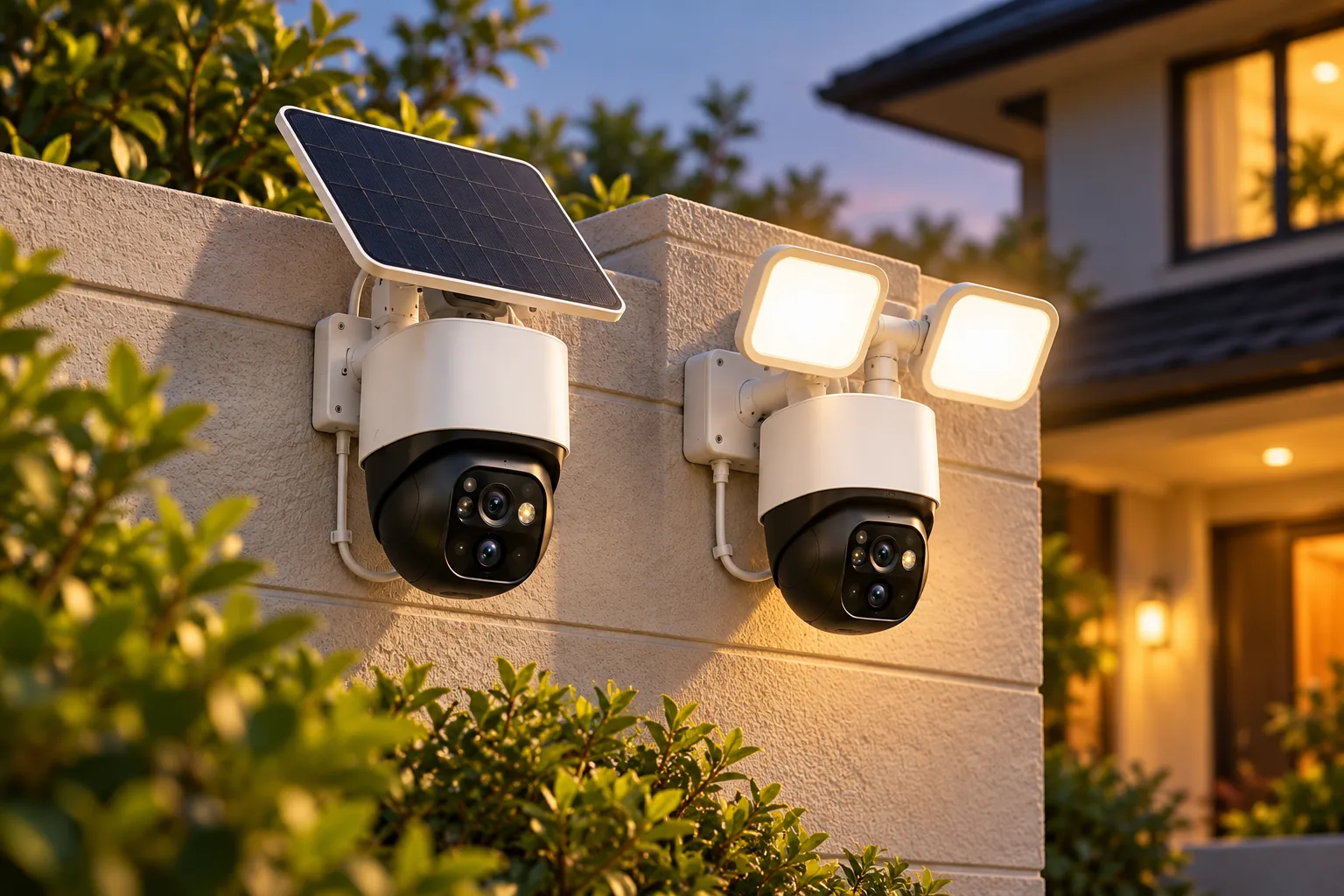
The most important limitation is explicit: TP-Link says this battery camera is not designed for continuous recording and records motion clips when activity is detected. That remains the documented recording behavior when a suitable solar accessory supplies charging power. A solar panel changes the charging arrangement, not the camera’s recording architecture.
Consider it when event-based coverage meets the need and battery positioning is useful. If your requirement is an uninterrupted timeline, settle that before choosing this model. Do not equate “powered around the clock” marketing with a statement that every moment is recorded.
TP-Link’s battery estimate assumes 230 seconds of daily use. The page says increasing use to 360 seconds per day reduces the vendor estimate to 180 days, and live viewing counts as use. These are conditional laboratory figures. They do not promise the same interval for a busy driveway or frequent remote watching. C425 V2 battery conditions
Cold-weather charging is another separate check. The documented C425 V2 operating range is −20 to 45°C, while charging is specified for 0 to 45°C. The lower operating limit does not establish that the battery can charge at that same temperature.
Battery-powered security cameras should be evaluated against both the expected activity and the charging conditions.
You can search Amazon for Tapo C425 V2, keeping the camera revision and any bundled panel identity in view.
Check solar panels by exact camera and bundle
The official standalone C425 V2 page contains a naming inconsistency: its opening summary names A201, while later solar text and technical specifications name A202. That page does not establish an exclusive “V2 must use A202” rule or prove that every A201 combination is compatible. Confirm the exact camera revision, connector, panel model, and current official accessory guidance before buying separately. Standalone C425 V2 documentation
The separate US C425 KIT V1.20 page explicitly lists an A201 panel in its package, with extension wire, seals, and adapter. That proves what the documented kit includes; it does not settle compatibility for every standalone camera revision. The kit page also says one panel connects to one camera and the battery is not removable. C425 KIT V1.20 package and conditions
For a household planning two battery cameras, treat each camera’s panel and cable route as its own installation. Do not assume one panel can serve both. Check sunlight and charging-temperature requirements where each unit will operate, and keep enough access for maintenance.
Solar panels for security cameras should be matched to the exact camera revision and connector before purchase.
Choose local storage, Tapo Care, or a compatible recorder
C120 V2 and C320WS V2.20 list optional subscription Tapo Care separately from local microSD recording. C425 V2 also offers local card storage and optional cloud service, but its battery design imposes different third-party streaming limits. Recording location and camera architecture both matter. C120 V2 storage; C320WS V2.20 storage; C425 V2 storage
TP-Link’s RTSP guide says battery/solar models including C425 and C460 generally do not support RTSP because their hardware and power-saving design prioritize efficiency. A solar accessory does not establish recorder support. If NAS or NVR recording is essential, investigate a specifically supported powered model and the exact recorder requirements. TP-Link RTSP/ONVIF guide
A NAS is network-attached storage; an NVR is a network video recorder. For supported Tapo third-party connections, TP-Link requires a separate camera account created in the Tapo app. It is different from your normal Tapo account login. Follow the guide for the actual camera and firmware rather than using your primary login credentials as a shortcut.
There is also a simultaneous-recording constraint. TP-Link groups storage into Tapo Care cloud, local microSD or hub storage, and NAS/NVR/ONVIF recording. Its guide says only two of those three options can run together because stream resources are limited. Enabling all three can disable third-party recording. TP-Link stream-resource limits
For example, assuming your supported camera records to both its card and an NVR, do not enable cloud recording and presume all three destinations continue unchanged. Confirm the intended pair, then inspect actual playback from each destination after setup. This is especially useful after changing a plan or recording setting.
Security camera recording options should be verified with saved playback from every destination you intend to use.
Keep third-party streams on trusted local networks. For remote access, TP-Link recommends an encrypted VPN rather than long-term public exposure. This guide covers the purchase implications; use the manufacturer’s detailed instructions for configuration. TP-Link network-access guidance
Complete this upgrade worksheet
Before ordering, write down the requirements for each position:
| Requirement | What to confirm |
|---|---|
| Camera identity | Exact model, US market, hardware revision, and relevant firmware |
| Power | Approved adapter or battery/charging arrangement |
| Network | 2.4 GHz Wi-Fi, supported Ethernet, and usable connection at the mount |
| Recording behavior | Events or continuous timeline as supported by the selected model |
| Storage destination | Card, optional cloud, or verified compatible recorder |
| Simultaneous storage | Intended two-option combination where the stream limit applies |
| Solar accessory | Exact panel, connector, bundle contents, and temperature conditions |
| Acceptance check | Saved daytime/nighttime events and playback at each required destination |
Make the recording requirement a purchase gate. If it is mandatory, an attractive price or convenient mounting arrangement should not override an unsupported feature. Likewise, ask a seller to identify an unclear hardware version before relying on version-specific specifications.
Common TP-Link outdoor camera questions
Does C320WS Ethernet mean PoE?
The documented US C320WS V2.20 uses a separate 9 V/0.6 A DC power supply. Its Ethernet port provides a network option; it does not establish PoE power. Plan the power route and Ethernet route separately for that exact model.
Will solar make C425 record continuously?
The C425 V2 page explicitly says it is not designed for continuous recording and saves motion clips. A panel can support charging, but it does not remove that recording limitation or establish RTSP/NVR support for the camera.
Can I use cloud, a card, and an NVR together?
TP-Link’s RTSP guide says only two of the three storage groups can run simultaneously because of stream-resource limits. Check the exact camera and firmware, choose the intended pair, and verify saved recordings after configuration changes.
Are older C425 reviews enough to choose a solar panel?
Use documentation for your exact unit and package. The current captured standalone V2 page itself names different panels in different sections, while KIT V1.20 specifically includes A201. Resolve the actual revision and accessory match before buying a panel separately.
Choose the power and recording arrangement first
For TP-Link outdoor security cameras, consider the documented C120 V2 for plug-in Wi-Fi, C320WS V2.20 for separate DC power with Ethernet networking available, and C425 V2 for battery-based motion recording. Keep solar charging, streaming protocols, and storage destinations as distinct decisions.
Complete the worksheet for the mounting point you actually plan to use. Then verify the full model and revision, required accessories, and saved playback. That sequence produces a more reliable purchase decision than treating every Tapo camera or kit as the same system.