As an Amazon Associate we earn from qualifying purchases.
The right solar panel for security cameras must match the camera’s exact model, generation and charging connection, and receive enough usable sunlight to replenish its battery. Start with the camera manufacturer’s compatibility list. Then check cable reach, sealing and battery-charging temperature before comparing wattage. A connector that fits is only one part of the decision.
As an Amazon Associate, we earn from qualifying purchases. We may earn a commission when you buy through links on this page.
Quick choice: Buy a documented camera-and-panel pairing, preserve the required adapter and gasket arrangement, and verify the battery trend at your installation site. This guide helps owners add a solar accessory to a battery camera; it compares manufacturer documentation rather than measured solar harvest or a ranking of complete solar-camera systems.
On this page: compatibility, charging power, placement, verification, and questions.
Match the camera before comparing watts
Write down the camera model number, hardware version and generation from its label or device information. Do the same for the proposed panel. Names such as “Essential,” “C425” or “USB-C solar panel” can cover materially different combinations.
Use three checks in order: the manufacturer explicitly supports the camera, the specified connector and accessories match, and the installation can meet charging conditions. If the first check fails, more panel wattage does not fix it. Battery-powered security cameras should be selected with their supported charging accessories in mind.
Arlo: panel families have different camera lists
Arlo documents separate solar accessories. The following are selected examples from its compatibility page, not a complete substitute for checking your model. “Universal” describes supported Arlo combinations, not general cross-brand approval. Arlo Solar Panel Compatibility
| Panel | Connection | Documented camera examples |
|---|---|---|
| VMA6600 | USB-C | Second-generation Essential Outdoor HD/2K and XL: VMC2050, VMC3050, VMC2052, VMC3052 |
| VMA5600 | Magnetic | Ultra/Ultra 2 VMC5040; Pro 5 VMC4060P; Pro 4 VMC4041P/VMC4050P; Pro 3 VMC4040P; Go 2 VML2030; Floodlight FB1001 |
| VMA3600 | Micro-USB | Original Essential VMC2020, VMC2030 and VMC2032 |
| VMA4600 | Micro-USB | Older Pro/Pro 2 and Go; expressly excludes Essential |
| VMA7600 | USB-C, Micro-USB and magnetic adapters | Multiple specified Arlo generations; check the complete official list |
The VMA3600 excludes Pro, Go and Security Lights despite sharing a connector type with the VMA4600. Match the camera number before shopping. Arlo security cameras need generation-specific accessory checks, especially when replacing a panel from an older installation.
Tapo: hardware version changes the answer
The US Tapo A200 v1 page lists compatibility with C425 v1.0/v1.20, C420S1/S2 v1.0/1.20 and C400S1/S2 v1.0. It specifies up to 4.5 W charging power and a 4 m cable. Those version numbers belong in the purchase decision. Tapo A200 US v1 specifications
Tapo’s connection guide adds exclusions: A200 does not work with C425 v2 or C460 v1, and A200/A201 v1 do not work with C400 v2. The newer C400 combination uses specified newer panels with integrated gaskets. A recommendation for C400 v1 therefore cannot be carried over simply because the replacement camera has a similar name. Tapo’s panel connection and gasket guide
For older C400/C420 v1 or C425 v1.0/v1.2 cameras, connecting a USB-C A201 requires the specified Micro-USB adapter and waterproof gasket. Confirm the actual package contents in your region; technical connection guidance does not establish what every US bundle includes. Keep the original sealing parts with the camera so a later accessory replacement does not leave a missing gasket.
Reolink: battery-camera support is a separate category
Reolink’s standard panel introduction applies to its battery cameras with stated exclusions, including original Argus and Keen, and explicitly says its DC-powered cameras are incompatible. Do not purchase a solar accessory for a plug-in camera merely because a cable can be adapted. Reolink solar-panel introduction
| Reolink accessory | Rated maximum power | Listed output voltage | Connector and cable |
|---|---|---|---|
| Solar Panel 2 | 6 W | 6 V | USB-C, 4 m |
| Solar Panel 3 | 12 W | 6.4 V | USB-C, 4 m |
These are accessory specifications, not permission to use either panel with every USB-C camera. Check the exact supported camera and its instructions. The separate Solar Panel 2S includes a 5,900 mAh battery; its stored-energy design must not be confused with the ordinary panels’ charging limits. Reolink’s panel specifications
Once your pairing is confirmed, you can search Amazon for Arlo VMA6600 solar panels or search Amazon for Tapo A200 solar panels. Compare the exact panel identifier, included connections and supported camera revision on the actual listing. These searches do not verify availability or compatibility.
Understand what panel wattage can tell you
Watts describe power at a moment; watt-hours describe energy accumulated over time. A panel’s rated maximum power is a useful specification, but it is not the energy your shaded installation will deliver each day.
Tapo’s A200 page provides a useful example of the assumptions behind a marketing duration. Its 30-minute sunlight claim uses standard conditions of 1,000 W/m², 25°C and AM1.5, plus a specified scenario of 100 triggered events per day. The same page says actual charging power and required sunlight vary with installation and conditions. Do not treat 30 minutes of weak winter daylight as the stated test condition. Tapo A200 sunlight footnotes
Use an energy worksheet as a conditional estimate
A simple planning relationship is:
Estimated Wh/day = rated watts × equivalent full-sun hours × assumed overall delivery factor
Equivalent full-sun hours express sunlight as the energy equivalent of that many hours at the chosen full-sun reference; they are not simply hours between sunrise and sunset. The delivery factor represents assumed reductions between rated output and usable delivered energy. Without measured site data, both are assumptions, not results.
For illustration, take a hypothetical 6 W panel, three equivalent full-sun hours and an assumed 50% delivery factor. The calculation gives 6 × 3 × 0.5 = 9 Wh/day. With only one equivalent full-sun hour under the same assumptions, it gives 3 Wh/day. Neither number is a measured result for a named panel or a prediction of your camera’s battery life.
To decide whether that would be sufficient, you also need the camera’s energy demand under the settings you will actually use. The approved specifications here do not establish a measured Wh/day consumption for your camera. Battery trend observation is therefore more useful than pretending the arithmetic proves indefinite operation.
Reolink identifies frequent detection, live viewing, continuous recording and pre-recording on supported models as consumption factors. It also warns that reducing detection or alerts can compromise monitoring needs. Decide which functions matter before treating a lower-consumption configuration as an acceptable solution. Reolink charging troubleshooting
Plan sunlight, cable reach and temperature
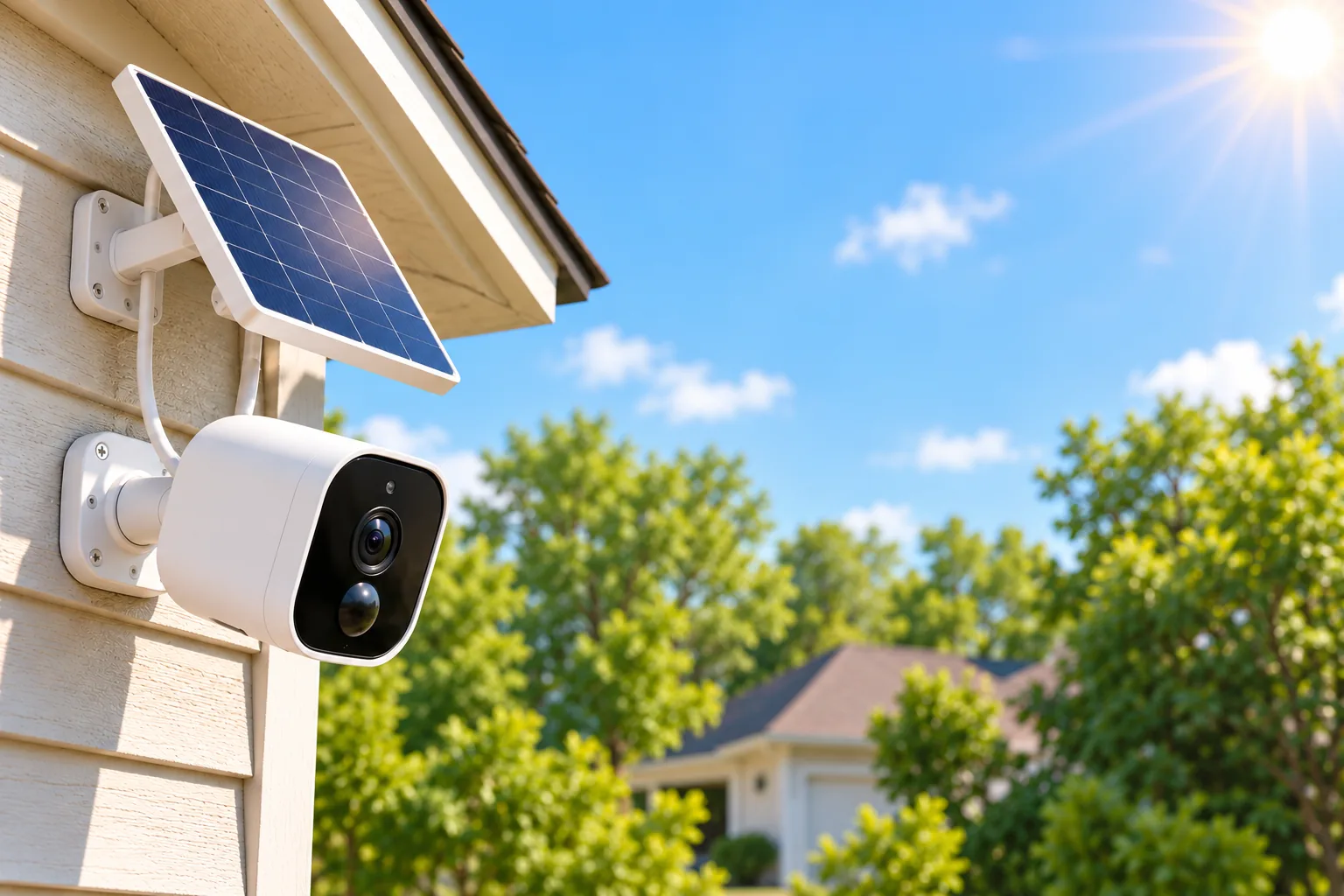
Choose the camera view for the area you need to monitor, then find a panel location with direct sun within the supported cable arrangement. Keeping the camera shaded for its view and the panel exposed for charging may require separate mounting positions. Outdoor camera placement should account for both the required scene and the panel’s sunlight.
Arlo recommends a panel position receiving at least 3–4 hours of direct sun daily in its troubleshooting guidance. That is manufacturer guidance for Arlo installations, not a universal performance promise. Trees, roof edges and nearby buildings can obstruct a position that looks sunny at one moment. Check the proposed location at several times rather than judging it from a single noon inspection. Arlo charging troubleshooting
Cable length belongs in this site survey. Reolink’s newer introduction discourages extension cables totaling more than 9 m because power loss can produce slow or unstable charging. That guidance is specific to its documented accessories; it is not a universal extension allowance for Tapo or Arlo. Use the chosen panel revision’s own instructions and approved connection arrangement. Reolink extension guidance
Weather resistance does not establish cold-weather charging
Check two ranges separately: the accessory’s environmental range and the battery’s permitted charging range. Tapo lists A200 suitability from -4°F to 113°F, but battery charging only from 32°F to 113°F. Its ability to be outdoors below freezing does not establish that the battery can charge then. Tapo A200 temperature limits
Reolink lists 0–45°C, or 32–113°F, charging for its ordinary 3 W, 6 W and 12 W panels. Its separate 2S troubleshooting guidance gives a -20–58°C powering range; do not substitute that range for ordinary-panel battery charging. Arlo likewise says its camera battery will not charge below 32°F or above 113°F. Reolink temperature distinctions, Arlo temperature guidance
Plan access for maintenance and manual charging. A panel that reduces charging trips still needs a workable response when prolonged shade, weather or heavy use leaves the battery falling. Follow the supplied mounting and sealing instructions, and use a safe, accessible installation position rather than one that requires an unsafe climb for routine checks.
Verify charging before relying on the installation
Commission the system with the recording and alert settings you intend to keep. Arlo says to charge the battery before connecting its panel and explains that the panel provides trickle charging; the battery must remain installed. Heavy use can drain it faster than solar replenishes it. Arlo’s charging procedure
Use this simple observation log over several representative days. A short trial cannot prove year-round performance, but it can reveal an obvious deficit before the camera is left unattended.
| Record | Why it helps |
|---|---|
| Battery percentage at the same time each day | Shows a trend rather than one charging moment |
| Charging icon during direct sun | Confirms the app reports a charging state |
| Weather and visible shading | Separates exposure changes from connector problems |
| Event count and live-view activity | Gives context for changing consumption |
| Recording/alert settings | Prevents confusing a settings change with better panel performance |
For Reolink, troubleshooting starts with direct sunlight, a fully inserted undamaged connector and the app’s sun icon. If the battery continues to fall, check the applicable temperature limits and consider the manufacturer’s charging observation or known-working-panel swap procedure. Stop using visibly damaged cables and seek support with the exact camera and panel details. Reolink’s diagnostic sequence
An icon appearing briefly does not by itself prove that daily charging exceeds daily use. Conversely, a full battery may not display continuous charging. Judge the pattern together with the manufacturer’s icon definitions and repeated observations.
Common questions
Can I use a generic USB solar panel?
Use an explicitly supported pairing. Matching USB-C or Micro-USB shapes do not establish electrical support, camera approval or an outdoor seal. The different Arlo Micro-USB accessory lists and Tapo’s hardware-version exclusions show why connector-only shopping can fail.
Will a larger panel guarantee continuous recording?
No. Supported accessory output, sunlight, charging limits and camera consumption all matter. A larger rated panel does not establish that a particular camera can sustain your required recording mode. Keep the intended monitoring settings and verify battery behavior rather than assuming rated watts answer the whole question.
Should I buy a bundle or a panel separately?
Compare the exact camera revision, panel identifier, adapter, gasket, cable and mounting contents. A bundle is useful only if those parts match your installation. Confirm regional contents before purchase; neither a shared product name nor a generic “solar compatible” label establishes that every necessary accessory is included.
Choose compatibility first, then prove the location works
Make the purchase only after recording the exact camera-and-panel match and the required connections. Then install it where supported cable reach, direct sunlight and charging temperatures fit your site. Keep a manual-charging plan and use the battery log to confirm the system meets your actual monitoring needs.