As an Amazon Associate we earn from qualifying purchases.
Choose Arlo cameras by exact generation, hub compatibility, and recording needs. Pro sixth generation is a flexible outdoor starting point because its SmartHub is optional. Ultra third generation requires a compatible SmartHub. Essential Indoor third generation connects directly to Wi-Fi and cannot pair with a SmartHub. Those differences matter more than choosing a brand tier in isolation. Arlo Pro, Ultra, Essential Indoor.
This guide helps US households compare those models with Essential outdoor third generation. It uses documented specifications and support guidance, rather than hands-on camera testing. Doorbells and detailed replacement-accessory fit require separate decisions.
As an Amazon Associate, we earn from qualifying purchases. We may earn a commission when you buy through links on this page.
Quick choice: Start with charging access and placement, check the camera against the exact hub model, then price the recording features you want after any trial ends. A camera that offers live view without a subscription does not necessarily provide saved cloud video without one.
On this page
- Compare Arlo camera families
- Plan charging and maintenance
- Decide whether Ultra fits
- Check SmartHub local storage
- Choose indoor privacy and Wi-Fi
- Separate paid and basic features
- Check legacy model support
- Final checks and common questions
Arlo camera families at a glance
Keep the generation attached to every model name. The following matrix applies to these specific products, not all cameras ever sold under Essential, Pro, or Ultra.
| Exact family | Power and placement | Documented view | SmartHub relationship | Main decision |
|---|---|---|---|---|
| Essential outdoor, third generation, 2K version | Rechargeable integrated battery; outdoor | 2K; 130-degree field of view | Supports VMB4540 and VMB5000 only | Plan how you will recharge the integrated battery |
| Pro, sixth generation | Swappable battery; indoor/outdoor use | 2K HDR; 160-degree field of view | Optional; VMB4540 or VMB5000 only | Flexible direct Wi-Fi or compatible-hub installation |
| Ultra, third generation | Swappable battery; indoor/outdoor use | Up to 4K; 180-degree diagonal field of view | Required; VMB4540 or VMB5000 | Budget and plan for the hub alongside the camera |
| Essential Indoor, third generation | Plug-in indoor camera | 2K; 130-degree field of view | Unsupported; direct Wi-Fi | Indoor privacy shield and outlet location |
Sources: Essential outdoor specifications, Pro specifications, Ultra specifications, and Essential Indoor specifications.
A wider specified field of view can help frame a broader area, but it is not a measured identification distance. Decide what needs to appear in the image at the mounting location. Resolution, lens coverage, and the position of a person within the frame need to be considered together; a 4K label alone cannot establish whether a distant face will be useful.
Outdoor security cameras should be selected around the view you need to preserve and the access required for maintenance.
Essential outdoor versus Pro: make charging a purchase criterion
Essential outdoor third generation offers a rechargeable integrated battery, 2K video in the documented 2K version, dual-band Wi-Fi, and two-way audio. Its FAQ says the battery cannot be removed. You recharge the camera using its charging connection rather than exchanging a removable battery. Arlo Essential outdoor documentation.
Pro sixth generation combines 2K HDR, a specified 160-degree field of view, dual-band Wi-Fi, and a swappable battery. HDR means high dynamic range: it addresses scenes containing bright and dark areas. These are documented features, not a claim that Pro will produce a particular image improvement at your house. Arlo Pro sixth-generation documentation.
Consider two illustrative placements. At a reachable porch mount, taking a camera down to charge may be manageable. At an awkward elevated mount, every charging visit becomes part of ownership. Swappable batteries can change that maintenance workflow, but they do not remove the need for safe access or guarantee uninterrupted recording during a swap.
Before choosing either, write down who will charge it, how it can be reached, and what will cover the entrance while it is unavailable. Avoid turning manufacturer battery-life language into a schedule you can rely on. Actual maintenance needs should be established at your location after installation.
Check the connector generation too
Pro sixth generation uses USB-C. Its FAQ says the compatible XL battery and housing must be the USB-C version, rather than the older magnetic-base version. Ultra third generation has the same stated USB-C-versus-magnetic-base boundary for its XL housing and battery. Pro compatibility FAQ, Ultra compatibility FAQ.
An existing box of Arlo accessories therefore should not be counted as money already saved until the exact part fits the new generation. Record the camera generation and accessory identifier before ordering. A similar-looking battery housing or familiar brand name is insufficient confirmation.
Ultra: include the required SmartHub in the decision
Ultra third generation lists maximum 4K video, a 180-degree diagonal field of view, 12x digital zoom, a spotlight, and color/infrared night vision. It requires VMB5000 or VMB4540 and does not support older base stations. Arlo Ultra third-generation documentation.
The required hub makes Ultra a system purchase even when you begin with one camera. If you already own a hub, read its label before assuming it qualifies. If you do not, compare the complete bundle with the camera-only option and identify what storage media is supplied separately.
Digital zoom should also stay in perspective. The documented 12x figure describes digital enlargement, not a motorized optical zoom lens or a guaranteed readable detail at a particular distance. Frame the critical entrance before choosing a camera based on its zoom number.
Choose Ultra when its documented resolution and view fit a defined need and the compatible hub is acceptable. Choose Pro when a direct-router option or its narrower specified view better matches the installation. That is a feature-and-architecture decision; this guide does not establish a tested winner for image quality or wireless range.
SmartHub local storage is model specific
The hub question has three answers in this comparison: optional for Pro sixth generation, required for Ultra third generation, and unsupported for Essential Indoor third generation. Essential outdoor third generation supports VMB4540 and VMB5000. Check both camera and hub identities; knowing that a product is an Arlo SmartHub is not enough. Pro FAQ, Ultra FAQ, Essential outdoor FAQ, Essential Indoor FAQ.
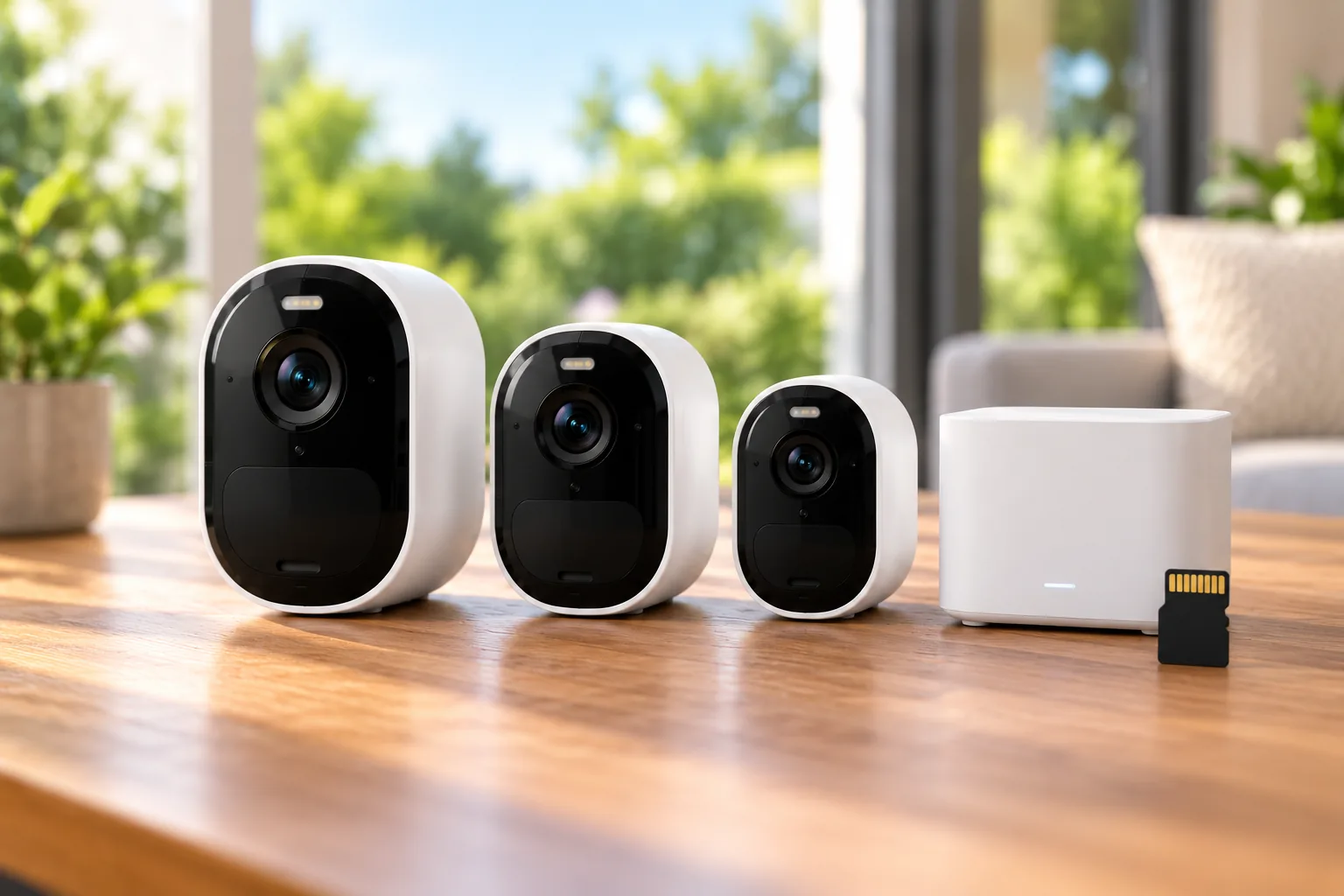
Arlo's hardware compatibility reference identifies different local media:
| Hub | Documented local-storage media | What to confirm before purchase |
|---|---|---|
| VMB5000 | microSD, microSDHC, or microSDXC | Exact supported card and camera combination |
| VMB4540 | USB Type A, 2.0 compatible | Exact supported USB media and camera combination |
The official SmartHub hardware reference is a UK-locale support page used here only for these hardware/media facts, alongside the US product FAQs. Its regional plans, pricing, and service terms are not being transferred to US buyers.
Do not assume hub-local recording reproduces every cloud feature or retrieval method. Before committing to local storage, ask how you will find a clip, view it away from home, export it, and recover from full or unavailable media. Compatibility with storage is the start of that workflow, not confirmation of identical app behavior.
Security cameras without a subscription require a clear distinction between live viewing, saved recordings, and advanced alerts.
Essential Indoor: privacy and direct Wi-Fi
Essential Indoor third generation is a plug-in 2K camera with a 130-degree field of view and an automated privacy shield that closes when the camera is disarmed. It connects directly to 2.4GHz or 5GHz Wi-Fi and supports no Arlo Base Station or SmartHub. Its integrated siren can be enabled manually or configured for motion/sound triggers. Arlo Essential Indoor documentation.
That makes it a different purchasing job from adding an outdoor camera to hub storage. Choose a suitable indoor outlet and agree with household members when the camera should be armed. Check the shield's behavior during setup instead of treating the presence of a physical shield as a complete household privacy policy.
Indoor security cameras should fit the room's privacy expectations as well as its power and coverage needs.
A buyer who requires SmartHub local storage for every room should not add this model on the assumption that all Essential cameras pair alike. The same official compatibility reference also excludes Essential Pan Tilt from direct SmartHub pairing. Family names therefore cannot stand in for the exact compatibility check. Arlo hardware compatibility reference.
Separate subscription features from basic operation
For Pro sixth generation, Arlo distinguishes basic motion notifications and live video from features requiring a subscription, including cloud storage, interactive notifications, and video object detection. Ultra's documentation similarly describes basic live view and motion alerts continuing after the trial, alongside subscription cloud features and compatible-hub local storage. Pro subscription information, Ultra subscription information.
A useful buying worksheet has three columns: the feature you need, what enables it, and its ongoing cost. Put live viewing, event recording, object detection, and any continuous-recording requirement on separate rows. Fill the cost cells from a current US quote rather than assuming a trial or promotional offer represents permanent service.
The US Secure page separately describes 24/7 recording for up to three cameras, with recordings retained for 30 days. That plan statement does not prove every camera here qualifies or that battery-only operation provides continuous video. Verify the exact model, power arrangement, account, and plan eligibility together. Arlo Secure plans.
For a hypothetical three-camera household, calculate the first-year total as hardware plus required hub and media plus installation accessories plus the subscription charges that actually apply during that year. For the following year, recalculate using the renewal terms. This formula makes no price assumption and prevents an optional trial from hiding a recurring dependency.
Security camera recording options become easier to compare when event history and continuous footage are listed as separate requirements.
Check legacy Arlo Pro labels before expanding a used system
Original Arlo Pro and current Pro sixth generation are different products. Arlo's non-EU end-of-life policy revised February 10, 2023 lists original Pro VMC4030 with an EOL date of July 1, 2023 and Pro 2 VMC4030P with an EOL date of January 1, 2025. Dated Arlo EOL policy.
That document describes potential reductions in support and functionality and a critical-security-update commitment extending one year beyond a hardware EOL date. It is dated evidence, not a current promise that those legacy cameras still receive updates. This guide does not recommend buying those EOL models as new expansion equipment. Existing owners should check current official support and app status before spending on an extension.
Final checks and common questions
Before ordering, save the complete model names and hub numbers, confirm charging access, identify the recording workflow, and obtain current US subscription terms. During setup, make a sample event, find its recording, and export it using the arrangement you intend to keep after the trial.
Do all Arlo cameras need a hub?
No. Pro sixth generation can connect directly to a router, while Ultra third generation requires VMB5000 or VMB4540. Essential Indoor third generation cannot pair with a hub at all. Match the exact camera generation with its official FAQ before reusing an existing base station.
Can I avoid a subscription by buying a SmartHub?
A compatible hub can provide local storage for supported cameras, but that does not establish cloud-feature parity. Check the exact camera, media, playback, and remote retrieval workflow. Essential Indoor third generation cannot use SmartHub storage, so buying a hub does not change that limitation.
Which Arlo camera should I compare first?
Start with Essential outdoor for an integrated-battery 2K option, Pro sixth generation for a swappable-battery model with optional hub, Ultra third generation for documented 4K with a required hub, or Essential Indoor for plug-in room coverage and its privacy shield. Match those features to your installation before comparing bundles.
After confirming the hardware, search Amazon for Arlo Pro sixth-generation cameras or search Amazon for Arlo Ultra third-generation cameras. Search listings require their own model, package, and availability checks.