As an Amazon Associate we earn from qualifying purchases.
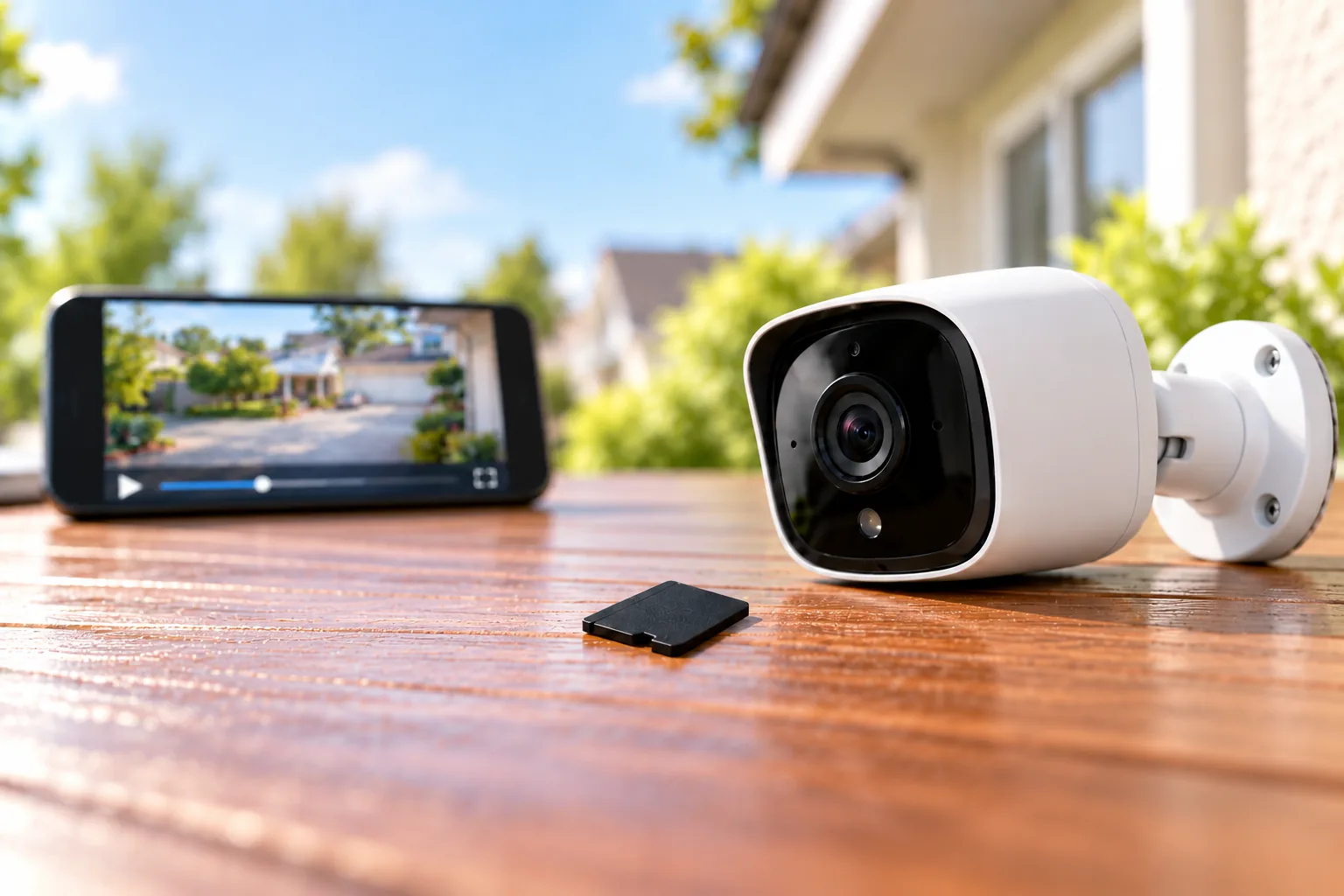
For a home security camera that records to microSD, choose a card that meets the exact camera’s capacity, format and speed requirements, then favor an endurance model for repeated recording. Size it for how far back you need to look. A card’s advertised lifetime recording hours describe repeated writing; they do not tell you how many hours of footage fit on it at once.
This guide helps homeowners choose microSD cards for security cameras, compare documented endurance options and verify recording after installation. Recommendations below use manufacturer specifications and support guidance, without hands-on reliability testing.
As an Amazon Associate I earn from qualifying purchases. I may earn a commission when you buy through links on this page.
Quick choice: Check the camera manual first; shortlist compatible endurance cards; calculate the footage window; then verify actual playback. Buy additional capacity only within the camera’s supported limit.
Jump to camera compatibility, endurance options, recording time or the purchase checklist.
Check your camera before choosing a card
A card can have adequate capacity and an impressive speed label while still being unsuitable for a particular camera. Start by recording your camera’s full model name, hardware revision and installed firmware. Look up its regional support page and card guidance rather than assuming all cameras from one brand share the same limits.
Two examples show why this matters:
| Camera | Documented storage guidance | What to verify before buying |
|---|---|---|
| Tapo C120, current US product page | Camera microSD slot supports up to 512GB | Match the guidance to your hardware revision; the capacity ceiling alone does not approve every 512GB card |
| Wyze Cam Pan v4 | FAT32 for cards up to 32GB; exFAT for cards up to 512GB | Use this model’s formatting instructions and confirm recording settings |
These are model-specific examples from Tapo’s C120 specifications and Wyze’s Pan v4 support guide. The Wyze format split is not a rule to apply automatically to another camera. FAT32 and exFAT are file systems: the way files are organized on the card.
For a useful compatibility worksheet, copy these fields into a note:
- Camera model, hardware revision and firmware: ___
- Supported capacity range and required card type: ___
- Required speed-class symbols and file system: ___
- Exact card family, capacity and product generation being considered: ___
- Recording mode and desired look-back period: ___
Keep the worksheet for each camera if you own several models. A single household shopping list does not make one card suitable for every slot. For more on the example camera family, see our Wyze camera guide.
Use tested-card lists precisely
TP-Link’s compatibility guide lists SanDisk High Endurance 128GB U3/V30, SanDisk MAX Endurance 32GB U3/V30 and Samsung PRO Endurance 64GB U1 among its lab-tested entries recommended for video monitoring. Those are specific entries. They do not establish that every capacity or later generation carrying the same family name was tested.
The same guide identifies a Samsung EVO Plus 256GB entry labeled U3/V30/A2/SDXC1 as incompatible with Tapo and Kasa cameras. That is a reason to check the precise listing, rather than assume a higher speed label solves compatibility. It is not a finding about every Samsung EVO card or cameras from other brands.
Choose endurance and sustained write performance separately
An endurance card is designed for repeated recording and rewriting. TP-Link recommends High/Max Endurance cards for continuous camera recording because flash memory has finite write cycles. This supports choosing a card intended for the workload; it does not establish a measured failure rate or a guaranteed replacement interval. See TP-Link’s buying guidance.
Speed answers a different question: can the card sustain the camera’s recording stream? The SD Association explains that video needs a constant minimum write speed to avoid dropped frames. Match the class-symbol family required by the camera and choose the same or a higher grade within it. Equal numerical rates under different symbol families do not automatically establish equivalent host performance.
UHS-I describes an interface; U1/U3 and V10/V30 are speed-class marks. An “up to” read speed describes a different performance characteristic again. For example, SanDisk’s MAX ENDURANCE datasheet specifies V30 sustained capture at 30MB/s in a compatible host, while its up-to-100MB/s read and up-to-40MB/s write figures are test maxima affected by the host and conditions. Do not treat a large read-speed number as the camera’s recording requirement. SanDisk MAX ENDURANCE datasheet.
Compare endurance cards with their conditions attached
SanDisk MAX ENDURANCE and Samsung PRO Endurance are reasonable families to investigate for repeated camera recording, subject to exact-camera compatibility. The table separates cumulative writing claims from warranty terms because neither determines how much footage remains available before overwrite.
| Card and capacity | Manufacturer’s cumulative recording claim | Published card warranty term |
|---|---|---|
| SanDisk MAX ENDURANCE 128GB | Up to 60,000 hours, Full HD | 10 years |
| SanDisk MAX ENDURANCE 256GB | Up to 120,000 hours, Full HD | 15 years |
| Samsung PRO Endurance 128GB, 2022 generation | Up to 70,080 hours, Full HD at 26Mbps | 5-year limited |
| Samsung PRO Endurance 256GB, 2022 generation | Up to 140,160 hours, Full HD at 26Mbps | 5-year limited |
SanDisk’s figures and warranty durations come from its MAX ENDURANCE datasheet, which says cumulative hours are lower for 4K. Samsung’s figures come from its 2022 PRO Endurance brochure, using 1920×1080 video at 26Mbps, equivalent to 3.25MB/s. Confirm the warranty applicable to the exact product and purchase before ordering; the published durations are not promises to recover footage.
The raw hour totals do not establish a durability winner. The SanDisk document does not provide a bitrate that can be matched to Samsung’s stated test condition. Comparing those numbers as if both cards completed the same test would overstate the evidence. Neither claim guarantees that an individual camera-card combination will run for that many years.
If your camera has a smaller capacity limit, preserve the capacity-specific distinctions. SanDisk lists 30,000 hours and a five-year warranty for 64GB, versus 15,000 hours and three years for 32GB. Samsung’s 2022 brochure lists 35,040 hours and a three-year limited warranty for 64GB, versus 17,520 hours and two years for 32GB, under its stated Full HD test condition. Do not attach the 256GB figures to a smaller card.
Which option fits your situation?
For an owner who wants a documented Tapo/Kasa compatibility starting point, investigate the exact SanDisk High Endurance 128GB entry in TP-Link’s list. For a compatible camera needing a longer footage window, compare 128GB and 256GB endurance options using the calculation below. Choose the exact capacity that meets the window, then compare the applicable warranty and seller’s product identification.
For outdoor use, both the SanDisk and Samsung documents specify card operating temperatures of −25°C to 85°C. The camera must also be suitable for the installation: a card’s temperature tolerance cannot extend the camera body’s operating or weather rating.
Once compatibility is settled, search Amazon for SanDisk MAX ENDURANCE microSD cards or search Amazon for Samsung PRO Endurance microSD cards. These searches do not verify a particular listing’s generation, stock or compatibility.
How much footage will the card hold?
Retention is the footage window available before older recordings are overwritten. It depends on usable capacity and recording bitrate, meaning the amount of data written each second. Resolution alone is insufficient for a reliable estimate: TP-Link notes that scene complexity, motion, frame rate and camera resolution affect actual recording time. Its duration table uses average lab bitrate.
For a planning calculation with decimal gigabytes:
Recorded hours = usable GB × 8,000 ÷ combined bitrate in Mbps ÷ 3,600
Use the combined video-and-audio bitrate if audio is recorded. A decimal GB contains one billion bytes; eight bits make a byte. Filesystem overhead and reserved space reduce usable capacity, so the label capacity is an optimistic input. SanDisk explicitly notes that actual user storage is lower in its datasheet.
The following figures are hypothetical constant-bitrate calculations, assuming all labeled capacity is usable. They are not measurements of any camera.
| Capacity assumed usable | At 2Mbps combined bitrate | At 4Mbps combined bitrate |
|---|---|---|
| 128GB | 142.2 recorded hours, or 5.93 continuous days | 71.1 hours, or 2.96 continuous days |
| 256GB | 284.4 recorded hours, or 11.85 continuous days | 142.2 hours, or 5.93 continuous days |
Suppose you need seven days of continuous footage at an assumed 2Mbps. The calculation requires 151.2GB before overhead: 2 × 3,600 × 24 × 7 ÷ 8,000. A nominal 128GB card cannot meet that assumption. A compatible 256GB card provides room above the calculated requirement, but you still need to verify actual retention after installation.
If you cannot obtain the bitrate, use a manufacturer estimate for the appropriate model and settings, then observe the actual oldest playable recording. TP-Link’s general 4MP-at-15fps example gives 192 hours on 128GB and 384 hours on 256GB. Those are lab-based estimates, not universal 4MP results or a retention promise for the C120’s different settings.
Event recording changes the calendar calculation
For event-only recording, the formula gives accumulated recorded hours. Converting that to elapsed days requires an assumption about how much footage is actually recorded daily. At 2Mbps, 128GB gives approximately 142.2 hours before overhead. If recording hypothetically totals two hours per day, that is about 71 days; if it totals ten hours daily, it is about 14 days.
Those assumed recording hours are not predictions of your driveway or hallway. Choose the recording mode for the coverage you need, then size storage accordingly. Our camera recording options guide explains the decision between event clips and continuous footage.
Initialize the card and verify saved footage
A recognized card is only the beginning. Confirm that saved video can actually be played back using the intended settings.
- Back up wanted recordings first. Formatting erases existing contents. Follow the camera’s instructions for card insertion and removal.
- Check the app and firmware. Use the exact model’s current support instructions and compatible card requirements.
- Format using the recommended method. Wyze recommends its app; wait until formatting completes before removing the card.
- Enable recording and verify the mode. Wyze’s Pan v4 troubleshooting guide uses continuous recording first, then permits switching to events after continuous recording works. It advises checking for footage after about 30 minutes.
- Play back an earlier time. Check the selected date and timeline, rather than treating live view as proof that recordings exist.
These steps draw on Wyze’s formatting instructions and Pan v4 troubleshooting. Other models may use different menus and verification procedures.
With Tapo/Kasa Loop Recording enabled, the oldest footage is overwritten when the card fills. A full card therefore differs from a failed card. Export clips you want to keep before they cycle out, and check the loop setting if recording stops at capacity. TP-Link loop-recording guidance.
When recognition or recording fails
Check capacity, format, insertion, recording settings and firmware before concluding that the card has worn out. TP-Link warns that falsely advertised capacity can cause recognition, formatting and overwrite problems. Buy through an accountable seller and verify capacity after purchase; a printed brand name is insufficient proof. Follow the manufacturer’s testing instructions and preserve wanted files before destructive tests or formatting.
After a power interruption, check saved playback again. A TP-Link community report describes a Tapo C320WS V2 on firmware 1.4.3 losing card initialization after an outage. Support advised reinsertion and testing, followed, if necessary, by copying recordings to a computer before reformatting. This single report establishes neither a model-wide defect nor a failure probability. Endurance ratings also do not establish protection against interrupted writing.
Your microSD purchase checklist
- Confirm the exact camera’s supported capacity, file system and speed requirements.
- Match the card’s capacity and generation to any compatibility evidence.
- Choose an endurance option suited to repeated recording.
- Calculate your required footage window with explicit bitrate assumptions.
- Check applicable warranty terms separately from cumulative recording hours.
- Verify recording, playback and overwrite behavior after installation.
If microSD storage is part of avoiding recurring fees, also compare the camera’s included features and ownership costs in our subscription-free camera guide. For another model-family starting point, see our TP-Link outdoor camera guide.
Frequently asked questions
Should I buy the largest card the camera supports?
Choose enough compatible capacity for your required footage window. A larger supported card can extend retention under the same recording assumptions, but its capacity alone does not establish compatibility or reliability. Verify the exact card and camera combination before treating the maximum capacity as your shopping target.
Is an A2 card automatically better for a security camera?
An A2 label alone does not establish camera compatibility. TP-Link’s list includes both supported A2 entries and the specific incompatible Samsung EVO Plus 256GB U3/V30/A2/SDXC1 entry. Follow the camera’s supported-card guidance and recording speed requirements instead of choosing by that label alone.
Does a 140,160-hour rating mean the card stores that much video?
No. Samsung’s 256GB 2022 PRO Endurance claim concerns cumulative recording and rewriting under its stated Full HD, 26Mbps condition. The footage held at one time depends on capacity and bitrate. Its published five-year limited warranty is a separate term again; none of those figures is interchangeable.
How often should I replace a camera’s microSD card?
The cited evidence does not establish one replacement interval for every camera and workload. Follow model-specific guidance, monitor recording and playback, and investigate errors promptly. Keep important clips elsewhere. A manufacturer’s cumulative endurance rating cannot establish an individual card’s remaining life or guarantee recovery after failure.
Start your purchase with the compatibility worksheet. Once the exact camera requirements are clear, choose an endurance card with enough capacity for your footage window, then make playback verification part of setup and ongoing ownership.