As an Amazon Associate we earn from qualifying purchases.
Choose a wireless home security system with cameras by deciding how many views need continuous recording, where each camera gets power, and which devices can share the recorder. For a homeowner covering indoor and outdoor areas, a coordinated system is useful when its recording capacity and expansion rules match the property. The number of cameras a hub can pair is only one part of that decision.
Quick answer: consider a powered Wi-Fi NVR kit for documented continuous-recording options, or a compatible hub ecosystem when a mixed camera collection and centralized management matter more. Verify recording limits separately from device limits, then trial the locations before permanent mounting.
As an Amazon Associate, we earn from qualifying purchases. We may earn a commission when you buy through links on this page.
This guide compares documented system architecture and compatibility. It covers camera systems and their ownership requirements; it does not evaluate alarm monitoring or claim hands-on coverage tests.
Contents
- Map the views you need before counting cameras
- Compare wireless security camera system architectures
- Reolink RLK12-800WB4: a powered Wi-Fi NVR example
- Tapo H500: distinguish paired devices from recording capacity
- Check every camera revision in an indoor/outdoor mix
- Plan power and backhaul as three separate connections
- Size shared storage around the footage you need
- Complete this system worksheet before ordering
- Common system-buying questions
- Choose a system around recording priorities
Map the views you need before counting cameras
Start with a property sketch showing entrances, a driveway, a backyard approach and any indoor common area you want to monitor. For each location, write down the question the footage must answer. Seeing that somebody entered a yard is a different requirement from understanding what happened immediately outside a particular door.
Then classify each view as continuous-history priority or event-history priority. This is a planning choice, not a claim that an event camera will capture every incident. A camera positioned to watch an access point may deserve continuous history, while an occasional check of an indoor area may have different privacy and recording priorities.
Outdoor camera placement determines whether the planned views overlap usefully and where blind spots remain. At the system-buying stage, the goal is to identify the necessary views and power locations; detailed mounting comes after the equipment proves suitable.
Avoid replacing several necessary views with a pan camera merely because it advertises broad coverage. For example, Tapo C225 has a 100° diagonal lens field of view and 360° horizontal pan coverage. The first describes the scene seen at one position; the second describes where the camera can turn. It cannot record every direction simultaneously. The C225 specification provides both figures.
Compare wireless security camera system architectures
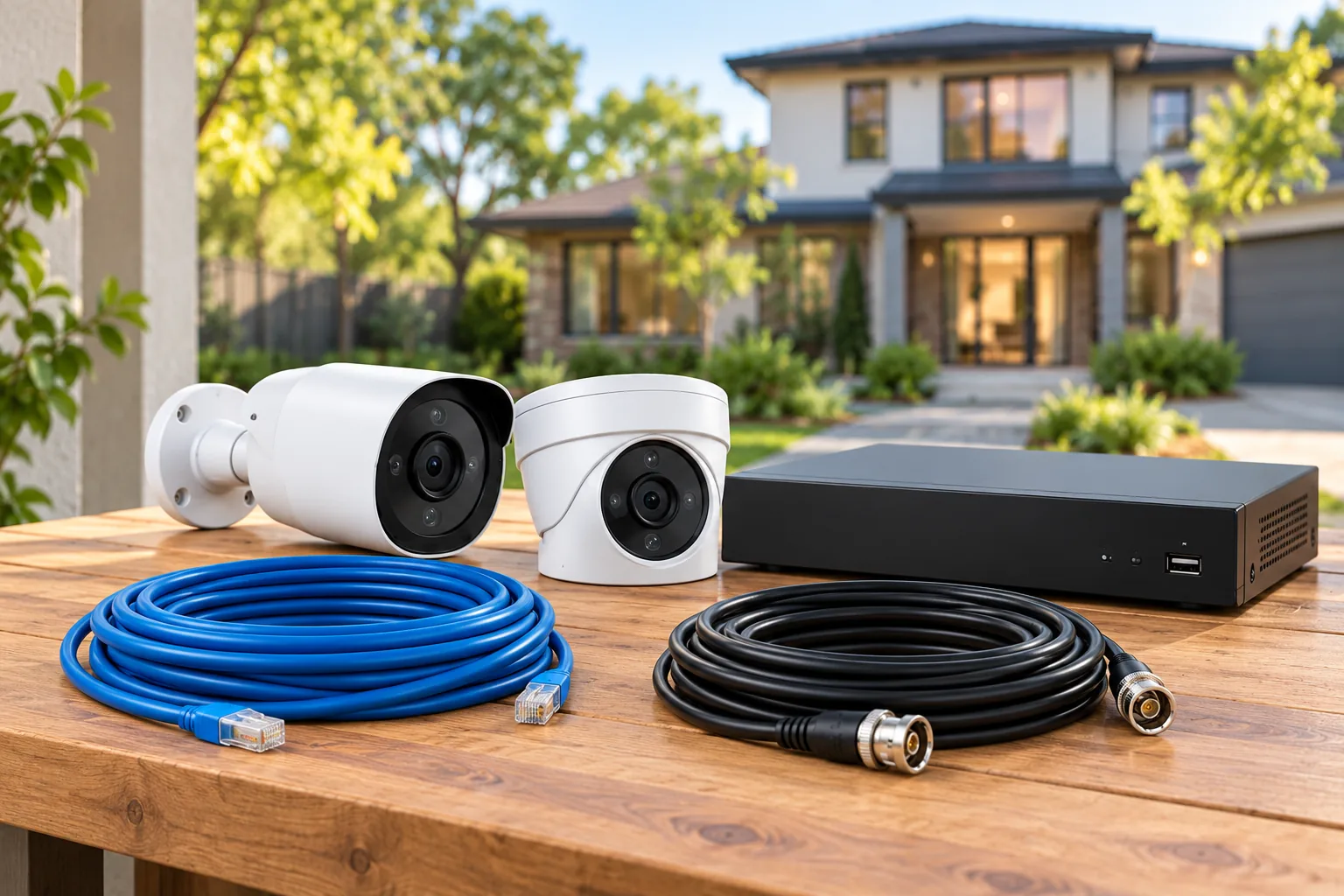
The most useful comparison separates recording architecture from the way video travels. A camera can send video wirelessly and still need an outlet. A recorder can accept wireless cameras and still need Ethernet to the router.
| System approach | Strong reason to consider it | Main ownership check |
|---|---|---|
| Powered Wi-Fi cameras and local NVR | Several views need documented continuous recording options | Power at cameras, recorder wiring and exact expansion limits |
| Compatible cameras and central hub | Indoor/outdoor mix with centralized storage and management | Which exact revisions join the hub and how many record continuously |
| Hub-dependent camera family | You want a coordinated native camera ecosystem | Required hub, device limits and future camera compatibility |
| Existing cameras plus a new recorder | You want to retain useful hardware | Supported pairing, firmware and retained features |
Wireless camera recorders need an exact compatibility check when you add devices outside the original bundle. A large channel number does not make an incompatible camera usable, and a hub's maximum device count does not necessarily describe its full-time recording capacity.
Reolink RLK12-800WB4: a powered Wi-Fi NVR example
Reolink's RLK12-800WB4 page describes four 4K Wi-Fi cameras and a local recorder with a 2 TB hard drive, expandable to 8 TB. It offers continuous, motion-triggered and scheduled recording. Those documented choices make it worth comparing when recording history is more important than eliminating every power cable. See the official kit page.
Its setup procedure makes the wiring boundaries clear. Power the NVR and connect it to a monitor and router. Power the cameras, temporarily connect them to the NVR over Ethernet, complete setup and synchronize Wi-Fi information, then remove the camera Ethernet cables for wireless placement. Camera power is still required.
The recorder-to-router link remains wired. The RLN12W introduction explicitly says the NVR does not connect wirelessly to the router. Plan its location around both Ethernet access and a suitable place for the recorder, rather than choosing a cabinet solely because it is convenient for a screen.
There is an important expansion uncertainty. The current kit page describes a 16-channel system, while the RLN12W support introduction distinguishes up to 12 plug-in cameras from up to 16 supported battery cameras. Before buying a mixed expansion set, obtain confirmation for the kit's actual recorder hardware, firmware and camera combination. Treat neither number as a universal mixed-system promise.
The kit page rates the cameras IP67; that rating does not extend to the recorder, connectors or other accessories. Its HDMI/VGA outputs allow local display, while two-way talk is handled through the App or Client. A monitor connection therefore should not be assumed to replace all application functions.
Choose this architecture if you can supply the camera power and recorder Ethernet it requires. Reconsider it if those routes are the very installation work you need to avoid. The comparison is about documented fit, not a claim that its wireless range or nighttime detail outperforms another system.
Tapo H500: distinguish paired devices from recording capacity
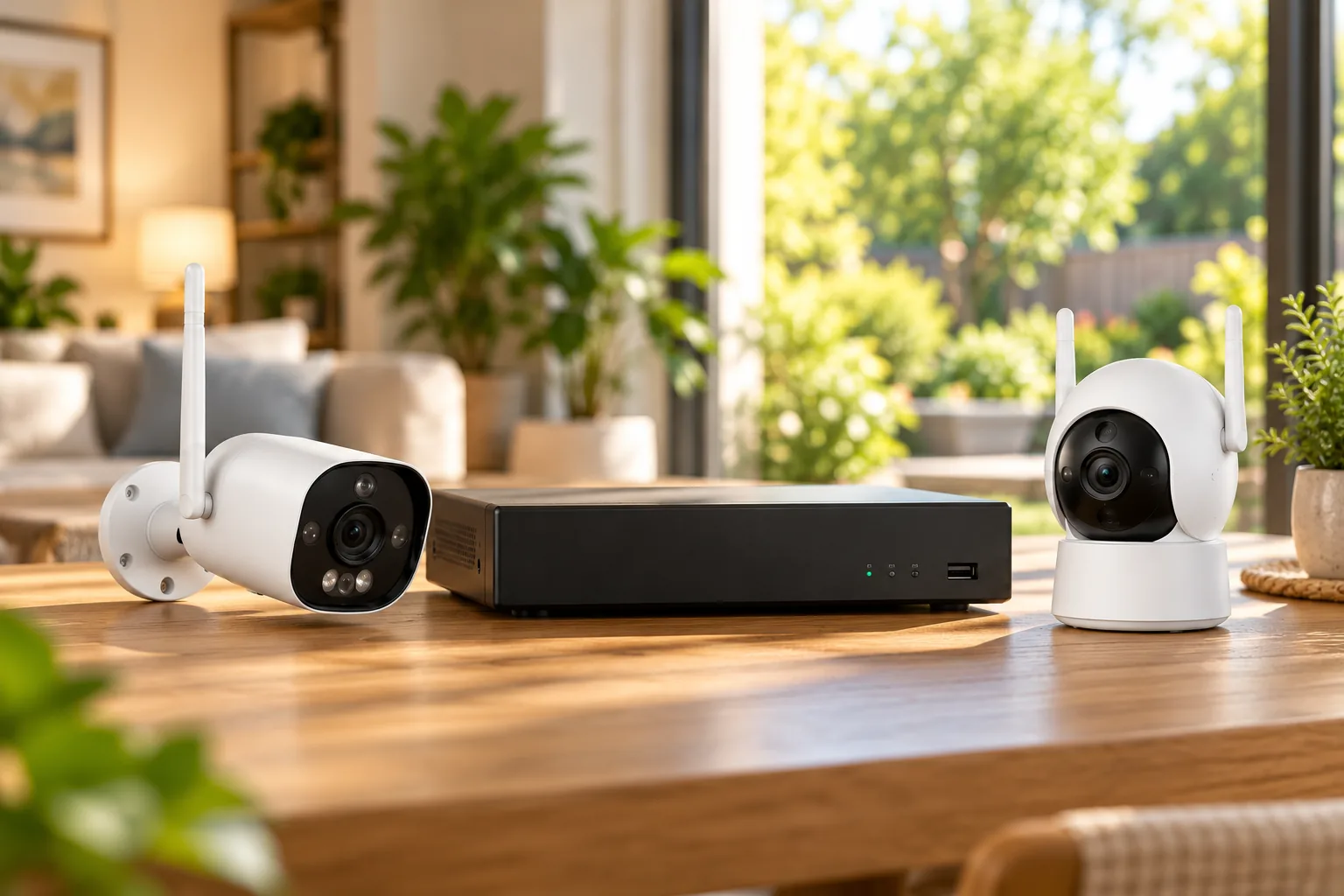
Tapo H500 can manage up to 16 compatible cameras or video doorbells. Its recording footnote imposes a different limit: up to four connected cameras can use 24/7 modes, with additional cameras using motion/event clips. TP-Link distinguishes Continuous Recording for powered models from Continuous Capture for battery models. Those terms should stay attached to the appropriate camera type. See the H500 product page.
This distinction changes the answer for two hypothetical households. A household wanting three priority views in a full-time mode plus several event views can investigate H500 further. A household requiring six simultaneous full-time views should not assume that a 16-device management limit meets that requirement. It needs a different documented configuration or architecture.
H500 includes 16 GB eMMC storage and a single expansion bay for a 2.5-inch SATA HDD or SSD up to 16 TB, purchased separately. Available internal capacity is lower than nominal because the system uses some storage. Do not interpret the maximum supported drive as an included drive or a guaranteed retention period.
For local viewing, HDMI combines up to four live streams without individual channel control. A tablet is optional and purchased separately; core hub functions do not require buying one. Wireless security cameras with a monitor deserve a separate check if local screen operation is a central requirement.
The page also contains a radio-specification conflict: marketing describes 2.4/5 GHz camera connectivity, while specifications list 2.4 GHz for cameras and 5 GHz for the router connection. Verify the intended camera-to-hub link before purchase. H500 supports router connectivity over Wi-Fi or LAN, but that does not establish 5 GHz support for every connected camera.
Check every camera revision in an indoor/outdoor mix
A shared application is not enough to prove hub compatibility. TP-Link's hub compatibility chart lists C225 V1 and V2, and outdoor C320WS V1 and V2, as compatible. It lists C310 V1 as incompatible and C310 V2 as compatible. Similarly, C400 V1 and V2 have different compatibility results. Firmware must also be current for hub features.
That creates a practical buying trap when reusing an older camera. Suppose you already own a C310 and want a hub for three new cameras. Checking only the name “C310” leaves the essential question unresolved. Read the version from the actual device and compare that entry with the current chart before treating the existing camera as part of the planned system.
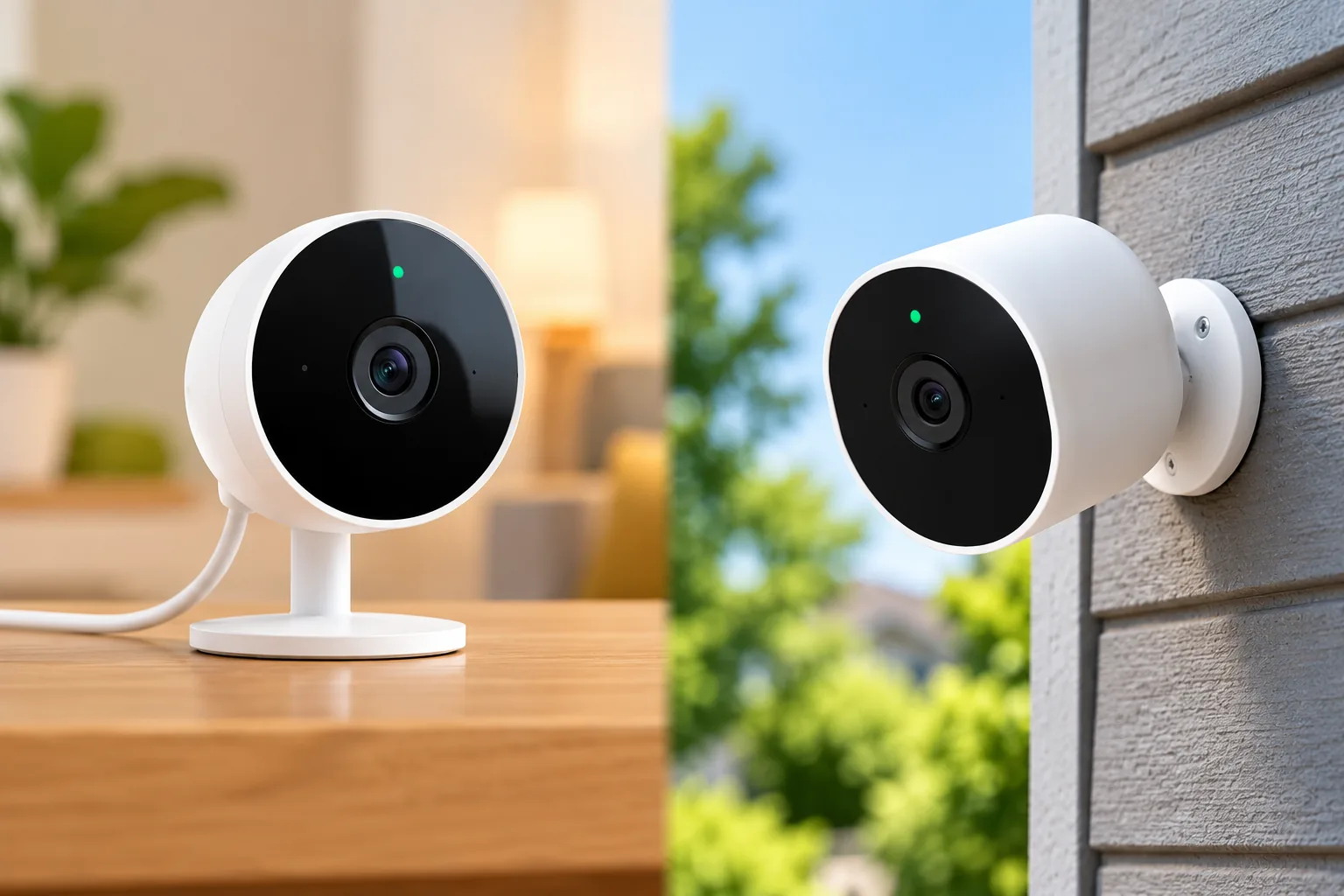
For an indoor example, Tapo C225 uses a 12 V DC adapter and 2.4 GHz Wi-Fi, and offers physical lens concealment. Include its power lead and privacy control in the room plan. An indoor camera's suitability does not transfer an outdoor rating to it, nor does a hub connection remove its need for power.
Other ecosystems have their own rules. Eufy says S330/S300 eufyCam cannot work standalone and requires S380 HomeBase 3. Its support page lists up to 16 cameras but recommends multiple HomeBases when adding more than 10 cameras. This establishes hub dependence and a planning boundary; it does not establish every recording or storage feature of those cameras. See eufy's standalone-use guidance.
Reolink Home Hub compatibility has an eight-camera combined limit for Home Hub, with different limits for specific Home Hub Pro hardware. It excludes 4G cameras and specified older hardware. If future expansion matters, list the exact future camera types now instead of assuming a brand-wide upgrade path.
Plan power and backhaul as three separate connections
For each proposed location, identify camera power, camera-to-recorder video transport and recorder-to-router transport. Check them independently. “Wireless” describes only the link the manufacturer identifies as wireless.
If adding a PoE camera to an RLN12W-based setup, remember that its camera LAN ports supply data rather than PoE power. External power must match the exact camera. A DC adapter is suitable only if that model supports DC input with the required rating, polarity and connector. Otherwise use compatible active PoE equipment with the required standard and power budget.
Reolink's PoE power guide identifies Elite Pro Floodlight PoE as PoE-only with no DC port, and warns against passive PoE injectors. Correct power does not prove camera/recorder compatibility; both checks must pass.
For a detached garage or outbuilding, flag the connection as a trial requirement rather than counting an advertised range as proven coverage. Test the actual position and recording path before permanent mounting. Follow manufacturer instructions for outdoor connections and obtain suitable help for electrical work beyond plugging in approved equipment.
Size shared storage around the footage you need
Write down your desired history, camera count, recording mode and the total bitrate of all saved streams. Reolink's retention guidance counts main/substreams and both lenses when recorded, and treats estimates as planning guidance. Motion-only retention also varies with activity.
A hypothetical storage worksheet illustrates the effect of adding cameras. Assume each full-time view saves a combined 3 Mb/s, using decimal units and ignoring overhead. Two such cameras total 6 Mb/s, or about 64.8 GB daily. Four cameras double that to 129.6 GB daily. Fourteen days for those four cameras is about 1.81 TB before system allocation and bitrate variation.
These figures are arithmetic assumptions, not measured results or a promise for a particular kit. The same nominal drive may retain a very different history with other stream settings. After installation, check the oldest accessible footage and revise your supported storage or settings if the real history falls short.
Complete this system worksheet before ordering
| Decision | Your answer |
|---|---|
| Priority views | Which locations need continuous history? |
| Event views | Which can use event clips? |
| Camera identity | Exact models, hardware revisions and firmware |
| Recording capacity | How many simultaneous full-time modes are supported? |
| Power | Supported supply at every camera and hub |
| Backhaul | Camera links and recorder/router connection |
| Storage | Included drive, supported expansion and estimated daily video |
| Viewing | Phone, local screen, playback and talk requirements |
| Expansion | Exact compatible additions and remaining capacity |
Before the permanent installation, verify live view, recorded playback, export and recording after a normal restart. Check each intended view at its real location. Keep indoor coverage limited to areas appropriate for the household and use the available privacy controls deliberately.
Common system-buying questions
Does a wireless system need power cables?
It can. The Reolink Wi-Fi kit described here requires camera power and a wired recorder-to-router link. Hubs also need power. Check each product's actual power and data paths rather than assuming that wireless video means a completely cable-free installation.
Does a sixteen-camera hub record sixteen cameras continuously?
Not necessarily. Tapo H500 manages up to 16 compatible cameras/doorbells but supports up to four connected cameras in its 24/7 modes. Additional cameras use event clips. Read the recording-mode footnotes separately from the headline device count.
Can I add older cameras later?
Only if the exact hardware and firmware are supported. Tapo's C310 V1/V2 difference and Reolink's older-hardware exclusions show why model-family names are insufficient. Confirm compatibility before treating existing cameras as part of an expansion plan.
Choose a system around recording priorities
The right wireless home security system with cameras is the one that covers your required views, supports their actual recording modes and has a workable power and network plan. Complete the worksheet before comparing bundles. You can then search Amazon for Reolink RLK12-800WB4 systems or search Amazon for Tapo H500 hubs, checking the exact included equipment and compatibility rather than relying on the listing headline.