As an Amazon Associate we earn from qualifying purchases.
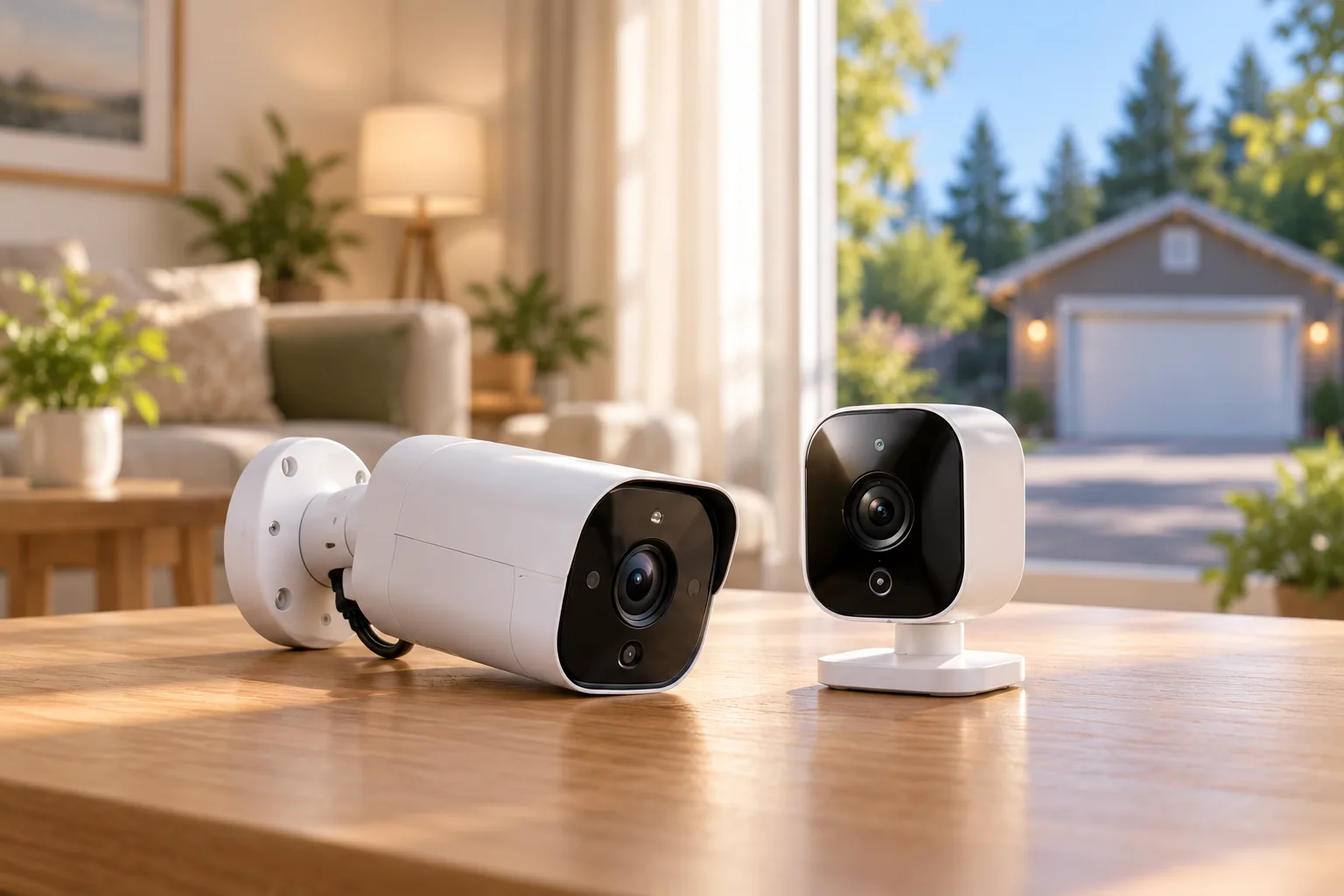
Wireless security cameras are easiest to choose when you separate three decisions: how video reaches your network, how the camera gets power, and where recordings are saved. For a homeowner buying one camera, a Wi-Fi model near a suitable power source may fit very different needs from a battery camera or a cellular model. Start with the location and the footage you need, then build a shortlist.
Quick answer: choose the camera's job before its resolution. Check power, supported Wi-Fi band, recording mode, storage and paid features independently. A wireless connection does not guarantee battery operation, continuous recording or subscription-free object alerts.
As an Amazon Associate, we earn from qualifying purchases. We may earn a commission when you buy through links on this page.
This is a research-based buying framework with documented model examples, rather than a tested ranking. It helps you identify the appropriate camera type before comparing specialist indoor, outdoor, battery or brand shortlists.
In this guide:
- What does wireless mean for a security camera?
- Define the camera's job in one sentence
- Match the view to the detail you need
- Compare live view, recording and alerts separately
- Choose local storage and cloud features deliberately
- Treat battery-life figures as conditional estimates
- Verify the network and complete outdoor power arrangement
- Use this purchase worksheet
- Common wireless-camera questions
- Build a shortlist around one workable architecture
What does wireless mean for a security camera?
Usually, wireless describes video/data transmission. It does not tell you whether a power cable is required. The US Tapo C120 V2, for example, connects over 2.4 GHz Wi-Fi but requires 5 V, 1 A USB-C power. The V2 documentation lists no Ethernet port and identifies Bluetooth as setup-only. The particular interface matters; Bluetooth setup is not an alternative long-range video connection. See the official US C120 V2 page.
A battery model changes the power arrangement. Tapo C425 uses 2.4 GHz Wi-Fi, does not require a hub and offers an optional solar panel. It is a different architecture from a plug-in Wi-Fi camera, even though both send video wirelessly. Its power-management and ownership requirements should therefore be evaluated separately. TP-Link's C425 documentation describes that arrangement.
Wired versus wireless security cameras is a useful comparison when you can run a cable and want to decide whether wireless video offers a practical advantage. For a single-camera purchase, first eliminate architectures that cannot work at the intended location.
| Location or requirement | Architecture to investigate | Question that can rule it out |
|---|---|---|
| Suitable power source near the view | Plug-in Wi-Fi camera | Does the camera support the network and required recording mode? |
| No convenient power cable route | Battery Wi-Fi camera | Can you maintain charging and accept its documented recording behavior? |
| Weak or unavailable home Wi-Fi | Cellular-capable camera | Are coverage, data service and the needed storage path supported? |
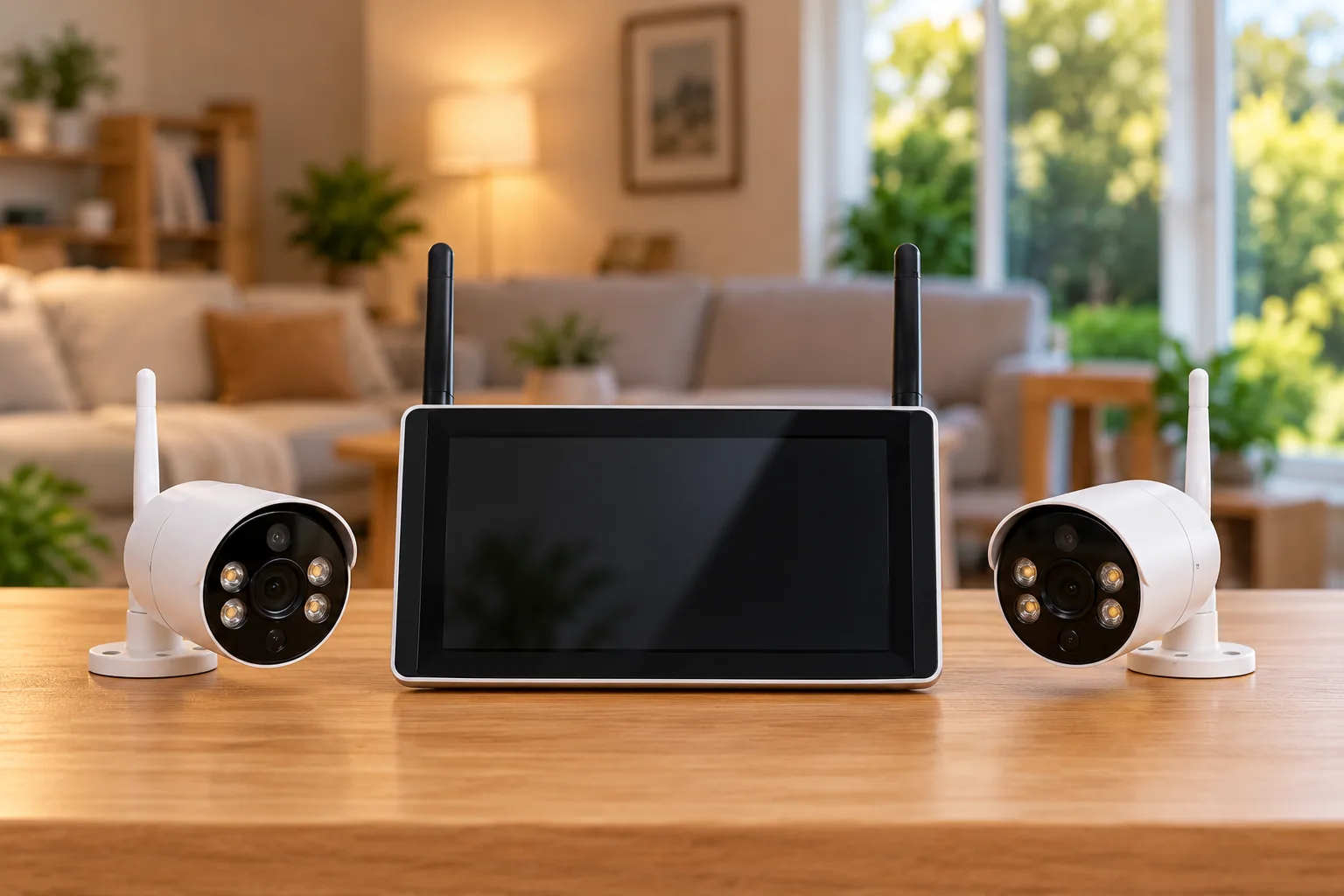
| Several views with shared recording | Coordinated hub or recorder system | Are all cameras and recording modes supported together? |
| Very specific distant detail | Carefully framed camera position and optics | Will the recorded target have sufficient usable detail? |
Define the camera's job in one sentence
A useful requirement might be “see activity at the side gate and review recorded events,” or “keep continuous local history of the front entry.” These sentences lead to different checks. The first makes event capture and framing central; the second makes verified continuous recording a requirement that must be satisfied before other features matter.
Write down what you need to observe, where the subject will be and whether you need live viewing, recorded history or both. Then identify the people who need access and any areas that should stay outside the frame. A camera overlooking a household common area raises different privacy questions from one aimed at a private entrance.
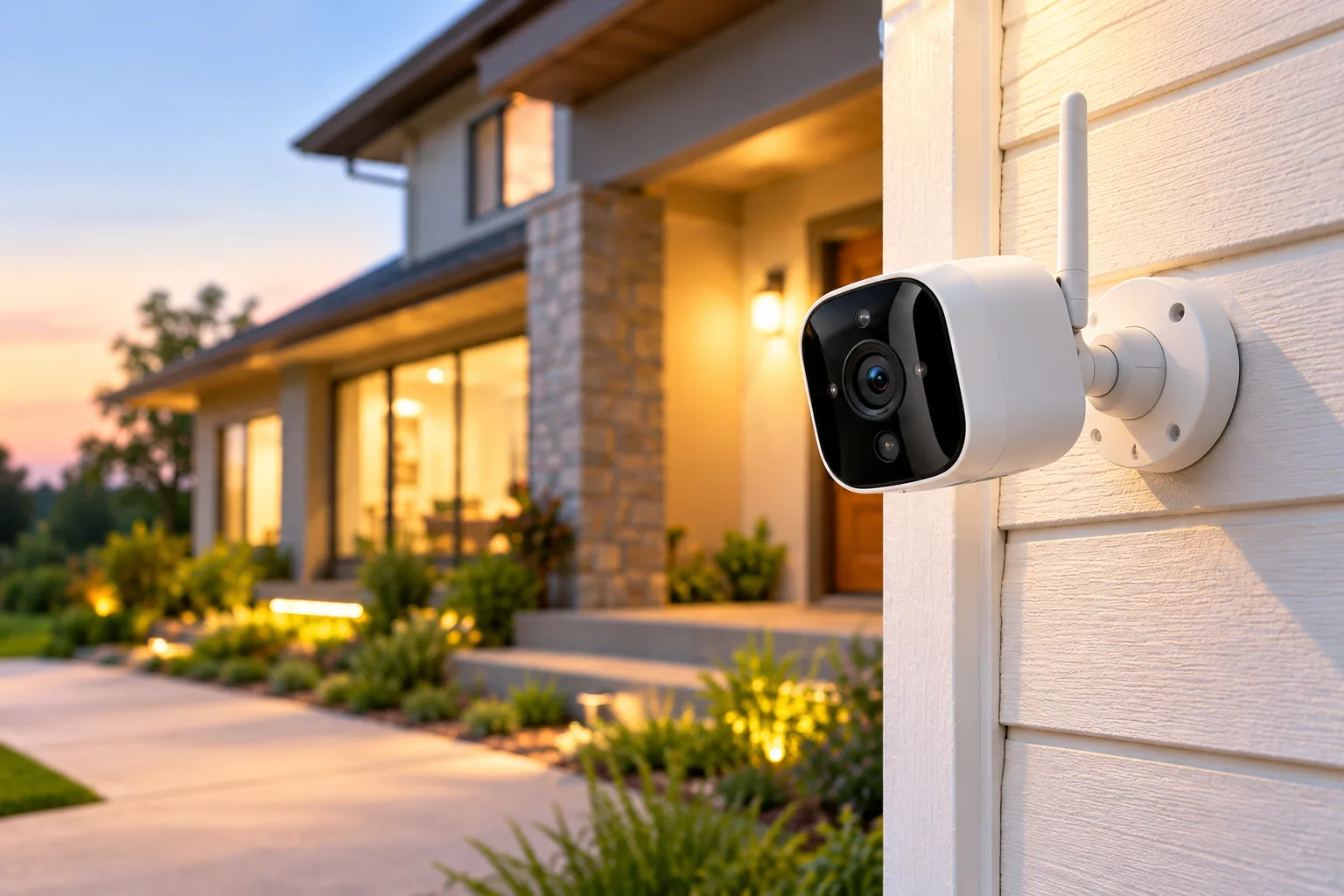
Indoor security cameras should be chosen around the room's intended view and privacy needs. Outdoor security cameras require a complete outdoor installation plan, including power accessories. Those specialist questions matter after you have chosen a workable power and recording architecture.
Avoid a vague requirement such as “cover the whole property.” It makes almost every wide-angle camera appear suitable while leaving the actual evidence requirement undefined. If you need multiple distinct views at once, a single moving camera may be the wrong starting point; assess a coordinated system instead.
Match the view to the detail you need
A wide image and a detailed image are different goals. Reolink Argus 4 Pro provides a fixed 180° horizontal view. That can be relevant for a broad overview, but the wide angle does not by itself establish whether a distant face or other small target will be identifiable. Its official page supplies the field-of-view specification.
Axis distinguishes detecting presence, recognizing someone and identifying an individual in its pixel-density guidance. Image usefulness depends on subject distance, optics, lighting and compression. Resolution alone cannot establish the result, and pixel-density planning is guidance rather than a guarantee.
Consider two hypothetical goals from the same mounting position. For “is anyone crossing the yard?”, a broad view may be useful. For “can I identify the person standing at a distant gate?”, concentrating more detail on the gate may be more important. Neither conclusion requires inventing a universal distance at which a particular consumer camera identifies people.
Before permanent mounting, create a recorded example at the distance you care about. Review the saved clip at the size and quality you would actually use, including under the relevant lighting conditions. A live view seen close to the camera is a weak substitute for checking recorded detail at the target location.
Compare live view, recording and alerts separately
A product can offer live viewing without offering the history or alerts you expect. Treat these as separate columns on your shortlist:
- Live view: Can you check the current image through the supported application?
- Recorded history: Is video saved continuously, on a schedule or only after a trigger?
- Object alerts: Are person, pet or vehicle classifications included or tied to a service plan?
- Third-party access: Can the camera provide a supported feed to another recorder or application?
The distinctions are concrete. Argus 4 Pro lists triggered recording rather than continuous recording, and its RTSP support requires Reolink Home Hub. A broad field of view, local card slot or available live stream does not change those boundaries. See Reolink's Argus 4 Pro specifications and FAQ.
Wyze Cam v4 documents 24/7 local recording with a microSD card and identifies Cam Plus as the route for additional AI alerts and cloud backup. Tapo C120 V2, by contrast, lists person, pet, vehicle and baby-cry detection without a subscription. Those are documented service distinctions, not a test of alert accuracy. Compare the Wyze v4 page with C120 V2's feature description for the exact features you need.
Choose local storage and cloud features deliberately
Local storage describes where a recording is saved. It does not automatically establish that every feature works without internet, that every alert is free, or that the camera integrates with any recorder. Check those requirements individually.
C425 supports a separately purchased microSD card up to 512 GB; Tapo Care cloud storage requires a subscription. Argus 4 Pro also supports microSD up to 512 GB, while its third-party RTSP route adds Home Hub to the equipment plan. Those examples show why a card slot and a recorder connection are different ownership choices. See the C425 page and Argus 4 Pro FAQ.
For one camera, a card can simplify the initial equipment list. If your real requirement is centralized history from several cameras, evaluate that architecture before buying several standalone units. Wireless security camera systems address shared storage and coordinated expansion as a separate buying decision.
Also define the consequence of losing access to the camera or its storage. Do you need an independent copy, an export procedure or recordings kept somewhere else? Ask about the actual supported path. Do not assume a cloud plan duplicates every local recording or that local storage is automatically backed up.
Treat battery-life figures as conditional estimates
Battery convenience depends on how the camera will be used. TP-Link's C425 headline of up to 300 days is based on laboratory use of 230 seconds daily, including recording and live viewing. The same page gives 180 days at 360 seconds of daily use and says actual results depend on settings, router specifications, use and environment. TP-Link's battery footnote makes the conditions explicit.
Here is a planning exercise rather than a runtime prediction. Assume 20 events daily, each recorded for 10 seconds, plus 60 seconds of live viewing. That totals 260 seconds of daily activity before other differences in operation. It already differs from the 230-second assumption, so repeating the headline as your expected charging interval would be unjustified.
A busier position or frequent live checking changes the scenario again. Use your expected activity to ask better questions, then observe the actual charging interval after installation. An optional solar panel should be evaluated for the exact supported camera and location, not treated as proof of maintenance-free operation.
Verify the network and complete outdoor power arrangement
Check the camera's own supported Wi-Fi bands. Tapo C120 V2 and C425 use 2.4 GHz Wi-Fi. Argus 4 Pro supports 2.4/5 GHz Wi-Fi 6. Wyze Cam v4 supports 2.4 GHz Wi-Fi, despite its Wi-Fi 6 designation. These documented examples show why a Wi-Fi generation name does not establish 5 GHz compatibility. Consult the respective Tapo, Reolink and Wyze specifications.
Test the intended location rather than assuming a phone's nearby connection proves the mounted camera will work there. Include saved playback in that check. If the location lacks suitable home Wi-Fi, investigate the specific cellular path instead of treating battery power as a substitute for connectivity.
Eufy 4G LTE Cam S330 illustrates the hybrid category: it supports Wi-Fi/4G switching, but HomeBase S380 operation requires Wi-Fi and NAS storage is unsupported. Those restrictions stay attached to that model; they are not universal cellular-camera capabilities. See the S330 product FAQ.
For outdoors, check more than the housing. Wyze v4's camera is IP65, while the supplied adapter is indoor-rated; its outdoor power adapter is sold separately and required for outdoor use. Wyze's documentation makes that boundary explicit. Budget for the supported complete installation, and obtain appropriate help if electrical work goes beyond using approved plug-in equipment.
Use this purchase worksheet
| Requirement | Write down before ordering |
|---|---|
| Primary job | Subject, location and required detail |
| Camera power | Approved plug-in supply or charging plan |
| Data connection | Exact supported band or cellular arrangement |
| Recording | Continuous, scheduled or triggered, as documented |
| Storage | Included or separate media, capacity and export path |
| Alerts | Exact included detections and paid features |
| Integration | Necessary hub, recorder or protocol support |
| Outdoor accessories | Supported power equipment and connection protection |
| Acceptance check | Saved clip, remote access and restart recovery |
Compare total ownership cost using the actual items your worksheet requires. As an explicitly hypothetical budget method, add the camera, storage, mounting/power accessories and required hub to the first-year service cost. For later years, separate recurring service from replacement or maintenance costs. Use current checkout figures rather than inserting a generic estimated camera price.
Common wireless-camera questions
Do wireless security cameras need Wi-Fi?
Many do, including the Wi-Fi models described here. Battery operation says how the camera gets power, not how it communicates. Cellular-capable cameras are a distinct option; check their exact service and storage requirements before choosing them for a location without home Wi-Fi.
Does local storage mean no subscription is needed?
It may remove the need for paid cloud recording for your chosen storage path, but other features can still require a plan. Wyze v4 and Tapo C120 V2 illustrate different approaches to AI alerts. Match each required feature to the manufacturer's current description rather than assuming that a card makes every service free.
Is a higher-resolution camera always the better choice?
No. The scene, subject distance, optics, lighting and compression affect useful detail. A wide overview and a specific identification task can call for different framing. Use resolution as one input, then verify recorded detail for your actual location.
Build a shortlist around one workable architecture
Choose wireless security cameras by matching the view, power, recording and storage requirements first. Then compare exact models within that architecture. If a powered Wi-Fi camera fits, you can search Amazon for Tapo C120 V2 cameras; if battery Wi-Fi fits, search Amazon for Tapo C425 cameras. Check the revision, supplied accessories and service requirements before ordering, then verify saved footage before permanent mounting.