As an Amazon Associate we earn from qualifying purchases.
Choose wired-network security cameras when permanent cable routes fit your home and you want to build around a dependable powered recording setup. Choose plug-in Wi-Fi cameras when outlets are convenient but Ethernet is difficult. Choose battery Wi-Fi cameras when avoiding a permanent power cable matters enough to accept charging and model-specific recording limits.
As an Amazon Associate, we earn from qualifying purchases. We may earn a commission when you buy through links on this page.
The key distinction: Compare power, data and storage separately. “Wireless” does not necessarily mean battery-powered, and “wired” does not automatically mean Ethernet, continuous recording or free storage.
This comparison is for homeowners and renters deciding between these installation approaches. It uses manufacturer specifications and support guidance, rather than hands-on performance measurements. Product examples explain the differences; they are not a ranking of image quality or a promise that one connection type will prevent missed incidents.
Contents
- Wired versus wireless: compare three separate choices
- Which approach fits your home?
- Recording needs can change the verdict
- What happens during internet or power outages?
- Compare the whole ownership commitment
- Use this decision worksheet
- Common comparison questions
- Choose by the location and the recording job
Wired versus wireless: compare three separate choices
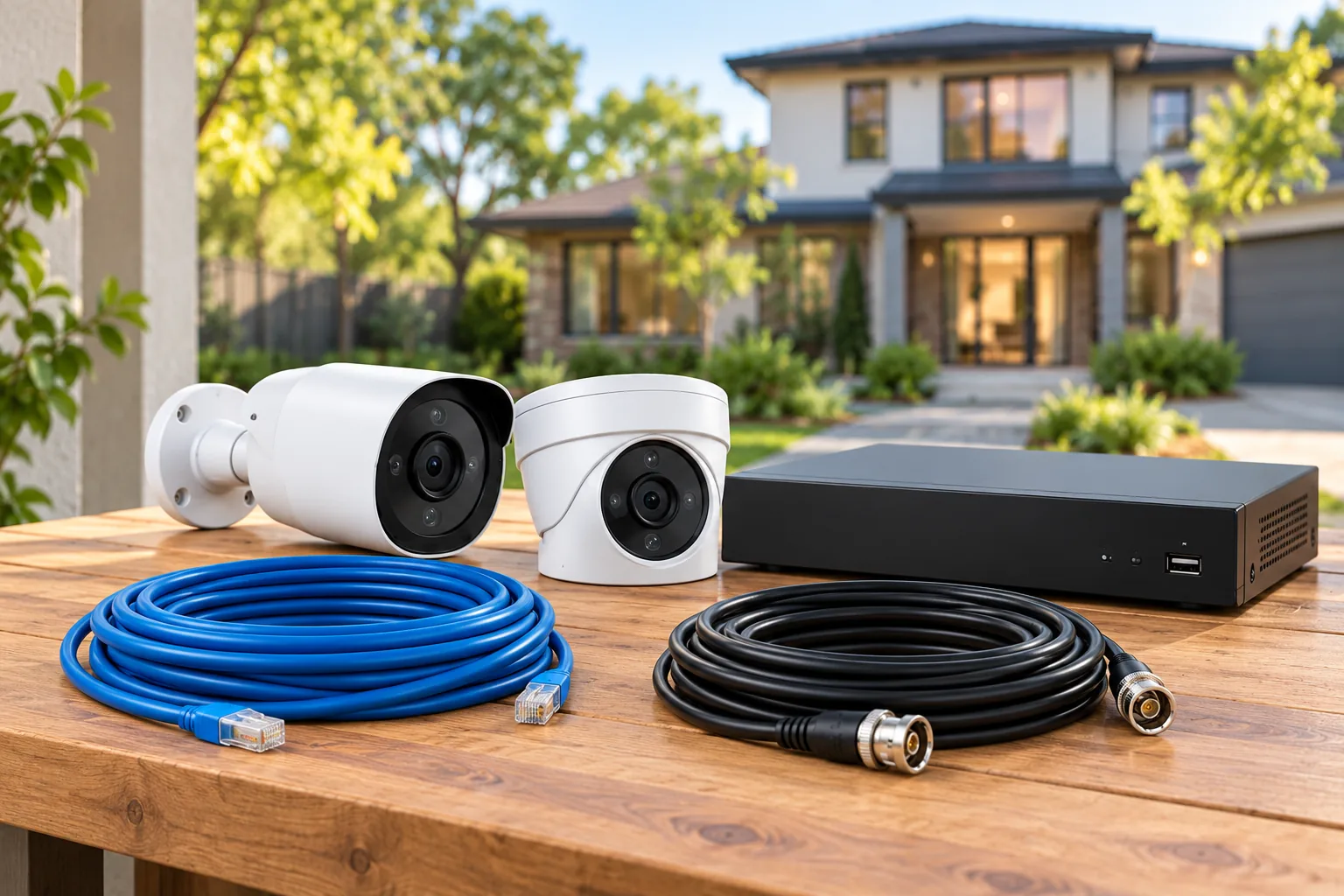
The power route supplies electricity. The data route carries video and control traffic. The recording destination stores footage for later viewing. A camera can combine these in several ways, so answer all three questions before putting it into a “wired” or “wireless” category.
For example, the Tapo C120 V2 uses a 5V, 1A Type-C power supply and 2.4GHz Wi-Fi, with no Ethernet port. The Tapo C310 V2.20 uses separate 9V, 0.6A DC power and offers either 2.4GHz Wi-Fi or a 10/100Mbps Ethernet data connection. The Reolink RLC-811A explicitly supports active 48V IEEE 802.3af Power over Ethernet (PoE), combining compatible power and data on Ethernet. TP-Link's C120 V2 specifications, C310 V2.20 specifications and Reolink's RLC-811A specifications illustrate why those categories need precision.
| Approach | Power route | Data route | What to resolve first |
|---|---|---|---|
| PoE camera | Compatible powered Ethernet | Ethernet | Cable route and supported PoE supply |
| Separate-DC Ethernet camera | Local power adapter | Ethernet | Both the power and data routes |
| Plug-in Wi-Fi camera | Local outlet and adapter | Wi-Fi | Outlet access and final-position wireless coverage |
| Battery Wi-Fi camera | Rechargeable battery; optional compatible solar on some models | Wi-Fi | Charging access, recording mode and wireless coverage |
Storage is a further choice. Both plug-in C120 V2 and battery C425 specifications offer local microSD recording and optional subscription-based Tapo Care cloud storage. A wireless link therefore does not automatically create a cloud fee, and a wired power supply does not automatically remove one. The C120 V2 and C425 pages document those options.
For model-level outlet and adapter decisions, use a wired security camera guide to match the exact power and network connections.
Which approach fits your home?
A rental where relocation matters
Start with the least permanent arrangement allowed by your lease and the mounting location. A battery camera can avoid routing a permanent power cable, while a plug-in camera can avoid battery charging if an appropriate outlet is available. Neither choice establishes permission to drill, attach a mount or film neighboring private areas.
The Tapo C425 illustrates a battery Wi-Fi option: TP-Link documents a built-in rechargeable battery, magnetic mounting, 2.4GHz Wi-Fi and no required hub. Its specifications support that installation category. They do not make every surface appropriate for the mount or eliminate the need to reach the camera for maintenance.
If a plug-in cable can follow an acceptable route, compare that option before choosing battery power solely because you rent. If the outlet is unavailable or the cable path would be impractical, a battery design becomes more attractive. The decision depends on the actual location and your tolerance for servicing it.
A permanent home with accessible cable routes
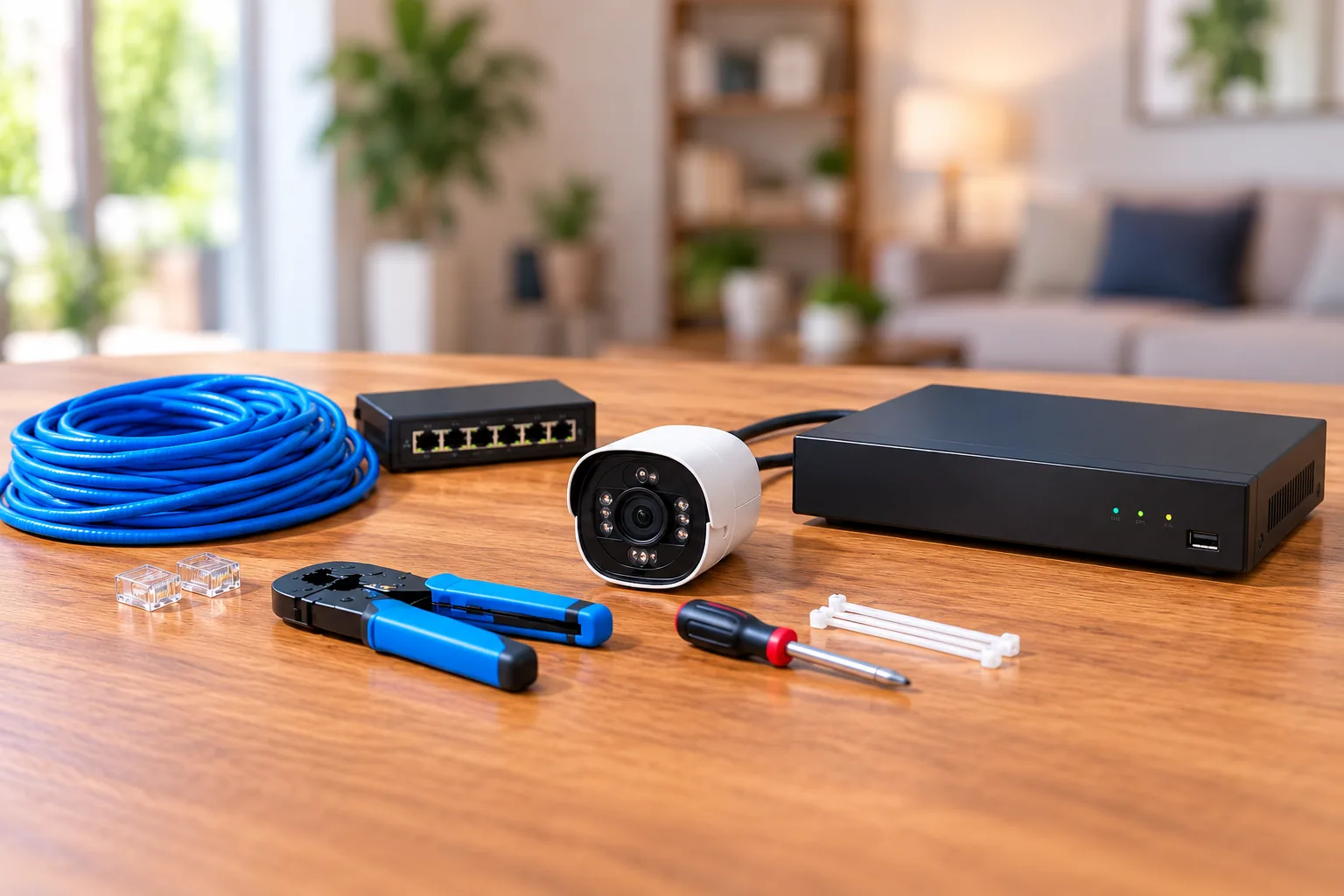
Investigate Ethernet when you can route cable to the camera positions without disproportionate work. A compatible PoE design can supply both power and data through the network run, reducing the need to locate an outlet beside each camera. It still requires powered equipment at the other end and appropriate camera compatibility.
The RLC-811A is a documented example of active 802.3af PoE. Reolink also supports separate DC power, and an NVR is not mandatory for its local microSD recording option. Thus “wired Ethernet” does not itself mean “must buy a recorder.” Reolink's power and recording FAQ explains the alternatives.
If centralized multi-camera recording is the real goal, plan a wired security camera system before buying cameras individually.
A detached garage or distant mounting position
Treat the power route and data route as separate feasibility checks. A battery solves the camera's immediate power supply; it does not establish a working Wi-Fi link to the house. Likewise, a nearby outlet makes plug-in power possible but cannot prove reliable video transmission.
For a detached location, first identify the intended recording destination and verify the connection at that exact position. If the wireless path is unsuitable, moving the camera or arranging a different network path may be necessary. Do not choose battery hardware on an assumption that “wire-free” means unlimited distance or internet-independent remote access.
Wireless camera connectivity explains how the camera, router or hub and viewing device must connect.
Recording needs can change the verdict
If you need footage throughout a period, confirm a supported continuous recording mode and its power and storage requirements. If selected motion events are sufficient, check what triggers recording and whether the clips include the activity you care about. Do not infer either behavior from the power category alone.
The RLC-811A supports motion-triggered, scheduled and 24/7 recording. Battery models need individual checking: the Reolink Altas PT Ultra is an explicit exception to the blanket claim that battery cameras cannot record continuously. Its manufacturer documents continuous recording, pre-recording and passive-infrared-triggered recording modes. The RLC-811A page and Altas PT Ultra page support the model-specific distinction.
That exception does not erase the energy tradeoff. The Altas manufacturer's eight-day battery example assumes continuous/pre-recording for 12 hours per day. Its separate 500-day headline assumes 300 seconds per day in PIR-trigger mode. Those are different workloads; neither should be presented as eight days of uninterrupted 24-hour recording or 500 days of continuous video.
Similarly, the C425's quoted 300-day estimate assumes 230 seconds of daily use, including recording and live viewing. TP-Link states that greater use and conditions affect battery life. Its optional solar panel also depends on placement angle, weather and camera use. TP-Link's battery qualifications belong beside the headline when you compare maintenance.
For an illustrative calculation, 230 seconds is about 3.8 minutes. If your intended viewing alone totals 15 minutes daily, you have already exceeded that particular workload before adding recorded events. This does not calculate your eventual runtime; it shows why your own usage must be compared with the manufacturer's assumptions.
What happens during internet or power outages?
Internet loss, local network loss and camera power loss are separate failures. Ask what happens to local recording, local viewing, remote viewing and notifications under each one. A reassuring answer about one function cannot stand in for all four.
Reolink's outage guidance says its wired Wi-Fi cameras, PoE cameras and NVRs cannot work without their power supply. Battery cameras can retain local microSD recording and siren functions while battery charge remains, but that does not restore a router that has lost power. App/client access through that router and network-dependent features can be unavailable. Reolink's outage table provides these model-category boundaries.
For supported Reolink PoE camera arrangements with power and a working local network but no internet, local recording and LAN access remain possible, while remote WAN access, push and email do not. A camera connected directly to an NVR with no network can provide live viewing and playback on the NVR's monitor, but that does not provide phone-app or PC-client access. Reolink's offline guide distinguishes these configurations.
| Failure scenario | Question to ask before buying |
|---|---|
| Internet service stops, local equipment remains powered | Will this exact model still save footage, and where can it be viewed locally? |
| Router loses power | Does recording continue independently, and which access paths disappear? |
| Camera power supply fails | Is there a battery or another documented power source? |
| Recorder loses power | Do cameras have independent recording, or is that recording path unavailable? |
These questions apply to a whole design. Backing up a camera alone cannot guarantee remote access if another required component is off. Obtain model-specific answers rather than treating either “wired” or “battery” as a complete outage strategy.
Compare the whole ownership commitment
Write down the work and accessories each design requires. For PoE, include compatible power equipment and the Ethernet route. For separate-DC Ethernet, include both connections. For plug-in Wi-Fi, include outlet access and protected power routing. For battery Wi-Fi, include safe retrieval for charging and any optional solar hardware.
Then compare the recording plan: card or recorder, required capacity, retrieval procedure and optional cloud subscription. These are categories to verify, not a dollar estimate. Published prices and available bundles vary, and a camera-only listing may not contain the accessories your design needs.
As concrete search starting points, you can search Amazon for the plug-in Tapo C120 V2, search Amazon for the battery Tapo C425 or search Amazon for the PoE Reolink RLC-811A. The searches illustrate different connection approaches; confirm actual seller contents and exact model support before purchase.
Use this decision worksheet
For each proposed camera location, answer:
- Power: Can you provide a suitable outlet, compatible PoE, or a battery you can readily service?
- Data: Can you run Ethernet, or have you verified usable Wi-Fi at the final position?
- Recording: Do you need continuous footage or selected events, and does this exact model support the required mode?
- Storage: Where will recordings live, and can you retrieve a saved clip without buying an unexpected service?
- Outages: Which functions survive internet loss, router power loss and camera power loss?
- Maintenance: Can you reach the camera, power accessories and storage for routine service?
Use security camera recording options to settle continuous-versus-event requirements before comparing battery estimates.
Consider two hypothetical locations in one home. At the front entrance, an existing appropriate outlet and verified Wi-Fi may make plug-in Wi-Fi practical. At a permanent rear corner with an accessible Ethernet route but no nearby outlet, PoE may fit better. A third location with no acceptable cable route may justify a battery camera after its recording and maintenance limits are checked. One property can reasonably use different approaches for different jobs.
Common comparison questions
Are wired cameras always better quality?
The connection label alone does not establish image detail, low-light performance or useful recorded evidence. Compare the exact camera specifications and footage requirements. This guide does not contain hands-on measurements that would support a universal quality ranking between wired-network and wireless cameras.
Do wireless cameras always require a subscription?
No. The documented C120 V2 and C425 both offer local microSD recording alongside optional Tapo Care cloud storage. Compare the exact features and storage destination you want. A wireless network connection describes data transport; it does not, by itself, determine whether a recording service is required.
Can a battery camera record continuously?
Some can. The Altas PT Ultra is a documented example, but its mode, battery workload and charging assumptions matter. Check the exact model rather than applying that capability to all battery cameras. A manufacturer runtime estimate for short daily events is not a continuous recording runtime estimate.
Choose by the location and the recording job
Use wired-network cameras where permanent routes and compatible power equipment fit; plug-in Wi-Fi where outlets are convenient; and battery Wi-Fi where avoiding a power cable is valuable enough to justify servicing the battery. Complete the worksheet for each location, then compare exact models within the approach that meets your power, connection and recording needs.