As an Amazon Associate we earn from qualifying purchases.
Choose a wired security camera by answering two separate questions: how does it receive power, and how does video reach your network? A plug-in Wi-Fi camera needs a power cable but sends video wirelessly. A hardwired floodlight camera may also use Wi-Fi. A true Power over Ethernet (PoE) camera can carry compatible power and data over one Ethernet cable.
As an Amazon Associate, we earn from qualifying purchases. We may earn a commission when you buy through links on this page.
Quick choice: Consider the Tapo C120 where an outlet and 2.4GHz Wi-Fi are available; the Tapo C310 where separate DC power plus Wi-Fi or Ethernet data fits; the Reolink RLC-811A where a compatible PoE route works; and the eufy Floodlight Cam E340 where permanent AC wiring and Wi-Fi suit the location.
This guide helps homeowners choose individual mains-powered cameras, including hard wired outdoor security cameras. It compares documented power, network and recording requirements. It is not a hands-on performance ranking or a walkthrough for connecting household electrical wiring.
On this page
- What does “wired” actually mean?
- Tapo C120: an outlet-powered Wi-Fi option
- Tapo C310: Ethernet data with separate power
- Reolink RLC-811A: compatible PoE or separate DC
- eufy Floodlight Cam E340: AC power still needs Wi-Fi
- Decide on recording before permanent mounting
- Plan for power loss separately from internet loss
- A short checklist for the actual location
- Common questions
What does “wired” actually mean?
“Wired” can describe the camera's power supply, its network connection, or both. That ambiguity matters before you buy: an Ethernet socket does not automatically establish PoE support, and an AC junction box does not provide a camera's internet connection.
The Tapo C310 specification, for example, lists a 10/100Mbps Ethernet port and a separate 9V, 0.6A DC supply. The Reolink RLC-811A specification explicitly lists active 48V IEEE 802.3af PoE. Both can use Ethernet for video, but their documented power paths differ.
| Camera example | Everyday power | Network data | Installation implication |
|---|---|---|---|
| Tapo C120, captured US v2 specification | 5V, 1A Type-C supply | 2.4GHz Wi-Fi | Reach an appropriate outlet and verify Wi-Fi |
| Tapo C310 | Separate 9V, 0.6A DC adapter | 2.4GHz Wi-Fi or Ethernet | Ethernet does not remove the documented DC requirement |
| Reolink RLC-811A | Active 48V 802.3af PoE, or separate 12V, 1A DC | Ethernet | Plan compatible PoE equipment or separate DC power |
| eufy Floodlight Cam E340 | Permanent 100–240V AC hardwiring | Dual-band Wi-Fi 6 | Electrical installation and network coverage are separate requirements |
These distinctions come from the manufacturers' C120 page, C310 page, RLC-811A page and E340 FAQ. Confirm the specification for the actual hardware and market offered by the seller.
For a broader installation decision, compare wired versus wireless security cameras before choosing the power arrangement.
Tapo C120: an outlet-powered Wi-Fi option
The documented US v2 C120 uses 5V, 1A Type-C power and connects to 2.4GHz Wi-Fi. Its USB cable supplies power; it does not turn the camera into an Ethernet device. The captured specification lists a 3m/9.8ft cable, a USB adapter and Type-C cable in the package. TP-Link's C120 specifications establish those limits.
This arrangement fits a camera position near a suitable outlet when you want to avoid running network cable. Measure the actual route from outlet to mounting point, including the path around a doorframe or along a wall. A cable that reaches in a straight line may not reach once it is routed neatly and protected from pinching or pulling.
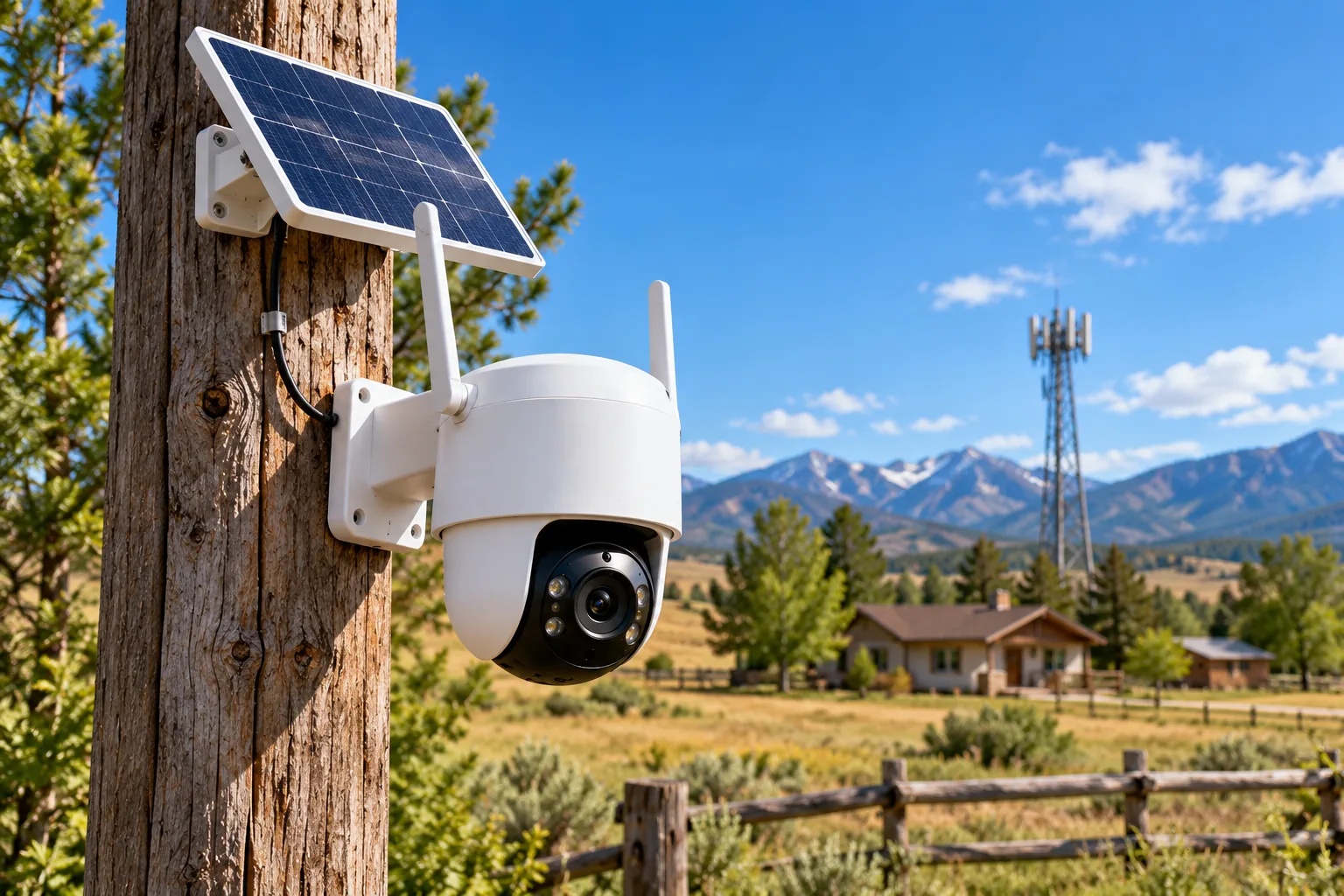
The camera is documented for indoor/outdoor use with an IP66 housing. That does not establish that its power adapter can sit exposed in rain. Before an outdoor purchase, resolve where the adapter will be located and how the complete power connection will be protected under the manufacturer's instructions. The camera's weather rating is only one part of that decision.
For recording, the captured C120 page lists local microSD storage up to 512GB, free AI detection and optional paid Tapo Care cloud storage. Decide whether you want card recording or cloud storage before comparing ongoing ownership costs. Do not treat the presence of a card slot as evidence that a card is included or already configured.
Search Amazon for the Tapo C120 camera. Check the hardware version, supplied power accessories and card requirements against the listing.
Tapo C310: Ethernet data with separate power
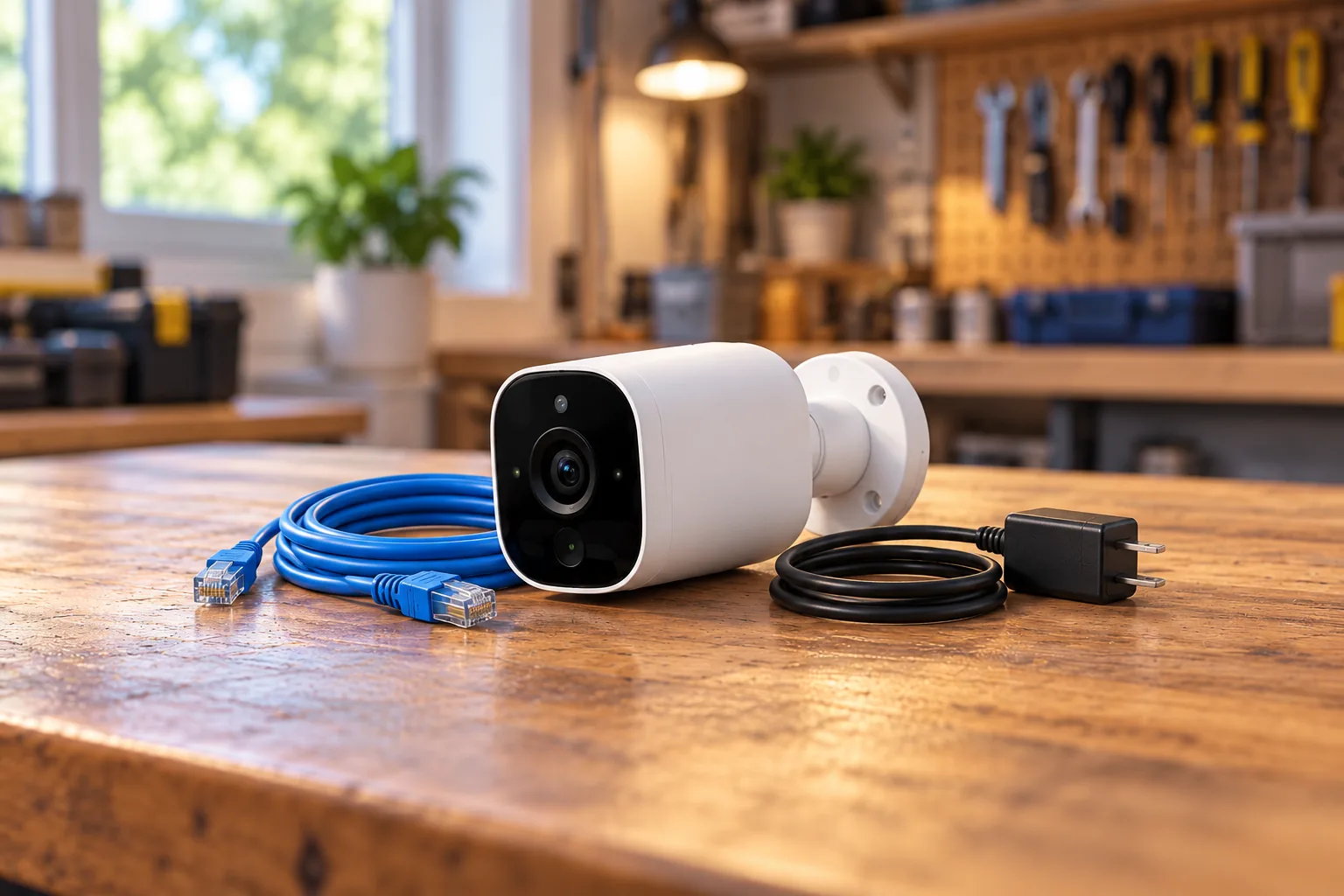
The C310 is the useful middle case between a Wi-Fi-only plug-in camera and a PoE camera. TP-Link lists both 2.4GHz Wi-Fi and a 10/100Mbps RJ45 Ethernet data port, while separately specifying the 9V, 0.6A DC adapter. Do not assume that connecting it to an ordinary PoE switch will supply camera power. The C310 product page describes the network and electrical connections separately.
Consider this arrangement if you already have a suitable local power location and want the option of a wired data path. It may also fit a staged installation where the camera initially uses Wi-Fi and later gains Ethernet. In either case, keep the power route in the plan; changing the data connection does not eliminate it.
TP-Link lists a power adapter, waterproof seal and waterproof cable attachments in the package. Confirm how those parts protect the specific connections you intend to use, including any unused connector. Do not replace a missing adapter with one selected only because its plug appears to fit. Voltage, current requirements and the manufacturer's connector guidance all belong in the check.
The captured page contains inconsistent temperature sections, so a precise operating-temperature promise would be unreliable without revision-specific confirmation. If your location experiences severe heat or cold, ask support for the specification matching the unit you will receive. That is a buying requirement worth resolving before drilling.
Search Amazon for the Tapo C310 camera and compare the exact power and cable accessories offered.
Reolink RLC-811A: compatible PoE or separate DC
The RLC-811A supports active 48V IEEE 802.3af PoE. Reolink says to use an active, 802.3af-compliant injector or switch; it also documents separate 12V, 1A DC power, with that adapter purchased separately. A normal Ethernet port supplies a data connection unless compatible power delivery is explicitly provided. Reolink's power FAQ spells out the alternatives.
This is the option to investigate when an Ethernet route from compatible power equipment is practical. Instead of finding a wall outlet at each camera position, you plan the powered network cable and the equipment supplying it. The arrangement still needs electricity at the PoE supply, so trace the full path back to the building's power source.
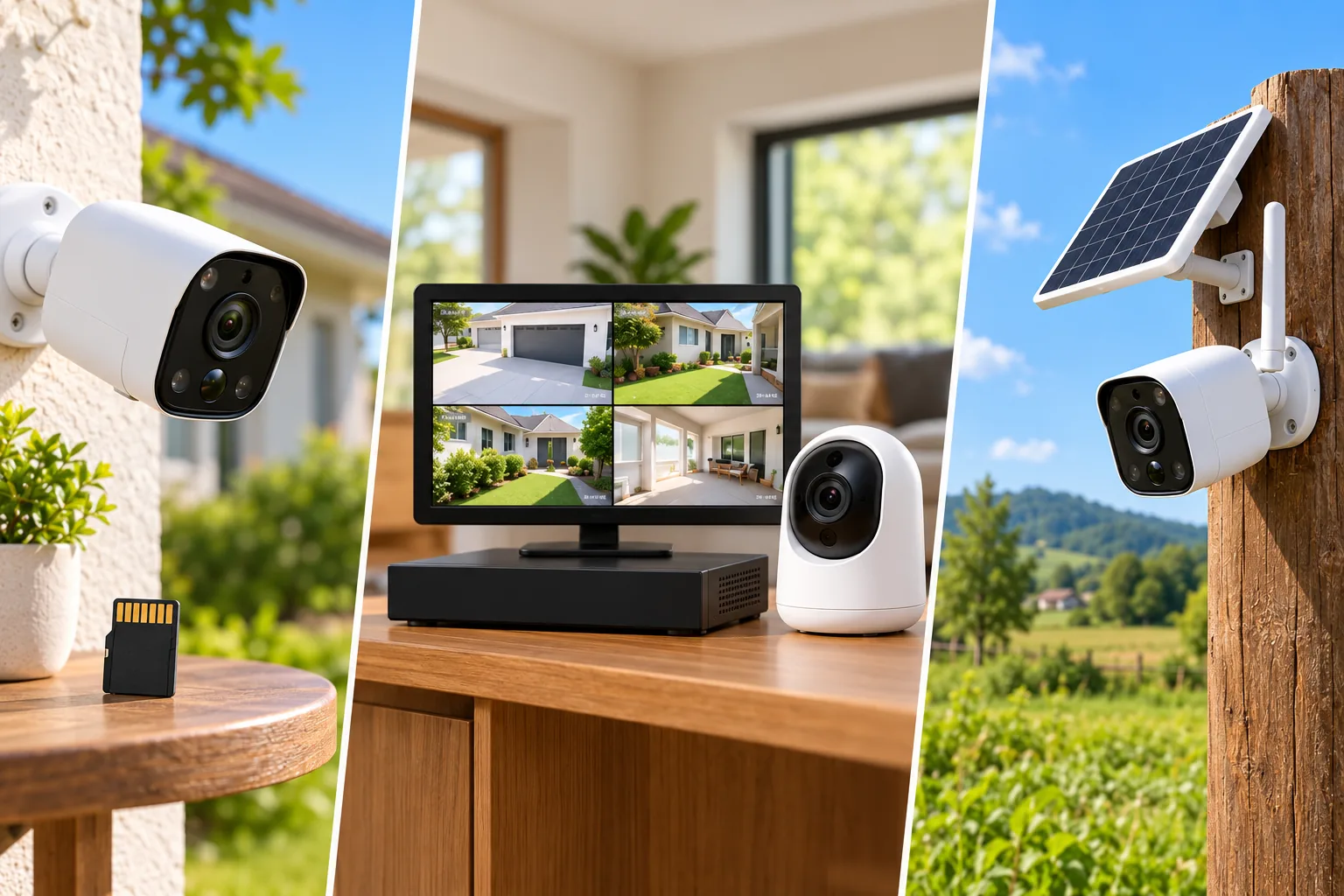
An NVR is not mandatory for this individual camera's documented local recording option. Reolink says it can save recordings to a separately purchased microSD card and supports motion-triggered, scheduled and continuous recording. Choose that destination deliberately; a standalone card setup and a recorder system have different retrieval and expansion implications.
This guide does not carry over mixed-revision memory-card or weather specifications for the RLC-811A. Confirm those against the exact unit if they determine your purchase. For the network and power design itself, use a PoE security camera guide to check the equipment between the camera and router.
Search Amazon for the Reolink RLC-811A camera. Check whether the needed injector, switch, cable or separate adapter is included rather than assuming a complete kit.
eufy Floodlight Cam E340: AC power still needs Wi-Fi
The Floodlight Cam E340 requires permanent 100–240V AC hardwiring. It uses dual-band Wi-Fi 6 for data, so replacing a light fitting does not solve a weak wireless connection at that wall. Its USB-C port is for initial setup only and cannot power ordinary daily use. These are explicit boundaries in the E340 FAQ.
Consider it when you want the camera/floodlight format and already have, or can properly install, suitable electrical service. Avoid choosing it on the assumption that a USB cable offers a permanent alternative. That assumption could leave you with a camera unsuited to the location after the return window or installation work has begun.
The E340 user guide requires power off at the breaker during installation, a 100–240VAC, 50/60Hz source and no dimmer switch or timer. It also calls for confirming video streaming before installation and closing the USB port cover afterward to prevent water entry. Use a licensed electrician when the supply, mounting box or required work is uncertain; this buying guide does not replace the electrical instructions.
For 24/7 recording, eufy specifies a microSD card up to 128GB or HomeBase S380, also called HomeBase 3. The camera has no internal video storage. Add the intended storage to the purchase plan rather than discovering after installation that live viewing has not created the history you expected.
Search Amazon for the eufy Floodlight Cam E340, keeping its AC and recording requirements attached to the comparison.
Decide on recording before permanent mounting
Power, live video and saved footage are three separate checks. A camera can turn on and display a clear live view while its storage is absent, its recording schedule is disabled or the desired recording mode has not been selected. Treat successful playback as part of installation acceptance.
For example, suppose you want to review activity at a side entrance throughout the night. Write down whether you need all-night footage or selected motion events, where recordings will be stored and how you will retrieve them. Then check the chosen camera's documented mode and required accessories. “Plug-in” establishes a power arrangement; it does not independently promise your preferred recording history.
Use security camera recording options to match continuous footage or event clips to the way you expect to review incidents.
If the objective is one recorder holding several cameras, move that decision to a complete wired security camera system plan. Buying several individual cameras without checking the intended recorder can create avoidable compatibility questions later. Choose the recording architecture before accumulating expansion cameras.
Plan for power loss separately from internet loss
A wired supply removes routine battery charging from the plan, but it does not make the camera independent of electricity. Reolink's outage guidance states that its wired Wi-Fi cameras, wired PoE cameras and NVRs stop working when their power supply is lost, even if internet service remains available. Reolink's outage table also distinguishes local functions from network-dependent services.
Trace every required powered component before discussing backup: camera, PoE supply or adapter, recorder if used, and network equipment needed for remote access. Do not claim outage resilience from backing up only one part of the path. Internet loss is another scenario; check the exact model's local recording and access behavior rather than extrapolating across brands.
A short checklist for the actual location
Before ordering, fill in one row for each camera position:
| Check | What to record |
|---|---|
| Power | Outlet, permanent AC or compatible active PoE; correct supply and included accessories |
| Data | Supported Wi-Fi band or Ethernet route; verified final-position connection |
| Cable path | Measured routed length, protected connectors and accessible supply |
| Recording | Destination, required card/hub, schedule and retrieval method |
| Outdoor suitability | Exact camera revision, protected power arrangement and manufacturer mounting instructions |
| Installation | Permission where needed, safe access and professional work required |
For an illustrative choice, imagine a porch with a suitable outlet 7ft along the proposed cable route and usable 2.4GHz Wi-Fi. The C120's documented 9.8ft cable makes it worth investigating, provided the remaining outdoor power and mounting requirements are met. If the same porch has no suitable outlet but has an accessible Ethernet route from compatible PoE equipment, the RLC-811A power arrangement addresses a different starting condition. These are conditional planning examples, not tested installations.
Common questions
Does a power cable make a camera a wired network camera?
No. The C120 receives power by cable and sends video through Wi-Fi. The E340 similarly combines permanent AC power with wireless data. Look for a separate network specification: a power connector or electrical hardwiring requirement tells you how the camera is energized, not how it communicates.
Does every Ethernet camera support PoE?
No. The documented C310 has Ethernet data and separate DC power, while the RLC-811A explicitly supports active 48V 802.3af PoE. Check both camera and power equipment. Similar RJ45 sockets do not establish the required voltage, standard or active power-delivery compatibility.
Can the E340 run permanently from USB-C?
No. eufy identifies that port as an initial-setup connection and requires permanent AC hardwiring for daily use. Its user guide recommends verifying streaming during setup, then disconnecting USB and closing the cover. Choose a true plug-in camera if permanent USB/DC operation is your requirement.
Choose from the connections you can actually provide
Select the camera whose documented power path, data path and recording destination all fit the location. Start with an outlet-powered Wi-Fi model for a suitable nearby supply, investigate separate-DC Ethernet when both routes fit, use documented PoE when centralized network power is practical, and reserve AC-hardwired floodlights for an appropriate electrical installation. Complete the location checklist before ordering accessories or making permanent holes.