As an Amazon Associate we earn from qualifying purchases.
Cellular security cameras suit a US property without a usable home internet connection only when three requirements work together: compatible mobile service at the mounting point, enough energy to keep the camera running and an affordable data plan for how you actually watch video. Verify those requirements before choosing by resolution or a solar-power headline.
Quick decision: Consider Reolink Go PT Ultra for a cellular-only connection and motion-triggered local recording. Consider eufy 4G LTE Cam S330 when Wi-Fi plus automatic cellular fallback is useful. Neither an included SIM nor a solar panel establishes unlimited remote video, guaranteed reception or a complete continuous recording timeline.
As an Amazon Associate, we earn from qualifying purchases. We may earn a commission when you buy through links on this page.
This guide compares documented US-version ownership requirements for these two examples, using manufacturer material checked October 18, 2026. It includes no field reception tests, current carrier prices or promises of coverage at a particular address.
In this guide
- Decide whether cellular is the right connection
- Compare Go PT Ultra and S330 by the job
- Check the US version, SIM and actual signal
- Budget data from viewing behavior
- Compare complete recurring costs
- Pass a separate power check
- Understand outage and storage limits
- Questions before leaving the site unattended
Decide whether cellular is the right connection
A cellular camera uses its own mobile-data connection to send video and other network traffic. That solves a different problem from placing a Wi-Fi camera farther from a router. If you already have suitable internet and power at the desired position, first compare whether you need another recurring mobile service at all.
A remote gate or building beyond home Wi-Fi is a plausible cellular location. A house where internet interruptions matter may benefit from a camera that can switch connections. The S330 product page describes Wi-Fi and 4G with automatic fallback when Wi-Fi is lost. The Go PT Ultra page says it does not support a Wi-Fi connection.
Security cameras without Wi-Fi encompass several recording and connection arrangements. Here, the buying decision is specifically a camera with a cellular uplink, not a local-only camera or a complete comparison of every no-Wi-Fi system.
Compare Go PT Ultra and S330 by the job
| Requirement | Reolink Go PT Ultra | eufy 4G LTE Cam S330 |
|---|---|---|
| Connection | Cellular 4G LTE; no Wi-Fi connection | Wi-Fi and 4G with automatic fallback |
| Documented US bundled SIM | Multi-carrier selection described on the captured package page | Included three-in-one SIM with automatic network selection |
| Local recording storage | Motion-triggered recording; microSD up to 128GB | Expandable microSD up to 128GB in Eufy's US buying guide |
| Power example | 21.6Wh rechargeable battery; Solar Panel 2 support | 9,400mAh battery and solar panel |
| Critical boundary | Exact package and SIM activation requirements matter | HomeBase S380 works only over Wi-Fi; NAS unsupported |
The official Go PT Ultra specifications, S330 FAQ and Eufy US storage comparison support these distinctions. Battery capacity is shown in the manufacturers' documented units; those figures alone are not a like-for-like runtime ranking.
Go PT Ultra is explicitly a motion-triggered model, so do not choose it for footage between every alert. S330's Wi-Fi-to-4G fallback describes connectivity, not proof of uninterrupted recording. Establish the required recording mode separately from the connection that carries video to your phone.
Check the US version, SIM and actual signal
The captured Go PT Ultra US package page describes an included SIM that selects among AT&T, Verizon and T-Mobile, with 100MB offered for initial use checks. That package description should not be generalized to older boxes or every retailer bundle. Source: Go PT Ultra package page.
Reolink's US SIM guidance treats included and user-supplied SIMs separately. An included Reolink SIM must be linked to your account and supplied with a purchased data plan. For a camera without one, the guide recommends a T-Mobile prepaid data-only Nano SIM where reception is strong and lists tested Mint and FreedomPop options. It advises testing an available Verizon SIM before assuming a new one will work.
That is a meaningful distinction: a bundled service using a carrier network does not establish universal support for every retail SIM sold by that carrier. The plan, activation process, camera version and network configuration all need to match the supported arrangement.
For S330, Eufy describes an included three-in-one SIM compatible with AT&T, T-Mobile and Verizon. It accepts Nano SIMs; a compatible 5G SIM still operates through the camera's 4G connection. A 5G label on a SIM or phone does not upgrade the camera's modem. Source: S330 connectivity FAQ.
Match the region before comparing bands
Both documented US examples list LTE bands B2/B4/B5/B12/B13/B14/B66/B71. Go PT Ultra also lists different bands for other regional versions. Check the US hardware version and exact carrier support instead of assuming an imported unit with the same name is equivalent. A band list helps establish compatibility; it cannot guarantee usable reception behind your barn or below a particular eave. Sources: Go PT Ultra, S330.
Treat coverage maps and a nearby phone check as preliminary information. The purchase decision should include an actual camera check at the intended mounting position with the intended service. Open the stream, generate a controlled motion event, confirm an alert and replay the saved footage. Repeat under the conditions that matter to the site before leaving it unattended.
Budget data from viewing behavior
Local recording and remote viewing consume data differently. Reolink says saving to a local SD card itself does not use cellular data. Live view, remote playback, uploads and other network services do. A camera can therefore accumulate local footage without transmitting every recorded second, while repeatedly watching the footage remotely changes the data budget. Source: Reolink data usage guidance.
Official Go PT Ultra estimates have different assumptions
Reolink's support table describes a 2Mbps main stream with approximately one hour of viewing per 1GB and a 672kbps substream with approximately 3.5 hours per 1GB. It suggests 2GB per month for normal use. The product FAQ instead describes a 3Mbps Clear-stream default and about 1.3GB per hour. These sources conflict on the default setting; neither establishes one universal default for every firmware version. Sources: support table, product FAQ.
Use the numbers as conditional examples and check the installed camera's actual stream settings. Do not average them together or treat a suggested allowance as a promise that the service will cover your usage.
For a worked planning example, assume three minutes of remote viewing each day for a 30-day month. That is 90 minutes, or 1.5 hours. At the support table's approximate one-hour-per-GB main-stream example, the viewing alone is about 1.5GB. At the product FAQ's 1.3GB-per-hour example, it is about 1.95GB. At the substream example, it is roughly 0.43GB. Those are calculations from different stated assumptions, not predictions of billed usage.
Uploads, alerts, playback and other services require additional allowance. The practical lesson is to choose an acceptable stream quality and observe the account's actual usage before settling on a plan. Do not use the lower estimate simply because it fits a cheaper allowance.
S330's data estimate is a different workload
Eufy estimates around 700MB monthly with ten daily live views lasting ten seconds each and twenty-five daily motion-triggered recordings lasting ten seconds each. Actual usage varies. This is not a directly comparable test against Reolink's hourly stream estimates, nor does it mean all S330 users need only 700MB. Source: S330 data FAQ.
It is also different from Eufy's battery-life example. That example assumes ten daily ten-second detection recordings, five daily live-view sessions and moderate temperature. Do not combine the event count from one estimate with the runtime from the other and present the result as a supported operating profile.
Compare complete recurring costs
Obtain current quotes for the exact supported plan; no plan price is established here. Use this worksheet rather than comparing only the headline monthly fee:
| Cost or limit | What to record |
|---|---|
| Activation | SIM, account and any initial setup charge |
| Data allowance | Amount, billing period and whether unused data expires |
| Extra usage | Overage charges, top-ups or service restrictions |
| Optional services | Any cloud recording or backup subscription you select |
| Maintenance | Travel, charging access and storage replacement needs |
| Exit conditions | Renewal, cancellation and plan-change terms |
For a seasonal property, write down how service behaves during months you do not visit. Confirm what happens when an allowance is exhausted and how you will discover that remotely. An affordable plan is useful only if its restrictions fit the monitoring job.
Search Amazon for Reolink Go PT Ultra cameras or search Amazon for eufy 4G LTE Cam S330. Inspect the exact regional version, included SIM, panel and storage contents; a search is not verification of current availability or compatibility.
Pass a separate power check
Go PT Ultra's documented battery is 21.6Wh and supports Reolink Solar Panel 2. Reolink says actual battery life varies with settings, use and temperature. Eufy's S330 has a 9,400mAh battery and a conditional estimate of about one month without solar under its stated moderate-use conditions. Neither establishes your unattended runtime. Sources: Go PT Ultra, S330.
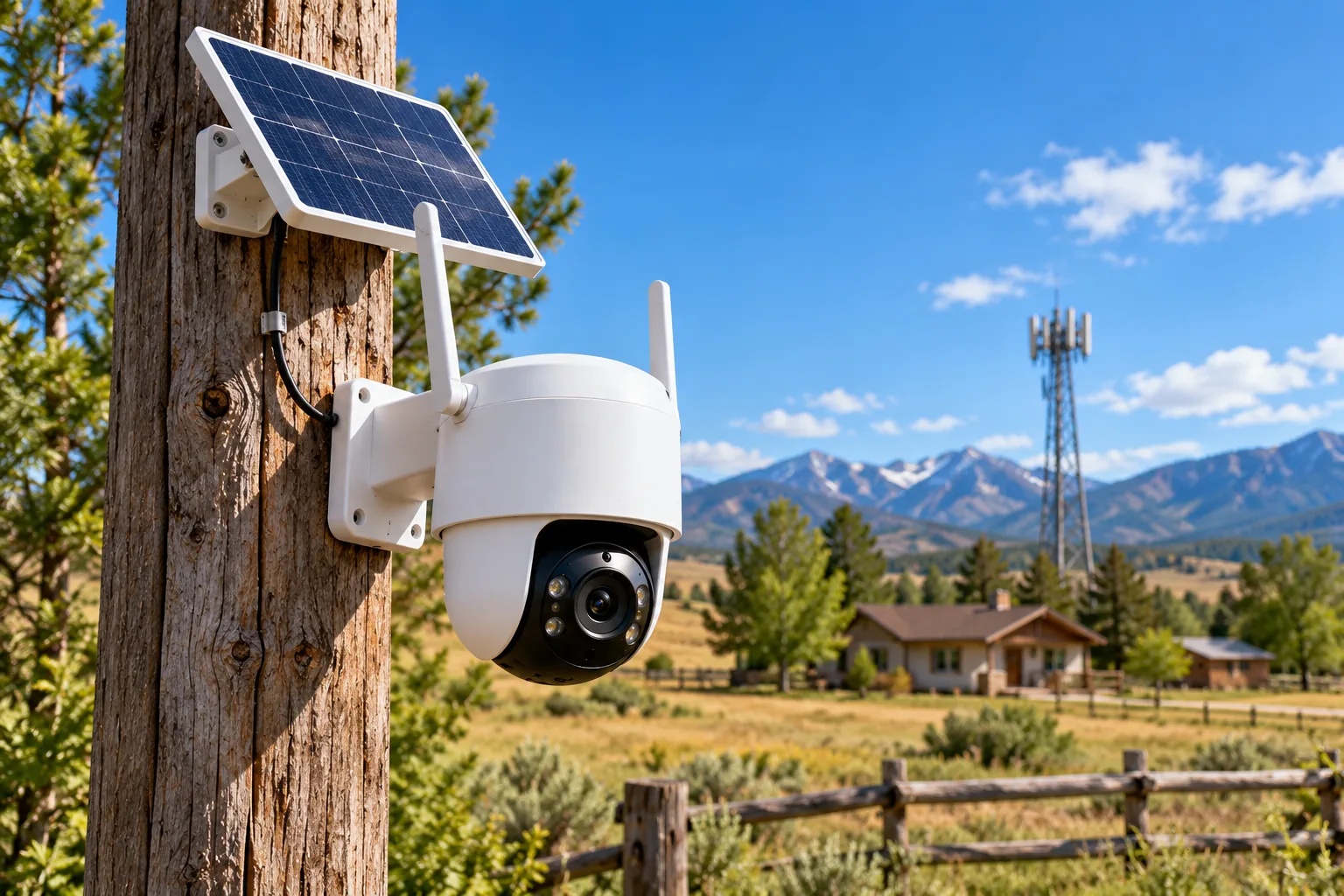
Solar security cameras require a useful view and a suitable charging position. Check seasonal shade, mounting orientation and access for maintenance before depending on a panel at an isolated site. Keep a record of charge trends rather than deciding that a full battery on installation day proves the power budget works.
A location passes the signal check only when remote functions work there; it passes the power check only when the camera can sustain the intended workload with an acceptable servicing plan. A sunny mounting point with poor reception fails the first check. A strong signal under permanent shade can fail the second. Work through outdoor camera installation with both constraints visible.
Understand outage and storage limits
Reolink says a charged battery-powered 4G camera can keep recording to microSD and sounding its siren during an outage, while network functions depend on the 4G network operating properly. Cellular service can reduce dependence on your home's router, but it is not a guarantee that the mobile network itself remains available. Source: Reolink outage guidance.
For S330, HomeBase S380 support applies when connected over Wi-Fi. NAS storage is unsupported. Do not plan a cellular-only remote installation around footage automatically reaching a HomeBase elsewhere. Check the local storage arrangement and actual playback path at the location. Source: S330 FAQ.
Questions before leaving the site unattended
Is a bundled SIM a free ongoing data plan?
No. Check activation and recurring service terms. Reolink's captured package offers a small initial data amount for checking use, while its SIM support guidance requires account linking and a purchased plan. Included hardware and ongoing network service are separate purchases.
Does a cellular camera need my phone's carrier?
The camera has its own supported SIM and service. Choose those based on the exact camera and site reception, not simply the carrier printed on your phone bill. Confirm access from your phone during the actual camera setup.
What should I verify first?
Confirm the regional hardware and supported SIM, then test reception, recording and remote playback at the mount. Record data use and battery behavior before expanding. Security camera recording options should remain part of that check: a working uplink cannot supply footage the recording mode never saved.
Choose cellular security cameras by a written site requirement and a measured ownership budget after setup. Go PT Ultra's cellular-only arrangement and S330's Wi-Fi fallback address different situations. The next step is to verify one complete camera, service and power arrangement at the actual property before relying on it remotely.