As an Amazon Associate we earn from qualifying purchases.
Choose a hardwired floodlight camera when you want useful outdoor lighting and a camera in the same location. Choose a battery camera with spotlights when camera placement matters more than replacing a light fixture. A light-bulb camera can reuse a suitable socket, but only when the fixture, weather protection, power, and camera clearance all work together.
This guide helps US homeowners choose among those three approaches. It compares documented specifications and installation guidance, rather than hands-on brightness or identification tests.
Quick decision: Start with the electrical supply and the view you need. Then compare lighting and recording. A brighter lamp cannot compensate for a camera pointed at the wrong place.
As an Amazon Associate I earn from qualifying purchases. We may earn a commission when you buy through links on this page.
Contents
- Which outdoor camera with lights fits your space?
- When a hardwired floodlight camera makes sense
- When a battery spotlight camera is the better choice
- Can a light-bulb camera replace your porch bulb?
- Compare useful lighting, camera coverage, and recording separately
- Questions to settle before buying
- Make the choice in this order
Which outdoor camera with lights fits your space?
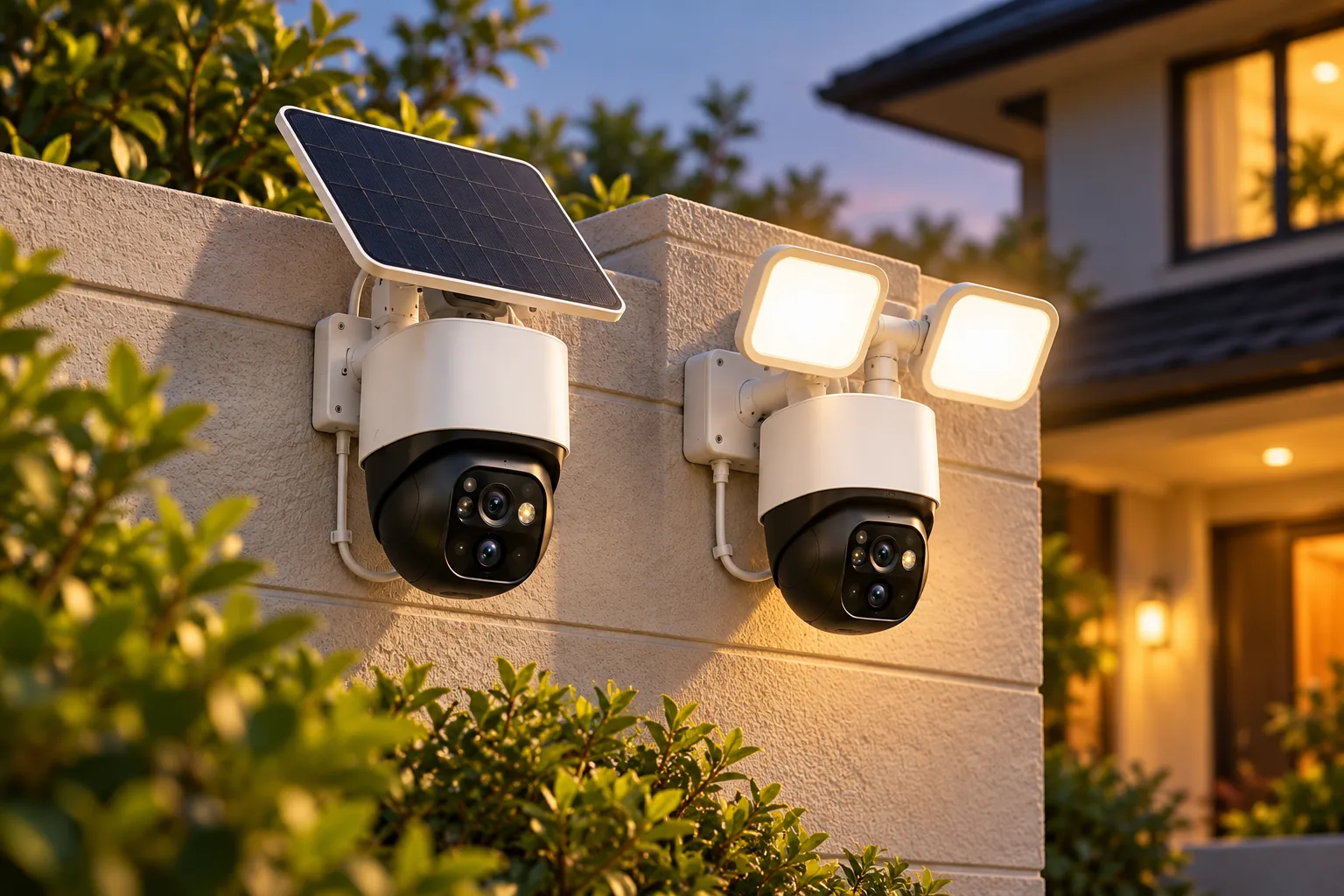
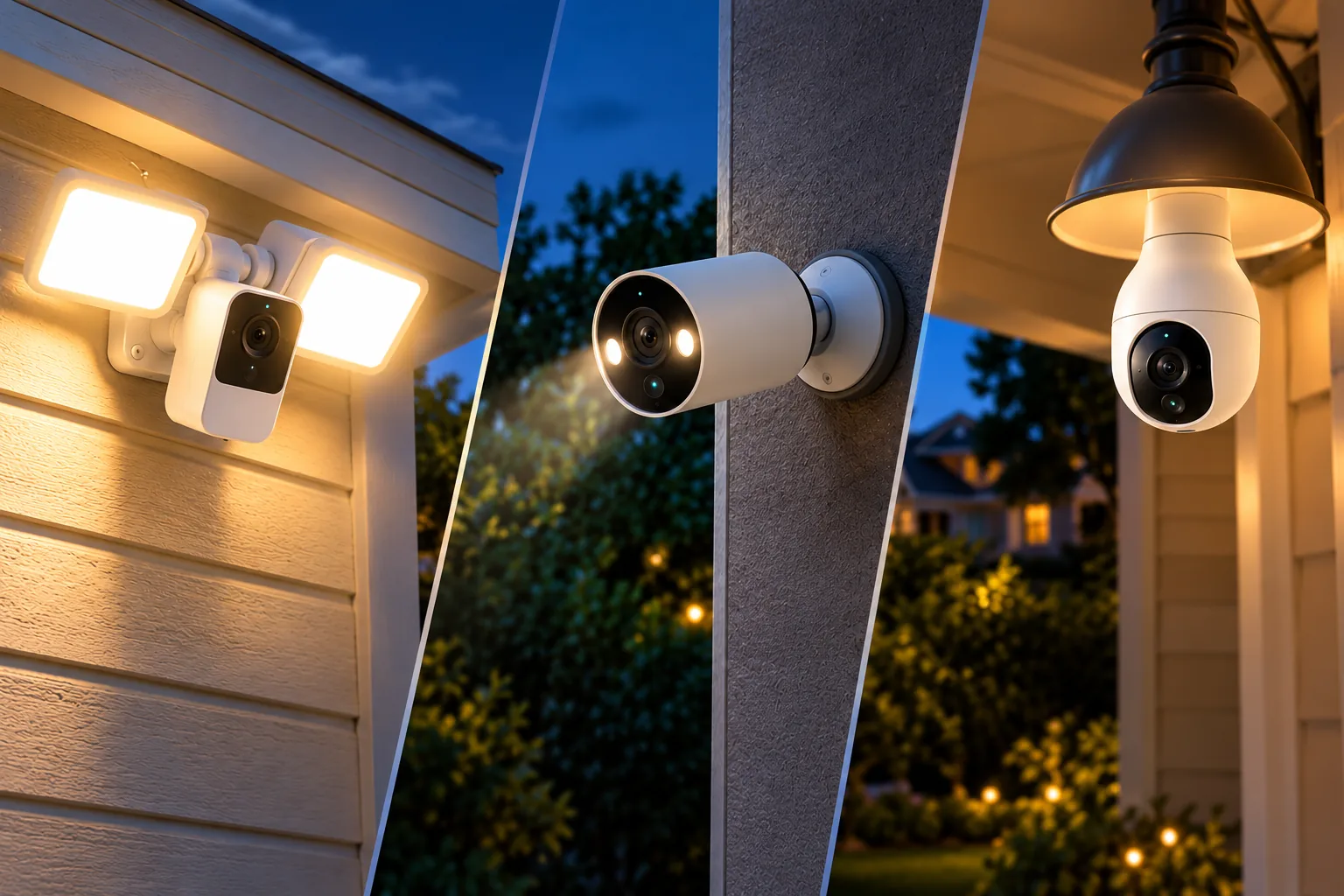
“Floodlight camera,” “spotlight camera,” and “bulb camera” describe different installation choices. A floodlight camera combines a camera with substantial light heads. A spotlight camera has smaller integrated lights intended to illuminate the camera scene. A bulb camera gets power from a light socket, making the existing fixture part of the camera installation.
The examples below show those distinctions. They are conditional options for different homes, not a tested ranking.
| Your situation | Option to consider | Documented reason | Main purchase gate |
|---|---|---|---|
| Replace a suitable existing floodlight | Wyze Cam Floodlight v2 | Adjustable 2,800-lumen lights; 2K video; local continuous recording | Standard installation needs an existing junction box and neutral wire |
| Put a camera where there is no lighting circuit | Tapo C425 | Rechargeable battery camera with integrated spotlights | Plan charging access and verify the intended camera position |
| Reuse a compatible porch sconce | Wyze Bulb Cam | 120 V AC E26 power; up to 800 lumens; local continuous recording | Open fixture, clear camera view, protected socket, continuous power |
Wyze documents the Floodlight v2 features and its separate electrical requirements in the model overview and installation guide. Tapo identifies the C425 as a battery Wi-Fi camera with built-in spotlights. Wyze’s Bulb Cam specifications establish the socket, voltage, and light output.
Think about the job before the product. If you want to illuminate the driveway while walking to a car, useful light on that route is a separate requirement from seeing someone near the garage. If you only want a camera at a side gate, replacing a floodlight somewhere else may give you the wrong view.
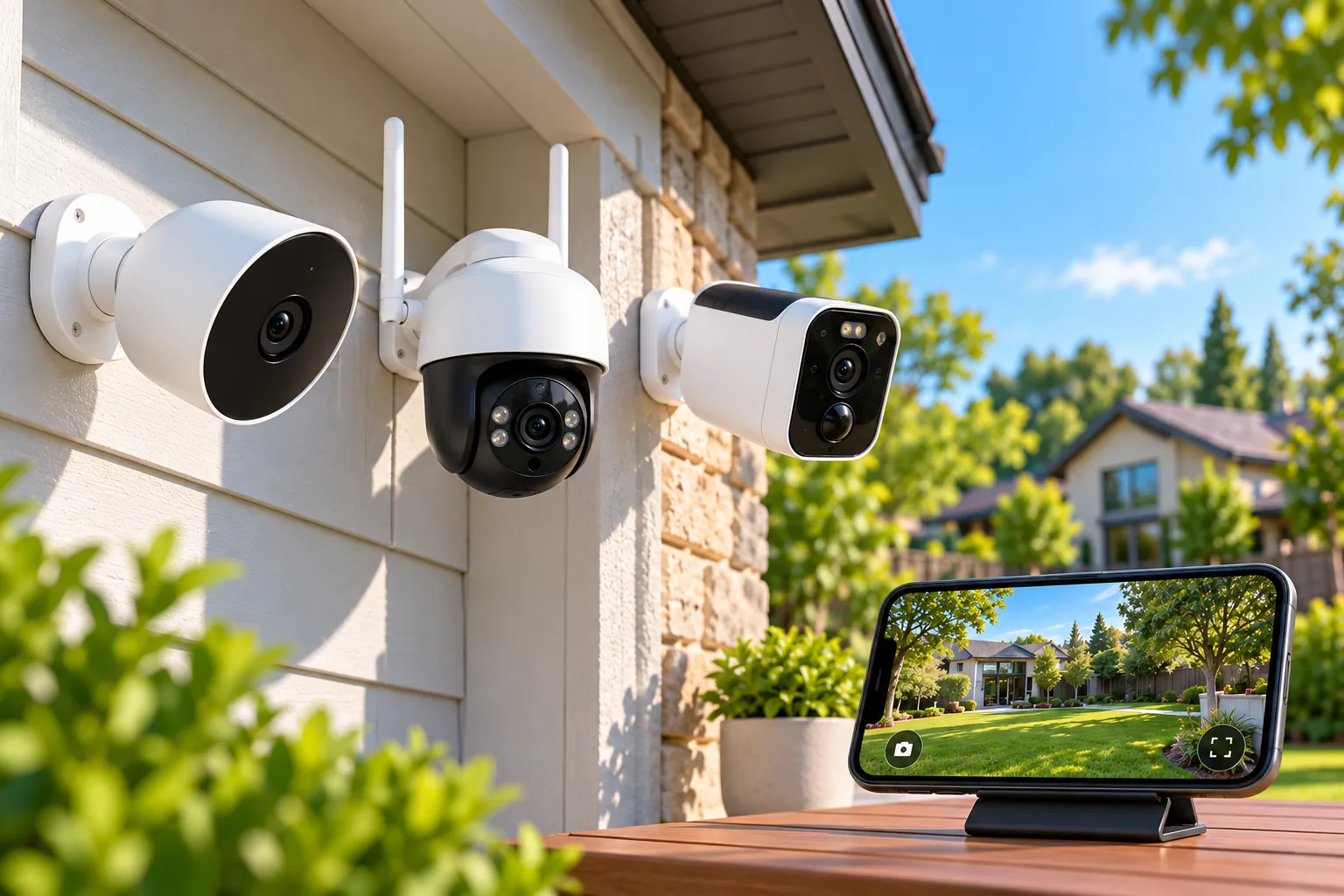
Outdoor camera placement should follow the area you need to see, with the power route treated as a separate constraint.
When a hardwired floodlight camera makes sense
Wyze Cam Floodlight v2 is the clearest fit here for a homeowner replacing an appropriate floodlight who also wants local continuous recording. Its adjustable lights are rated at 2,800 lumens, and its ambient mode can keep a low light level on until motion triggers brighter illumination. Wyze specifies a 160-degree camera view and a 270-degree passive infrared, or PIR, motion-detection field. Those figures describe different things: the sensor can respond over a different area from the image the camera records. Wyze Floodlight v2 overview
That distinction matters at a corner. A light might activate when someone approaches outside the camera frame. Treat that as a reason to inspect the view and detection behavior separately, rather than assuming the larger number means more recorded coverage.
Wyze’s comparison chart lists the Floodlight v2 power supply as hardwired 110–120 V. Its standard installation guide requires an existing junction box and neutral wire, calls for shutting off power at the electrical panel, and tells readers to check local laws and building codes. Where no compatible junction box exists, the guide directs the reader to stop and contact a licensed electrician. Power comparison; installation requirements
There is also a branch-specific instruction worth noticing: in the guide’s path for a home without an existing floodlight to replace, Wyze says the existing junction box must be at least 10 feet above the ground. This is an instruction for that installation branch, not a universal mounting height for outdoor cameras.
Before purchasing, match your situation to the exact guide. Do not assume that another brand’s mounting hardware, box size, or wiring instructions apply. For example, Ring’s guide for Floodlight Cam Wired Plus and Pro requires a 4-inch round UL-listed weatherproof electrical box and gives different wall and eave orientation instructions. That requirement belongs to those Ring models. Ring installation guide
If the Wyze standard installation fits your home, you can search Amazon for Wyze Cam Floodlight v2. Confirm the full model name before ordering; this guide does not establish compatibility for optional power accessories.
When a battery spotlight camera is the better choice
Tapo C425 suits a different problem: you want a camera at a particular outdoor position and prefer a rechargeable battery installation. Its integrated spotlights support nighttime color footage, and Tapo offers local microSD storage up to 512 GB or optional Tapo Care cloud storage. Person, pet, and vehicle detection are listed as free features. Tapo C425 product information
Choose this branch because the installation arrangement fits the location. Do not assume the small lights will replace a dedicated floodlight for a whole yard. This comparison has no measured illumination map for the C425, so it cannot promise a particular lit area or identification distance.
Battery-powered security cameras also require a practical plan for reaching and charging the camera.
Consider a side gate with no nearby lighting circuit. Assuming the mounting position provides the desired view and usable Wi-Fi, a battery camera may let you place the lens closer to the gate. That can be a more sensible starting point than putting a floodlight camera at the garage and hoping it sees enough detail across the yard. You still need an after-dark recording check at the gate itself.
Before choosing the C425, decide who will manage charging and how the camera will be reached safely. Do not base the decision on a promised universal battery interval. Settings, activity, and actual use matter, and this guide does not establish a runtime for your location or recommend a solar accessory for an unspecified hardware revision.
You can search Amazon for Tapo C425 cameras, then verify the hardware version and included items against the documentation for the unit offered.
Can a light-bulb camera replace your porch bulb?
Wyze Bulb Cam is worth considering when a compatible porch fixture already sits where you want the camera. It uses a 120 V AC E26 socket and 2.4 GHz Wi-Fi. Its published light output is up to 800 lumens at a fixed 3000 K color temperature. The specifications list 2304 × 1296 video, with a 166-degree diagonal view and 144-degree horizontal view. Keep those axes attached when comparing it with another camera. Wyze Bulb Cam specifications
The socket alone does not establish fit. Wyze requires an open fixture and a clear camera view from the bottom. Fully enclosed fixtures are incompatible. A sconce deeper than 20 cm from the socket to its edge may obscure the camera. Wyze fixture compatibility
Use this worksheet before ordering:
| Check | What you need to establish |
|---|---|
| Electrical match | The actual fixture provides the specified 120 V AC E26 socket |
| Open view | The camera can see clearly beyond the bottom of the fixture |
| Clearance | The fixture’s depth and shape leave the intended scene visible |
| Weather protection | The socket connection is protected from direct water exposure |
| Network | Usable 2.4 GHz Wi-Fi at the fixture |
| Everyday power | Household members can leave the socket powered for camera operation |
Weather protection deserves its own check. Wyze distinguishes the IP65-rated camera portion from the UL Damp bulb portion. It also warns that most socket adapters are not waterproof and the socket connection must avoid direct water contact unless a verified waterproof adapter is used. An outdoor camera rating does not make every existing fixture and adapter combination suitable. Bulb Cam product details; outdoor-use guidance
For example, assume your porch has an open-bottom E26 sconce. It may look suitable from the walkway, yet its lower rim could still block the camera’s view of visitors. Establish the physical clearance before treating the socket as a convenient installation shortcut.
Wyze instructs users to shut off power before installing the bulb camera. After installation, the camera needs socket power; the supplied “Do Not Turn OFF” sticker is a useful reminder of that household dependency. If someone habitually switches the porch fixture off, address that routine before relying on the camera. Wyze installation and setup information
Once those checks pass, you can search Amazon for Wyze Bulb Cam. A matching search result still needs a model and fixture check.
Compare useful lighting, camera coverage, and recording separately
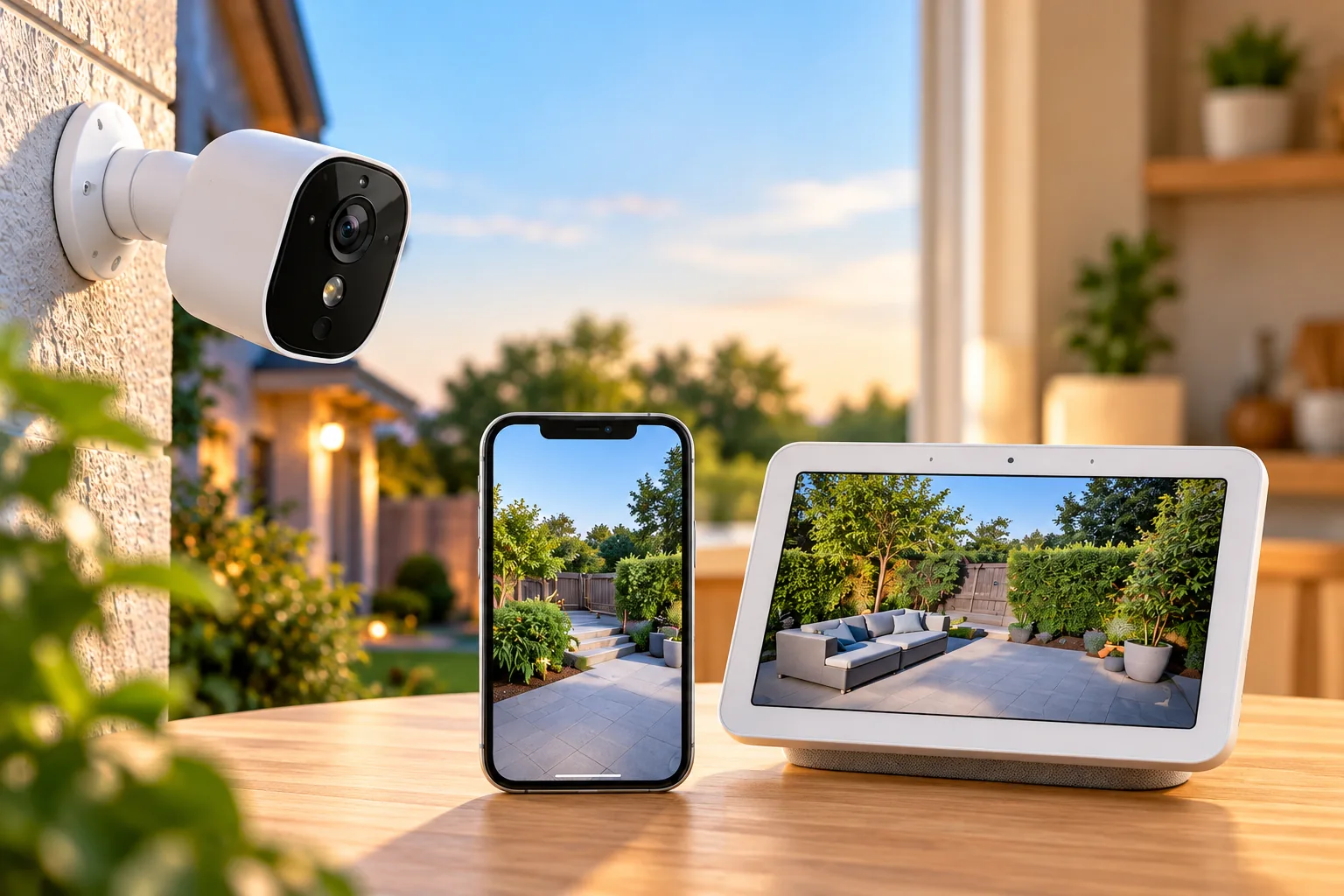
Lumens describe published light output; they do not tell you whether a person’s face will be usable in a recording at your gate. Direction, nearby surfaces, and the relationship between the lens and other lights affect the result. Google’s placement guidance explains that lights facing the camera can darken subjects and nearby surfaces can reflect infrared illumination. It recommends checking both live and recorded video. Google camera placement guidance
Security camera night vision depends on the scene as well as the camera’s lighting mode.
After installation, use a short walk-through with three separate questions:
- Camera: Does the recording show the route and the detail you actually need?
- Detection: Does an ordinary approach create the expected event or alert?
- Light: Does illumination reach the useful area without shining unnecessarily into adjacent homes?
Repeat the walk when the usual porch, driveway, and neighboring lights are on. If the picture looks washed out or the subject is silhouetted, adjust the view or light direction within the manufacturer’s instructions and inspect another recording. A satisfactory live view alone is not the final recording check.
Storage is another independent decision. Wyze Floodlight v2 supports continuous microSD recording up to 256 GB. Wyze Bulb Cam also supports local continuous recording up to 256 GB with a separately purchased card; its AI alerts and cloud backup use paid services. Tapo C425 supports local microSD storage up to 512 GB or optional subscription cloud storage, but that capacity does not establish the same recording behavior as the two continuously powered Wyze examples. Floodlight recording; Bulb Cam recording; C425 storage
Security camera recording options deserve a separate decision before you choose a cloud plan or memory card.
Questions to settle before buying
Will more lumens give me better nighttime identification?
Not automatically. More published light output does not establish usable detail at a particular distance. Check the lens position, light direction, obstructions, and actual saved footage. The 2,800-lumen Floodlight v2 and up-to-800-lumen Bulb Cam figures describe light output, not a tested identification comparison.
Can I use any outdoor bulb camera in an enclosed fixture?
Check the exact product instructions. For Wyze Bulb Cam, the answer is no: fully enclosed fixtures are incompatible, and the camera needs a clear view out the bottom. A socket match does not overcome a blocked lens or unsuitable water exposure.
Does local recording mean every alert feature is free?
No. Recording destination and alert services are separate. The Bulb Cam’s documented local recording does not include every paid AI or cloud feature. Tapo lists free person, pet, and vehicle detection for C425 while offering subscription cloud storage separately. Compare the specific features you want to keep.
Make the choice in this order
Choose floodlight security cameras by installation fit first, useful view second, and lighting and recording requirements next. Favor the Wyze Floodlight v2’s documented hardwired path when the electrical prerequisites fit; consider C425 for battery-based placement; consider Bulb Cam only after the complete fixture worksheet passes.
Write down the intended view, available power, and recording requirement before comparing listings. That short list makes it easier to reject a convenient-looking camera that cannot do the job at your actual mounting point.