As an Amazon Associate we earn from qualifying purchases.
Battery powered security cameras make sense when running power to the right viewpoint is difficult and you can maintain the battery. Choose one by its recording mode, the activity at that location and your access for charging. A long battery-life headline is less useful than knowing what the camera records each day and whether you can reach it when the charge falls.
Quick decision: Tapo C425 is a direct-Wi-Fi example for a defined fixed view; Reolink Argus 4 Pro offers a wider fixed panorama with triggered recording; Reolink Altas PT Ultra adds pan and tilt plus explicitly supported continuous recording. None has one guaranteed runtime for every installation.
As an Amazon Associate, we earn from qualifying purchases. We may earn a commission when you buy through links on this page.
This buying guide uses manufacturer documentation checked October 18, 2026. It compares three specific battery-camera examples and a plug-in alternative by ownership requirements. It does not present hands-on rankings, a cellular shortlist or a complete solar-system sizing guide.
Contents
- Start with the recording job
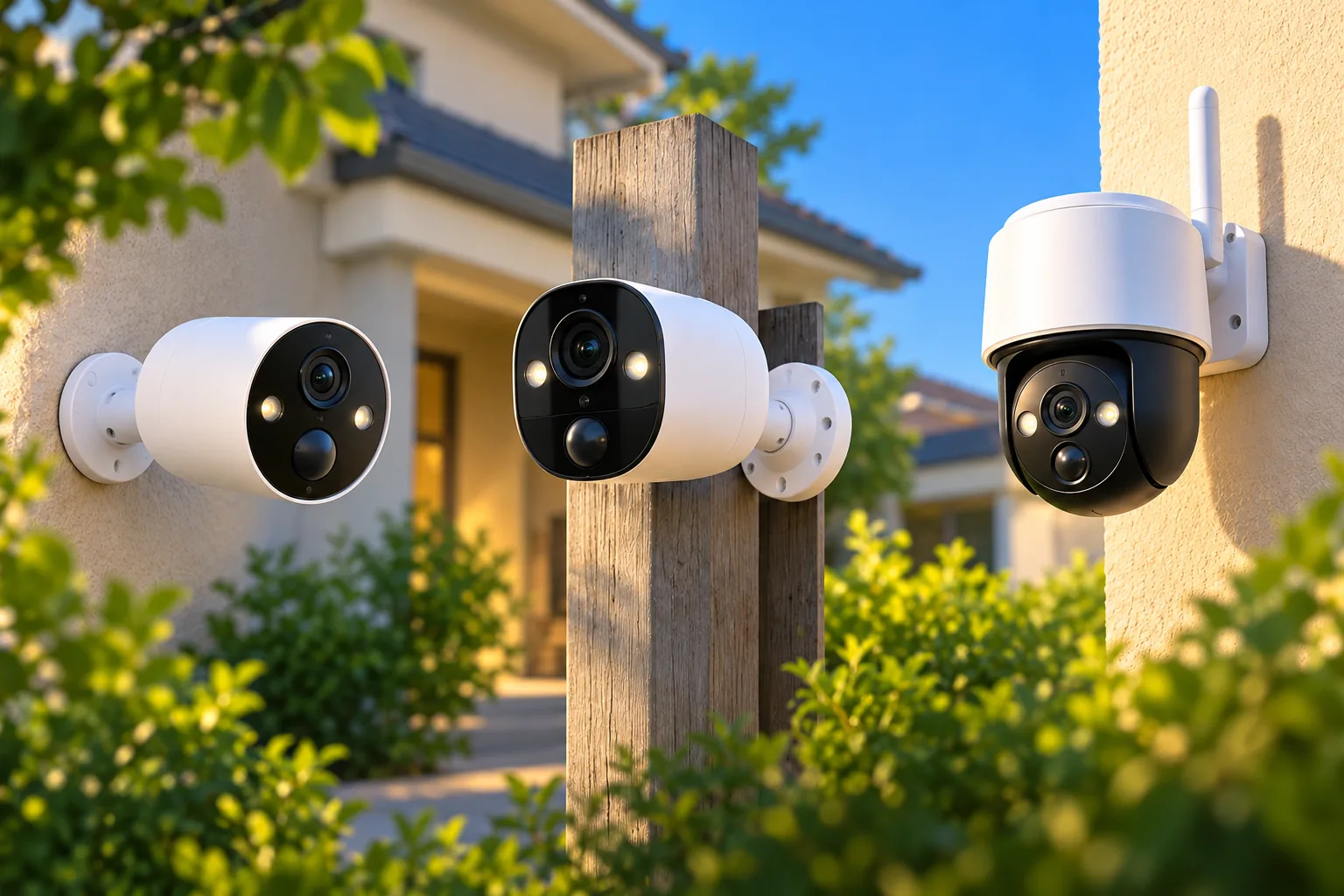
- Compare the three documented examples
- Translate battery-life claims into daily activity
- Plan charging as part of the installation
- Verify storage and connectivity separately
- Questions that settle the purchase
Start with the recording job
Event recording saves clips when the camera detects qualifying activity. Continuous recording aims to preserve a timeline during the periods you configure. Those are different jobs, even if both products advertise all-day protection.
Battery power does not universally mean event-only recording. Reolink's scheduling guidance explicitly distinguishes battery models that support continuous recording from models limited to event-triggered recording. Its examples include the Altas PT series among continuous-capable models. The Argus 4 Pro specification, by contrast, lists triggered recording.
Write your requirement as a question. “Who came through the side gate?” may be a reasonable event-camera job if detection and saved clips cover that approach. “What happened during the quiet interval before the gate opened?” calls for footage between alerts. Choose a camera that explicitly supports that recording mode instead of assuming a larger battery adds it.
Also distinguish a recording schedule from a recording mode. Enabling event detection throughout the day does not convert triggered clips into a full-day video timeline. Check security camera recording options before comparing runtime numbers, because the useful runtime is the runtime in the mode you actually need.
Compare the three documented examples
| Camera | View and connection | Documented distinction | Ownership question |
|---|---|---|---|
| Tapo C425 | Fixed 134° horizontal view; 2.4GHz Wi-Fi | Direct connection without a required hub; conditional daily-use runtime figures | Can you maintain the battery and supply recording storage? |
| Reolink Argus 4 Pro | Fixed 180° horizontal panorama; dual-band Wi-Fi 6 | Triggered recording; non-removable rechargeable battery | Does a broad fixed scene suit the approach and charging access? |
| Reolink Altas PT Ultra | 355° pan and 90° tilt; dual-band Wi-Fi 6 | Continuous, pre-recording and PIR alarm modes | Can the power budget sustain your chosen schedule? |
The view and recording specifications come from the official C425, Argus 4 Pro and Altas PT Ultra pages. These are selection examples, not an overall performance ranking.
Tapo C425: a fixed view with explicit use assumptions
The C425 connects through 2.4GHz Wi-Fi and does not require a hub. Its magnetic base helps with positioning, while its camera housing has an IP66 rating. Local recordings require a separately purchased microSD card, supported up to 512GB; Tapo Care cloud storage requires a subscription. The optional Tapo A200 solar panel is also sold separately. Source: C425 specifications and footnotes.
This arrangement is worth considering for a defined approach where the fixed view is adequate and you want direct Wi-Fi setup. Include the card and any solar accessory in the complete package comparison. A magnetic mount changes installation and removal convenience; it does not remove the need to check the mounting surface, safe access and the manufacturer's mounting instructions.
Search Amazon for Tapo C425 cameras to compare package descriptions. Confirm the model, accessories and seller terms individually; the search does not verify stock or contents.
Argus 4 Pro: a broad view with triggered recording
Argus 4 Pro uses a 180° horizontal dual-lens panorama with 5120 × 1440 output. Its wide view is fixed rather than mechanically panning and tilting. The official specification lists a 5,000mAh battery, dual-band 2.4/5GHz Wi-Fi 6 and optional Reolink Solar Panel 2, rated 6W. Source: Argus 4 Pro.
A fixed panorama can be useful when you want a broad area within one captured view. It does not guarantee that distant details are identifiable: framing, distance and lighting still require an actual installation check. A pan-and-tilt camera moves its view; the panorama and mechanical movement solve different problems.
The Argus FAQ says its battery is non-removable. It lists solar charging or a 5V 2A USB charger, and says charging while operating is acceptable only for limited periods. Do not buy it expecting to swap a depleted battery pack or assume that a permanent charger connection is approved for your intended use. Check the exact charging instructions before choosing a hard-to-reach position.
Altas PT Ultra: continuous recording changes the power calculation
Altas PT Ultra has a 20,000mAh, 72Wh battery and supports continuous recording, pre-recording and PIR alarm recording. PIR means passive infrared detection, used to trigger activity recording. Reolink's page gives sharply different runtime examples for different modes: up to eight days when continuously recording or pre-recording for 12 hours each day, and a headline up to 500 days in PIR mode based on only 300 seconds of recording daily. These are manufacturer conditions, not independent measurements. Source: Altas product specifications and FAQ.
The eight-day example is not eight days of round-the-clock video. Nor can you infer another schedule's exact runtime by multiplying or dividing that number. The useful conclusion is that the mode and daily recording duration materially change the task the battery is doing.
Reolink's support guide also describes Smart Battery Mode on compatible models. As charge falls, it can reduce continuous recording from full frame rate to low frame rate and eventually disable it; thresholds are adjustable. If complete footage is essential, inspect that behavior and replay the timeline at the settings you plan to use. Source: recording schedule guidance.
Translate battery-life claims into daily activity
TP-Link gives unusually explicit assumptions for C425: up to 300 days with 230 seconds of use per day, or 180 days with 360 seconds per day. Use includes recording and live viewing. The manufacturer says settings, usage, router specifications and environmental factors affect actual results. Those figures are not days of continuous recording. Source: C425 runtime footnotes.
For comparison, 230 seconds is 3 minutes 50 seconds, while 360 seconds is 6 minutes. A small difference in daily active time can therefore sit behind a large difference in headline days. You should compare the assumptions before deciding one camera is more economical to maintain than another.
Use this worksheet to estimate how your scene differs from the advertised example:
| Daily-use item | Hypothetical calculation | Your observation |
|---|---|---|
| Saved event clips | 20 events × 15 seconds = 300 seconds | Count actual clips and duration |
| Live viewing | 3 sessions × 60 seconds = 180 seconds | Include everyone with access |
| Combined active time | 300 + 180 = 480 seconds, or 8 minutes | Compare with stated laboratory assumptions |
| Charging access | Safely reachable versus equipment or assistance needed | Plan the practical visit |
These event counts and durations are explicit examples, not tested C425 settings or a prediction of eight-minute-use battery life. They show why a busy entrance plus frequent live checks can depart substantially from a 230-second test condition. Battery consumption is not established as a simple linear function of these totals, so do not turn the worksheet into an exact runtime calculator.
Use outdoor camera placement to compare positions over the same observation window. A driveway during deliveries and a quiet back gate may generate very different activity. Prefer a camera position that captures the required approach without spending most of its attention on irrelevant movement, then verify that the resulting detection still covers the job.
Plan charging as part of the installation
For each proposed location, decide who will recharge the camera, how they will reach it and how the coverage gap during maintenance will be handled. If servicing requires difficult ladder access, a wire-free installation may be inconvenient over its full ownership period. A short initial installation is not the same as easy maintenance.
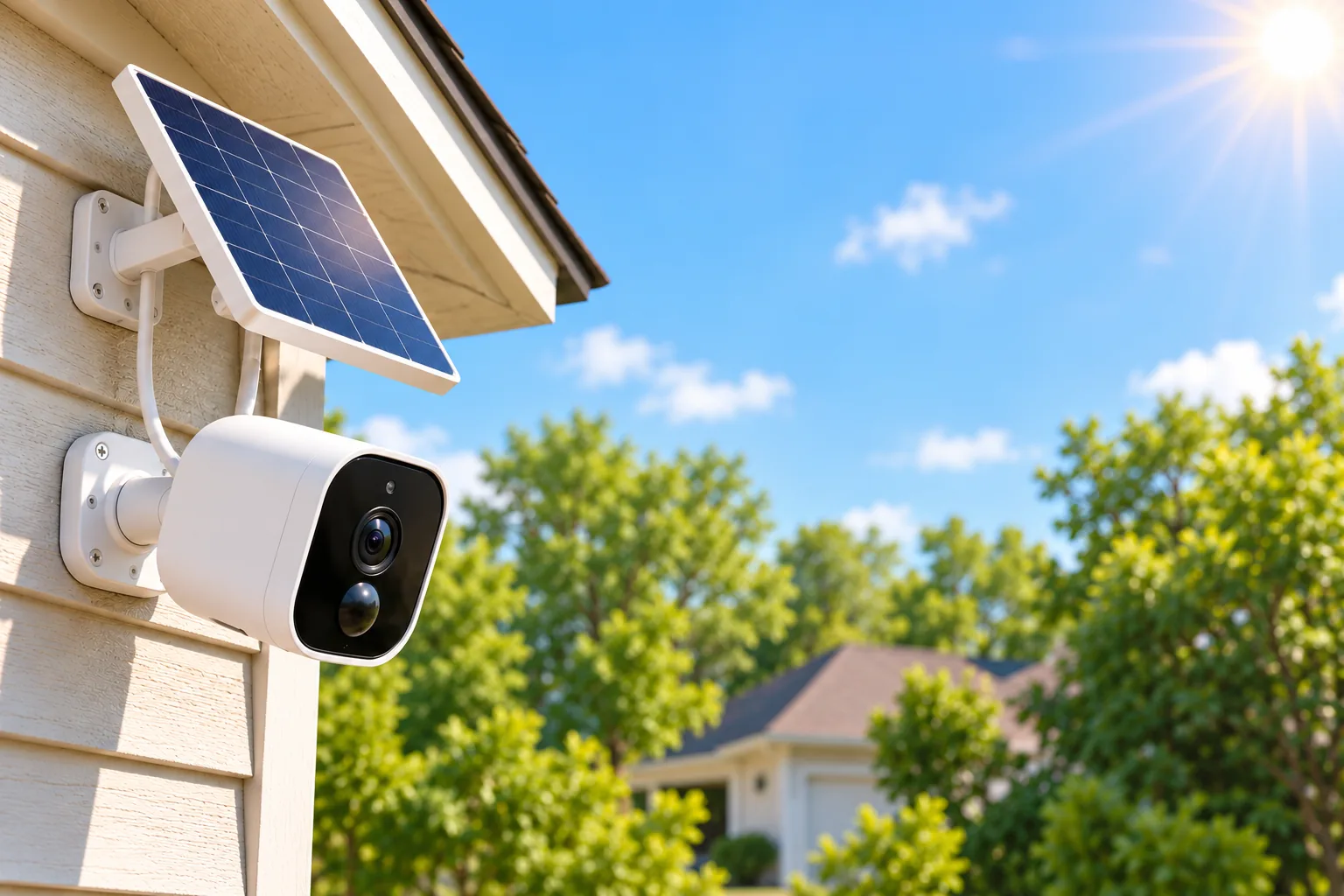
Solar can reduce charging visits where the compatible panel gets adequate light. The C425's documented option is the separately sold A200; Argus 4 Pro lists Reolink Solar Panel 2. TP-Link explicitly conditions its solar result on angle, weather and use. Do not assume any USB panel, matching plug or generic wattage establishes compatibility. Sources: C425, Argus 4 Pro.
Evaluate solar security cameras with the actual site in mind: seasonal shadows, the useful camera angle, panel location and maintenance access. A sunny panel cannot compensate for a camera facing away from the approach. Conversely, a perfect camera view under deep shade may require a different power plan.
If safe plug-in power is already available at the right position, include that alternative. The Tapo C120 is a documented plug-in Wi-Fi example with local microSD recording and free smart detection. It is not a battery model. Its relevance here is the ownership question: does avoiding repeated battery service justify arranging suitable power at that location?
Verify storage and connectivity separately
Argus 4 Pro supports a separately bought microSD card up to 512GB and app/client use without a required subscription. Its official FAQ says RTSP access requires Reolink Home Hub. RTSP is a video-streaming protocol relevant to some third-party viewing and recording systems; direct app access does not establish that protocol support on its own. Source: Argus FAQ.
For C425, local card storage and Tapo Care are different options. A functioning live view does not establish that either is recording. Insert compatible storage, configure recording and replay a new clip before treating setup as complete.
Test the camera at the intended mounting position before finalizing it. Check connection, detection, saved playback and safe charging access as separate items. Wireless camera connectivity deserves attention even with a full battery: available energy and a usable network connection solve different requirements.
Questions that settle the purchase
Can a battery camera record continuously?
Some can. Altas PT Ultra explicitly supports continuous recording, whereas Argus 4 Pro specifies triggered recording. Confirm the exact model, supported schedule and power assumptions. A setting that enables alerts all day is not proof of uninterrupted recording between alerts.
Will solar make charging unnecessary?
That depends on the documented accessory, sunlight, use and conditions at the mounting location. Treat reduced charging visits as a goal to verify. Observe battery trends after installation and through seasonal changes rather than assuming a solar accessory guarantees a maintenance-free system.
Which camera should I choose first?
Choose the required view and recording mode first. Consider C425 for its direct-Wi-Fi fixed-view arrangement, Argus 4 Pro for a fixed panorama with triggered recording, or Altas PT Ultra when its continuous-capable modes and pan-and-tilt view fit the job. Then check storage, charging access and actual playback.
Battery powered security cameras are most useful when their maintenance needs fit the property. Complete the daily-use worksheet and test one intended position before extending the same arrangement to every entrance. That gives you a practical basis for expansion without treating a laboratory headline as your household's charging schedule.