As an Amazon Associate we earn from qualifying purchases.
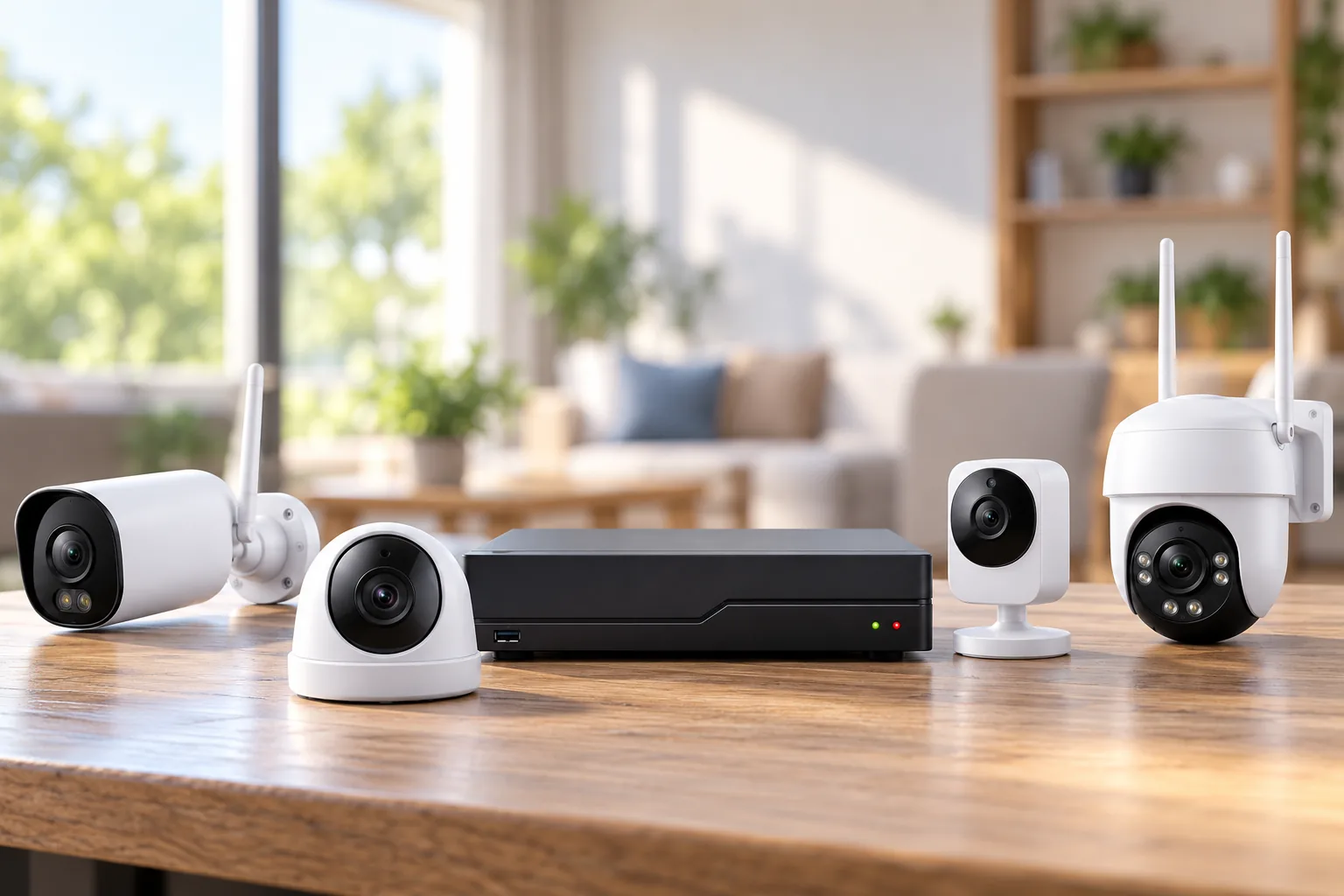
PoE security cameras carry power and video over one Ethernet cable from a compatible power source. For a US home, choose the recording arrangement first: a camera with microSD storage for a small setup, a compatible PoE network video recorder (NVR) for centralized recording, or an external PoE switch with a recorder on the local network. Then check camera coverage, power requirements, cable routes and exact recorder compatibility. Reolink documents PoE switches, injectors and PoE NVRs as power options in its camera power guide.
As an Amazon Associate I earn from qualifying purchases. We may earn a commission when you buy through links on this page.
Quick choice: Start with microSD if you want one or two independently recording cameras. Consider a matched PoE NVR when several cameras need one recording interface. Choose an external switch when the network layout or a documented third-party integration requires it.
This guide compares documented US specifications and manufacturer support guidance, checked October 18, 2026. The two Reolink cameras below illustrate different priorities; they are not a ranking of the entire market or hands-on image-quality results. For route planning, cable testing and connector protection, see the PoE camera installation guide.
Choose the recording arrangement before the cameras
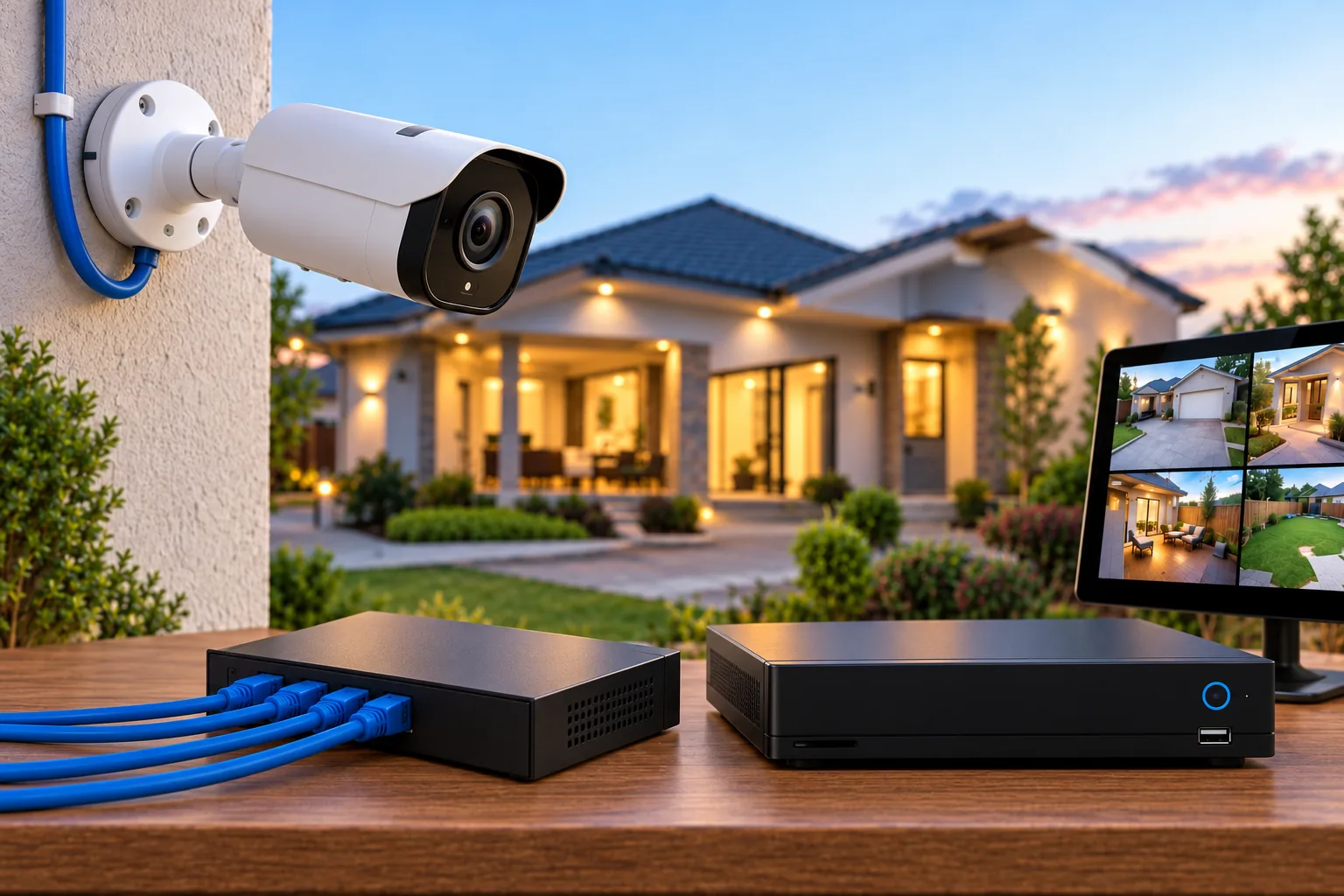
PoE describes how power reaches a camera. It does not tell you where video is stored. A switch supplies network connections and, on its PoE ports, power; an NVR records compatible camera streams. A PoE NVR combines recording with powered camera ports.
| Your starting point | Arrangement to consider | Decision to settle first |
|---|---|---|
| One entrance or two separate views | Standalone cameras, microSD cards and a suitable PoE injector or switch | Whether managing recordings at each camera fits your routine |
| Several cameras around one home | Compatible cameras connected to a PoE NVR | Exact camera support, recording channels and total power capacity |
| Existing network cameras or mixed brands | Cameras powered by an external switch, with a compatible recorder on the LAN | Documented integration and which features transfer |
Both the RLC-810A and CX410 support microSD recording and compatible Reolink NVR storage, so an NVR is not mandatory for these standalone examples. Their documented recording modes include continuous, scheduled and motion recording. The choice is therefore about how you want to manage footage, rather than whether Ethernet automatically requires a recorder.
For a hypothetical two-camera home, start by writing down who will retrieve footage and from which device. If separate camera playback is acceptable, microSD may fit. If the household wants a single recorder interface for a growing collection of cameras, investigate an NVR before buying cards for every location. Our wired security camera systems guide covers the broader system decision.
Compare PoE security cameras by the view you need
Resolution is only one part of the purchase. The camera also has to frame the intended area, provide an appropriate nighttime approach and produce a stream your recorder accepts.
The following comparison comes from the official RLC-810A US specifications and CX410 US specifications. These are manufacturer specifications, not measurements from our own installation.
| Selection point | Reolink RLC-810A | Reolink CX410 |
|---|---|---|
| Listed resolution and rate | 3840 × 2160, 8MP, at 25fps | 2560 × 1440, 4MP, at 25fps |
| Video encoding | H.265 | H.264 |
| Nighttime approach | Infrared; manufacturer lists up to 100ft/30m | Color night vision with adjustable 3000K warm lighting |
| Audio design | Built-in microphone for recording | Microphone and speaker for two-way audio |
| Lens choice | 2.8mm, 4mm or 6mm variants | 4mm F1.0 lens |
| PoE requirement | Active 48V IEEE 802.3af | Active 48V IEEE 802.3af |
Consider the RLC-810A when 4K recording and an infrared design match the job. Select the lens before ordering: its documented horizontal fields of view are 101° for 2.8mm, 87° for 4mm and 53° for 6mm. Those are materially different frames. For example, a buyer mapping a broad frontage should evaluate the wider variant, while someone framing a narrower passage should compare the narrower view against the actual mounting position. Neither selection alone proves a usable identification distance.
Consider the CX410 when color footage and two-way audio are priorities. Its documented 1/1.8-inch sensor, F1.0 lens and adjustable warm light describe a different imaging design. Decide whether visible lighting suits the location, including where it points. The published specifications do not establish that it identifies moving people better than the RLC-810A at night; that would require comparable testing under the relevant conditions.
Do not interpret the RLC-810A's 100ft infrared specification as a promise to identify a face at 100ft. Likewise, the CX410's color design does not establish performance in every dark scene. Make a list of the details you need to recognize and the distances involved before choosing between the designs.
Check storage details against the exact camera revision
The CX410 page specifies a microSD maximum of 256GB. The RLC-810A page contains conflicting capacity statements, so confirm supported card capacity for the exact hardware revision with Reolink before buying its card. Do not resolve that conflict by assuming the larger number applies to every unit. Both product pages also contain inconsistent weather-rating entries; verify the specific unit's documentation for the intended exposure rather than relying on a rating repeated by a retailer.
Once the model and variant fit your plan, you can search Amazon for Reolink RLC-810A cameras or search Amazon for Reolink CX410 cameras. Search results do not establish the hardware version, included accessories, price or availability of an exact listing.
Check three power limits separately
A workable power plan needs the correct PoE standard, enough power at each port and enough total power across all ports. Matching only the connector or the port count leaves two of those questions unanswered.
Reolink's power requirements distinguish active IEEE 802.3af cameras from named higher-power models that require active IEEE 802.3at. The company explicitly excludes passive PoE injectors for its PoE cameras. Check each exact model, especially when adding a different camera later.
The TP-Link TL-SG1005P V2 US provides a useful example. Its official specifications list five gigabit Ethernet ports, four PoE+ ports supporting IEEE 802.3af/at, up to 30W per PoE port and a 65W total PoE budget. These figures apply to the documented V2 US version; do not transfer them to V1 or another market's revision.
A hypothetical four-camera budget worksheet
Assume, solely for this calculation, that each camera needs a 20W allocation at the switch side. These are invented planning loads, not measured consumption figures for the RLC-810A, CX410 or any other named camera.
| Planned load | Allocation |
|---|---|
| Camera one | 20W |
| Camera two | 20W |
| Camera three | 20W |
| Camera four | 20W |
| Total required | 80W |
| TL-SG1005P V2 US advertised total | 65W |
| Shortfall | 15W |
Every hypothetical camera is below the 30W per-port ceiling, yet the complete 80W plan exceeds 65W. Three such allocations total 60W, leaving 5W of nominal budget; adding the fourth fails the arithmetic. TP-Link says overload management cuts power to lower-priority ports when total consumption exceeds 65W. It also qualifies the advertised budget as laboratory-based and dependent on client and environmental factors, so nominal subtraction is not a performance guarantee.
For your own worksheet, replace each assumed load with a manufacturer-supported switch-side requirement or allocation. The two camera pages list less than 12W under their DC power specifications; those entries are not measured PoE consumption or a verified switch allocation. Obtain the correct basis before adding them together. The PoE switch selection guide develops this purchasing check further.
Read recorder capacity beyond the headline
The Reolink RLN8-410 illustrates why the hardware code belongs on your shopping checklist. Its US product page identifies N7MB01 hardware, eight PoE interfaces, IEEE 802.3af/at support and a maximum of 25W per port. That per-port number does not establish its aggregate PoE budget. Ask for the total supported allocation before committing to a full camera load.
Its expanded “12-camera” claim also has a specific boundary: eight PoE or plug-in Wi-Fi cameras plus four battery Wi-Fi cameras, or twelve battery Wi-Fi cameras. It is not a twelve-PoE-camera recorder. If your plan calls for ten wired PoE views, that headline does not answer your requirement.
The same N7MB01 specifications list H.264/H.265 formats and up to four-channel synchronous playback. Recording capacity and the number of channels you can review simultaneously are separate buying questions. If you expect to compare several viewpoints at once, check playback limits before choosing the recorder.
Storage expansion is another separate limit: the documented 16TB maximum is split between up to 8TB SATA and 8TB eSATA storage. It does not mean one internal 16TB drive. Confirm the exact recorder hardware, drive arrangement and camera support; do not infer a complete supported configuration from a shared brand name.
Treat ONVIF as a compatibility checklist
ONVIF is an interoperability specification system, not a promise that every function works between any two products. ONVIF's profile guidance explains that matching registered profile conformance establishes compatibility for the profile's features, with mandatory and conditional functions. Check the exact product and relevant firmware, then verify the features you need.
The CX410 page lists ONVIF among its protocols, but that listing alone does not establish a particular registered profile or guarantee a third-party recorder pairing. Video, audio, event handling and playback should each be explicit questions in a mixed-brand purchase.
Reolink's third-party integration guide requires third-party cameras to be on the same local area network (LAN) as its NVR. It says plugging those cameras directly into the NVR will not work. That makes the external-switch arrangement relevant, while compatibility itself remains conditional.
Before buying a mixed-brand combination, confirm:
- ONVIF can be enabled on both camera and NVR.
- The camera address, ONVIF port and login credentials are available.
- The required WSSE authentication is supported and enabled.
- The recorder firmware and camera encoding match the integration instructions.
- The specific recording, audio and event functions you want are documented or verified.
Reolink recommends standard H.264 for this integration and excludes MJPEG, Smart Encode, H.264+ and H.265+. That advice is separate from the RLN8-410's native H.265 specification. A codec listed on the recorder's product page does not override the narrower instructions for third-party cameras.
Measure the cable route and protect the junction
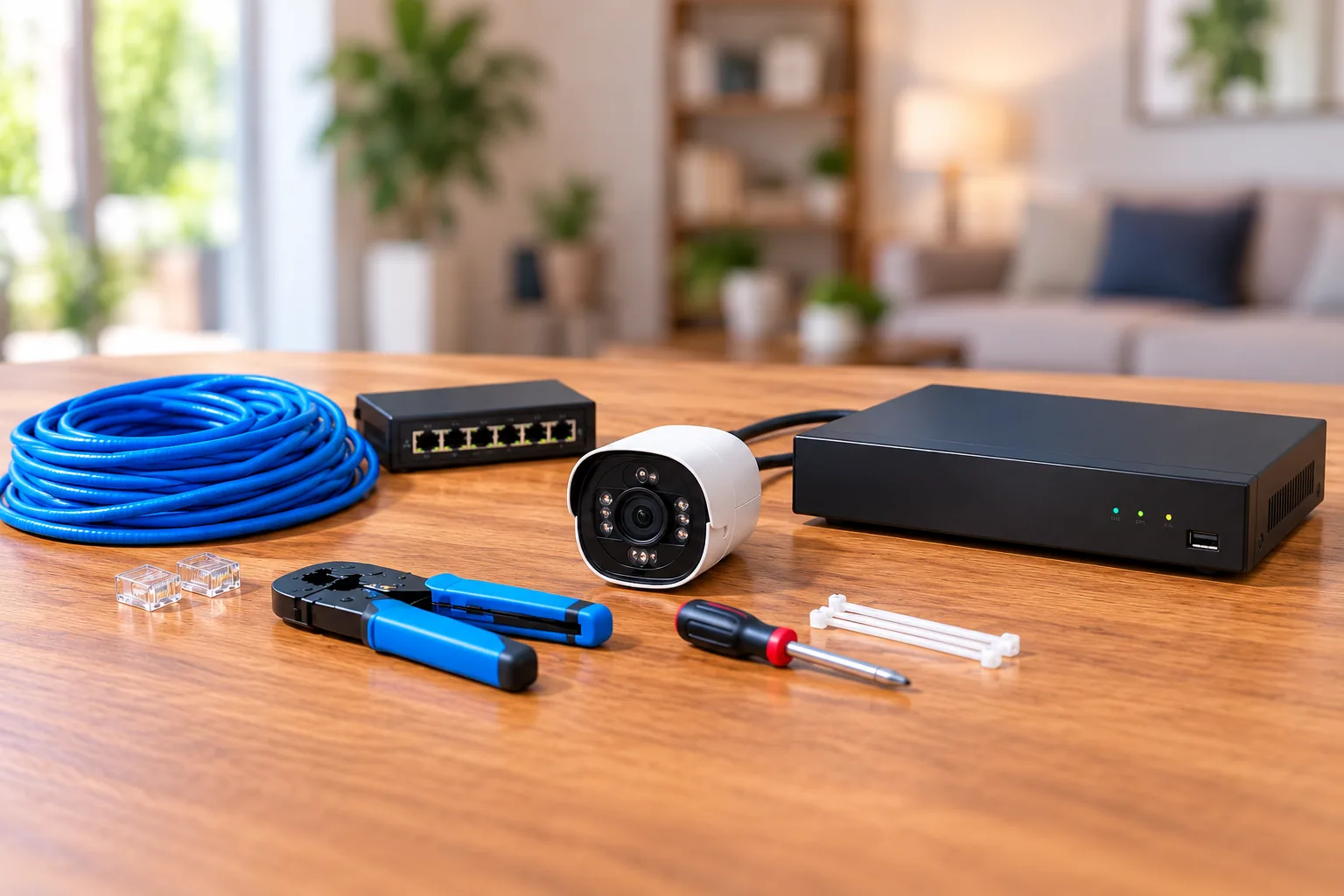
Measure the actual route from each camera to its powered network device, including the path around walls and the final connections. Reolink's Ethernet cable FAQ recommends Cat5e or higher and specifies up to 100m/328ft between camera and network device with those categories. This is a manufacturer guidance boundary, not a guarantee that any cable installation will work at its maximum length.
Plan one direct Ethernet connection per camera. Reolink's splitter alternative has model-specific compatibility requirements; a passive cable split should not be assumed to provide two universally supported camera connections. A proposed shortcut can change the equipment and power plan, so resolve it before ordering.
Protect the connector as well as the camera housing. Reolink requires waterproof protection where Ethernet meets the camera and describes waterproof caps or tape for cable ends. Verify the mounting accessory and junction protection for the exact camera, cable and exposure. Before drilling, identify hidden services and follow the installation instructions; use qualified help where the route requires work beyond your skills.
Decide what must work without internet
“Offline” can describe two different arrangements. A functioning LAN without internet can still connect local devices. A camera wired directly to an NVR with no network connection has a different access path.
Reolink's offline operation guide says supported LAN access, local live view, microSD recording and local playback remain available without internet. Remote access, remote playback, push notifications and email alerts are unavailable in those scenarios.
For cameras directly connected to an NVR without a network, the guide allows live view, playback and recording schedules at the NVR itself. It says that arrangement cannot be added to the phone app or PC client locally or remotely. Choose the arrangement based on where you need to retrieve footage, rather than treating local recording and phone access as interchangeable.
Questions to settle before ordering
Do PoE cameras need a monthly subscription?
The CX410's official US page says local storage and core features do not require a monthly subscription. That is a model-specific statement. Storage hardware, network access and any separately chosen services still need their own checks; “PoE” by itself establishes no subscription terms.
Will a PoE camera work in an ordinary Ethernet port?
The camera needs a suitable power source as well as a network connection. For these Reolink examples, choose the specified active PoE equipment, or follow the documented separate DC power arrangement. An Ethernet socket alone does not establish the correct power capability.
What should go on the final purchase checklist?
Record the exact camera and lens, hardware revision, recording destination, power standard, per-port allocation, total budget, cable length and protected junction parts. For an NVR, add camera-type limits, playback capacity, codecs and drive layout. For mixed brands, attach the actual integration instructions. Before installation, review what the camera view and microphone will capture, including neighboring spaces, and check the privacy and recording requirements that apply to your location. Decide who should access stored footage and remote viewing, limit sharing of login details, and follow the exact manufacturer security and setup guidance. These are planning precautions, not a legal determination or a guarantee of secure access.
Choose PoE security cameras as a complete recording path. For a small setup, settle the card and power source first. For a multi-camera home, settle the recorder and channel limits first. For mixed brands, settle compatibility first. Then verify every item against the exact versions you intend to order.