As an Amazon Associate we earn from qualifying purchases.
For a new wired security camera system, start by pricing the cable routes for a Power over Ethernet (PoE) network video recorder (NVR) setup. If the property already has serviceable coaxial camera wiring, investigate a compatible digital video recorder (DVR) system before paying to replace it. Then size the complete system around camera compatibility, power, expansion and recording retention—not just the resolution printed on the box.
As an Amazon Associate, we earn from qualifying purchases. We may earn a commission when you buy through links on this page.
Quick decision: New Ethernet routes favor a PoE/NVR system; existing compatible coax can favor a DVR replacement. In either case, count the cameras you need now and later, measure the real cable paths, and calculate storage for the recording schedule you actually want.
This guide is for homeowners and ordinary small premises choosing a complete wired camera package. It compares documented specifications and support guidance, rather than hands-on image-quality or reliability tests. Individual camera shopping and detailed cable installation require separate decisions.
In this guide:
- Choose the architecture
- Compare complete kits
- Measure cable routes
- Recorder capacity
- Calculate storage
- Purchase worksheet
Choose the wiring architecture first
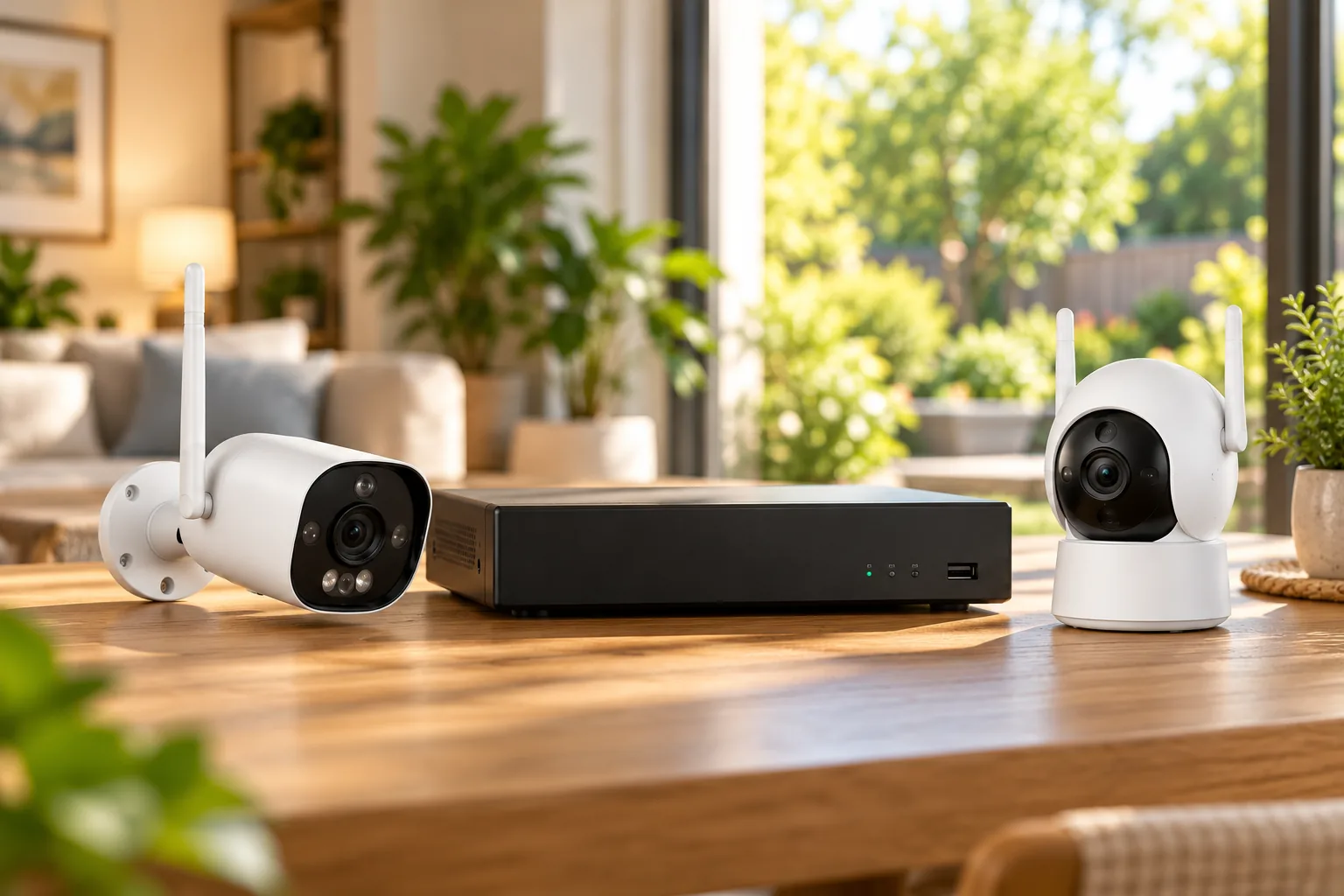
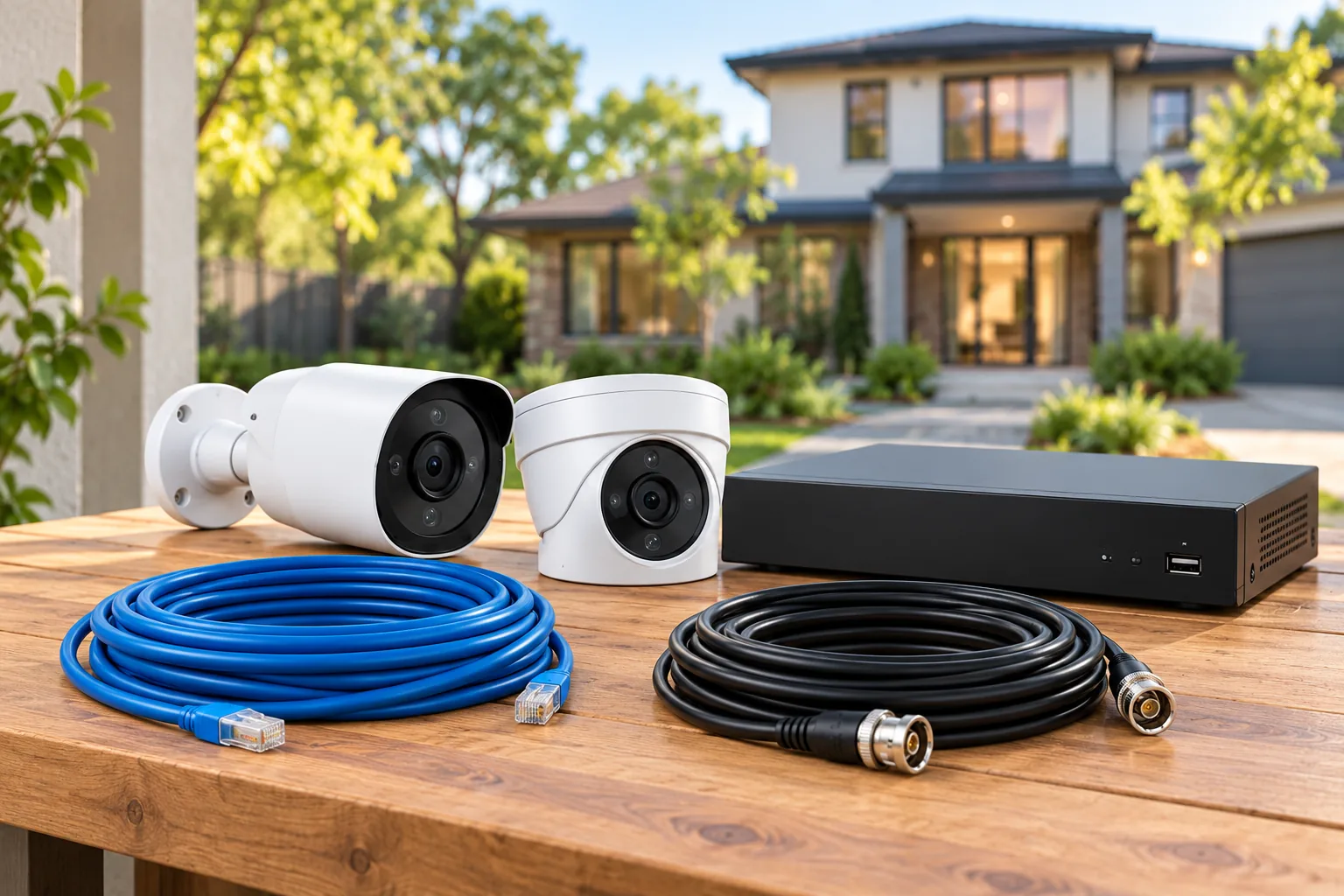
A PoE system carries camera data and compatible electrical power over Ethernet. An NVR receives and records the IP cameras' video. An analog system connects cameras to a DVR using coax; RG59 Siamese cable combines the coax video path with separate paired power conductors. The cable may look like one joined run, but the power arrangement differs from PoE. Lorex's recorder guide describes these two architectures and identifies existing coax systems as a retrofit use case.
Choose based on the installation you can reasonably build. A four-camera kit becomes an awkward purchase if two supplied cables cannot reach their locations, or if a recorder has nowhere suitable to sit. Conversely, replacing sound coax simply because Ethernet sounds newer may add work without answering your actual requirement.
| Your starting point | Architecture to investigate | Resolve before purchase |
|---|---|---|
| No camera wiring; accessible routes to one recorder | PoE cameras and NVR | Cable lengths, compatible PoE supply and recorder location |
| Existing coax and camera power wiring | Compatible analog cameras and DVR | Cable condition, supported video format and camera power requirements |
| Existing coax but a strong reason to use IP cameras | A documented retrofit solution | Exact adapter, power path and camera/recorder support |
| A proposed mix of old and new cameras | Exact recorder compatibility list | Full model numbers, hardware versions and supported functions |
Lorex lists coax-to-Ethernet adapters as a retrofit option, but that is a reason to investigate a particular design, not proof that any adapter will convert any old installation. Obtain a complete compatibility and power plan before buying separate parts. A connector that physically fits does not establish that recording, audio and detection will all work.
If you are still deciding how much cabling to accept, compare wired versus wireless security cameras against your recording and maintenance needs.
Two complete kits that illustrate the choice
The following packages provide concrete examples of the two architectures. They are useful reference points for a shopping worksheet, rather than a tested ranking or a promise about present availability.
| Documented package | Camera and recorder contents | Main ownership question |
|---|---|---|
| Reolink RLK8-800B4 | Four B800 8MP bullet cameras, RLN8-410 NVR and included 2TB HDD | Does the exact recorder revision support your intended expansion? |
| Swann SWDVK-8588041D1TB-US | Four 4K1DOME cameras with lights, eight-channel DVR and included 1TB HDD | Does the supplied camera/power/cable arrangement fit your property? |
These contents come from the Reolink RLK8-800B4 product page and the Swann US kit page. Similar names, regional bundles and individual cameras may have different contents.
Reolink RLK8-800B4: direct PoE connections
The documented setup connects each B800 camera directly to the RLN8-410 with Ethernet. The NVR provides compatible camera power, so that arrangement does not require a separate camera power cable. Reolink includes four 18m camera network cables, along with the recorder's power adapter and setup accessories.
There is an important distinction between this bundle and separately purchased cameras: Reolink says the kit's cameras cannot work alone and need its PoE NVR. If you expect to move a camera into an independent setup later, ask whether you should instead purchase a standalone camera and compatible recorder separately. A complete kit's initial convenience can be less valuable if independent camera reuse is a priority.
The B800 specifications list a microphone for audio recording. They do not establish a built-in speaker or two-way conversation feature. Treat “audio” as a requirement to define precisely: listening to a recording and speaking to someone at the camera are different jobs. Reolink documents the kit dependency and audio specifications here.
Search Amazon for the Reolink RLK8-800B4 system. Confirm the exact bundle and recorder revision in the listing before ordering.
Swann SWDVK-8588041D1TB-US: a DVR package
Swann lists an eight-channel DVR with four cameras, leaving four additional camera positions subject to compatibility. The US package includes four 60ft/18m extension cables, power adapters, an Ethernet cable and a splitter. That power hardware belongs on the bill of materials; do not plan this as though it were a one-Ethernet-cable PoE camera installation.
The page documents microphone audio capture, heat/motion-triggered recording, IP66 cameras and Swann Security app access. It also describes local HDD overwrite and backup to USB or a personal Dropbox account. Its broad “months” storage language does not specify your eventual continuous recording retention; calculate that separately. Exact maximum HDD capacity should be confirmed against the recorder documentation, rather than inferred from another Swann model. See Swann's package and recording details.
Search Amazon for the Swann SWDVK-8588041D1TB-US system. A search result does not verify a seller's contents or compatibility with existing wiring.
Measure cable routes before counting supplied cables
Measure along the route the cable will actually follow, including rises, bends and the path into the recorder location. A camera 40ft away across the yard may need a substantially longer run once the cable follows a wall and enters the building. Write down the planned route for every camera rather than buying one cable length for the whole property.
For Reolink cameras, the manufacturer's cable guide specifies eight-pin Ethernet with T568B connectors. It recommends Cat5e and above for runs up to 100m/328ft, and Cat5 up to 80m/262ft between camera and network device. These are manufacturer planning limits, not a promise that a poorly terminated or unsuitable exposed cable will work at that distance. Reolink's Ethernet cable guidance is the appropriate starting reference.
Keep the included 18m cables separate from the system's supported cable distance. “Supports 100m” does not mean a 100m cable is supplied. Also plan protection for connections, cable entry and mounting; avoid drilling where concealed services have not been checked. Use an installer for uncertain routes, difficult access or work requiring changes to the electrical supply.
A PoE camera installation plan helps turn the proposed Ethernet routes into a practical installation checklist.
Separate recorder ports, camera count and playback
Four numbers can describe four different limits: physical ports, supported camera inputs, simultaneous playback and available PoE power. Do not use one as a substitute for another.
The RLK8 page's RLN8-410 N7MB01 specifications list eight PoE ports, up to 12 IP camera inputs with a maximum of eight wired cameras, and synchronous playback of up to four channels. Its FAQ also uses inconsistent eight/12-camera wording. For a wired expansion plan, use the documented eight-wired limit and obtain confirmation for the exact recorder hardware, firmware and proposed camera mix. The kit specifications and Reolink's hardware-version guide must be read together.
The same specifications give a 25W maximum per PoE port and IEEE 802.3af/at support. They do not establish that all eight ports can supply 25W simultaneously. Ask for the aggregate power budget before planning a collection of higher-power cameras. The B800 itself is specified for active 48V IEEE 802.3af PoE; matching a cable connector alone is insufficient.
Used recorders need particular care. Reolink lists an older RLN8-410 H3MB02 version with a 5MP ceiling and no smart person/vehicle detection. Buying by the RLN8-410 family name alone could therefore produce a very different system. Record the hardware code from the actual unit or seller documentation before relying on a specification.
Calculate retention from the recorded streams
Storage capacity answers “how much data fits,” while retention answers “how long the footage remains.” Resolution alone cannot supply the second answer. You need the total bitrate of everything recorded, recording hours and usable drive space.
For a transparent planning example, assume four cameras each record a combined 4 megabits per second continuously. Using decimal units, that is 16Mb/s ÷ 8 = 2MB/s, or about 172.8GB per day. A nominal 2TB allocation would hold roughly 11.6 days before accounting for formatting, reserved space and changing bitrates. These are explicit hypothetical settings, not measured B800 performance or a guaranteed retention result.
If the same assumptions apply to eight cameras, daily data doubles to 345.6GB and the nominal time roughly halves. If you need longer retention, compare compatible additional storage with a lower recording bitrate or event schedule, while checking whether the resulting footage still serves your purpose.
Reolink's retention guidance says to include main streams and substreams, and both lenses' streams when a dual-lens camera records them. It labels its storage estimates as reference values. Its retention guide explains why counting only one headline bitrate can overstate the number of days.
For the kit's documented N7MB01 recorder, the page lists one SATA interface with a 2TB drive included, plus an eSATA interface, with a maximum of 8TB per drive and 16TB combined. That does not establish support for one 16TB disk. Confirm drive and enclosure requirements before an upgrade. Security camera recording hard drives should be matched to the exact recorder's capacity and interface limits.
Check everyday ownership before ordering
Choose a recorder location where you can reach its controls and export footage without dismantling a cabinet. Decide who needs access and whether reviewing several simultaneous views is part of the job. A system that accepts eight cameras but plays back four together may still be suitable, provided that distinction fits the way you investigate events.
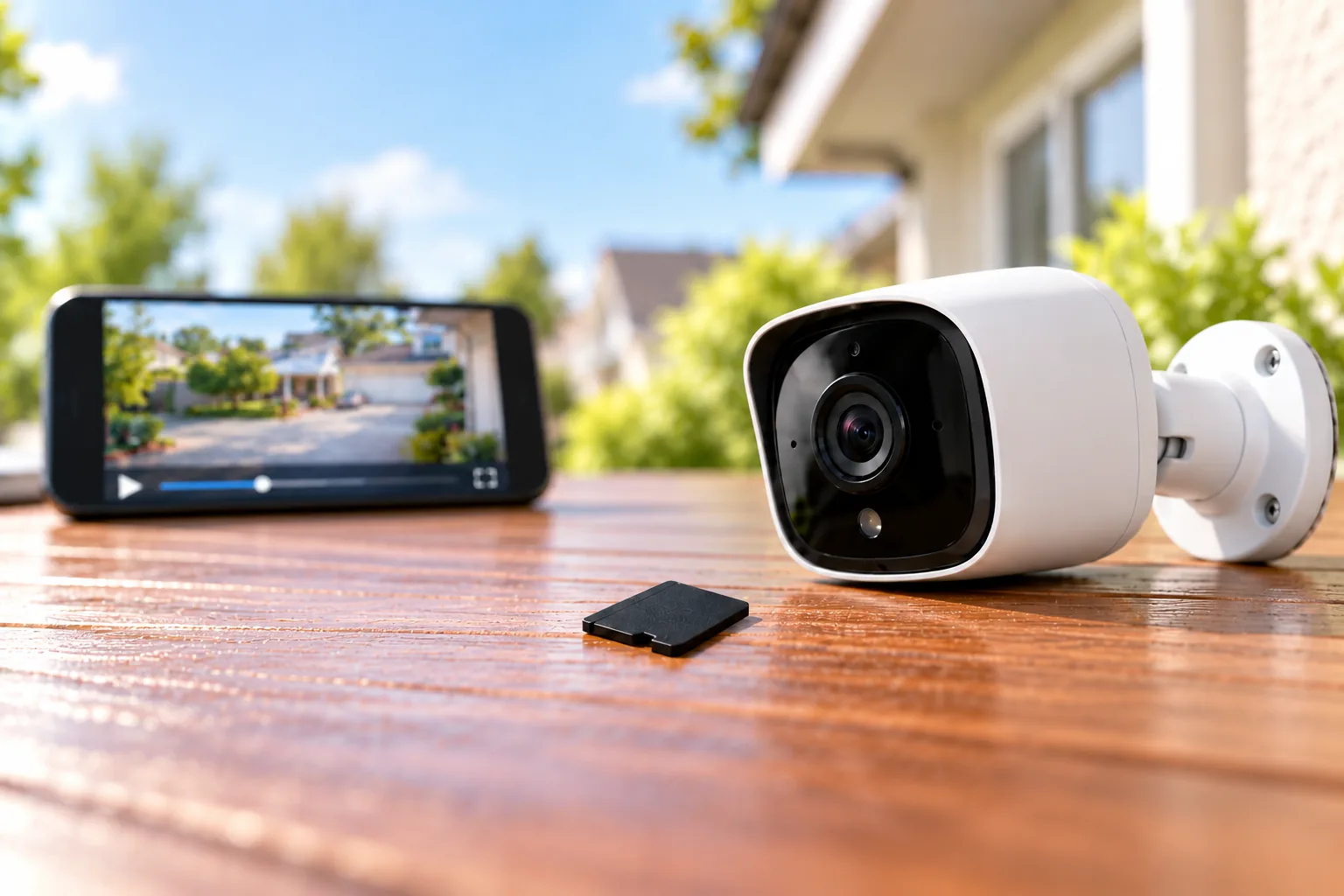
Separate local recording from remote phone access. Ask the seller to identify the exact app and demonstrate live view, recorded playback and export for your proposed package. Lorex explicitly warns that products can differ by recorder platform, app and firmware, including within one brand. Its compatibility page supports checking full model numbers before adding or replacing equipment.
Also decide whether to record audio. Frame cameras toward your own coverage needs and check applicable requirements before enabling microphones. The useful deliverable is a retrievable recording of the relevant area, not simply a long feature list in an app.
Copy this purchase worksheet
Fill this out before comparing package totals:
- Coverage: camera positions now, planned additions and the view required at each position.
- Architecture: PoE/NVR or analog/DVR, including any existing cable to inspect.
- Routes: measured cable length and connection protection for every camera.
- Power: recorder supply, camera requirements and confirmed total PoE budget where applicable.
- Compatibility: camera models, recorder model, hardware revision and firmware requirements.
- Recording: continuous or event schedule, assumed total bitrate and retention target.
- Storage: included drive, allowed capacity per drive, number of interfaces and upgrade parts.
- Retrieval: monitor connection, app access, playback limits and a successful export procedure.
Use security camera recording options to decide which continuous, event or mixed schedule belongs in that worksheet.
Questions to settle before purchase
Can an eight-channel system include only four cameras?
Yes. Recorder capacity and included camera count are different. Both documented packages start with four cameras, while their recorder descriptions provide room for additional compatible cameras. Before adding them, confirm the exact channel rules, power requirements and available storage rather than assuming four empty positions guarantee any four cameras will work.
Can I keep existing coax and buy a PoE kit?
Not by directly plugging coax into a PoE Ethernet port. A compatible analog DVR replacement may reuse suitable coax, while a documented adapter system may offer another path. Confirm the cable condition, adapter compatibility and power arrangement as a complete design before deciding that reuse will save installation work.
Is an included hard drive enough?
It may be, but its capacity alone cannot answer your retention requirement. Set a recording schedule, total the recorded streams and estimate daily data first. Then check the actual recorder's per-drive limit and expansion interfaces. Verify the oldest retrievable footage after installation and adjust from that observed result.
Make the purchase fit the property
Choose PoE/NVR when a new Ethernet layout fits the property and compatible centralized camera power is useful. Investigate DVR/coax when existing serviceable wiring makes replacement practical. Before ordering either system, complete the cable, power, compatibility and retention worksheet; unresolved items should become specific seller or installer questions, rather than assumptions hidden inside a kit purchase.