As an Amazon Associate we earn from qualifying purchases.
Security cameras can work without home Wi-Fi, but the right setup depends on whether you need recordings on site or video and alerts while you are away. A local recorder can preserve footage without internet. Cellular cameras can provide remote access without home broadband, provided their mobile connection and data plan work.
For a cabin, detached building or property with unreliable broadband, choose the viewing route before choosing the camera. Recording, local viewing and remote notifications are separate capabilities. This guide compares documented local, wired and cellular setups; it is a specification and support comparison, without hands-on installation testing.
As an Amazon Associate I earn from qualifying purchases. We may earn a commission when you buy through links on this page.
Quick choice: Choose a recorder and monitor for on-site viewing without a network. Keep a working local network if you need a supported phone connection on the property. Choose cellular when seeing the property from elsewhere is essential and home internet is unavailable.
On this page
- Wi-Fi, internet and power
- Compare four setups
- Cellular data costs
- Setup and outages
- Before buying
- Choose your viewing route
What does “without Wi-Fi” actually mean?
There are three different problems to solve:
- No Wi-Fi: The camera cannot connect to a wireless router. Ethernet, a direct recorder connection or cellular may provide another route.
- No internet: A router may still connect devices within the property, even though its connection to the outside world has failed.
- No power: A plug-in camera, recorder or router may stop operating, regardless of whether internet service remains available.
A local area network, or LAN, connects devices on the property. Remote access needs a path beyond that network. Reolink's support guidance explicitly separates a camera connected to Wi-Fi with no internet from a camera disconnected from Wi-Fi altogether. Those situations retain different functions. Reolink Wi-Fi support matrix.
That distinction matters when a listing promises an “offline camera.” It might mean that a memory card continues recording after an outage, while the app stops working. It might instead mean that a recorder and attached monitor provide live viewing without a router. Ask which of those behaviors the exact product supports.
Wireless camera connectivity deserves a separate check whenever a product's description mixes battery power, Wi-Fi and internet access. A battery describes how the camera receives energy; it does not establish how footage reaches your phone.
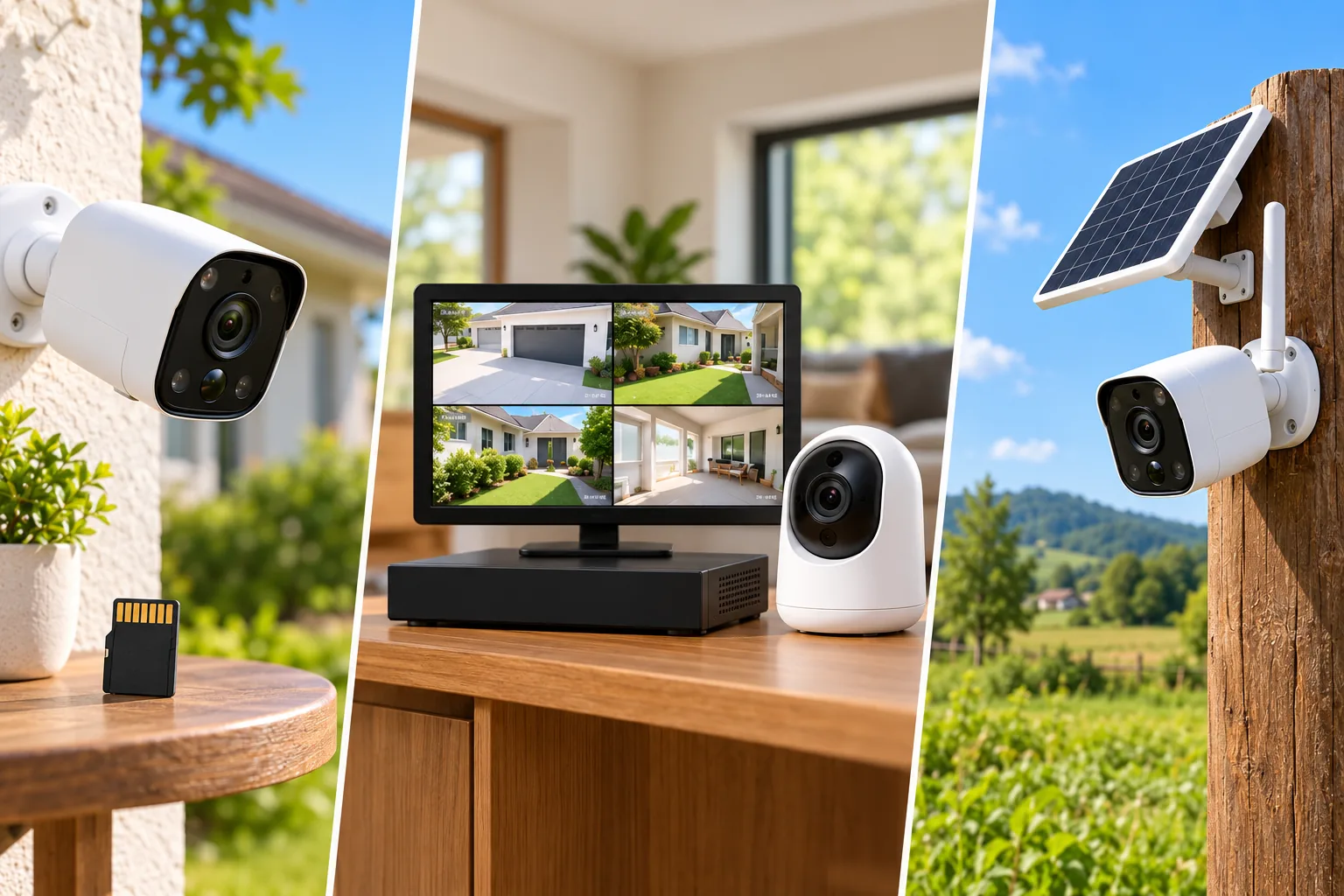
Compare the four practical setups
| Setup | What it can solve | How you retrieve or view footage | Main condition |
|---|---|---|---|
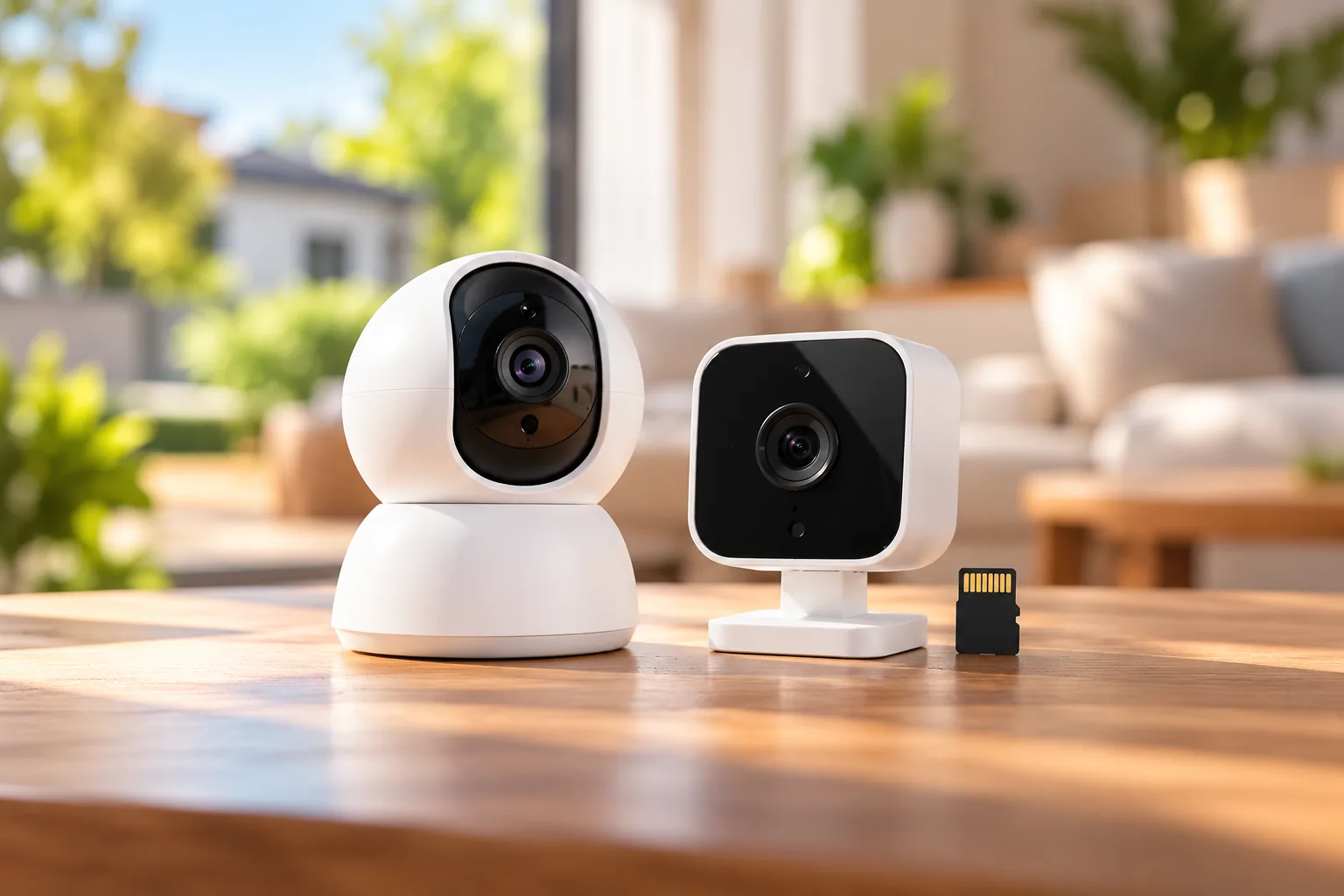
| Camera recording to its own card | Local evidence when a supported camera loses its connection | Use the exact model's documented retrieval method | Card recording must work in that disconnected state |
| PoE cameras directly connected to an NVR | On-site viewing and recording without a separate network | Recorder interface and attached display | Compatible camera/recorder combination and power |
| Cameras on a working LAN without internet | Supported local live view and playback | App or client on the local network | Local equipment stays connected and powered |
| Cellular camera | Remote viewing without home Wi-Fi or broadband | App through a functioning mobile data service | Compatible SIM, data plan, coverage and power |
These are architecture choices, rather than a promise that every camera in each category behaves identically. The offline examples below use Reolink's documented device classes. The cellular examples use the named US product pages.
Local card recording: useful evidence, with a retrieval question
For its non-battery Wi-Fi camera class, Reolink says SD-card recording and the audible alarm remain available when Wi-Fi is disconnected. Its table says LAN live view and playback are unavailable in that state. A camera can therefore be recording while looking unreachable in the app. Reolink disconnected-camera functions.
Choose this route when footage after an event is useful and somebody can visit the property. Before mounting, verify how that exact model lets you retrieve recordings after a disconnection: through a restored connection, a supported local interface or another documented method. Do not assume that the same app you use at home will work at a disconnected site.
Consider physical access as part of the purchase. If reaching the card means taking down a high-mounted camera, routine retrieval becomes a maintenance job. If the camera itself is removed, storage inside it leaves with it. A separate recorder may better match a site where preserving footage away from the camera is a priority.
A direct PoE recorder: the clearest on-site viewing route
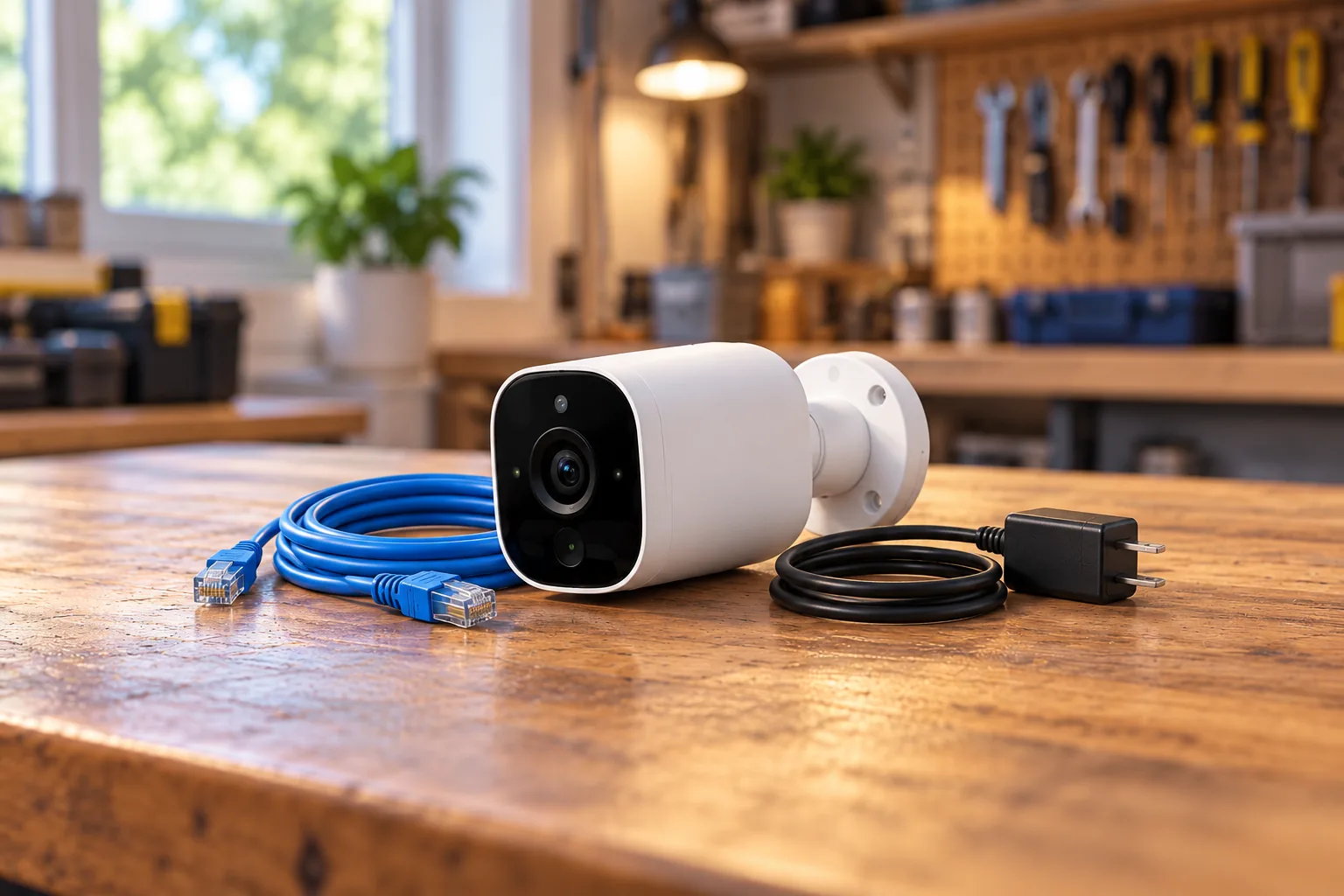
Power over Ethernet, or PoE, carries power and data over an Ethernet connection. An NVR is a network video recorder. In Reolink's documented direct-camera-to-NVR arrangement without a network, you can view live footage and play recordings on the NVR system. You can also set detection zones, sensitivity and recording schedules there. Reolink offline PoE and NVR guidance.
The same guidance has an easily missed restriction: in that direct arrangement without a network, the NVR cannot be added to the phone app or PC client, locally or remotely. The recorder screen is a real viewing route, but it does not imply phone access.
This suits a workshop where someone checks a monitor on arrival. It also suits a property owner who wants a recorder-centered installation and can run the required cables. Compare PoE security cameras around recorder compatibility and access requirements before selecting a kit. Channel counts, storage capacity and recording modes still need confirmation for the exact package.
A local network without internet: keep local and remote access separate
When Reolink's documented non-battery Wi-Fi cameras stay connected to their Wi-Fi router but lose internet access, the support table permits local app access, live view and playback. WAN access, push notifications, email alerts and automatic upgrades are unavailable. The article explicitly excludes battery-powered cameras, so apply that table only within its stated scope. Reolink local Wi-Fi functions.
Reolink also documents local access, live viewing, SD recording and local playback for its PoE equipment with a router but no internet. Remote access, push alerts and email are unavailable. This is different from the direct-NVR arrangement described above. Reolink PoE network scenarios.
This approach is worth considering when the household connection is unreliable but people still need to inspect cameras while on the property. Check the phone's actual connection during your trial: a phone using mobile data is outside the camera's LAN. Security camera phone access depends on the route available to both devices, rather than the presence of an app icon.
Cellular: remote access without home broadband
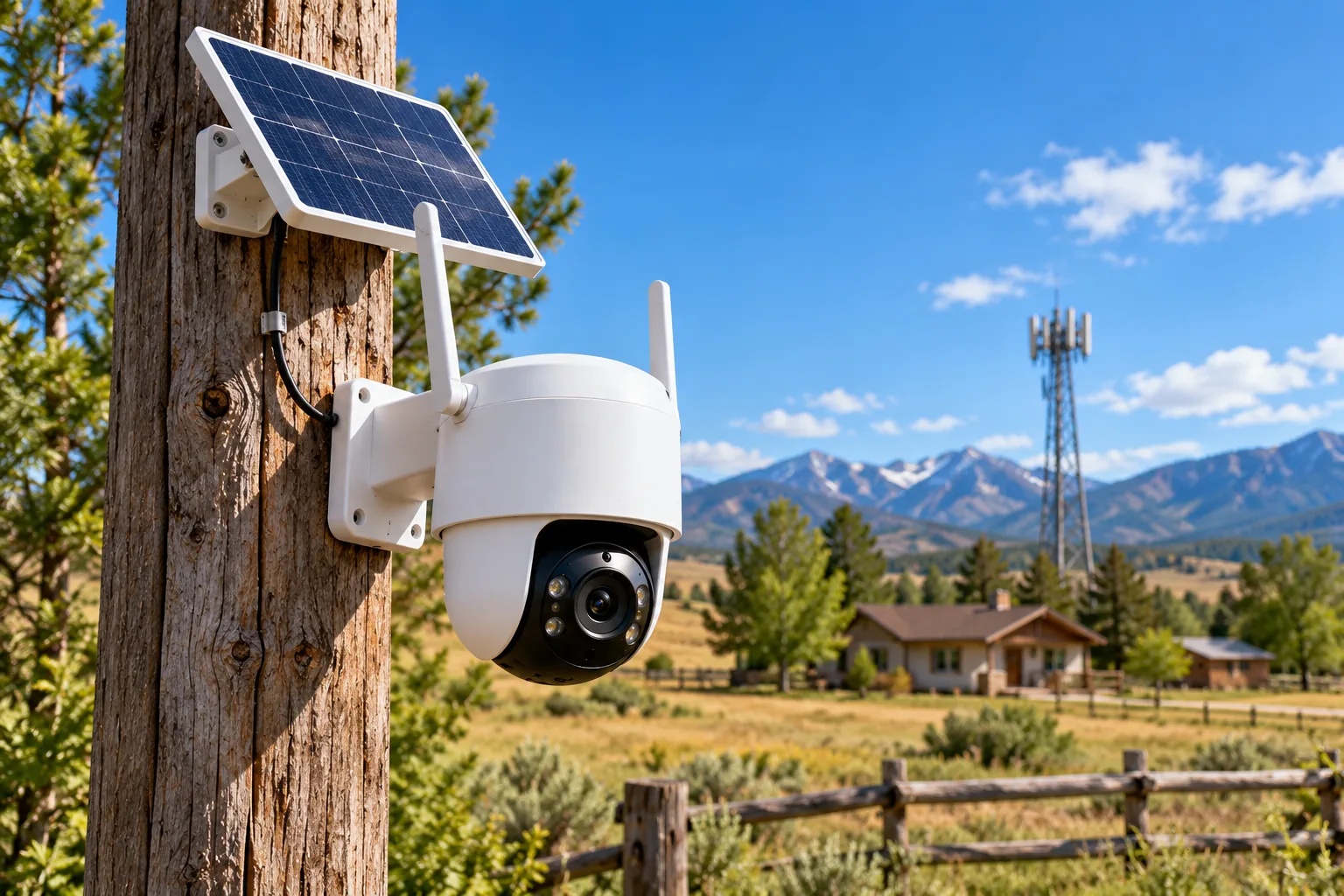
Cellular security cameras use mobile service instead of requiring a home Wi-Fi connection. They are the relevant option when you need to check a distant gate, cabin or outbuilding from elsewhere. Mobile coverage at the final mounting position and a suitable plan become purchase conditions.
Two documented examples illustrate different approaches:
| Camera | Connectivity distinction | Recording or compatibility boundary |
|---|---|---|
| Reolink Go PT Ultra | 4G LTE camera with battery power and optional solar charging | Motion-triggered recording to microSD up to 128GB; not continuous recording |
| eufy 4G LTE Cam S330 | Wi-Fi and 4G with automatic switching; included SIM supports AT&T, T-Mobile and Verizon selection | HomeBase S380 works when connected through Wi-Fi; NAS storage is unsupported |
The Go PT Ultra product page describes its SIM/data-plan requirements and event recording. The eufy S330 product page documents the hybrid connection and HomeBase restriction. A hybrid connection is useful when the site normally has Wi-Fi, while a cellular-only design can suit a site that never will.
A solar accessory addresses charging, not mobile coverage. Likewise, HomeBase support under Wi-Fi does not establish that the S330 can use that storage arrangement over a cellular-only connection. Keep those conditions attached to the model when comparing listings.
Search Amazon for Reolink Go PT Ultra cameras or search Amazon for eufy 4G LTE Cam S330 cameras. Search results require checking the exact US model, included accessories and service terms.
Plan the data bill around viewing habits
Local recording and remote transmission have different costs. Reolink says recording to a local SD card does not consume cellular data because that operation does not use an internet connection. Live viewing, remote playback, notifications and uploads can consume data. Reolink cellular data guidance.
For a worked planning example, assume you check a gate twice daily for 30 seconds. That is one minute daily, or 30 minutes over a 30-day month, before reviewing clips or receiving uploads. If you instead watch a ten-minute live feed daily, the viewing time becomes 300 minutes. This is an illustration of usage, not a measured data allowance: the second habit creates ten times the live-view duration, while bitrate and other traffic determine the actual bill.
Ask the service provider how usage is measured and what happens when the allowance runs out. Check the camera's usage records during a representative period after installation. Avoid choosing a plan solely because a listing describes local storage as “free”; stored video and the network path used to view it are separate purchases.
Check setup and outages before leaving the property
Offline operation does not necessarily mean offline first-time setup. Reolink's non-battery Wi-Fi support article instructs first-time users to connect the camera to a router by Ethernet and give both the phone and camera internet access. That is a requirement of the documented class, not a universal recipe for every offline camera. Reolink setup note.
Arrange your installation around the actual setup instructions before traveling to an isolated site. Bring the display, network equipment and power supplies your chosen configuration needs. Complete setup and check recorded footage before making permanent cable runs or mounting somewhere difficult to reach.
Power deserves its own outage trial. Reolink says its wired Wi-Fi cameras, PoE cameras and NVRs cannot operate without power. Charged battery Wi-Fi or 4G cameras can retain SD recording and siren operation, but network functions still require their respective working networks. A powered camera cannot restore a router that has shut down. Reolink power and internet outage guidance.
Use this acceptance checklist for your exact installation:
- Record a recognizable test event and find the saved clip through the planned retrieval route.
- Disconnect internet service while leaving local equipment powered; check local viewing separately from remote viewing.
- Check the no-Wi-Fi state separately if the installation is supposed to tolerate it.
- Confirm which devices need backup power, including the recorder and any router used for local access.
- Restore the normal connection and confirm that viewing and recording recover.
- Note the camera model, settings, retrieval instructions and who can access the footage.
These are suggested checks, not results obtained for this guide. Follow manufacturer instructions when disconnecting equipment; do not disturb shared building networks or unsafe electrical wiring.
Questions to settle before buying
Can I watch cameras on my phone without internet?
Sometimes, through a supported local network connection. Reolink documents LAN viewing for the stated Wi-Fi class and PoE/router arrangements without internet. Its direct-NVR arrangement without a network has a different restriction and cannot be added to the phone app. Verify the exact topology rather than assuming all offline systems offer app access.
Will an offline camera notify me when something happens?
Local recording does not establish remote notification capability. The cited Reolink offline Wi-Fi and PoE tables mark push and email unavailable without internet. Cellular provides an alternative remote path only while its mobile connection, data service and camera power work. Choose the network path around how urgently you need to know.
Is a cellular camera appropriate for uninterrupted recording?
Check its recording mode explicitly. The Go PT Ultra example uses motion-triggered recording rather than continuous video. If your requirement is a complete timeline, select equipment with documented support for that mode and sufficient storage. Connectivity alone does not determine whether a camera captures every moment.
Choose the evidence and viewing route together
For security cameras without Wi-Fi, begin with one sentence: “I need to retrieve footage here” or “I need to see this location while away.” The first points toward supported local storage or a recorder and monitor; the second requires a functioning remote network path, such as cellular when broadband is absent. Confirm setup prerequisites, then test the exact outage state you expect the system to survive.