As an Amazon Associate we earn from qualifying purchases.
Security cameras without a subscription can save footage locally, but free live view, local recording and smart alerts are separate capabilities. Choose the functions you need before comparing models. A camera can record continuously to a card while reserving person alerts or cloud backup for a paid plan; another can include smart detection but save only triggered events.
For readers comparing wireless security cameras without a subscription, this guide examines documented Tapo C120 US V2, Wyze Cam v4 and Reolink Argus 4 Pro options, plus the wired RLC-811A as an alternative architecture. These are specification-based choices, not hands-on rankings. It excludes video doorbell rankings, current price comparisons and promises of unlimited free cloud storage.
Quick choice: Investigate C120 V2 for local storage with included smart detection, Wyze Cam v4 for continuous card recording with optional paid AI/cloud features, and Argus 4 Pro when battery-powered event recording fits. Consider RLC-811A if suitable Ethernet and PoE are practical.
Contents
- Define your no-plan requirements
- Compare recording paths
- Choose events or continuous video
- Check offline access
- Plan footage retrieval
- Compare ownership costs
- Verify the no-plan workflow
- Common questions
Define what must work without a plan
Write your requirements as individual functions. “No subscription” is useful only when the features you actually want remain usable.
| Required function | Question to ask before buying |
|---|---|
| Live viewing | Can I open the feed without a paid service? |
| Saved video | Where does footage go, and what storage must I buy? |
| Recording mode | Are recordings continuous or triggered by events? |
| Useful alerts | Which detection types and notification formats are included? |
| Playback and export | Can I find and save footage without a trial or plan? |
| Remote access | What network connection and account are required? |
| Resilience | What happens if internet, Wi-Fi or the camera itself becomes unavailable? |
This distinction is visible in the manufacturers' own documentation. Tapo C120 V2 includes specified smart detection without a subscription, while Wyze Cam v4 advertises local card recording and optional Cam Plus AI alerts and cloud backup. Neither statement should be simplified into “all features free.” Tapo C120, Wyze Cam v4.
For example, if you only need to review a known time from yesterday, local continuous footage may be the priority. If you need a person-specific alert while away, verify that exact alert without a plan. A card can supply footage without unlocking the alert you expected.
Compare the included recording paths
| Documented example | Local recording without mandatory storage plan | Paid or additional-hardware boundary | Main selection question |
|---|---|---|---|
| Tapo C120 US V2 | Separately purchased microSD, up to 512GB | Optional Tapo Care cloud features | Do included detection types and plug-in Wi-Fi fit? |
| Wyze Cam v4 | Continuous microSD recording | Cam Plus adds AI alerts and cloud backup | Is local continuous video enough without paid smart alerts? |
| Reolink Argus 4 Pro | Triggered-event microSD recording, up to 512GB | RTSP needs Reolink Home Hub | Are event clips enough, and do you need third-party access? |
| Reolink RLC-811A | Local card recording; an NVR is optional | Active PoE equipment or suitable separate DC power | Would a wired camera better fit the power and recording job? |
Sources: C120 US page, Wyze Cam v4 page, Argus 4 Pro page, RLC-811A page. Verify the actual model revision and current offer contents; a storage slot does not mean the card is included.
Tapo C120 V2: included smart detection and local storage
The captured US C120 page identifies V2 and lists person, pet, vehicle and baby-cry detection without a subscription. It also supports recording to a separately purchased microSD card up to 512GB. Optional Tapo Care provides a separate cloud-storage path. C120 included features.
That makes it a candidate when included detection categories matter alongside local storage. Check notification format as well as detection: the page describes cloud-service extras including detection snapshots, backup and clip history. Free detection does not establish identical cloud-rich notifications without a plan.
C120 is plug-in and uses 2.4GHz Wi-Fi. Confirm the permitted position, cable route and network before choosing it. Avoid transferring these V2 details to an older C120 listing without checking the matching specifications. C120 power, network and service distinctions.
Wyze Cam v4: continuous local recording, optional paid AI
Wyze Cam v4's product page states that it records continuously to microSD and that Cam Plus adds AI alerts and cloud backup. Wyze's support comparison separates continuous local card footage from motion-triggered cloud events and identifies person, package and pet detection among Cam Plus features. Wyze Cam v4 recording, Wyze local/cloud comparison.
Consider it when reviewing continuous local footage meets your needs. If person or package alerts are central to your plan, verify the current service requirement rather than assuming installing a card unlocks them. A continuous timeline and a filtered event list solve different problems.
For outdoor placement, include power hardware in the decision. The captured v4 page lists an indoor USB power adapter in the package and an outdoor power adapter as a separate accessory. An outdoor camera location does not make every included power component suitable for exposure. Wyze power specifications.
The general Wyze support comparison contains older service-duration information and claims about other camera models. This guide uses it for the local/cloud and feature distinctions above, rather than presenting that historical table as a current plan-duration chart.
Argus 4 Pro: no-fee local events with a separate integration requirement
Argus 4 Pro offers local microSD storage up to 512GB without a mandatory monthly storage fee; the card is not built into the camera. Its documented recording mode is triggered recording. Choose it only if event footage meets the job instead of assuming “no monthly fee” includes continuous video. Argus 4 Pro storage and recording specifications.
Its integration boundary also matters. Reolink says RTSP is supported through Reolink Home Hub. Standalone no-fee camera storage is not proof that the camera will connect directly to every third-party recorder or client. Include the hub requirement if that access method is essential. Argus 4 Pro RTSP FAQ.
This is a reasonable architecture to investigate when battery placement is the priority and event clips are acceptable. It is not an equivalent substitute for a powered continuous-recording camera merely because both have card slots.
RLC-811A: a wired alternative without mandatory recording fees
Reolink's RLC-811A FAQ states that detection and local storage can be used without a subscription, and that a microSD recording setup does not require an NVR. The documented camera supports motion, scheduled and continuous recording. RLC-811A recording and subscription FAQ.
It uses active PoE or a suitable separate DC power arrangement. Consider this route when Ethernet can reach the intended position and you want to evaluate powered local recording. It belongs in the comparison because avoiding a subscription does not require choosing wireless video.
The product page mixes revision-dependent storage and weather details, so this guide does not assign it a universal card-capacity maximum or weather rating. Check the exact hardware manual before choosing its card, mount or outdoor installation.
Choose event clips or continuous footage deliberately
Continuous recording is useful when you want to inspect an arbitrary moment and the sequence between alerts. Event recording can fit when selected activity clips are enough and gaps between events are acceptable. The important comparison is the footage preserved, not whether both boxes advertise “local storage.”
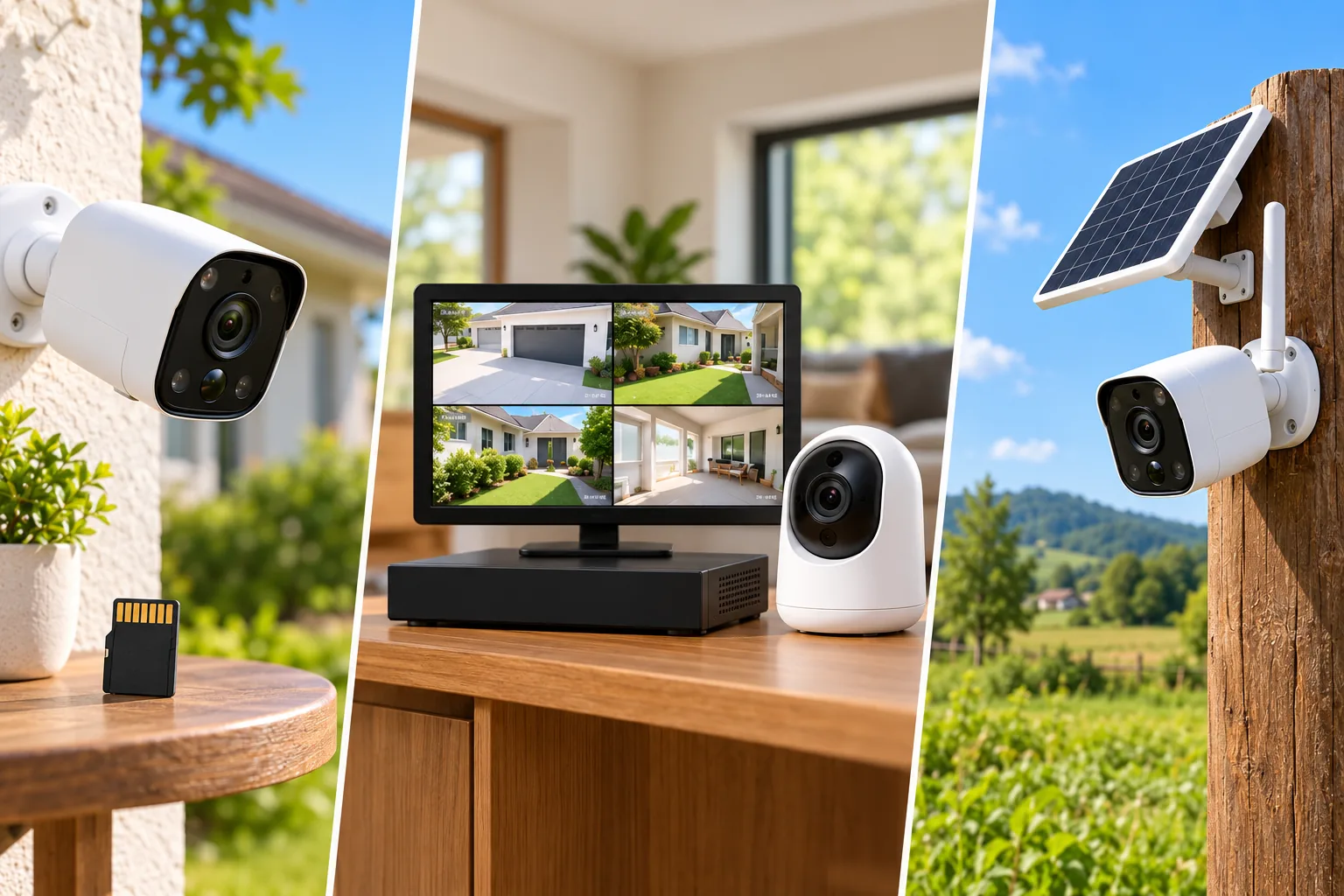
Compare security camera recording options before deciding whether triggered clips or a continuous timeline meets your needs.
Take a hypothetical driveway incident discovered the next morning. A triggered clip may answer the question if the relevant activity was recorded. If you need to inspect moments outside selected events, a supported continuous timeline is a different requirement. This example does not claim a measured detection success rate or guarantee that continuous footage will remain available after power or storage failures.
The model distinction is concrete: Wyze Cam v4 documents continuous local recording, while Argus 4 Pro documents triggered recording. Select the mode before comparing card sizes. Wyze recording mode, Argus recording mode.
Local recording does not guarantee offline access
Separate three conditions: internet service has failed, the camera has lost its local network, or the camera has lost power. Each can affect recording and retrieval differently. “No subscription” describes a payment requirement, not an outage specification.
Reolink's support matrix for its non-battery Wi-Fi cameras says SD recording can remain available without Wi-Fi, while app local live view and playback are unavailable in that state. With local Wi-Fi working but no internet, it lists LAN viewing and playback as available, while remote access, push notifications and email alerts are unavailable. Reolink Wi-Fi/internet matrix.
That matrix explicitly excludes battery cameras. Do not transfer it to Argus 4 Pro, Wyze Cam v4, Tapo C120 or a PoE model as though every product behaves identically. For your exact setup, verify ongoing recording, local playback, remote playback and notifications separately.
If offline operation is central to the purchase, ask support a specific question: “With this camera, storage device and power still running, what remains available when only internet fails?” Then ask the separate Wi-Fi-loss question. This avoids turning a broad marketing phrase into an unsupported recovery plan.
Plan for theft and footage retrieval
A camera card stores footage at the camera. If that is your only copy and the camera disappears, do not assume you can retrieve its contents through the app. Wyze explicitly describes cloud storage as a backup if the camera is stolen. Optional backup is a separate resilience decision from avoiding a mandatory storage fee. Wyze storage comparison.
A separate compatible hub or recorder can change the physical storage location, but verify where footage is written and how it is exported. Do not count a hub as a recording backup without confirming its actual function. Argus 4 Pro's Home Hub integration is documented, while its standalone RTSP access has the hub requirement described above. Argus Home Hub support.
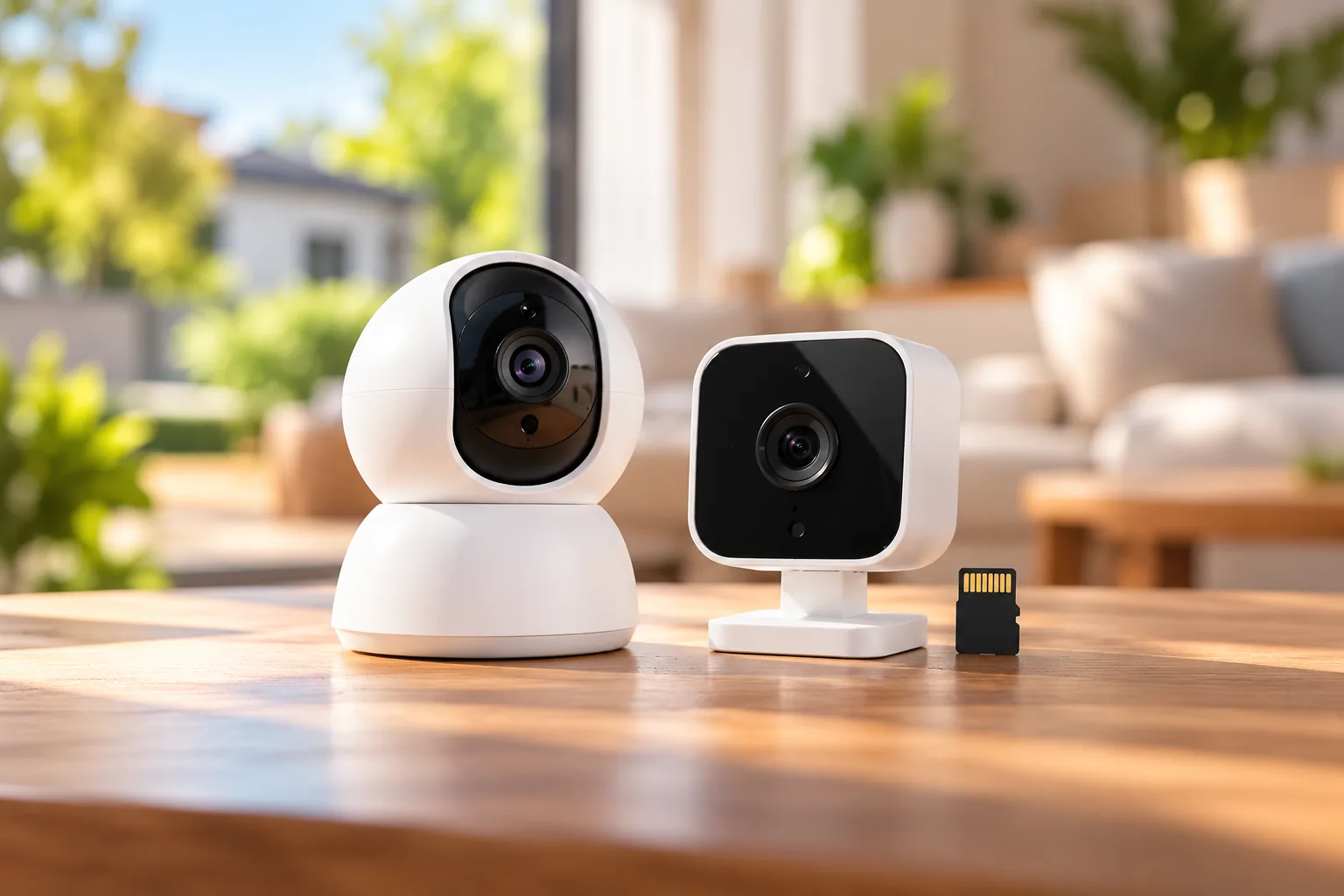
Compare wireless camera recorders when you need footage stored away from the camera and want to verify compatible retrieval options.
Before relying on local footage, save one known clip and open it on your intended device. Record how the owner will retrieve an incident after several days away. Check actual usable history under the chosen settings rather than assigning retention days from card capacity alone.
Calculate ownership cost without inventing prices
Compare the parts your exact installation needs. A camera with no mandatory subscription can still require storage, power accessories and installation work.
| Cost category | What to include |
|---|---|
| Camera | Exact model, revision and bundle contents |
| Storage | Compatible card, supported hub or recorder, and eventual replacement |
| Power | Suitable adapter, PoE equipment or other documented power accessories |
| Installation | Permitted mounts, cable routing and any needed professional work |
| Optional service | Only the cloud backup or alerts you actually choose |
| Maintenance | Storage replacement, access reviews and time to verify recordings |
For illustration, compare a local-only setup and the same setup with an optional paid feature over your chosen ownership period. Use current verified equipment and plan quotes, then add required accessories to both. Do not compare a bare camera price against a fully equipped system or count a free trial as permanent functionality.
If the job is a front-door visitor camera, compare video doorbells without a subscription because doorbell recording and installation requirements need their own evaluation.
Check the no-plan workflow before relying on it
Use this proposed acceptance sequence after setup or when a trial ends:
- Confirm the account's current service status and any active trial.
- Trigger a known event and check the specific notification you require.
- Find the saved footage in its actual local storage location.
- Check a period between events if continuous recording is required.
- Export a clip and open the saved file.
- Verify the documented retrieval behavior for your exact network conditions.
- Recheck after changes to service, camera firmware or recording settings.
These are reader verification steps, not tests performed for this guide. Save wanted cloud clips before cancelling or changing a service, and read its current terms for the account-specific effect. Local capability and cloud-history handling are separate questions.
Common subscription-free camera questions
Does a card make every smart alert free?
No. Wyze's official comparison places smart AI features in its paid service path, while Tapo C120 V2 documents selected detection types without a subscription. Check the exact detection and notification format you need, rather than using a card slot as proof of included AI. Wyze feature comparison, C120 detection.
Do I need an NVR for no-fee recording?
Not always. The RLC-811A FAQ explicitly supports local card recording without an NVR. Other cameras may use cards, hubs or recorder-based storage. Choose the destination and retrieval workflow by exact model rather than assuming every no-subscription system needs the same equipment. RLC-811A storage FAQ.
Is subscription-free the same as internet-free?
No. A payment requirement and a connection requirement are separate. Local recording may survive conditions in which remote access or notifications do not. Use the exact product's documented outage behavior; Reolink's cited non-battery Wi-Fi matrix is a bounded example, not a universal camera rule.
Choose the included functions you will actually use
Start with your required recording mode, alert types and retrieval method, then select a documented camera configuration that provides them without a mandatory plan. Add the real storage, power and installation requirements to the comparison. Before relying on it, confirm that a useful clip can be found and exported with the intended service status.