As an Amazon Associate we earn from qualifying purchases.
For a new Nest camera installation, choose the exact generation first, then match power and video history to the job. Nest Cam Indoor (wired, 3rd gen) suits an indoor outlet; Nest Cam Outdoor (wired, 2nd gen) suits an outdoor view with suitable outlet power. Nest Cam (battery) solves a different placement problem, but battery-only operation cannot provide continuous video history. Existing IQ owners should check app features and current security-update status before deciding to migrate or replace.
As an Amazon Associate, we earn from qualifying purchases. We may earn a commission when you buy through links on this page.
Quick decision: Start with the place you need to watch, the history you need to retrieve, and the features you already use. Those three answers matter more than the shared Nest name.
This guide compares documented US specifications and Google support guidance, checked October 18, 2026. It covers camera families and existing IQ ownership; doorbells and accessory fit require separate checks. It is a specification-based guide, with no hands-on image-quality or alert-speed testing.
Contents
- Identify the Nest camera you are comparing
- Choose power around the recording requirement
- Understand free previews, event history and continuous history
- Check Google Home versus the Nest app
- Should you keep an older Nest Cam IQ?
- Use this pre-purchase and migration worksheet
- Questions before choosing
Identify the Nest camera you are comparing
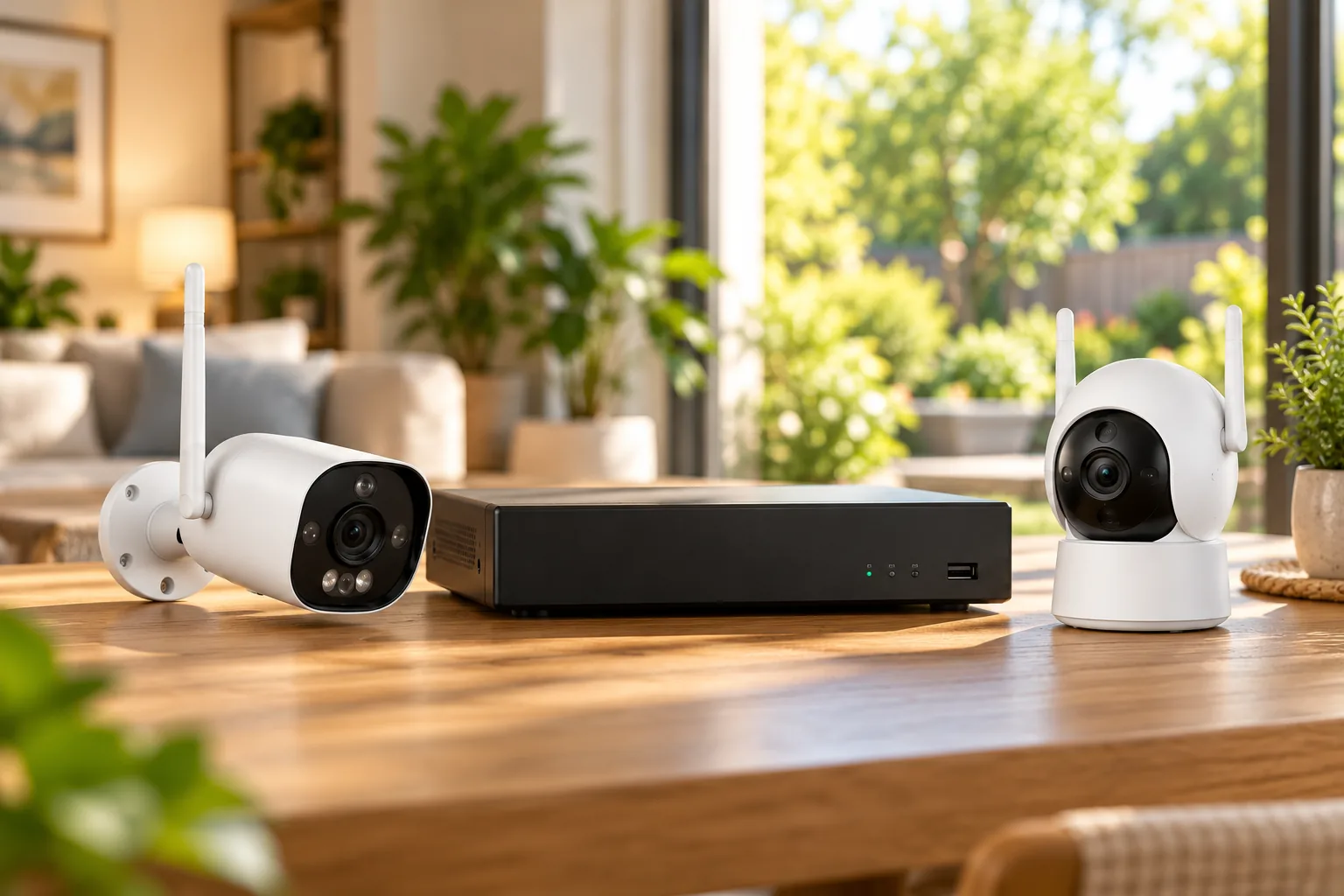
A listing that says “wired Nest Cam” is incomplete. Google introduced Nest Cam Indoor (wired, 3rd gen) and Nest Cam Outdoor (wired, 2nd gen) in October 2025. These are distinct from the 2021 wired camera, the battery model, the floodlight camera and older IQ cameras. The newer wired cameras both specify 2K HDR video and a 152-degree diagonal field of view. Google’s launch announcement and US comparison table identify those generations.
HDR means high dynamic range, intended to handle differences between bright and dark areas. A wider field of view describes how much scene fits in the frame; it does not establish how clearly a distant face will appear. Use the documented resolution and viewing angle to shortlist cameras, then check the actual installed view before committing to its coverage.
| Camera family | Documented distinction | Decision it helps answer |
|---|---|---|
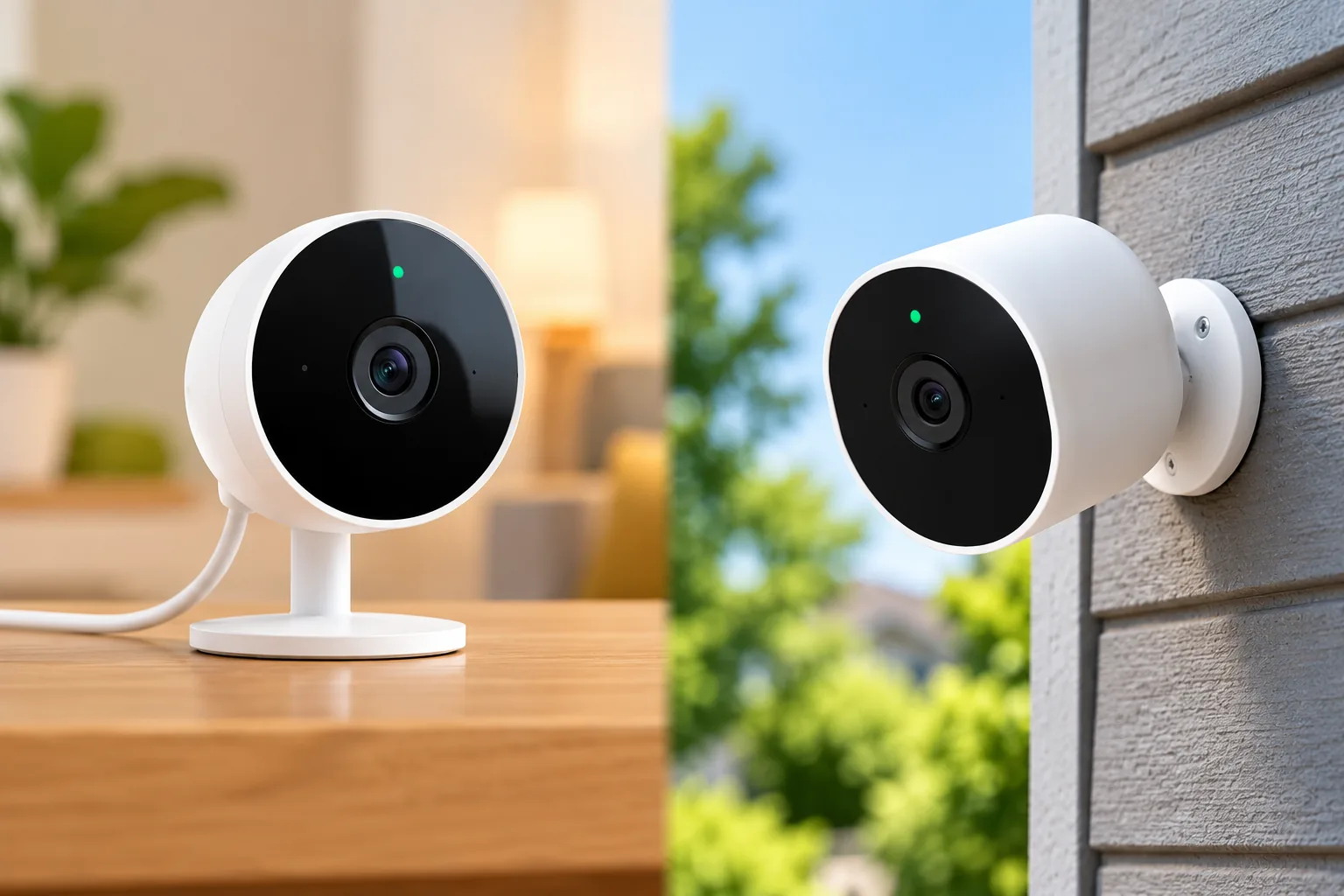
| Nest Cam Indoor, wired, 3rd gen | 2K HDR, 152-degree diagonal view; standard indoor outlet | Is an indoor outlet available at the useful viewing position? |
| Nest Cam Outdoor, wired, 2nd gen | 2K HDR, 152-degree diagonal view; weatherproof outdoor or indoor outlet | Can suitable power reach the outdoor view? |
| Nest Cam with floodlight, wired | Separate 1080p HDR, 130-degree diagonal model; hardwired power | Is a floodlight installation part of the job? |
| Nest Cam, battery | Three-hour free event-history window; external power required for continuous history | Is cable-free placement more important than continuous recording? |
| Existing Nest Cam IQ Indoor or Outdoor | Legacy app and migration considerations; check current update status | Does keeping it preserve features you still need? |
The resolution, viewing-angle and power distinctions for the newer wired and floodlight models come from the Google Store comparison. Battery history and power requirements come from Google’s recording guidance. Do not transfer one row’s specifications to another camera because a seller uses similar wording.
For an indoor room, begin with the viewing task: an entry, a shared living space or a specific doorway. Indoor security cameras need a privacy plan as well as a useful view. Outdoors, a camera aimed at a driveway has a different job from one watching a narrow side gate; outdoor security cameras should be selected around that actual scene.
Choose power around the recording requirement
“Wireless” is often a search term for several different expectations. Before shopping, write down whether you mean no power cable at the camera, convenient app access, or no need for a traditional recorder. The word alone does not tell you which Nest camera or history plan fits.
If you need to look back through an entire afternoon, including time between detected events, prioritize a setup eligible for 24/7 video history. Google says Nest Cam (battery) must connect to a power source for that history. Running it on its battery provides event history only, even with Google Home Premium Advanced. Google’s history requirements make that exception explicit.
If you mainly want to check detected activity near a gate without bringing power to that location, a battery installation may be the more appropriate tradeoff. That is a choice about recording coverage, not a promise that every significant moment will become an event. Decide what gaps you can tolerate before deciding which arrangement is easier to install.
The newer Outdoor wired model plugs into a suitable outlet, while the floodlight model requires hardwiring. Those installation jobs are meaningfully different. Have an electrician handle new mains wiring or uncertain existing wiring, and follow the exact model’s installation instructions rather than improvising an adapter or connection. Google’s US comparison distinguishes their power sources.
Understand free previews, event history and continuous history
Live view lets you see what the camera is streaming now. Event video history lets you revisit saved activity. Continuous history lets you look through recorded time beyond the events identified by the camera. Google says live streaming is accessible in the app regardless of camera model or subscription, but the retained history differs substantially. Google’s video-history guide is the reference for the following comparison.
| Model or plan | Retained history described by Google | Practical limit |
|---|---|---|
| New Indoor 3rd gen and Outdoor 2nd gen, free tier | Up to six hours of event video previews, clips up to ten seconds | Short previews in a rolling window |
| Nest Cam battery, free tier | Up to three hours of event video history | Not three hours of continuous footage |
| Older IQ and original Indoor/Outdoor, free tier | Three hours of activity photo snapshots | Snapshots are not saved event video |
| Google Home Premium Standard | Up to 30 days of event video history | Event history does not become a full continuous timeline |
| Google Home Premium Advanced | Up to 60 days of event history and up to ten days of 24/7 history on eligible installations | Model and power conditions still apply |
These windows describe how far back history remains available, not how much motion must occur before storage fills. Google deletes video history on a rolling basis according to the applicable retention window. A three-hour window can therefore be a poor fit if you normally review alerts the next morning.
Consider a hypothetical household that checks a driveway camera at breakfast after being away overnight. Assume it needs to review something that happened eight hours earlier. Neither a three-hour window nor a six-hour preview window meets that requirement. A longer retained-history plan addresses the delay; choosing eligible continuous recording additionally addresses the need to inspect the periods between events. This is an example of matching requirements, not a measured reliability result.
If avoiding recurring charges is essential, assess the actual free tier before buying. Security cameras without a subscription can involve very different retention and ownership arrangements, so compare what you can retrieve rather than treating “no monthly fee” as a complete feature description.
Check Google Home versus the Nest app
The newer wired cameras, Nest Cam (battery) and the 2021 wired camera appear in Google’s Home-app history table. Older IQ and original Indoor/Outdoor cameras are listed with Nest-app history; Google Home web access for those legacy cameras depends on migration. Google’s app and history table separates these groups.
For a new installation, that mainly means checking the required app before purchase. For an existing IQ owner, migration can change features you already rely on. Google lists Supersight close-up tracking, timelapses, public and password-protected livestream sharing, and adjustable microphone sensitivity among features unavailable after transfer to Home. Google’s transfer guidance supplies the full list.
Migration also has subscription consequences. Google says the camera must have either no subscription or a Google Home Premium subscription covering the home. An existing first-generation Nest Aware subscription must be upgraded or canceled, and upgrading does not allow a later return to that first-generation subscription. Confirm the option offered in your own account before changing it.
Transferring a camera back does not consolidate its entire recording history into the Nest app: Google says history recorded before the return remains in Home. Treat app location and retained history as separate checks. Save any needed footage through the supported process before changing your setup, and verify where both old and new recordings can be found afterward.
Should you keep an older Nest Cam IQ?
An existing IQ camera is an ownership decision, not an automatic recommendation to buy legacy hardware. Its original specification also needs careful reading: Google’s 2017 IQ Outdoor announcement described a 4K digital sensor producing 1080p HDR video with up to 12x Supersight. A 4K sensor label does not make it a 4K recorded-video camera. Google’s historical IQ announcement supports that distinction, not a claim about present retail availability.
Support requires a different source. At the October 18, 2026 check, Google’s security table marked IQ Indoor and Outdoor as currently receiving critical security updates, despite their five-year minimum date being June 28, 2022. The newer wired Indoor 3rd gen and Outdoor 2nd gen had minimum dates of October 1, 2030 and were also marked as receiving updates. Google’s current security table should be rechecked when making the decision.
A passed minimum date is not an announced support cutoff. Equally, a “Yes” today does not establish indefinite future updates. Google describes automatic critical security updates for at least five years from first sale on the US Google Store, covering critical issues that can be resolved remotely.
Keep an IQ provisionally if it still supplies the view, recording and app features you need, and its current support status remains acceptable to you. Consider replacement if your preferred app workflow loses an essential feature, the hardware no longer meets the viewing job, or the documented support position changes. Comparing those concrete conditions is more useful than replacing it solely because the minimum date has passed.
Use this pre-purchase and migration worksheet
Complete one row for each camera position. A household can legitimately choose different families for different jobs.
- Viewing job: Name the entrance or area and the detail you need to review.
- Power: Record the available outlet or battery plan and any electrical work needed.
- History: Specify the longest likely delay before reviewing footage, and whether events alone suffice.
- App: Record which app the exact camera uses and whether a legacy transfer is offered.
- Features: For IQ, list any Supersight, sharing or timelapse features you would miss.
- Support: Check the exact model’s current update status separately from its minimum commitment date.
- Ownership cost: Obtain current equipment and plan prices directly before deciding; include required installation work.
When comparing retailers, preserve the generation in the search. You can search Amazon for Nest Cam Indoor wired third generation or search Amazon for Nest Cam Outdoor wired second generation. Search results do not verify stock, the exact listing version or accessory compatibility.
Questions before choosing
Does paying for Advanced make a battery Nest Cam record continuously?
Only when the camera meets Google’s power requirement. Nest Cam (battery) running on battery power has event history even with Advanced. Connect it to an appropriate power source for eligibility for 24/7 history, and confirm the actual recording mode in the app. Google explains the exception.
Are six hours of free previews better than three hours of event history?
The newer models retain previews farther back, but Google limits those clips to ten seconds. The battery camera’s three-hour history is a different free-tier offering. Choose according to review delay and the amount of context you need, rather than assuming the larger number answers both questions.
Must an IQ camera be replaced because its minimum update date passed?
That date alone does not establish the end of support. Check the current-status column in Google’s security table, then assess the camera’s condition and required features. The captured table still marked IQ as receiving critical updates; that is a dated observation, not a lifetime promise.
For a new Nest installation, settle power and history first, then select the exact generation. For an existing IQ, complete the feature and support checks before touching the subscription or migration controls. The right next step is a camera-by-camera worksheet, followed by verification of the chosen model and plan in your own account.