As an Amazon Associate we earn from qualifying purchases.
Choose Ring wireless security cameras by location, available power and the video history you need. Battery power can make placement easier, but Ring's continuous recording requires an eligible camera on continuous power plus the appropriate subscription and add-on. For indoor rooms, privacy controls may matter more than an increase in resolution. Ring power and service overview and continuous-recording requirements
This guide helps US homeowners compare documented Ring camera options, including Indoor Cam second generation, Outdoor Cam, Outdoor Cam Plus and Outdoor Cam 4K Pro. It is a specification-based guide, not a hands-on image-quality review. Doorbells and accessory fit need separate checks.
As an Amazon Associate, we earn from qualifying purchases. We may earn a commission when you buy through links on this page.
Start here: select a location and privacy boundary, confirm power at the mount, then choose live viewing, motion-event history or continuous recording. Price the service for your whole location before ordering cameras.
In this guide
- Match a Ring camera to each location
- Indoor Cam: put the privacy cover within reach
- Outdoor cameras: select the power variant explicitly
- Live viewing and recorded history are different purchases
- Continuous recording: check eligibility, power and retention
- Configure privacy and household access before everyday use
- Check software support when comparing older listings
- Questions to settle before ordering
Match a Ring camera to each location
Start with the job each camera must perform. An indoor camera facing a shared room has different privacy needs from one watching an exterior approach. An outdoor location without a nearby outlet also creates a different power decision from a camera placed beside an existing supply.
| Your priority | Documented option to consider | Main check |
|---|---|---|
| Indoor view with a physical privacy control | Indoor Cam, second generation | Outlet, 2.4GHz Wi-Fi and access to the manual cover |
| Flexible indoor/outdoor mounting | Outdoor Cam Plus | Choose Battery or Plug-In deliberately; configure Privacy Zones |
| Outdoor view with higher documented resolution | Outdoor Cam 4K Pro | Decide whether 4K and Enhanced Zoom address your actual scene |
| Reusing an existing Stick Up Cam installation | Identify exact model/generation before comparing Outdoor Cam | Current name alone does not establish the generation or update period |
The table draws on the exact Indoor Cam, Outdoor Cam Plus, Outdoor Cam 4K Pro and Outdoor Cam product pages. It is a selection aid rather than a ranking of measured image performance. Indoor Cam specifications, Outdoor Cam Plus, Outdoor Cam 4K Pro and Outdoor Cam naming
For exterior positions, compare outdoor security cameras around the view you need at the mounting point. Identify whether you need the entrance itself, an approaching path or a wider overview. Do this before choosing a resolution tier: a camera specification does not establish that your selected angle will capture the necessary detail.
Indoor Cam: put the privacy cover within reach
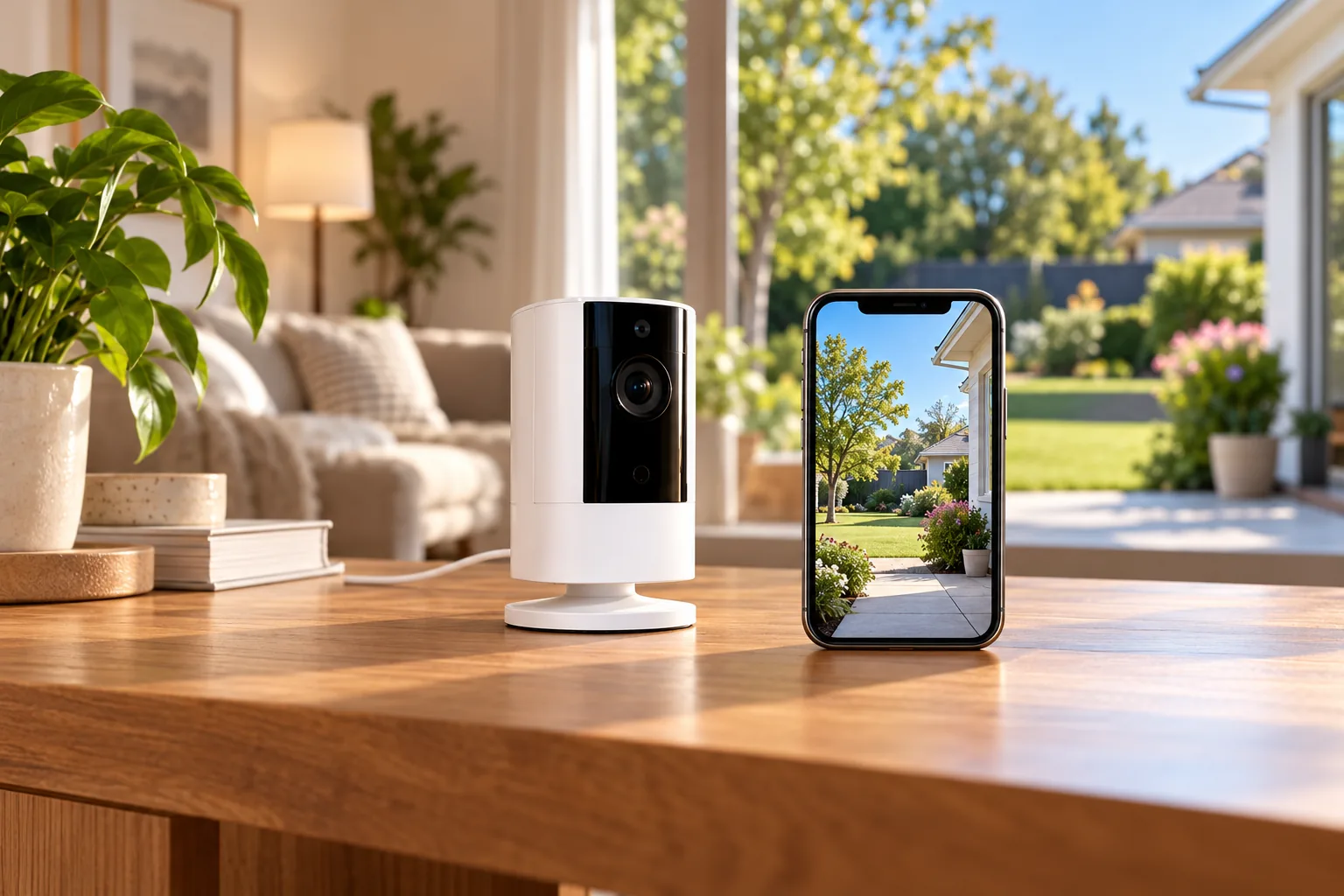
Ring's second-generation Indoor Cam is a plug-in 1080p indoor camera. Its specifications list a 143° diagonal field of view, 2.4GHz Wi-Fi and a minimum upload speed of 2Mbps for optimal performance. Treat that upload figure as a stated device requirement, not a complete bandwidth budget for a house full of cameras. Indoor Cam second-generation specifications
Its manual, removable privacy cover turns off the camera and microphone when moved in front of the lens. Ring says its status can be checked in the app. If this is your main reason for choosing the camera, mount it where household members can actually operate the cover. Indoor Cam privacy cover
That is a useful distinction when comparing indoor security cameras for a living room or other shared space. Discuss when recording is appropriate, who may view footage and how the physical privacy control will be used. Avoid placing a camera where a convenient outlet creates an intrusive view that the household did not intend.
A physical cover, an audio setting and a motion-alert setting answer different questions. Before leaving the camera configured, confirm that the behavior you observe matches the setting you intended to change. Turning off notifications should not be used as your proof that recording has stopped.
Outdoor cameras: select the power variant explicitly
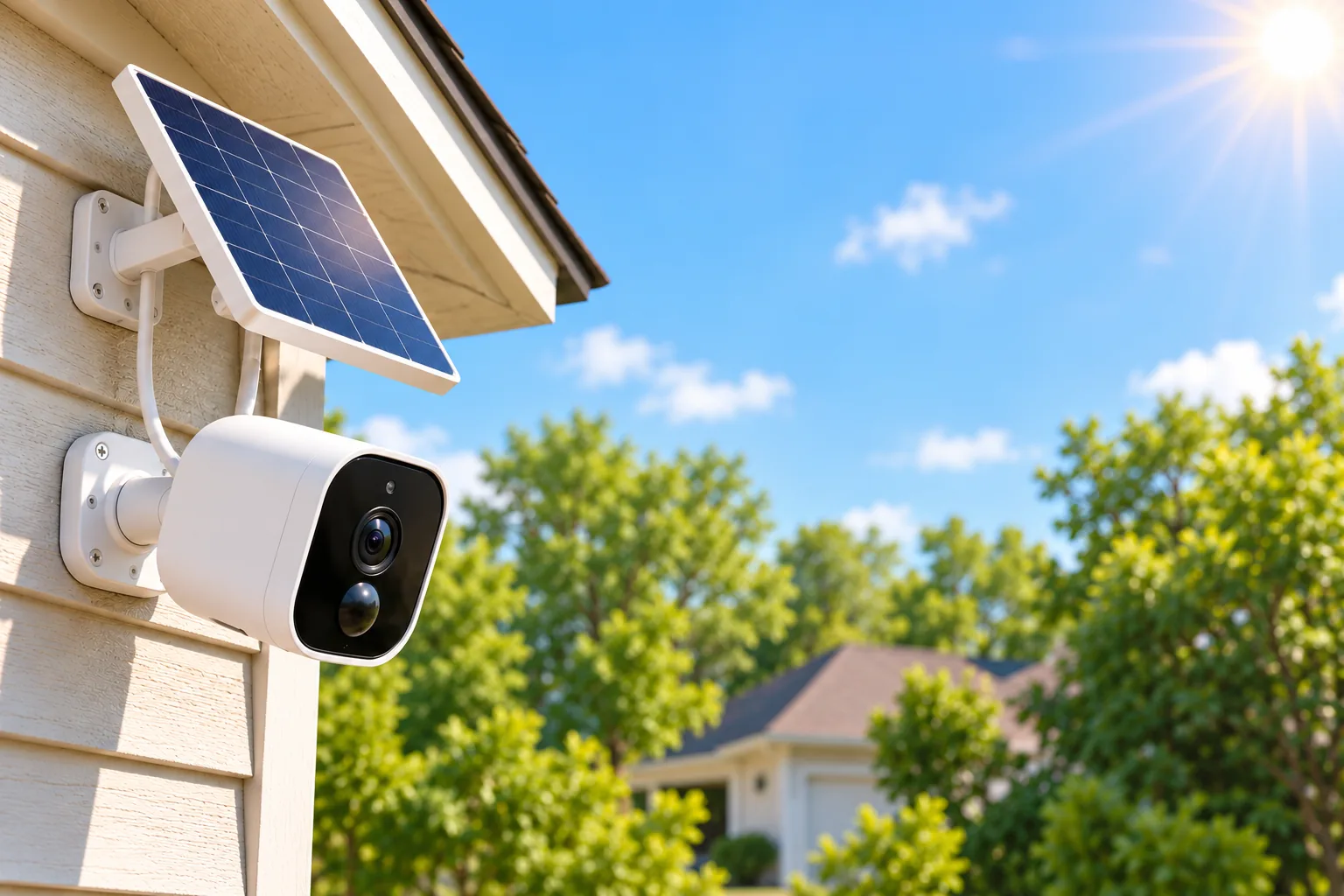
Ring's Outdoor Cam FAQ says Outdoor Cam is the renamed Stick Up Cam, with the features unchanged by that name change. It also distinguishes Battery, Plug-In, Solar and Elite power routes. Battery uses a Quick-Release Battery Pack; Plug-In uses an outlet adapter; Solar supplements a battery with a panel; Elite uses Power over Ethernet with its documented adapter arrangement. Outdoor Cam model and power FAQ
This naming history helps interpret a listing, but it does not collapse all Stick Up Cam generations into one device. Save the full model and generation when comparing existing equipment, refurbished units or used listings.
Outdoor Cam Plus is a documented 2K indoor/outdoor option that can sit on a table or mount to a wall or ceiling. Its Battery version has a removable rechargeable battery, while Plus Plug-In includes an indoor/outdoor adapter for a standard AC outlet. Choose between those variants based on feasible power and your recording requirement. Outdoor Cam Plus FAQ
Outdoor Cam 4K Pro specifies 3840 × 2160 video and up to 10× Enhanced Zoom. “Enhanced Zoom” should not be relabeled as optical zoom. These specifications also do not guarantee identification of a face or license plate at your chosen distance, angle or lighting. Outdoor Cam 4K Pro
A useful planning question is whether you need a broad overview or reliable detail in a particular area. Define that area first, then check the proposed view during setup. A more expensive resolution tier cannot substitute for verifying the actual composition of the scene.
For models involving hardwired power, follow their installation instructions and use qualified help when the electrical work is beyond your competence. Treat camera placement and power installation as linked decisions rather than selecting the camera first and improvising a supply afterward.
Live viewing and recorded history are different purchases
Ring's general FAQ says a subscription is not required for live viewing. Saving, reviewing and sharing video recordings requires a compatible subscription. If your goal is to find out what happened while you were away from your phone, the saved-history requirement belongs in the initial buying decision. Ring subscription overview
The US Ring Protect page distinguishes Solo coverage for one device from Multi coverage for all devices at one location. It also says plans automatically renew until canceled. Compare the plan's actual coverage with your final camera count and address rather than choosing from one camera's purchase price. Ring Protect plans
Consider a household planning an indoor camera plus two exterior cameras. Assume all three need recorded event history, but only the driveway needs continuous recording. The comparison should include coverage for three devices at that location and the continuous-recording add-on for one eligible camera. It should not assume that every camera needs the add-on or that a one-device plan covers the household.
This example is a budgeting method, not a current price quote. Confirm the plan, any add-on, taxes and billing interval at checkout. Older guides may use different plan names or bundle descriptions, so use the current US plan page when making the purchase.
If avoiding recurring service costs is central to your choice, compare security cameras without subscription before choosing the ecosystem. Ring's free live view should not be mistaken for the saved recording history you may be seeking.
Continuous recording: check eligibility, power and retention
Ring's official eligible-device list includes Indoor Cam first and second generation, Outdoor Cam, Outdoor Cam Plus, Outdoor Cam 4K Pro, Pan-Tilt Indoor Cam and selected Spotlight and Floodlight models. Eligibility is broader than simply choosing the Outdoor model with the highest resolution. Check the exact camera on the official list. Eligible Ring cameras
Activation requires continuous power: a supported camera must be hardwired, plugged in or powered over Ethernet. Ring says 24/7 Recording cannot be turned on while the camera uses battery or solar power. A battery-equipped camera appearing on the eligibility list does not establish a battery-only continuous-recording installation. Power requirements
The service has several separate boundaries:
- Continuous recording is limited to ten devices at one location.
- Continuous cloud footage is retained for up to fourteen days.
- Event-video retention is separate: the support guide describes a default of sixty days, configurable up to 180 days.
- Ring Edge microSD recording and end-to-end encryption cannot be used with 24/7 Recording.
- Turning on continuous recording replaces Pre-Roll and Snapshot Capture, and the blue recording indicator stays illuminated.
These limits come from Ring's continuous-recording support guide. The longer event-history figure is not 180 days of continuous footage. Likewise, the Ring Edge exclusion is a boundary for this recording mode, not a claim that Ring has no local-storage option under any circumstances. Recording limits and feature exclusions
Continuous cloud recording also depends on a stable internet connection and can increase bandwidth use or applicable internet data charges. Check the connection at the camera and your internet plan before enabling it across several devices. A paid add-on cannot eliminate gaps caused by an unavailable network. Connectivity requirements
Configure privacy and household access before everyday use
Outdoor Cam Plus supports Privacy Zones that black out areas you do not want recorded, plus app controls for motion alerts and motion or audio recording. Its FAQ says Modes require a subscription. Check which control changes the behavior you want, particularly if your objective is to exclude a neighboring area rather than merely reduce alerts. Outdoor Cam Plus privacy settings
Keep the intended coverage focused on your property and account for privacy and applicable recording rules, especially where audio or continuous recording affects other people. After configuration, inspect a sample recording to confirm the framing and exclusions.
Ring allows an account owner to add shared users and assign permission levels. Use those controls for household access rather than giving everyone the owner's credentials. Name cameras clearly so a person responding to an alert can identify the correct location. Ring user and device guidance
Check software support when comparing older listings
Ring's security-update policy promises updates for at least four years after a qualifying new purchase from ring.com or Amazon.com where Amazon is the seller, or until the listed date if later. Other sellers and refurbished devices use the published table and the device's Control Center information. The seller and purchase condition therefore matter. Ring security-update policy
In the documentation checked October 18, 2026, Indoor Cam second generation, Outdoor Cam Plus and Outdoor Cam 4K Pro are listed through at least December 31, 2030. Indoor Cam first generation is listed through at least December 31, 2027. These are minimum security-update commitments, not guaranteed hardware lifetimes. Recheck the exact model before buying. Device update table
Questions to settle before ordering
Is a battery Ring camera the right choice for continuous recording?
Start with continuous power if continuous recording is a requirement. Verify the exact camera's eligibility, the compatible Ring Protect plan and the add-on. Battery or solar placement convenience should not be used to assume you can activate this mode without a continuous supply.
Should every camera use the same model?
Choose by location. An indoor room may favor an accessible physical privacy cover, while an outdoor approach may call for different framing and power. You can compare cameras within Ring while keeping recording coverage and household access in one overall plan.
What should I verify during setup?
Use this checklist before permanent mounting:
- Confirm exact model, generation and power variant.
- Check the intended view and Wi-Fi connection at the mount.
- Configure privacy, audio and household permissions.
- Verify recording mode, subscription coverage and retention settings.
- Find a sample event and confirm playback and download.
- Check the security-update information for the actual device.
After settling those choices, search Amazon for Ring Indoor Cam second generation or search Amazon for Ring Outdoor Cam Plus to compare exact variants. For Ring wireless security cameras, the right purchase is the combination of suitable placement, feasible power, appropriate privacy controls and the recording service you actually need.