As an Amazon Associate we earn from qualifying purchases.
Wyze wireless security cameras include different power arrangements: Cam v4 sends video over Wi-Fi but needs plug-in power, while Battery Cam Pro uses a removable battery and offers a different set of recording tradeoffs. Choose by the power available at your location and the history you need to keep. For Battery Cam Pro continuous local recording, Wyze strongly recommends 5 V/2 A AC power and advises against battery-only or battery-plus-solar operation because the battery drains quickly. This is a power recommendation, rather than a statement that battery recording is impossible. See the official microSD recording guide.
Quick answer: compare Cam v4 for a powered location and Battery Cam Pro for battery-oriented placement. Check recording mode and subscription limits separately, and buy accessories for the exact model. Wyze Solar Panel does not support Cam v4.
As an Amazon Associate, we earn from qualifying purchases. We may earn a commission when you buy through links on this page.
This guide compares official specifications and support instructions for Cam v4 and Battery Cam Pro. These are selected model examples, not a complete Wyze catalog or a hands-on performance ranking.
In this guide:
- Cam v4 versus Battery Cam Pro: start with power
- What Cam v4's wireless specification actually means
- Battery Cam Pro has two very different recording choices
- Set up and verify local storage deliberately
- Solar charging is an accessory choice, not a continuous-power promise
- Check outdoor accessories against the exact camera
- Plan battery maintenance around charging temperature
- Use a model-specific buying worksheet
- Common Wyze camera questions
- Choose the recording mode before the accessories
Cam v4 versus Battery Cam Pro: start with power
| Documented requirement | Wyze Cam v4 | Wyze Battery Cam Pro |
|---|---|---|
| Model identifier | WYZEC4 | WYZECOP |
| Power connection | microUSB, 5 V/1 A | USB-C charging, compatible 5 V/2 A adapter |
| Wi-Fi | 2.4 GHz, Wi-Fi 6 | 2.4 GHz and 5 GHz |
| Housing rating | IP65 indoor/outdoor | IP65 indoor/outdoor |
| Local storage | Up to 256 GB exFAT microSD | FAT32 8/16/32 GB; exFAT up to 256 GB |
| Solar Panel compatibility | Explicitly unsupported | Supported with the specified USB-C adapter cable |
The Cam v4 technical specifications, Battery Cam Pro specifications and Solar Panel guidance establish these model boundaries. The Battery Cam Pro specification lists the 5 V/2 A adapter as not included; verify the actual bundle before buying accessories.
A nearby suitable power source makes a plug-in camera practical. An inconvenient cable route may favor a battery model, provided its charging and recording behavior fit the job. Do not choose Battery Cam Pro for continuous recording simply to avoid planning power: Wyze's continuous-recording guidance changes that decision.
Indoor security cameras should fit the room's view and privacy needs as well as the available power. For either model, plan who can access the image and what areas the camera should include before choosing a mounting point.
What Cam v4's wireless specification actually means
Cam v4 uses 2.4 GHz Wi-Fi, including Wi-Fi 6; it is not a 5 GHz camera. Its cable supplies power. The official specification lists 2560 × 1440 video and a 115.8° diagonal field of view, along with IP65 indoor/outdoor housing protection. Those figures describe the camera, not a guarantee of identifying a distant subject or an outdoor rating for every accessory. See Wyze's Cam v4 specification.
Choose the viewing position around the subject you need to see. A wide room overview and a close view of an entrance are different tasks, even when the same camera could be mounted in either place. Check saved footage at the intended distance rather than using the resolution label as proof that the installation works.
The specification also lists Alexa, Google Assistant and IFTTT support. That does not establish that every feature is available through each integration, or that it substitutes for all Wyze application functions. If one particular integration controls your choice, verify that exact function before purchasing.
Battery Cam Pro has two very different recording choices
Wyze's microSD recording guide documents both Continuous and Events Only local recording. These are not interchangeable options with the same battery and subscription consequences.
Continuous local recording
Continuous recording prevents the camera from entering its sleep/power-saving mode. Wyze strongly recommends a 5 V/2 A AC power source for this use and advises against battery-only or battery-plus-solar operation because the battery drains quickly.
The continuous local recording function requires no subscription. After a card is installed and local recording enabled, the guide says it continues recording even while offline. When the card fills, the oldest footage is overwritten as recording moves forward. Those claims apply to the documented Battery Cam Pro setup; they should not be generalized to every Wyze camera or every offline feature.
For a homeowner who needs continuous history at a powered location, that gives Battery Cam Pro a documented local option. It also means the purchase decision is no longer simply “battery camera with no power cable.” Include the appropriate supply and installation arrangement in your plan.
Events Only local recording
In Events Only mode, motion triggers recordings. The guide ties local clip length and cooldown to Cam Plus: without a license, local clips are around 12 seconds with the recording cooldown; with Cam Plus, settings allow up to five minutes and no cooldown.
The important purchase lesson is that a local card does not make every event-recording feature subscription-independent. If your requirement is a longer local event clip without paying for a plan, do not assume the card alone provides it. Check the exact recording mode and the service terms that apply to it.
Security cameras without a subscription need a feature-by-feature comparison of recording, alerts and playback. For Battery Cam Pro, continuous local history and enhanced event clips lead to different power and service choices, even though both involve the same microSD slot.
Set up and verify local storage deliberately
Battery Cam Pro's storage guide supports 8, 16 and 32 GB cards in FAT32, and exFAT cards up to 256 GB. Cam v4's specification lists exFAT microSD support up to 256 GB. Keep the format and capacity attached to the exact model, rather than treating every card as a guaranteed match.
For Battery Cam Pro, the documented app path lets you enable Record to MicroSD Card under Advanced Settings and select Continuous or Events Only. If formatting an existing card, back up recordings you need first: formatting erases its contents. Follow the official microSD instructions for the current interface.
Review saved recordings through the SD timeline when the camera is back on its configured Wi-Fi, or eject the card through the app and read the MP4 files on a computer. The distinction matters for an offline recording plan. Continuing to save locally does not mean that remote app access is available while the camera has no connection.
Before permanent mounting, create a recognizable event, find its saved clip and check that you can preserve it. Also confirm the recording setting after a normal restart. Battery Cam Pro does not support time-lapse recording, so do not buy it for that purpose based on another model's feature list.
Solar charging is an accessory choice, not a continuous-power promise
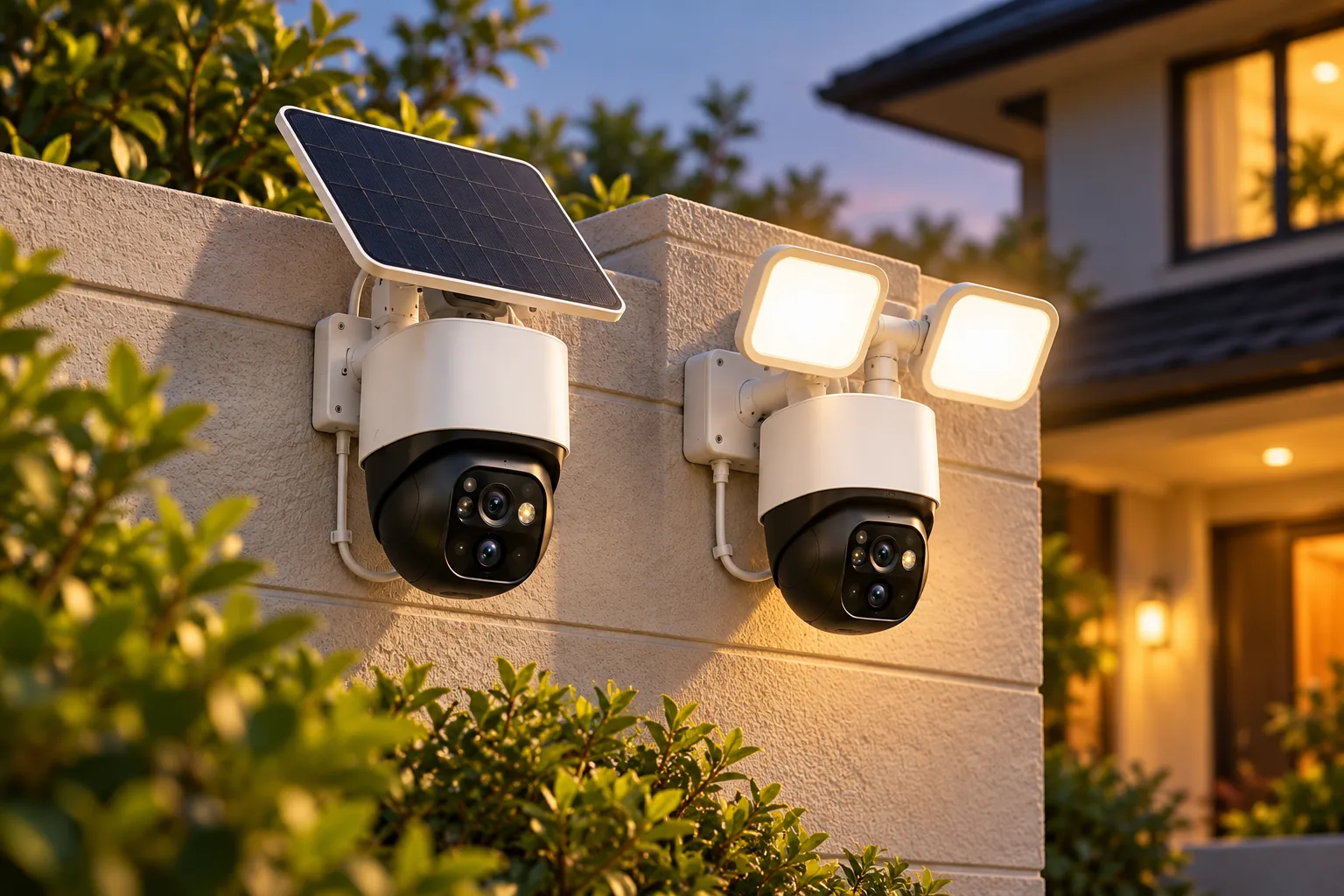
Wyze Solar Panel supports Wyze Cam Outdoor v1/v2 and Battery Cam Pro; Battery Cam Pro requires the Wyze Solar Panel USB-C Adapter Cable. The panel does not charge other cameras or devices. Wyze says it needs direct sunlight, stops charging at 100% and resumes below 90%. See Wyze's charging guidance.
Those instructions support solar-assisted charging for compatible cameras. They do not overturn the separate recommendation against battery-plus-solar power for Battery Cam Pro continuous recording. A compatible connector and the ability to charge are different from meeting the power demands of a chosen recording mode.
For example, suppose you want event recording at a location with usable direct sunlight and an inconvenient cable route. Battery Cam Pro plus the correct panel adapter is an arrangement to investigate. If you instead require continuous footage, return to the documented AC-power recommendation. Do not use an estimated amount of sunshine as an unsupported substitute for it.
Check outdoor accessories against the exact camera
Cam v4's accessory compatibility list includes Wyze Cam Outdoor Adapter, Lamp Socket v1/v2 and Window Mount. It explicitly excludes Wyze Solar Panel, Spotlight Kit and Garage Door Controller. An accessory being sold under the Wyze name is insufficient evidence that it fits Cam v4.
Outdoor security cameras need suitable power accessories and protected connections in addition to an appropriate camera housing. Follow the exact manufacturer instructions for adapter placement, seals and cable routing. IP65 on the camera does not establish that exposing an indoor adapter is acceptable.
Check the supplied equipment as carefully as expansion accessories. Cam v4 uses microUSB; Battery Cam Pro uses USB-C. Verify the correct power rating as well as the connector, and avoid assuming that a spare cable or adapter meets the complete requirement simply because it plugs in.
Plan battery maintenance around charging temperature
Battery Cam Pro's WBAT1 removable lithium-ion pack is rated at 6200 mAh. Its documented operating range is −20°C to 50°C (−4°F to 122°F), while charging is specified at 0°C to 50°C (32°F to 122°F). Operation and charging therefore have different lower limits. These figures come from the Battery Cam Pro technical specifications.
For a cold location, plan how you will charge within the specified range rather than assuming an operating-temperature rating authorizes charging at the same temperature. Keep the camera accessible enough for the maintenance your selected power arrangement requires.
Battery capacity alone cannot predict the charging interval for your installation. Recording mode, use and conditions change the scenario. Observe actual behavior after setup and adjust the maintenance plan; this guide does not supply a measured runtime claim.
Use a model-specific buying worksheet
| Decision | Cam v4 or Battery Cam Pro check |
|---|---|
| Exact device | WYZEC4 or WYZECOP, not an unspecified Wyze camera |
| Power | Correct connector, rating and complete installation arrangement |
| Network | Supported band available at the intended position |
| Recording | Continuous or event mode with its exact limits |
| Storage | Supported card capacity and format |
| Service | Desired event length, cooldown and paid features |
| Accessories | Exact model listed as compatible |
| Maintenance | Charging access and permitted charging temperature |
| Footage recovery | Saved playback and export procedure verified |
Build an ownership budget from the actual camera, card, power accessories, any solar adapter and any service you require. As a hypothetical comparison method, calculate the first year using those purchases plus 12 months of the selected plan, then list recurring service separately for later years. Use actual checkout figures; neither a low camera price nor local storage alone establishes the total cost.
Common Wyze camera questions
Are Wyze wireless cameras battery-powered?
Some are. Cam v4 uses Wi-Fi for data but needs microUSB power, while Battery Cam Pro uses a removable battery. Choose the exact model by power and recording requirements rather than assuming the word wireless describes both.
Can Battery Cam Pro record continuously without a subscription?
Yes, its official guide documents continuous local microSD recording without a subscription. Wyze strongly recommends 5 V/2 A AC power and advises against battery-only or battery-plus-solar operation for that use. Enable local recording before relying on its documented offline behavior.
Can Wyze Solar Panel power Cam v4?
No. Cam v4's official accessory list explicitly marks Wyze Solar Panel incompatible. The panel supports the specified Outdoor models and Battery Cam Pro, with the required USB-C adapter cable for the latter. Compatibility does not imply suitability for continuous recording.
Choose the recording mode before the accessories
For Wyze wireless security cameras, make the power and recording decision first. Compare Cam v4 for a suitable powered position and Battery Cam Pro for its documented battery/event or AC-powered continuous arrangements. You can then search Amazon for Wyze Cam v4 or search Amazon for Wyze Battery Cam Pro, checking the exact supplied accessories and storage requirements before ordering.