As an Amazon Associate we earn from qualifying purchases.
The best video doorbells for your home are the ones that fit its power supply, show the part of the entrance you care about, and retain footage in a way you will actually use. Start with the recording outcome: live checking, later event review, or continuous history. Then choose a compatible power mode and indoor ringing method. A higher resolution or familiar brand cannot compensate for the wrong installation or a recording feature you have not included in the purchase.
As an Amazon Associate I earn from qualifying purchases. We may earn a commission when you buy through links on this page.
Quick direction: Consider a battery model when there is no suitable wiring, a documented local-storage model when avoiding a cloud recording fee matters, and a supported wired mode when you need continuous history. Check the exact generation: optional wiring can mean battery charging on one doorbell and enable continuous recording on another.
This US buying guide compares documented Ring, Google Nest, Arlo, Tapo, and Reolink examples checked October 18, 2026. Recommendations follow their published requirements rather than hands-on rankings. It summarizes installation choices; detailed transformer and chime work belongs in model-specific instructions.
On this page
- Choose the outcome before choosing the brand
- Understand what wiring does for the chosen doorbell
- Check the view at your actual doorway
- Compare what you can retrieve later
- Continuous recording has model and mode limits
- Make indoor ringing part of the purchase
- Use a complete purchase worksheet
Choose the outcome before choosing the brand
Write one sentence describing why you want a doorbell camera. “I want to answer visitors from my phone” is different from “I want to review a delivery tonight.” “I need the full timeline around an unexplained incident” is different again. The relevant recording requirements are not interchangeable.
| Your main need | Documented starting point | Ownership condition to resolve |
|---|---|---|
| See the entrance when you open the app | Ring or second-generation Arlo live checking | Basic live access does not include saved cloud footage |
| Brief included history without a recording plan | Compare exact Nest generations | Short rolling windows and per-clip limits may not suit delayed review |
| Local recording without a cloud-storage subscription | Tapo D225 | Buy a suitable microSD card; verify the selected recording mode |
| Continuous cloud history | Wired Nest second or third generation | Appropriate paid plan and compatible power required |
| Continuous local history in a specific dual-power model | Reolink Battery Video Doorbell second generation | Standalone Wired Power Mode with microSD; not continuous recording through Hub/NVR |
These starting points come from the Ring family FAQ, Arlo product FAQ, Nest comparison, Tapo D225 specifications, and Reolink's exact second-generation FAQ.
The table is a shortlist by documented use case, not a claim that every model in a brand offers the same features. Once a row matches your need, check that exact model's power, notifications, indoor ring, and recording requirements together.
Understand what wiring does for the chosen doorbell
There are at least three different arrangements hidden behind “wired or battery” descriptions:
- Dedicated wired power: The doorbell is designed to receive continuous external power.
- Battery with charging wires: The battery still runs the doorbell while the wires replenish it.
- Selectable battery and wired modes: The external power mode can enable different recording behavior.
Arlo's second-generation doorbell illustrates the second arrangement. It always operates from its battery; optional 8–24 V AC wiring trickle-charges it and can ring a compatible chime. Nest battery also accepts optional wiring, but wiring does not enable 24/7 history. Arlo's power FAQ, Nest's comparison
Tapo D225 illustrates a different choice. Its installation guidance supports battery operation or an 8–24 V AC circuit with a transformer rated at least 10 VA. Enabling its Always-On Mode supports continuous recording and requires bypassing the existing chime. That mode change therefore affects both recording and indoor sound. Tapo's model-specific installation guidance
For a dedicated wired example, Ring Wired Doorbell 2K's exact product FAQ specifies 12–24 V AC and says it does not support the existing mechanical chime. Current US wired Nest second and third generations have a different requirement: 16–24 V AC and 10–40 VA. A generic voltage range is not enough to establish compatibility for every doorbell. Ring Wired 2K requirements, Nest compatibility
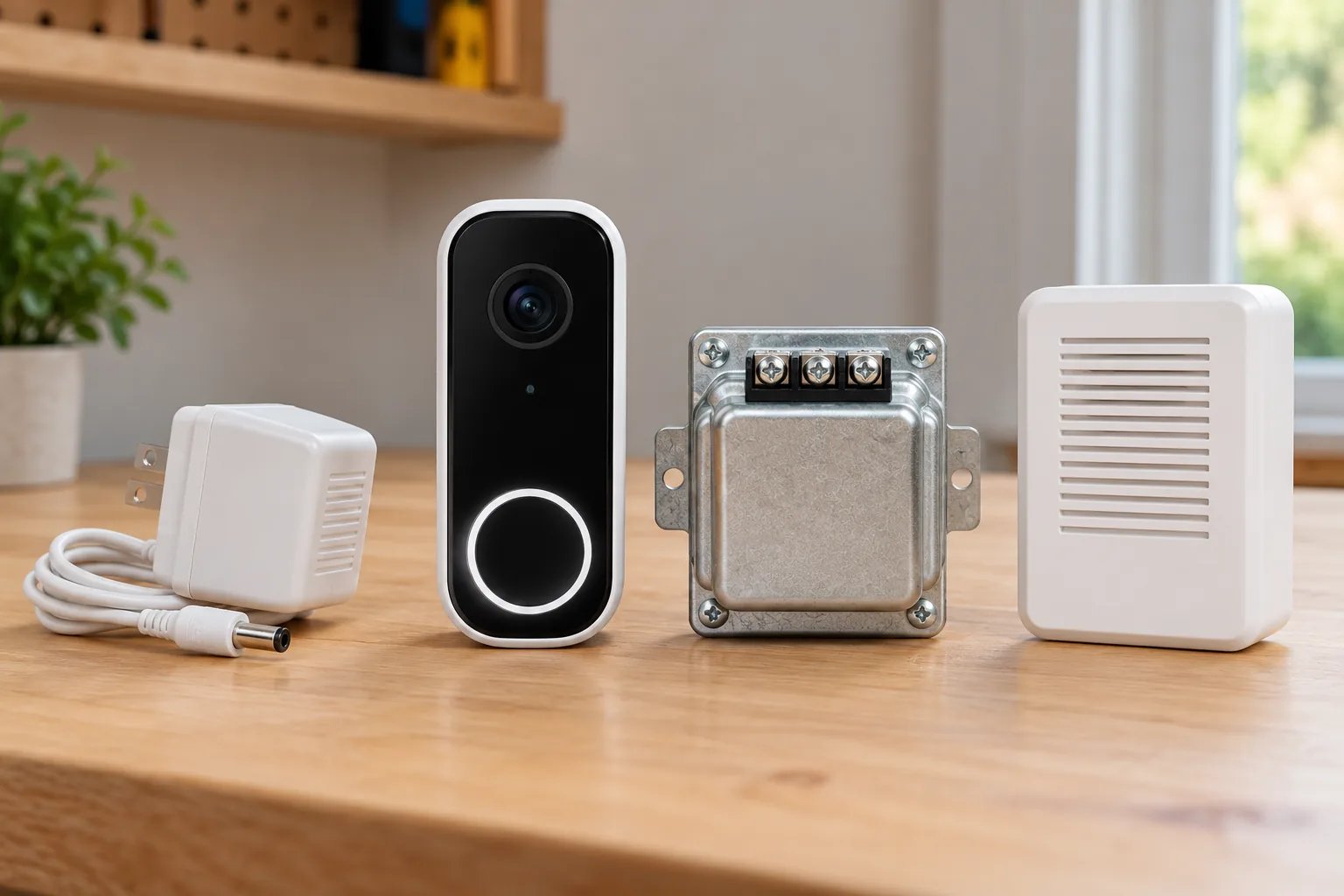
Wired video doorbells should be compared by the exact power mode they support, not merely by the presence of two terminals. Identify the existing circuit before purchase, turn off power before wiring work, and follow the manufacturer's exact instructions. Use qualified help if transformer ratings or wiring are unclear.
Without suitable wiring, a battery model can reduce the electrical installation work. It still needs a permitted mount, charging access, and the connection required for its remote functions. Wireless video doorbells should be chosen with that maintenance and connectivity plan in mind.
Check the view at your actual doorway
Resolution describes image detail, while aspect ratio describes the image's shape. Field of view describes angular coverage, but the measurement may be horizontal, vertical, or diagonal. Compare like measurements before deciding which camera shows more of the area you need.
| Documented example | Resolution and shape | Coverage specification |
|---|---|---|
| Nest wired third generation | 2K HDR; 1:1 square | 166-degree diagonal |
| Nest battery and wired second generation | 960p HDR; 3:4 portrait | 145-degree diagonal |
| Arlo second-generation family | 1:1 square | 180-degree diagonal |
| Tapo D225 US | 2K 4MP | 170.6-degree horizontal; 140.1-degree vertical; product describes 180-degree diagonal |
The figures come from the Google Store comparison, Arlo specifications, and Tapo's US specification table with its product description. They are manufacturer specifications, not a test showing a universal image-quality winner.
For deliveries, preview the area where packages are actually left, not just a person standing at the button. For visitors, check the usual approach and the view of someone standing close to the door. A wall, corner, or deep porch can make placement decisive even when the camera has a wide specified view.
Suppose a hypothetical home has a delivery shelf beside the doorway rather than directly below the button. The right check is whether that shelf appears in the preview from the permitted mounting position. A “head-to-toe” description does not answer that layout-specific question by itself. Inspect the recorded view as well as live view after setup.
Ring's current range also includes 2K and 4K-capable models with different power and feature combinations. Compare the exact model, network requirements, and plan rather than applying one Ring specification across the whole family. Higher capability is useful only if the full installation supports the use you expect. Ring's current family comparison
Compare what you can retrieve later
Ring and Arlo make the distinction between free live access and paid cloud recording especially clear. Ring says videos and photos are not saved without a subscription. Arlo's second-generation FAQ keeps live video and basic motion notifications available without a plan, while cloud storage and video-object features require one. Ring recording FAQ, Arlo subscription FAQ
Nest provides a different kind of included access. Wired third generation has a six-hour rolling window of event previews up to ten seconds long. Battery has a three-hour event-history window with clips up to three minutes. These numbers describe two separate limits: how far back you can look and how much one clip can contain. Nest's included-history comparison
As a hypothetical example, assume a delivery occurs at noon and you first review it at 4 p.m. The six-hour window can still include noon, while a three-hour rolling window has moved beyond it. That does not guarantee a recording exists or that a ten-second preview shows the whole delivery. If you normally check only at the end of the day, use a longer-retention arrangement rather than relying on a short free window.
Video doorbells without a subscription need to be compared on saved footage and included alerts separately. Tapo D225 supports a separately purchased microSD card up to 512 GB and offers Tapo Care cloud storage by subscription. Its official overview also includes on-device person, package, and vehicle alerts without a subscription, while the specifications associate snapshot notifications with Tapo Care. A basic AI alert and an image in that notification are distinct features. Tapo's local-storage and notification specifications, included AI alerts
If that local-card arrangement matches your priorities, you can search Amazon for Tapo D225 video doorbells. Confirm the exact hardware version, offer contents, and suitable card separately. Search results do not verify stock or an individual product's compatibility.
Continuous recording has model and mode limits
Continuous recording captures the time between detected events. It can be useful when you do not know which alert, if any, corresponds to the moment you need. Event history is a different record, built around detected activity rather than every moment.
Wired Nest second and third generations support optional paid continuous history, while Nest battery cannot gain that feature through optional wiring. Tapo D225's Always-On Mode has its own installation and chime-bypass requirements. These examples show why “can be wired” is not a reliable shortcut for predicting recording behavior. Nest recording comparison, Tapo Always-On requirements
Reolink Battery Video Doorbell second generation is another exact-model example. It supports continuous local recording when used standalone in Wired Power Mode with a microSD card. When connected to a Reolink Home Hub or NVR, the FAQ says it records motion-triggered events rather than continuous video. It is also a separate product line from Reolink's wired Video Doorbell WiFi and PoE models. Reolink's mode and recording FAQ
Before adding a doorbell to an existing recorder, verify the combination of model, mode, storage destination, and recording schedule. “Works with a hub” does not establish that the hub receives every recording type. Local storage also does not establish a specific outage behavior, remote access method, or retention period without further model-specific evidence.
Make indoor ringing part of the purchase
A camera feed on your phone and a sound inside the house are separate outcomes. Decide what should happen when a visitor presses the button while your phone is elsewhere, on silent, or being used by someone away from home.
The documented Tapo D225 package includes a chime; Reolink Battery second generation's documented box contents do not. Existing-chime reuse also varies: wired Nest's existing-circuit installation needs its connector, Ring Wired 2K does not ring the existing mechanical chime, and Tapo Always-On Mode bypasses it. Tapo package contents, Reolink box list, Nest connector guidance, Ring chime FAQ, Tapo mode guidance
Video doorbell chime compatibility should be confirmed for the exact power and recording mode you intend to use. Include any additional indoor chime in the purchase comparison, then test the actual button-to-indoor-sound path after installation. A successful motion notification is not proof that the doorbell press reaches every intended device.
Check connectivity, maintenance, and privacy together
Tapo D225, for example, uses 2.4 GHz Wi-Fi and a built-in rechargeable battery. Its local microSD capability does not remove the need for a suitable connected setup when you want remote functions. Check the intended position and charging access before making the mount permanent. Tapo's US network and power specifications
Aim the camera toward the entrance and delivery area you need to monitor. In shared spaces, consider what nearby doors, windows, and conversations would enter the view or audio. Obtain any necessary mounting permission and check applicable recording requirements for your location.
Privacy controls also need to be understood individually. Ring's Privacy Zones mask areas in compatible devices' live and recorded video. Audio streaming and recording have separate controls, with device and subscription qualifications in Ring's support guidance. Do not assume a masked image area also resolves audio capture. Ring's privacy controls
Use a complete purchase worksheet
Before comparing final offers, fill in these answers for each exact model:
| Decision | Your answer |
|---|---|
| Main job | Live visitor conversation, later event review, or continuous history |
| Installation | Permitted mounting position and exact power mode |
| View | Visitor approach, button area, and normal package location visible |
| Recording | Included or paid; event or continuous; card, cloud, hub, or NVR |
| Retention | How long footage remains available in the chosen setup |
| Indoor ring | Existing compatible chime, included chime, or separate device |
| Maintenance | Charging access, card requirements, and network needs |
| Privacy | Suitable field of view, audio settings, and household access |
Compare total ownership over a chosen period: hardware, installation, required storage or chime, and subscription payments. Use actual offers and current plan terms; no unverified prices or fixed battery-life forecasts are assumed here.
The best video doorbells earn their place by completing your intended workflow. Shortlist by recording outcome, rule out incompatible power arrangements, check the actual doorway view, and confirm indoor ringing. Then choose the exact model whose complete setup matches how your household will use it.