As an Amazon Associate we earn from qualifying purchases.
Video doorbells that work with an existing chime must support both your chime type and the intended wiring or power mode. Check the exact model, transformer requirements and any required connector or power kit before buying. “Wired” does not guarantee that the old indoor bell will ring: some wired models deliberately use a separate indoor alert.
As an Amazon Associate, we earn from qualifying purchases. We may earn a commission when you buy through links on this page.
Quick decision: If keeping the household chime matters, make that a purchase requirement and confirm it in the model’s instructions. If it cannot be retained, choose a documented plug-in chime or announcement option. This guide compares manufacturer guidance for US installations; it does not certify an unidentified circuit or provide mains-wiring instructions.
On this page: identify the chime, model matrix, power requirements, setup checks, and questions.
Identify the indoor alert you want to keep
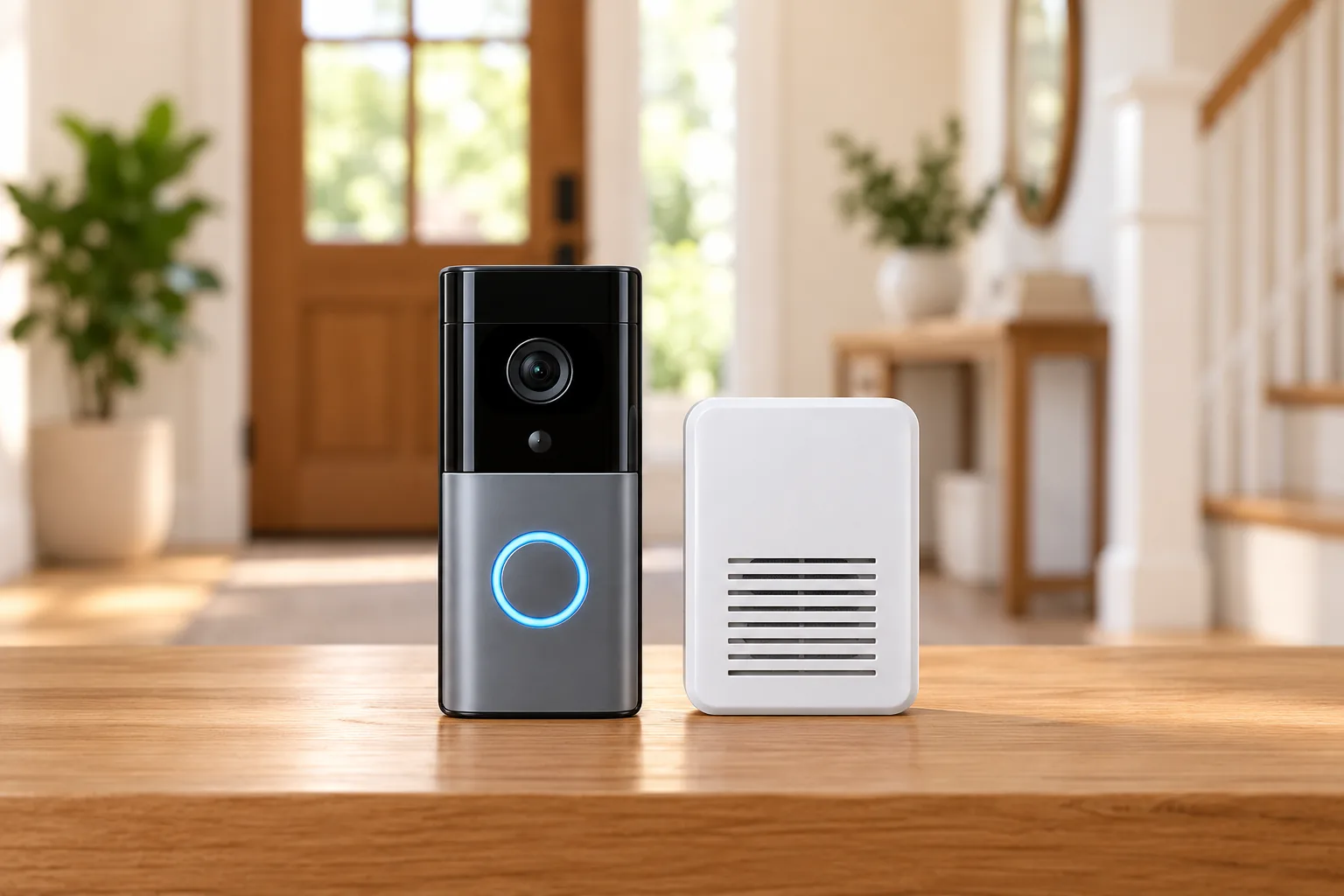
A mechanical chime uses a bell and hammer for the familiar ding-dong. A digital chime plays recorded tones through a speaker. A wireless receiver powered only by batteries is another category, and a branded plug-in smart chime is another. These distinctions matter because the way an alert sounds does not establish how it connects.
Ring’s setup guidance distinguishes mechanical, digital and no-chime settings. Google likewise distinguishes a wired digital chime that also contains batteries from a battery-only wireless chime with no wires. The former may be compatible after the necessary checks; the latter does not work as an existing Nest chime. Ring’s chime identification guide, Google Nest compatibility checks
Before comparing products, gather four pieces of information:
- The exact doorbell model and generation you own or intend to buy.
- The existing chime’s brand/model, connection type and accessible labels.
- The transformer’s documented voltage and VA rating.
- Whether your priority is the existing indoor sound, continuous recording, or a separate compatible receiver.
Do not open electrical enclosures or change wiring to fill in missing information. Use an installer when the transformer is unidentified, wire labels are unusual or the system includes an intercom or gate controller. Google specifically flags integrated systems and unfamiliar labeling for professional assessment. Doorbell transformers need to be checked against the exact doorbell and complete installation.
Compare exact doorbells and power modes
Use the matrix to shortlist an approach, then follow its source for the exact circuit and accessory requirements. A “supported” row still requires the manufacturer’s compatibility checks; it is not approval for every mechanical or digital chime.
| Doorbell or family | Existing-chime route | Key purchase or setup condition |
|---|---|---|
| Ring Video Doorbell Wired; current Wired Doorbell 2K | Existing household chime is not the indoor-alert route | Plan a compatible separate alert |
| Ring Wired Doorbell 2K Plus; non-PoE Wired Doorbell 4K Pro | Existing chime unsupported | Chime Kit Mini is the specified indoor-chime route |
| Nest Doorbell wired, first through third generation | Existing compatible circuit with included chime connector | Follow generation-specific power and connector instructions |
| Nest Doorbell battery | Compatible existing wiring can support the chime route | No chime connector required; battery-only installation does not connect the old chime |
| Arlo Video Doorbell, second generation | Traditional chime when properly hardwired | Battery remains the operating power source; Arlo Chime V2 is an alternative |
| Blink Video Doorbell, second generation | Wired mechanical chime supported | Three specified AA lithium batteries and Sync Module still required |
| Blink Wired Doorbell 2K+ | Does not ring the in-home mechanical chime | Use supported Blink Mini, Blink Chime or compatible Alexa alert |
| eufy Doorbell C31 | Existing chime with low-current wired charging | Bypass route changes recording features and disables the old chime |
| Tapo D225/D235/TD25 | Hardwired traditional chime with Always-On disabled | Do not install the bypass jumper for this route |
| Reolink wired WiFi/PoE doorbells | Other-brand chimes unsupported | Check the exact compatible Reolink chime generation |
| Reolink Battery Video Doorbell, second generation | Mechanical chime with suitable hardwiring | Wired Power Mode needs RLA-PK1 to preserve ringing; jumper bypass does not |
The Ring rows follow its in-home chime guide, Wired Doorbell 2K product FAQ and hardwiring requirements. The remaining rows are explained with their model-specific sources below.
Ring: similar wired names can require different accessories
Ring’s Video Doorbell Wired and current Wired Doorbell 2K do not preserve the ordinary in-home chime function. Ring also says the Wired Doorbell 2K Plus and non-PoE Wired Doorbell 4K Pro need Chime Kit Mini for indoor ringing. Do not assume an older “Plus” or “Pro” installation uses the same arrangement as these newer names. Ring’s current chime guidance
Ring’s hardwiring table illustrates the difference: legacy Wired Doorbell Plus/Pro rows require a Pro Power Kit in the named direct-AC-transformer configuration, while the current 2K Plus and 4K Pro rows list different requirements. Its older Video Doorbell and Video Doorbell 2 also require a diode for digital chimes; listed newer battery models do not. These are model-specific rules, not a reason to add a diode or power kit to every installation. Ring’s exact-model hardwiring tables
Nest and Arlo: existing wiring still needs full checks
For Nest’s existing-doorbell/chime circuit, wired first-, second- and third-generation models require the included chime connector. The Nest Doorbell battery needs no connector for wired or battery-powered installation. This distinction concerns the existing circuit; a separate indoor-adapter installation is a different route. Google’s chime connector instructions
Arlo says its doorbell can ring a traditional household chime when connected to existing wiring. Its second-generation product documentation lists traditional chime or Arlo Chime V2 support and explains that hardwiring trickle-charges the battery while the doorbell continues operating on battery power. Arlo video doorbells should be checked by generation before choosing their indoor alert. Arlo indoor-alert options, Arlo second-generation specifications
Blink: battery and wired-only models behave differently
Blink’s Video Doorbell second generation supports a wired mechanical chime, but its Wired Doorbell 2K+ does not. Blink’s current family FAQ also separates Battery Doorbell 2K+ from those models. Match the complete product name rather than shopping for a generic “Blink wired doorbell.” Blink’s family comparison and chime footnote
For the second-generation Video Doorbell specifically, three non-rechargeable AA lithium batteries remain required even when connected to chime wiring, and a Sync Module is required. Its technical page specifies 16–24 V AC, 50–60 Hz and 40 VA maximum for chime wiring. Do not substitute a generic brand-level voltage range from another generation. Blink second-generation technical specifications
eufy and Tapo: preserving the chime can change recording options
The eufy C31 offers a wired route that retains the existing chime with low-current charging. Its bypass route enables the documented pre-recording/continuous-recording setup, but power mode is only part of the requirement: eufy says C31 24/7 recording is unavailable with HomeBase 2 and recommends Solo mode or HomeBase 3. A bypass connection alone does not establish that every pairing supports continuous recording. eufy C31 power-mode guide
For Tapo D225/D235/TD25, using a traditional chime means hardwiring, disabling Always-On and omitting the bypass jumper. Tapo does not support wireless connection to other non-TP-Link chimes. Choose between the documented traditional-chime and Always-On arrangements before installation rather than attempting to combine incompatible steps. Tapo’s doorbell and chime FAQ
As a practical scenario, suppose a C31 owner wants both the existing ding-dong and 24/7 video through HomeBase 2. The documentation identifies two separate obstacles: the power/chime route and the HomeBase 2 recording limitation. Buying a different transformer alone does not resolve that requirement. Decide which feature matters most, then select a fully supported configuration.
Reolink: separate wired models from battery generations
Reolink’s wired WiFi/PoE family does not support other-brand chimes. That rule should not be extended to every Reolink battery doorbell, which has different existing-chime options. Reolink doorbell family FAQ
For the Battery Video Doorbell second generation, compatible proprietary options include Chime Plus and Chime 2.1; original Chime V1/V2 are excluded. In Wired Power Mode, a jumper bypass disables the mechanical chime. Preserving that chime requires the specified RLA-PK1 power kit. A jumper and a power kit therefore cannot be treated as interchangeable accessories merely because both appear in installation instructions. Reolink battery second-generation FAQ
Check power, batteries and accessory kits separately
Voltage alone is insufficient to select a doorbell transformer. Check AC versus DC, permitted voltage, VA requirement and the complete model-specific configuration. For example, Google lists 8–24 V AC and 10–40 VA for Nest Doorbell battery, compared with 16–24 V AC and 10–40 VA for its US wired generations. Those specifications do not approve an unidentified chime or integrated system. Google’s power requirements
Battery requirements also remain separate from the existence of wires. Blink second generation needs its specified batteries when chime-wired; Arlo second generation still operates from its battery; and eufy C31 requires the battery inserted in either wired mode. Eufy instructs owners to turn off power before removing the battery or replacing the SD card in a wired installation. Blink specifications, Arlo specifications, eufy C31 precautions
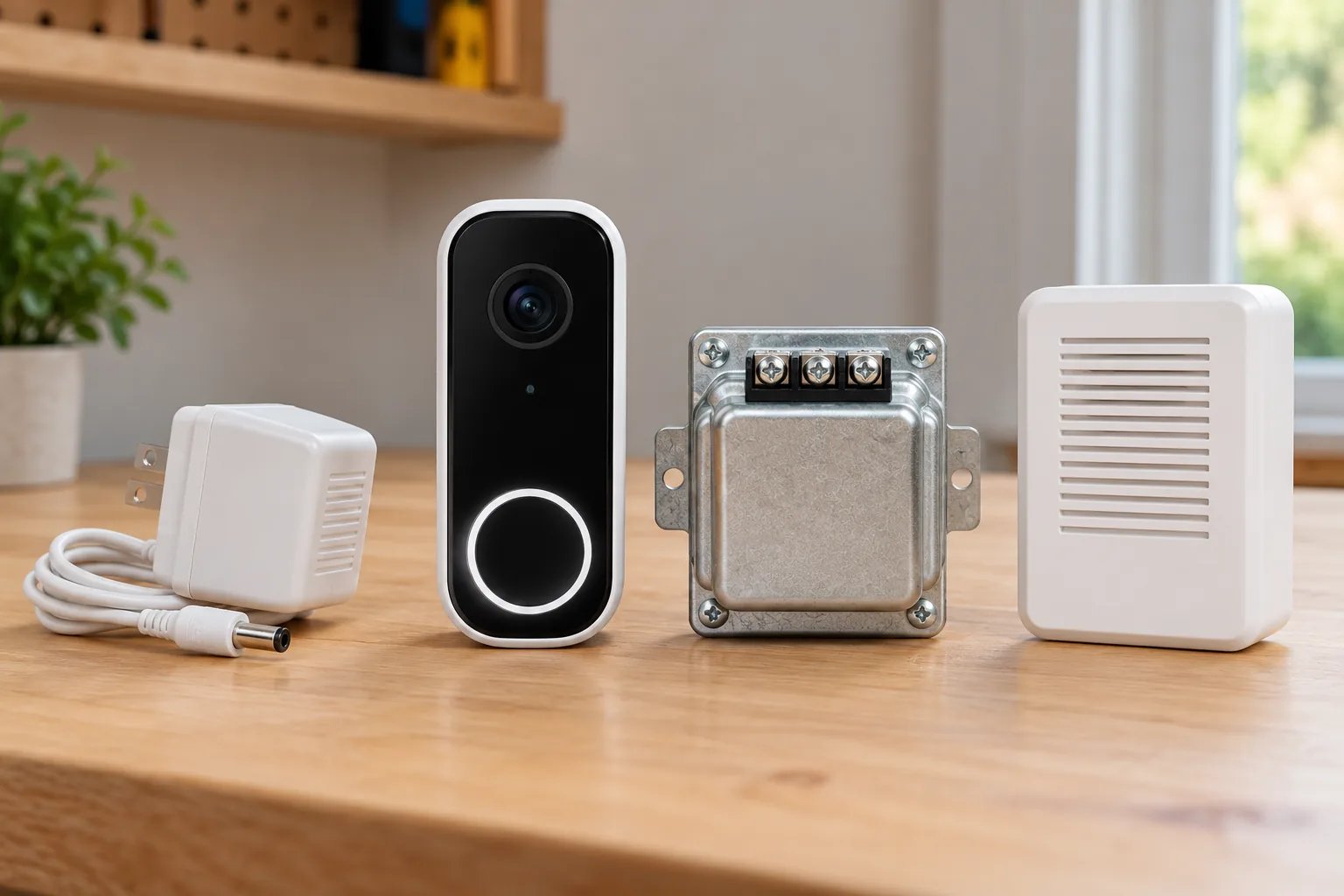
Wired video doorbells need a complete power-and-chime plan before you order accessories. Record the exact connector or kit in that plan and keep its installation instructions with the device.
For a documented alternative, you can search Amazon for Arlo Chime V2 or search Amazon for Reolink Chime Plus. Verify your exact doorbell pairing and listing contents first. These are search links, not confirmation of stock, price or universal brand compatibility.
Configure and test the real doorbell press
A camera displaying live video has passed a different test from a working indoor chime. After installation according to the exact manufacturer instructions, verify the indoor alert itself:
- Complete onboarding. Confirm the app identifies the correct doorbell and intended power mode.
- Select the correct chime setting. For supported Ring models, choose the documented mechanical, digital or none option; allow saved settings time to update.
- Enable the existing-chime option where required. Eufy C31 may leave it off after incomplete onboarding; its guide points to Settings → Indoor Chime → Existing Chime.
- Press the physical button. Check the household chime, selected proprietary receiver and phone notifications as separate outcomes.
- Check the rooms where you need the alert. A receiver sounding near the front door does not establish that you can hear it upstairs with the door closed.
- Record the working configuration. Keep model, power mode, kit, chime setting and test outcome together for future troubleshooting.
The app checks above follow Ring’s configuration sequence and eufy’s C31 setup guidance. Do not use a generic instruction to bridge wires or bypass components when the circuit is unknown. Stop and seek qualified help for unresolved electrical behavior.
Network status matters for some proprietary alerts. Tapo says its paired chime can still ring in some remotely offline conditions when Wi-Fi remains connected, but will not ring if the doorbell is completely disconnected from Wi-Fi or out of battery. Multiple compatible chimes can be paired, but additional receivers do not remove these dependencies. Tapo’s connectivity and multiple-chime guidance
For Vivint owners, treat indoor tones as a supported system/software workflow. Vivint’s published Holiday Chimes support excerpt specifies Doorbell Camera Pro, Smart Hub firmware 3.21.1 or later and app 21.10.300 or later. It does not establish third-party chime compatibility. Ask Vivint to confirm your installed system and available options. Vivint Holiday Chimes prerequisites
Common questions
Can any wired video doorbell ring my old chime?
No. Ring and Blink have wired models that use separate indoor-alert arrangements, while some battery models can ring a wired household chime. Match the exact model, circuit, power mode and accessory instructions. The word “wired” describes only part of the installation.
Is a digital chime compatible if it contains batteries?
Possibly. Google distinguishes a wired digital chime with batteries from a battery-only wireless receiver. The exact doorbell’s requirements still govern. Identify the chime and complete the compatibility checks; batteries alone do not establish either compatibility or incompatibility.
Should I replace the chime or the doorbell?
First identify the missing requirement. If your chosen doorbell deliberately bypasses the old chime, a documented separate receiver may meet the indoor-alert need. If preserving the original sound is essential, select a doorbell and power mode that explicitly support it before buying replacement hardware.
Finish with a verified indoor-alert plan
Choose the exact doorbell, supported chime route, power source and required kit as one configuration. Then test a physical button press in the rooms where the alert matters. If the circuit or pairing remains unidentified, resolve it with the manufacturer or installer before ordering a generic chime accessory.