As an Amazon Associate we earn from qualifying purchases.
Choose security camera mounts by matching the exact camera interface, the complete bracket arrangement, the mounting surface, and the intended exposure. Then verify that the camera can see, connect, and be serviced from that position. A mount described as “universal” is not sufficient evidence of fit, and a compatible bracket does not establish that the wall or its fasteners can support the installation.
Before buying: Identify the camera model, check the manufacturer’s compatible-accessory list, account for any intermediate adapter, and obtain the load and fastener requirements. Test the view and wireless connection before drilling. Arlo’s mounting guidance explicitly calls for a location suitable for signal strength and motion detection before mounting.
This guide helps homeowners and small-site installers choose general, wall, and outdoor camera mounting hardware. It compares documented Arlo and Axis examples without claiming hands-on fit tests, structural calculations, or universal cross-brand compatibility.
As an Amazon Associate, we earn from qualifying purchases. We may earn a commission when you buy through links on this page.
Contents
- Start with the complete attachment chain
- Compare the mounting job, not just the bracket shape
- Size a pole mount by the actual pole diameter
- Use this pre-purchase worksheet
Start with the complete attachment chain
Write the mounting arrangement as a sequence: camera → required adapter or pendant kit → bracket → surface and fasteners. Some cameras attach directly to a supported mount; others need an intermediate accessory. The manufacturer must establish every relevant connection, not just the first or last one.
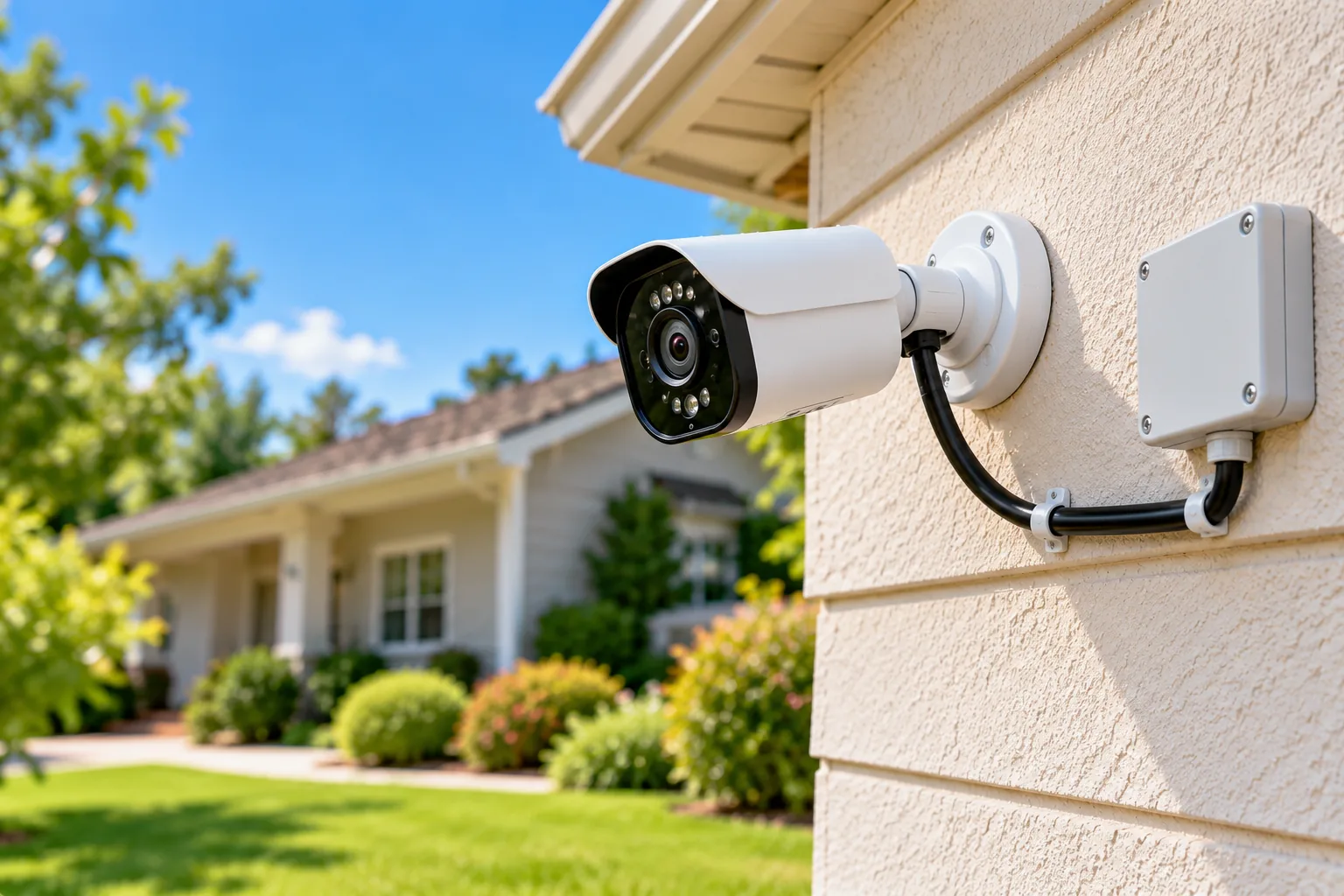
For example, AXIS T91D61 Wall Mount 1.5-inch NPS is listed as compatible with Axis fixed-dome pendant kits and ACI three-quarter-inch conduit adapters. Its page lists separate pendant-kit accessories. The wall bracket by itself therefore does not identify the correct camera attachment for every fixed dome. Select the pendant kit for the exact camera, then verify the rest of the arrangement. Source: AXIS T91D61.
Thread size, screw-hole pattern, camera weight, and physical clearance are separate checks. Do not infer a standard camera thread or numeric load capacity from a photograph. If the chosen product page does not provide the required information, obtain its installation manual or ask the manufacturer or installer before ordering.
This is especially useful when replacing one camera while keeping a bracket. A similar-looking body may use a different interface or need a different adapter. Record the old and new model numbers rather than treating the mount’s continued presence on the wall as proof of compatibility.
Compare the mounting job, not just the bracket shape
The following examples solve different problems. They illustrate what to verify; they are not interchangeable recommendations.
| Mounting job | Documented example | Specific selection check |
|---|---|---|
| Indoor stand for a supported camera | AXIS T91B21 Stand White | Indoor-only designation, compatible camera, surface and hardware |
| Adjustable consumer camera position | Arlo VMA4000B-10000S | Exact supported camera code and clearance around the swivel |
| Fixed-dome wall arrangement | AXIS T91D61 Wall Mount 1.5-inch NPS | Compatible pendant kit, conduit adapter and cable entry |
| Indoor/outdoor pole attachment | AXIS T91B47 | Correct strap-size version and complete supported camera/bracket arrangement |
Sources: AXIS T91B21, Arlo Outdoor Mount, AXIS T91D61, AXIS T91B47.
Indoor metal stand: AXIS T91B21
Axis describes T91B21 Stand White as a metal camera stand for indoor use, attachable to walls, shelves, or hard ceilings. Its US ordering number is 5506-611. The material does not change the indoor designation; do not assume that a metal stand is suitable outside. Source: T91B21 product and ordering information.
For an indoor corner or shelf installation, first establish that the camera appears on the compatible-products list. Then assess whether the chosen position leaves room to adjust the camera and reach its connections. A stand that fits mechanically can still be awkward if a shelf blocks the useful view or makes routine access difficult.
Consumer swivel mount: Arlo VMA4000B-10000S
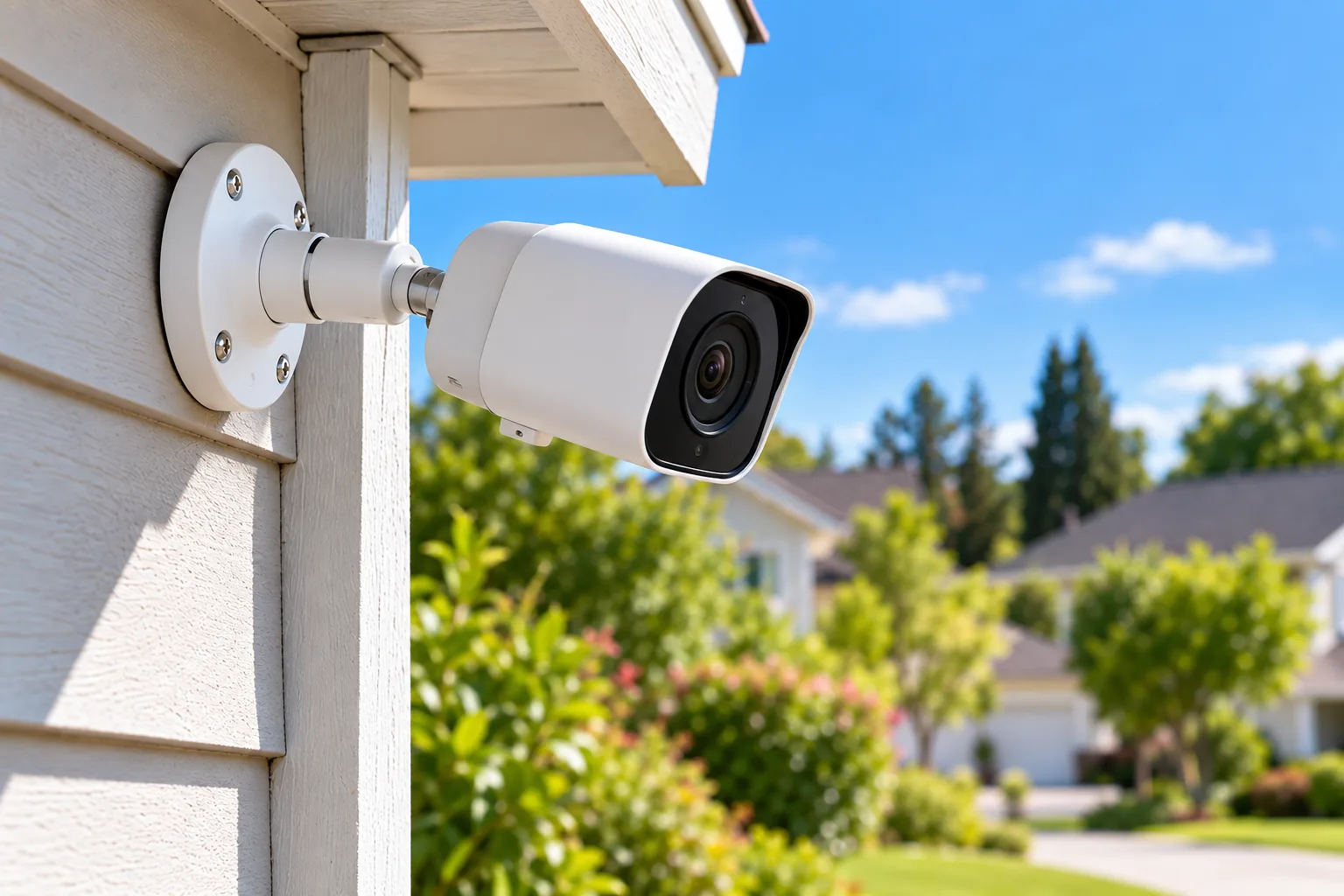
Arlo’s VMA4000B-10000S is documented for indoor or outdoor use. It has a swivel base, projects 2 inches from the mounting surface, and comes as a set of two. Its US compatibility list expressly includes Pro 4 VMC4050P-100NAS and Pro 5S 2K VMC4060P-100NAS, among the listed devices. Check your complete camera code against that list rather than generalizing from “Arlo.” Source: Arlo Outdoor Mount.
The two-inch projection is useful for planning, but it does not prove your camera will clear every corner, cable, or overhang at the desired angle. Consider the camera body and any connected cable while checking the actual position. Do not assume the swivel can compensate for a location where the body physically contacts the wall before reaching the needed view.
After checking the compatibility list, you can search Amazon for Arlo VMA4000B camera mounts. The search is not confirmation of the seller’s exact part, included hardware, camera fit, price, or stock.
Wall pendant arrangement: AXIS T91D61
The T91D61 example is useful when an installation needs more than a direct camera-to-wall connection. Axis allows cable routing through the back or from the side using a conduit connection. That choice should be made while planning the location, because the wall passage and conduit path affect where the bracket can sit. Source: T91D61 cable routing.
Do not select an adapter merely because its thread wording resembles another product. Use the exact compatible pendant and conduit accessories identified for the chosen camera and bracket. The camera fit, cable entry, and environmental suitability of the full assembly need to agree.
Size a pole mount by the actual pole diameter
AXIS T91B47 is documented for indoor and outdoor pole mounting and comes in two strap versions:
| Version | Supported pole diameter | Ordering number |
|---|---|---|
| Smaller strap version | 50–150mm | 01165-001 |
| Larger strap version | 100–410mm | 01164-001 |
Axis lists two SS316L stainless steel straps with a TX30 screw interface, and advertises IK10 and NEMA 4X ratings for the mount. Keep those ratings attached to that accessory; they do not establish the rating of an arbitrary camera, enclosure, or completed installation. Source: AXIS T91B47 specifications and ordering table.
As a hypothetical fit check, a 75mm-diameter pole falls within the 50–150mm range but below the larger version’s 100mm minimum. A 200mm-diameter pole is outside the smaller version’s range and within the larger one. These examples only check diameter against the published ranges. They do not establish pole strength, installation load, or the correct camera bracket.
Measure diameter rather than substituting circumference, and record the units. Where the ranges overlap, both may pass that single dimension; the complete accessory arrangement and installation requirements still decide the order. A strap that reaches around a pole is only one part of a supported mount.
Check the surface and fasteners before drilling
A wall, ceiling, or pole is part of the installation. Identify what the fasteners will actually engage, not just the visible finish. Drywall, masonry, tile, and other surfaces require an appropriate mounting method for the selected hardware and load. Do not turn a generic bag of screws into a structural recommendation.
Arlo’s adjustable mount instructions allow wall or ceiling mounting and recommend wall anchors for drywall, brick, or tile. They also tell users to follow the Arlo Secure App installation sequence and wait until the app directs mounting. Those instructions are specific guidance for the supported installation, not a universal anchor size or load rating. Source: Arlo adjustable-mount instructions.
Outdoor camera installation should include the mounting surface, cable route and access needed for future service. If the surface is deteriorated, the load information is unavailable, or you cannot identify a suitable fastening method, have a qualified installer assess the location. Do not compensate for uncertainty by tightening unsupported hardware harder or attaching another adapter without documentation.
Before any wall passage, establish where wiring, plumbing, and other concealed services are located. Follow the selected equipment’s installation instructions and use professional help where the route or surface cannot be assessed confidently. This guide does not supply structural anchor sizing or substitute generic instructions for the product manual.
Plan the view, cable entry and service access together
Outdoor camera placement should begin with the approach or activity you need to see. Hold or temporarily position the camera safely at the proposed location and inspect its live view before committing to holes. Check whether walls, soffits, nearby objects, or vegetation block the useful area. Keep unnecessary views into neighboring private areas out of the frame.
For a wireless camera, test the signal at the intended location. Arlo specifically links pre-mount location choice to both signal strength and motion detection. A connection that works beside the router does not establish that the final exterior position will work equally well. Follow the camera’s placement and app checks for the actual location. Source: Arlo pre-mount guidance.
For a wired installation, settle the cable entry before choosing the exact bracket position. The T91D61’s rear-versus-side conduit choice is a concrete example: the desired camera angle and the route into the building need to coexist. Allow the connections and any required protective accessories to fit without obstructing adjustment or access. Source: AXIS T91D61.
Service access is another selection test. Can you reach the camera to remove it according to its instructions, inspect connections, or service a battery-powered unit? Will changing the viewing angle require disturbing the wall attachment? Consider these questions while comparing mounts, especially in locations where access equipment would be needed.
Use this pre-purchase worksheet
Fill this out for each location. It makes missing compatibility information visible before the order becomes a collection of parts that almost fit.
| Required information | What to record |
|---|---|
| Camera identity | Complete model code and relevant hardware version |
| Direct interface | Manufacturer-supported bracket, thread or hole pattern |
| Intermediate accessory | Exact adapter or pendant kit, if required |
| Mount identity | Full model and correct regional ordering number |
| Load requirements | Camera and accessory weights; documented allowed load |
| Surface | Actual supporting material and its condition |
| Fastening method | Product instructions or qualified-installer specification |
| Exposure | Indoor/outdoor designation for every relevant component |
| Cable route | Rear or side entry, supported conduit and connection protection |
| Viewing result | Intended approach visible with adjustment clearance |
| Connection result | Signal or wired connection checked at the planned location |
| Service access | Removal, adjustment and routine maintenance remain practical |
An unanswered load or interface entry is a reason to obtain documentation, not to invent a value. If the manufacturer does not establish the chosen combination, choose a documented arrangement or obtain explicit confirmation before purchase.
Verify the installation after mounting
Follow the current manual for the selected camera and mount. Then check that the camera is secure, the adjustment remains in place, cables have the intended route, and connections are protected as specified. Do not infer tightening torque or assembly steps from a product photograph.
Open live view again after final fastening. Compare it with the intended coverage, test the relevant motion-detection area using the camera’s supported process, and check signal or wired connectivity. If fastening changes the angle or a cable restricts adjustment, address that before accepting the installation.
Wireless camera installation needs a final connection check after the camera and bracket are in their finished positions. The mount’s job is to hold the useful view consistently while allowing the camera to operate and be serviced. A camera that is attached securely but cannot maintain its intended connection has not met that practical goal.
Questions about security camera mounts
Are security camera mounts universal?
Do not assume so. Confirm the exact camera model, interface, adapter chain, and load requirements. Arlo publishes a model-specific compatibility list, while Axis lists separate compatible pendant and conduit accessories for its wall-mount system. A marketplace description cannot replace those checks. Arlo compatibility, Axis mount accessories.
Can an indoor metal mount be used outside?
Material alone does not establish outdoor suitability. Axis identifies T91B21 Stand White as an indoor stand, while T91B47 is designated for indoor/outdoor pole use. Choose the accessory and complete assembly for the intended environment instead of generalizing from the finish. T91B21, T91B47.
Should I buy the mount before choosing the camera location?
First identify the camera and a workable location, then choose the supported hardware for that job. Check view, signal, cable entry, surface and access before drilling. A bracket cannot resolve every obstruction or unsuitable cable route, even when it fits the camera.
Order a complete, supported arrangement
The best-fitting security camera mounts are the ones documented for the camera and practical for the location. Complete the attachment chain, confirm surface and exposure requirements, and verify the view and connection before drilling. Order the complete supported arrangement, then check camera operation again after final mounting.