As an Amazon Associate we earn from qualifying purchases.
An Axis wireless camera setup can suit an indoor small store or care setting when you want network-video recording and managed access, but it needs more planning than buying a battery camera. The documented current combination is AXIS M1075-L Mk II with the optional TM1901 Wireless Kit. Wi-Fi carries the data; the kit still needs mains power. The camera is rated IP40 and is not marked Outdoor Ready. Axis camera specifications, Axis wireless kit.
This guide helps US buyers assess that specific indoor combination, recording choices, and legacy model labels. It compares manufacturer documentation rather than hands-on performance. It does not establish a weatherproof outdoor Axis Wi-Fi recommendation.
As an Amazon Associate, we earn from qualifying purchases. We may earn a commission when you buy through links on this page.
Decision in brief: Choose the camera, US-region wireless kit, suitable outlet, recording medium, and access software as one system. If a network cable is practical, compare the camera's PoE option before adding wireless parts.
On this page
- Plan the complete wireless system
- Check indoor fit
- Plan privacy
- Set up Wi-Fi
- Choose recording and understand offline limits
- Check legacy models and lifecycle
- Use the quotation and acceptance checklist
- Common questions
What an Axis wireless installation actually needs
M1075-L Mk II supports Power over Ethernet, or PoE, which provides power through a suitable network connection. Its Wi-Fi path uses an optional adapter rather than a built-in radio. The TM1901 kit includes the TU9004 wireless dongle, wall mount, and power injector; the injector accepts 100–240 V AC at 50–60 Hz. M1075-L Mk II overview, TM1901 contents and power.
| Component | Documented choice | What the buyer must resolve |
|---|---|---|
| Camera | AXIS M1075-L Mk II | Exact Mk II identity and indoor placement |
| Wireless hardware | AXIS TM1901 including TU9004 | US kit order code 02627-004 |
| Power | Kit's mains-powered injector | Suitable outlet and protected cable route |
| Network | 2.4GHz or 5GHz; 802.11ac/b/g/n/a | Working connection at the proposed mount |
| Local recording | Compatible SD card or Axis recorder | Capacity, mode, retention, and retrieval |
| Viewing and management | AXIS Camera Station Edge | Devices, accounts, permissions, and internet requirements |
The kit's US order code and wireless standards come from Axis TM1901 documentation. The recording and software paths come from Camera Station Edge. A component appearing in this table does not establish that it is supplied in a particular seller's bundle.
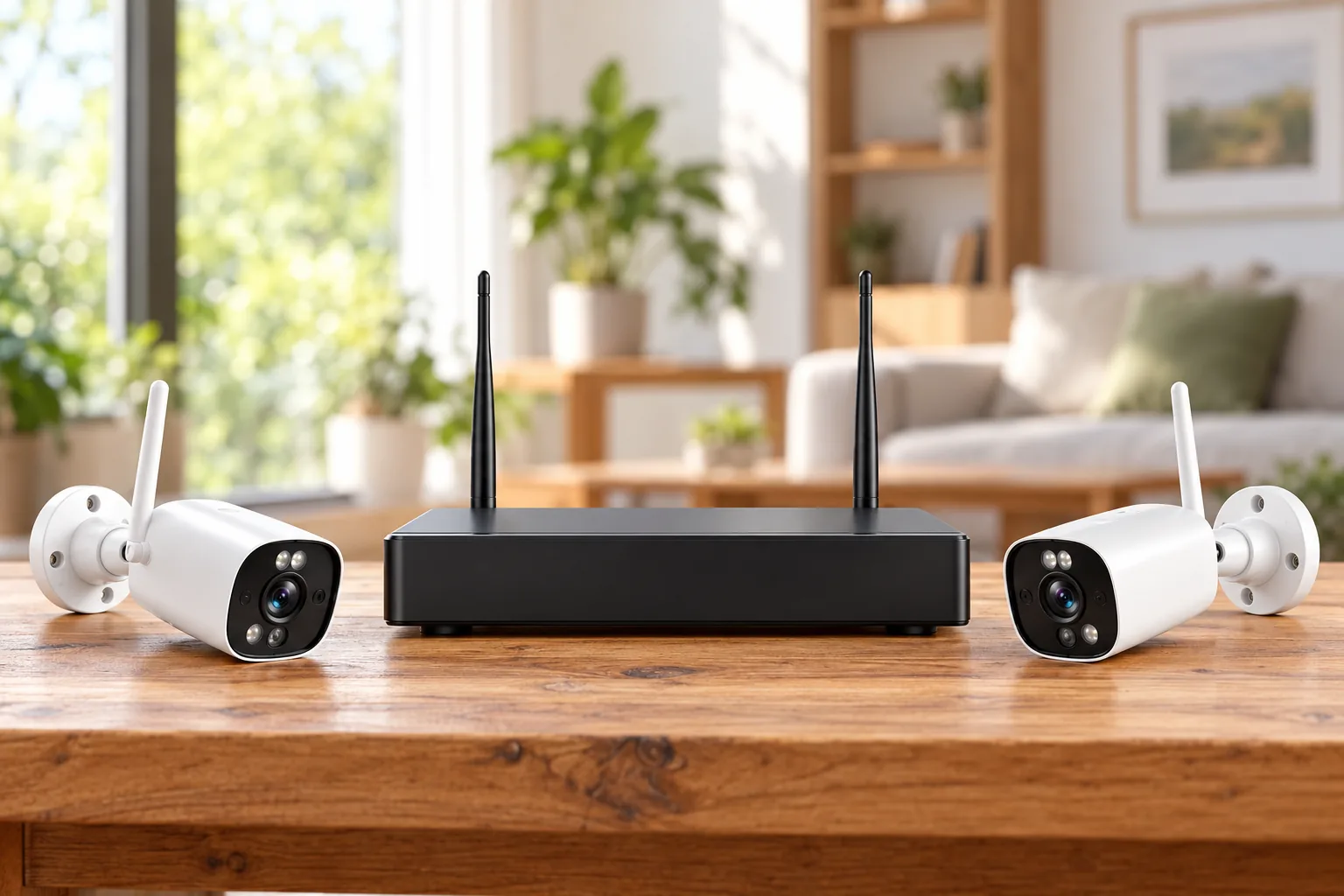
Wireless camera connectivity should be checked at the intended mounting location before permanent installation.
A wireless setup can reduce the need for a network cable to the camera, but it does not remove the outlet requirement. Compare the complete route in each case: network cable and PoE equipment for the wired option, or wireless kit plus local mains power for Wi-Fi. The better choice depends on the actual building and who will maintain the installation.
Check indoor fit before comparing features
Axis positions M1075-L Mk II for residential care and small stores. The camera lists maximum 1920 × 1080 video at up to 30 frames per second and a 103-degree horizontal field of view. It includes a speaker, dual microphones, a passive infrared motion sensor, and an HDMI connection for displaying live video on a local monitor. M1075-L Mk II product page.
Those features can support a defined indoor observation task, such as framing a store entrance or shared room. They do not establish a tested identification distance, Wi-Fi range, or guaranteed response to an incident. Start by describing the event you need to see and the area that must remain in view, then evaluate a sample image from that position during setup.
The environmental boundary is decisive: IP40, an operating range of 0–35°C, and no Outdoor Ready designation. Do not treat the availability of a wireless kit as evidence that the camera can be installed outside. A sheltered location still requires assessment against the manufacturer's environmental instructions. Axis environmental specifications.
For a hypothetical small shop, assume you need one view of the entrance from inside the sales floor. Check the doorway framing, changing light, outlet access, and any movement through the frame. If the actual task is recording an exposed parking area, this documented indoor combination has not answered that requirement; choose an appropriately documented outdoor system instead.
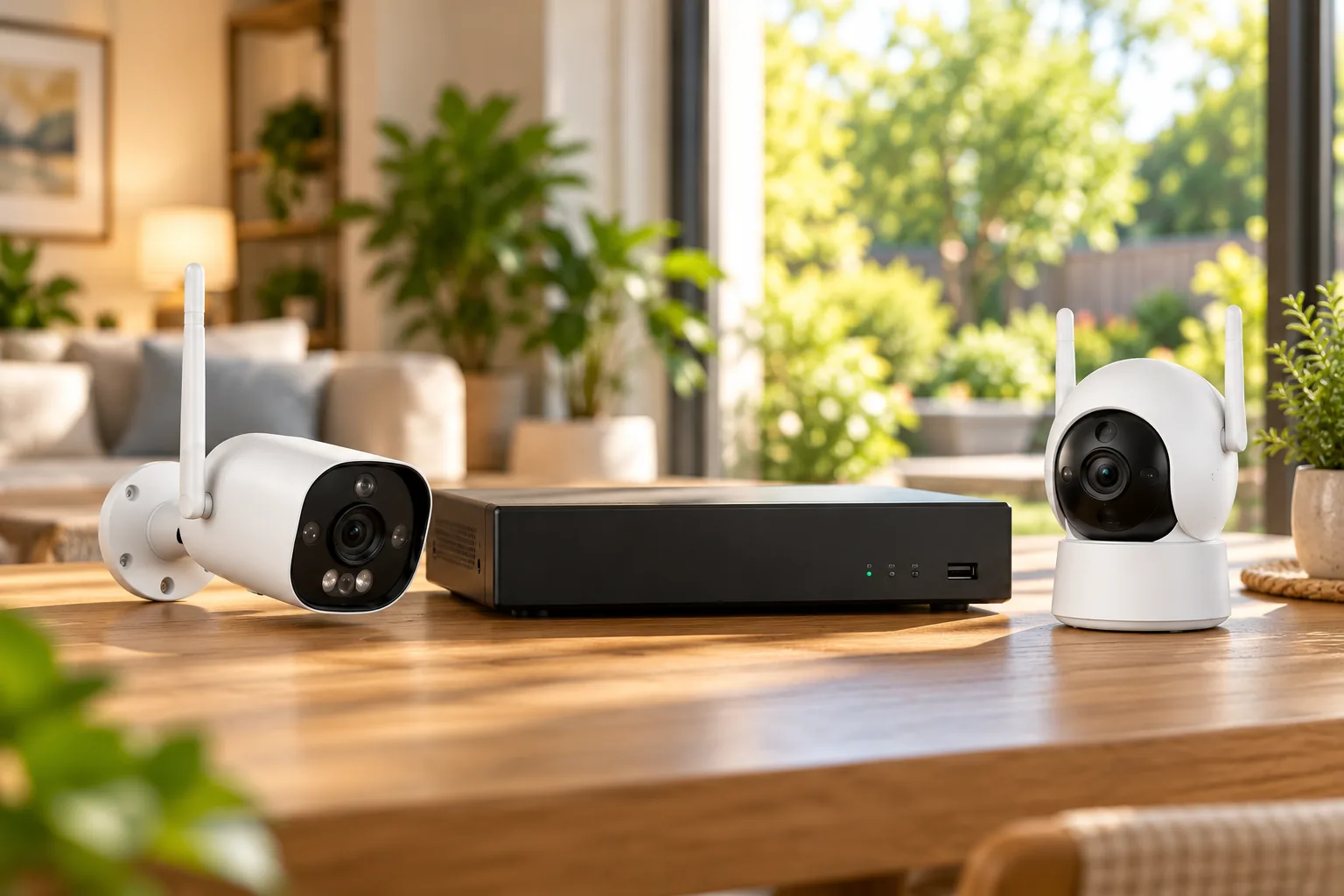
Security cameras for small businesses should be matched to an explicit recording task and a named person responsible for footage access.
Plan privacy alongside placement
M1075-L Mk II offers a tally LED, AXIS Live Privacy Shield, and an optional TM1903 Privacy Cover. The tally indicator communicates streaming or recording activity; these are separate privacy tools rather than interchangeable features. Axis privacy features.
Before a care-room or workplace installation, decide who may view footage, whether audio is necessary, and which parts of the image should be obscured. Discuss the arrangement with the responsible people and verify the privacy configuration during acceptance. A visible indicator or optional cover does not, by itself, settle the appropriateness of monitoring a particular space.
Ask the installer to demonstrate the chosen privacy behavior using the actual viewing account. Also identify who can alter it. That connects the physical camera choice with permissions and day-to-day operation, rather than leaving privacy as an unused feature on a specification sheet.
Set up Wi-Fi using the exact Mk II instructions
The Mk II manual provides two onboarding paths. In either case, begin with the correct adapter and a safe temporary setup position so you can verify the connection before drilling. Use the current manual if the interface differs from the documented steps. AXIS M1075-L Mk II manual.
Access-point onboarding
The documented process connects the wireless adapter to the camera's USB connector and the power injector to the camera. The WLAN setup button puts the camera into access-point mode. Connect a computer or phone using the SSID and password printed on that camera's label, then open 192.168.0.1 to configure the intended wireless network. Save the settings so the camera can join that network. Official WLAN setup procedure.
Treat the label credentials as private setup information. The address in this procedure belongs to the camera's temporary onboarding workflow; it is not an instruction to change your router's address. The manual also warns that repeating this access-point procedure after WLAN connection requires a factory reset, so preserve settings and follow the documented process before attempting it again.
Ethernet-first onboarding
The alternative is to connect the camera by network cable, sign in to its web interface, and configure System > WLAN. After saving the wireless settings, follow the manual's transition from network cable to power injector. Official wired-to-WLAN procedure.
This gives an installer a way to establish the device on the network before relying on its wireless path. It is not proof that every connection issue is a camera fault. Confirm the intended network, saved settings, adapter, and power arrangement before resetting or replacing hardware.
PoE camera installation is worth comparing when a cable route can provide a practical alternative to the wireless kit.
Choose local recording before adding cloud storage
The Mk II supports microSD, microSDHC, and microSDXC media. Its manual includes a procedure for recording an object-detection event to the SD card. Camera Station Edge lists Mk II compatibility and supports recording to an SD card or an Axis recorder. Camera manual, Camera Station Edge overview.
Choose the recording task before choosing capacity. Do you need selected events or a longer continuous timeline? Who will retrieve the footage, and how quickly? Confirm supported media and settings with the installer rather than treating a card slot as a complete retention plan.
Camera Station Edge supports live viewing, timeline search, export, and users with custom permissions. It offers desktop, web, and mobile viewing paths; the current manual recommends iOS 16 or Android 11 for mobile devices. Check the phones and computers that will actually be used, especially if staff access is part of the purchase. Edge product description, Edge system requirements.
Optional cloud storage is a separate choice. The Edge manual describes a one-year license providing 30 days of continuous 720p recording per camera, with licenses stackable for higher resolution or longer retention. A 1080p-capable camera therefore does not mean that a single baseline cloud license stores the same resolution. Confirm the license allocation for your intended resolution and retention. Edge cloud-storage licensing.
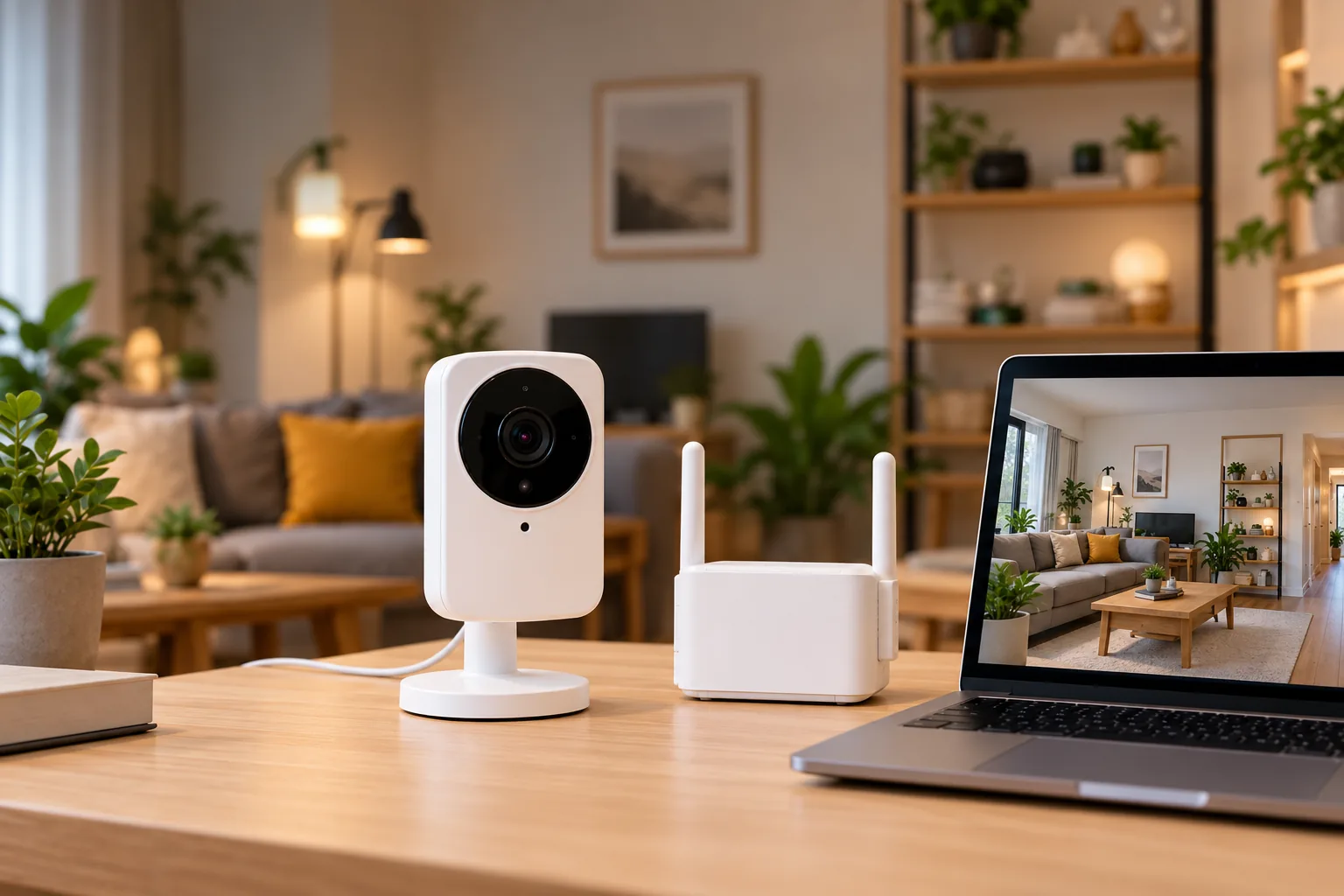
Security camera recording options should be compared by recording mode, retention, export, and any recurring license requirement.
Offline viewing does not mean permanent offline management
Camera Station Edge requires internet access during setup and management, while live and recorded video can be available offline. Its manual explicitly says offline mode is not intended for permanent use and calls for reconnecting at least every three months for firmware and certificate updates. Edge offline-mode guidance.
A temporarily disconnected shop and a permanently isolated site are different requirements. If the property cannot meet that periodic connection requirement, resolve the system choice with an Axis partner before purchase. Do not equate local storage with a promise that this software can be managed indefinitely without internet access.
Recognize legacy Axis models and lifecycle dates
AXIS M1065-LW, original M1075-L, and M1075-L Mk II are distinct products. The M1065-LW discontinuation statement identifies July 31, 2023 as the final planned ordering date from Axis, July 31, 2028 as firmware-maintenance expiry, and July 31, 2029 as the end of hardware/RMA service. These dates describe different lifecycle milestones, not a single blanket support promise. Official M1065-LW discontinuation statement.
That historical statement named original M1075-L plus TM1901 as the wireless replacement. The current TM1901 page instead lists Mk II as compatible and places original M1075-L among discontinued products. Use the current exact parts list for a new quotation; do not silently substitute one generation for another. Current kit compatibility.
This guide does not recommend buying discontinued M1065-LW or original M1075-L for a new installation. Existing owners can use the lifecycle document to plan migration, while checking current official status and the actual installed hardware with their partner. A future service date also does not imply that every repair is free or covered by warranty.
A practical quotation and acceptance checklist
Axis says its products are sold and installed through trusted partners. Request an itemized quote for the exact camera generation, US wireless kit, recording medium or recorder, mounting work, software setup, and optional cloud license. That is more useful than assuming a consumer listing contains a complete installed system. Axis purchasing guidance.
Before accepting the installation:
- Confirm the camera and kit labels match the quote.
- Verify stable viewing at the intended location under normal working conditions.
- Create a sample event, locate the recording, and export it.
- Demonstrate access using each intended account and permission level.
- Check privacy settings, audio choices, and any local monitor view.
- Document the update and reconnection responsibility, plus the route for support.
If you also compare marketplace descriptions, search Amazon for AXIS M1075-L Mk II. Search results do not confirm current stock, correct generation, kit inclusion, or partner installation service.
Common questions
Is the M1075-L Mk II a battery camera?
The documented wireless combination uses the optional TM1901 kit with a mains-powered injector. Its Wi-Fi connection does not remove the power requirement. Compare that arrangement with the camera's supported PoE option according to the available outlet and cable routes.
Can this Axis wireless setup go outdoors?
This guide's Mk II camera is IP40, rated for 0–35°C, and not marked Outdoor Ready. Those specifications do not support a weatherproof outdoor recommendation. Resolve an outdoor requirement with a model and installation arrangement explicitly documented for that environment.
Do I have to buy cloud storage?
Cloud storage is optional in the documented Edge arrangement; SD-card or Axis-recorder storage are alternatives. However, software setup and management still require internet access, and offline mode has periodic reconnection requirements. Confirm recording and access needs separately from the decision to purchase cloud retention.
Decide on the complete indoor system
Axis wireless security cameras make sense here when the exact Mk II camera, wireless kit, indoor environment, storage, and management requirements fit together. Begin with a site-specific parts quotation, compare Wi-Fi with PoE, and require a recording-and-export demonstration before acceptance. That turns a camera specification into an installation you can actually operate.