As an Amazon Associate we earn from qualifying purchases.
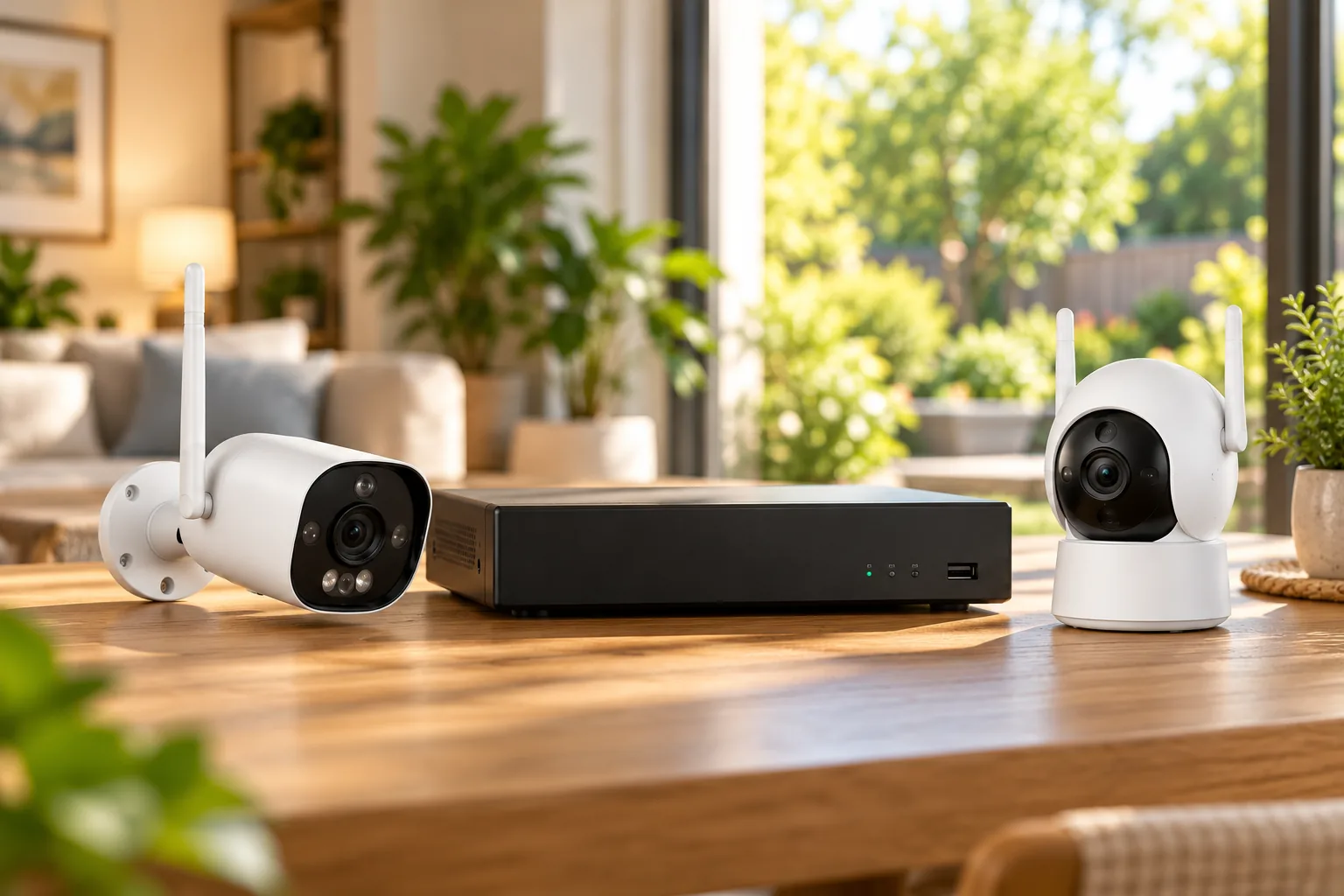
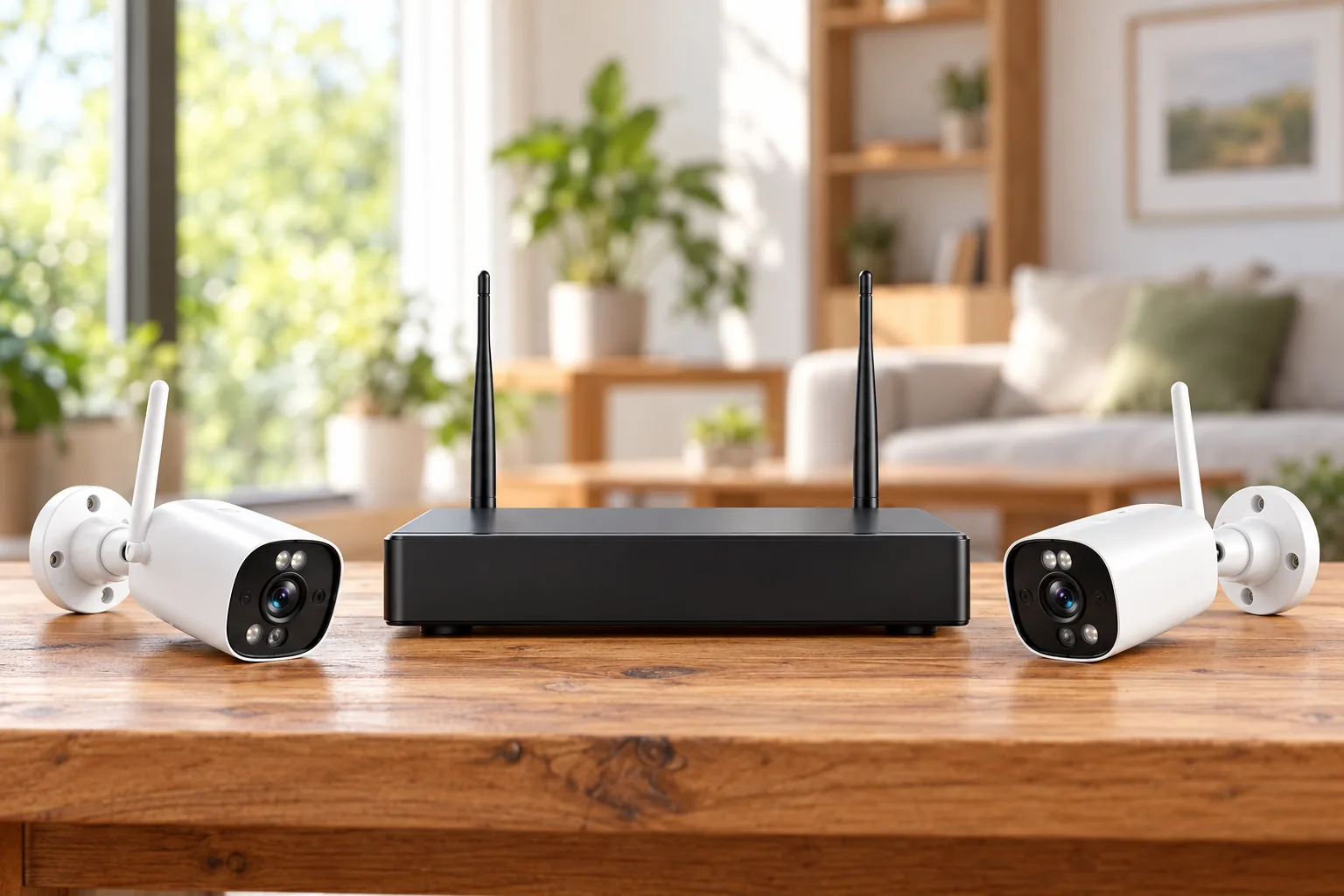
Choose ZOSI wireless security cameras by the camera and recorder model numbers together. For the documented C302 system, the kit pairs a ZR08JP network video recorder with ZG3023A cameras. The ZG3023A add-on is specifically listed for ZR08JP and ZR08LL recorders and cannot operate independently. An eight-channel recorder supports eight cameras total, not eight additional cameras beyond the original bundle. ZOSI’s C302 kit and add-on compatibility page establish those boundaries.
Before ordering: Match labels, count occupied channels, find power at every camera location, plan the recorder’s Ethernet connection for remote viewing, and verify the selected hard-drive option. “Wireless” describes the video connection; these C302 cameras require continuous power.
This guide compares documented specifications and support instructions for that C302 version, with a limited comparison to the separate C225 PoE family. It does not claim hands-on performance testing, guaranteed radio range, or compatibility across all ZOSI products.
As an Amazon Associate, we earn from qualifying purchases. We may earn a commission when you buy through links on this page.
In this guide:
- Identify the C302 version before comparing listings
- How many cameras can you add?
- Separate camera radio, power and internet uplink
- Choose storage deliberately
- C302 wireless and C225 PoE are different families
- Verify local recording before remote access
- Common questions about ZOSI wireless security cameras
- Make the order match the installation
Identify the C302 version before comparing listings
Use the hardware labels and selected product configuration as your reference. The C302 page covered here identifies ZR08JP and ZG3023A and specifies 2.4 GHz operation without 5 GHz support. Its product URL contains “Wi-Fi-6,” but that wording does not override the documented configuration. Do not combine a cached description of another version with this system’s specifications. Source: C302 product page.
That distinction matters when a search result, retail listing, and support page use similar family names. A family name helps locate the product, but the recorder model, camera model, and chosen storage option determine what you should verify. If a listing promises different connectivity or storage, ask for its exact model and supporting manual rather than assuming it is the same bundle.
| Item to identify | Documented C302 detail | Purchase implication |
|---|---|---|
| Recorder | ZR08JP in the captured kit | Use the recorder label for expansion decisions |
| Camera | ZG3023A | Match the complete model, not simply the ZOSI brand |
| Add-on compatibility | ZR08JP and ZR08LL | Do not assume a different ZOSI recorder is supported |
| Channel capacity | Eight cameras total | Subtract existing cameras before planning additions |
| Radio | 2.4 GHz; not 5 GHz | Do not buy expecting 5 GHz operation |
| Power | Cameras and NVR require power connections | Plan outlets and power leads as part of installation |
The kit and add-on specifications above come from ZOSI’s C302 page and ZG3023A add-on page. They are a compatibility checklist, not a promise about every similarly named retail package.
How many cameras can you add?
For this eight-channel C302 NVR, ZOSI specifies up to eight cameras in total. A four-camera bundle therefore leaves room for four compatible additions; a six-camera bundle leaves two. An eight-camera bundle has used the documented capacity. Those are arithmetic examples based on the channel limit, not expansion tests. Source: C302 FAQ.
A channel is the recorder’s capacity for a camera feed. Buying a camera does not create another channel. If your plan already reaches eight views, decide which views matter most or investigate a separately documented system with the required capacity. A network accessory alone is not evidence that this recorder can accept more feeds.
The specific ZG3023A add-on page says the camera needs an NVR and names ZR08JP and ZR08LL as its compatible recorder models. It lists 3MP video, a built-in microphone and speaker, two-way audio, and an included 1A power adapter. Do not buy it as an independent camera for direct app use. Source: ZG3023A add-on.
ZOSI describes the original C302 kit as factory-paired. That is useful for its supplied cameras, but it does not establish that a separately purchased add-on is already paired to your recorder. Before ordering an addition, obtain the matching pairing instructions for your recorder and keep the original channels working while introducing one new camera.
You can search Amazon for ZOSI ZG3023A add-on cameras after checking your recorder label. The search does not verify an individual seller’s package, included adapter, compatibility description, price, or availability.
Separate camera radio, power and internet uplink
The installation has three jobs that “wireless” can obscure. Each camera needs power. Camera video uses the system’s wireless connection. Remote access needs the recorder connected to the router by Ethernet, as directed on the C302 page. Source: C302 installation and remote-access guidance.
Wireless camera connectivity is easier to plan when the camera link and the recorder’s internet uplink are considered separately. A recorder near a convenient monitor may still need an Ethernet route to the router. A camera with a suitable view may still lack a practical outlet. Solve both before drilling holes or fastening cable.
| Connection | Question to answer | What to verify before final mounting |
|---|---|---|
| Camera power | Where will its supplied adapter connect? | Correct adapter and a suitable protected installation route |
| Camera video | Does the intended position communicate reliably with the NVR? | Live view at the actual location |
| Recorder power | Where will the NVR operate? | Appropriate supplied power connection and accessible controls |
| Recorder internet | How does Ethernet reach the router? | Online status before app setup |
| Local display | Where will you review recordings on-site? | Monitor connection and successful playback |
The manufacturer allows local viewing on a connected monitor without internet. That does not mean a remote phone can see the system without an internet path. If your local display works but the app does not, investigate the recorder’s router connection and app setup before treating the camera radio as the fault. Source: C302 remote-access explanation.
Do not substitute a promised range from a different kit for checking the intended site. The evidence used here does not establish guaranteed performance through your walls, across your yard, or around interference. Evaluate the actual locations with the equipment before making the installation permanent.
Choose storage deliberately
The C302 page offers configurations without a hard drive and configurations with storage. Its general FAQ also mentions a preinstalled 2TB drive, while the selectable choices include no drive, 500GB, and 1TB. Therefore, the generic FAQ is not proof of what is installed in the package you select. Verify the cart configuration and the delivered recorder’s storage screen. Source: C302 storage choices and FAQ.
A no-HDD purchase needs a separate supported storage plan if you expect the recorder to retain video. Make the disk choice part of the order rather than assuming that a working live view proves recording is available. The page advertises expansion up to 8TB, but verify the exact recorder and supported disk requirements before purchasing a replacement drive.
Security camera recording hard drives should be selected against the recorder’s documented requirements and the amount of video you need to keep. This guide does not assign a fixed retention period to a disk size because camera count, recording settings, and activity affect the result. A capacity label alone does not answer how many useful days you will retain.
ZOSI lists continuous, scheduled, motion-triggered, and recycle recording, with per-camera customization and USB backup of recording files. Choose the mode by the question that camera needs to answer. Continuous recording suits a location where the sequence before and after an event matters; scheduled recording suits a defined period; motion recording makes the trigger behavior part of what must be checked. These are decision criteria, not measured performance comparisons. Source: C302 recording modes.
Assume, for example, that you want continuous coverage of two entrances and motion recording for two less-used areas. Record those intentions per camera, apply the settings, and return later to verify playback for each. Check that the recorder’s time is correct and that important clips can be backed up before relying on the system for an incident.
C302 wireless and C225 PoE are different families
Power over Ethernet, or PoE, carries power and network data over Ethernet cabling when the equipment supports it. ZOSI’s C225 support page identifies ZG2258D cameras with ZR08HN/ZR08SN recorders and a 48V 2A NVR power supply. Those are separate identities from the C302 kit and do not establish camera interchangeability. Source: C225 support page.
For the documented C225 system, ZOSI describes connecting cameras directly to the PoE NVR or powering them through suitable PoE equipment on the same local network. It also distinguishes local recording without internet from remote phone or PC access that requires internet. The precise compatibility and power details must follow that system’s documentation.
ZOSI’s support answer says its PoE NVR systems do not have the Wi-Fi module function. Do not assume a PoE recorder joins the home Wi-Fi just because another ZOSI family uses wireless cameras. Source: PoE NVR Wi-Fi support answer.
Wired versus wireless security cameras should be compared around the cable routes your property can support. C302 reduces the need for camera video cabling but still requires camera power; a PoE system changes the cabling plan. Choose the architecture first, then verify exact cameras and recorders within it. Do not use conflicting expansion language from another family to extend the C302’s eight-camera limit.
Verify local recording before remote access
Start with a manageable setup: the NVR, its display, and one camera. Confirm live video, then confirm an actual saved recording and playback. For an add-on, use the procedure for that exact recorder instead of assuming factory pairing. Once the system behaves correctly locally, test the intended camera location and add the remaining cameras systematically.
For remote use, the C302 page names ZOSI Smart for phones and AVSS for Windows and Mac. Its FAQ says live view, playback, and motion alerts do not require a subscription. This does not establish that every ZOSI product or optional service follows the same terms. Source: C302 app and subscription FAQ.
ZOSI’s app instructions require both recorder and phone to be online, selecting the correct device type, and scanning the recorder’s QR code or entering its UID. Scan the recorder identification specified in the instructions, not an unrelated camera label. Source: ZOSI Smart connection guide.
Finish with a short acceptance checklist: each camera has live video, intended recording settings are saved, earlier footage plays, the recorder recognizes its disk, a USB backup opens, and remote viewing and playback work from the phone. Keep device credentials and QR identifiers private. If local video works but phone access fails, preserve the working local setup while checking the recorder’s online state and correct app/device selection.
Common questions about ZOSI wireless security cameras
Can I add any ZOSI wireless camera to my recorder?
No universal compatibility is established here. The documented ZG3023A add-on names ZR08JP and ZR08LL specifically and requires an NVR. Match the recorder and camera labels to the compatibility statement before ordering. A shared brand or similar housing is insufficient. Source: add-on requirements.
Does C302 need batteries or a subscription?
This C302 version needs continuous power for its cameras and recorder; it is not a battery camera system. Its FAQ says live view, playback, and motion alerts do not require a subscription. You still need to verify the selected hard-drive configuration for recording. Source: C302 FAQ.
Can I use it without internet?
The C302 page supports local monitor viewing without internet. Remote access requires the network path described by the manufacturer, including an Ethernet connection from NVR to router. Test local recording and remote playback separately so a working screen does not conceal an incomplete phone setup. Source: C302 connectivity.
Make the order match the installation
Write down your recorder model, camera model, occupied and remaining channels, power route for each location, router Ethernet route, and selected disk capacity. Use that sheet to check the order and the delivered equipment. ZOSI wireless security cameras are a practical choice only when the specific kit fits your installation and recording needs; the family name alone cannot settle compatibility, expansion, or storage.