As an Amazon Associate we earn from qualifying purchases.
Choose Roku wireless security cameras by checking the exact model, its power requirements and how you want to watch saved video. A Roku Battery Camera and an older Roku Indoor Camera CS1000R do not offer the same storage path. Some documented models support microSD recording that must be watched on a computer; cloud event playback uses a Roku Smart Home Subscription. Roku microSD recording guide
This guide helps US homeowners compare those documented choices and identify existing equipment. It uses Indoor Camera CS1000R and the named Battery Camera family as examples, with older Outdoor Camera SE context. It is not a complete current lineup or a hands-on review.
As an Amazon Associate, we earn from qualifying purchases. We may earn a commission when you buy through links on this page.
Start here: read the device label, find its dedicated setup guide, confirm power and Wi-Fi, then choose between live viewing, cloud event history and explicitly supported local recording.
Contents
- Check the device label before comparing features
- Separate live viewing from cloud event history
- MicroSD support is model-specific, and playback matters
- A setup and ownership checklist
Check the device label before comparing features
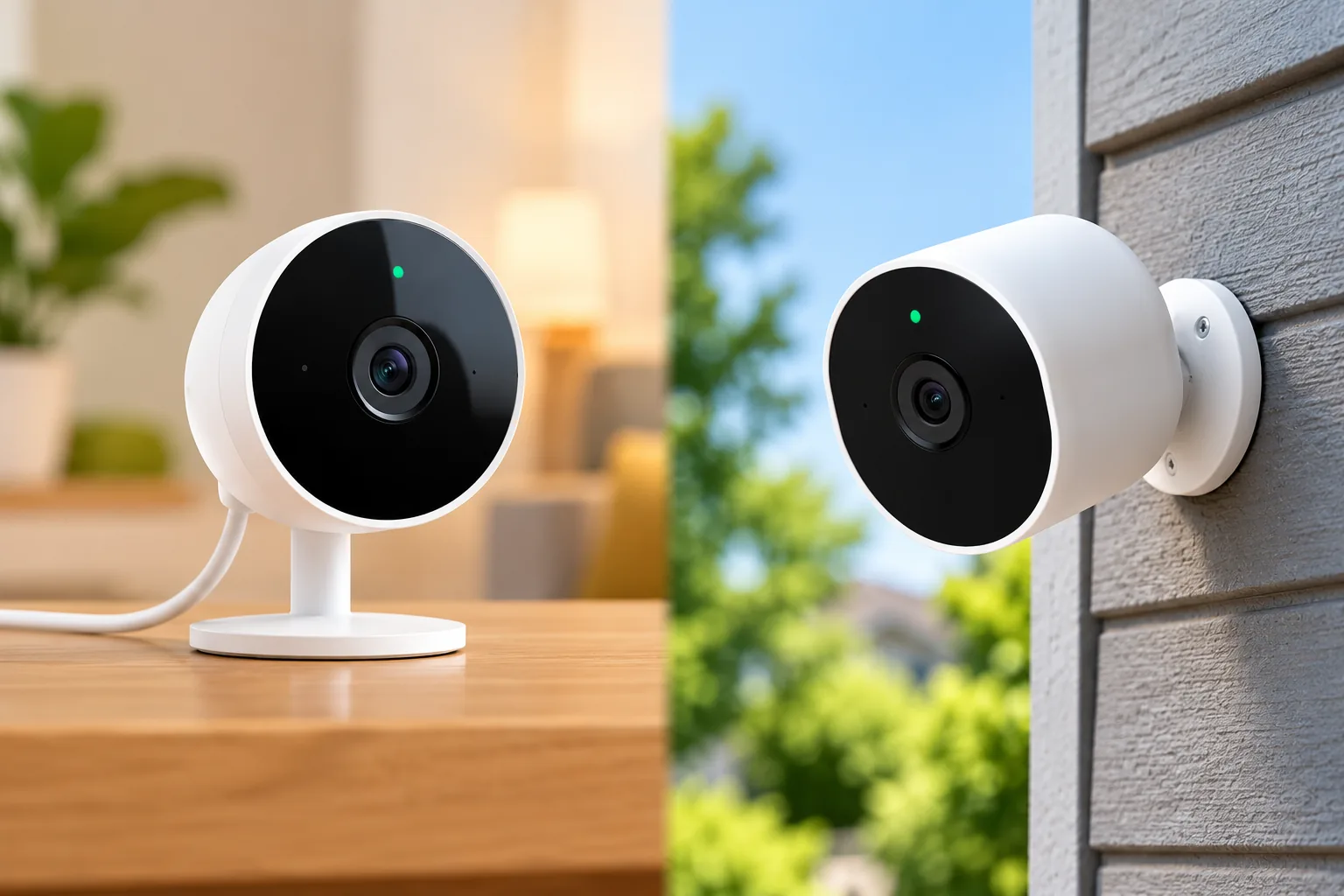
Roku's dedicated indoor setup instructions identify Indoor Camera model CS1000R. Its Battery Camera setup article follows a different setup path. Use the label and matching instructions rather than assuming every listing called “Roku Indoor Camera” or “Roku Outdoor Camera” has the same hardware or recording options. Indoor CS1000R setup and Battery Camera setup
This matters especially when reading older listings alongside newer family descriptions. If a broad family page and a model-specific guide appear inconsistent, resolve the model with Roku before buying. A similar name should not be used to transfer microSD support or power requirements from one device to another.
| Documented example | Power and setup starting point | Storage question to resolve |
|---|---|---|
| Indoor Camera CS1000R | USB power supplying 5V/1A; phone on 2.4GHz Wi-Fi for setup | Does computer-based microSD playback suit you? |
| Roku Battery Camera family | Rechargeable battery; recommended 5V/2A charging source; 2.4GHz network | Will you subscribe for cloud event history? |
| Older Outdoor Camera SE installation | Rechargeable camera with a base station | Check base capacity, exact model and restricted card support |
| Documented Outdoor Wired category | Adapter route to a nearby GFCI outlet | Verify the exact model's supported recording modes |
The power and base distinctions are documented in the dedicated setup guides and Roku's camera-family guide. This table describes installation paths, not confirmation of retail availability. Roku camera-family guidance
Indoor CS1000R: wireless networking with continuous USB power
The CS1000R setup guide specifies an outlet adapter or another USB source that supplies 5V/1A. It also directs you to use the Roku Smart Home mobile app, a Roku account and a phone connected to a 2.4GHz Wi-Fi network during setup. Wireless networking therefore does not remove the need to plan a power route. CS1000R power and setup requirements
For a shelf or wall location, consider the power cable, camera view and access for maintenance together. Avoid letting a convenient USB source determine an intrusive view of a shared room. Decide what should be visible and who should have access before permanent mounting.
Compare indoor security cameras around the room's privacy and coverage needs before choosing a wider view. A camera that can show more of the room may also capture areas you never intended to monitor. Use a temporary position to inspect the view before making holes.
Roku's family guide also describes an Indoor Camera 360° with 360° horizontal and 93° vertical coverage and 5V/1A power. Treat it as a separate documented category. Those angular figures do not establish that one camera records every direction simultaneously, nor do they identify a replacement model for your CS1000R. Indoor Camera 360° description
Battery Camera: plan charging and activity together
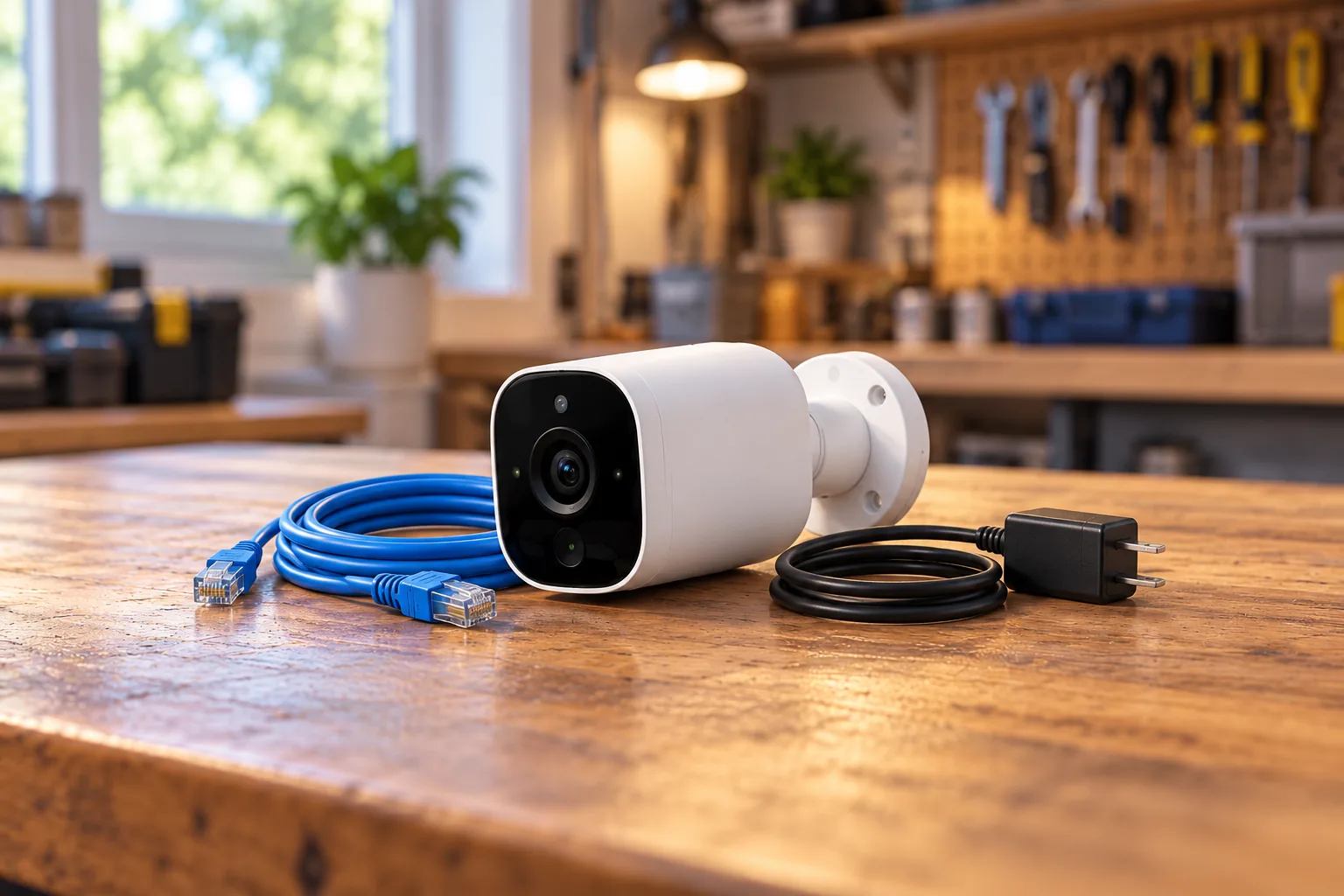
Roku Battery Camera setup uses the Roku Smart Home mobile app and a 2.4GHz WPA/WPA2 network. The setup guide recommends a known-good 5V/2A charging source. Check the exact instructions and supplied cable before relying on a spare adapter or a computer's USB port. Battery Camera setup requirements
The guide describes 1080p video and IP65 protection. It also says color night vision excludes the SE variant. Keep that exception attached to the feature: a family name does not prove that every version has the same night-viewing behavior. Battery Camera features
Placement affects the charging task. Roku advises pointing away from heavy motion such as streets and sidewalks and limiting frequent live streaming to help preserve battery life. Choose a mounting point that you can reach safely for charging instead of relying on a generic maximum-runtime statement. Battery preservation guidance
For example, assume you want a view of a side gate that also includes a busy sidewalk. First inspect whether you can frame the gate while reducing unrelated activity. Then check your detection settings and consider how often you expect to open live view. This is a planning exercise, not a prediction of how many weeks the battery will last.
The battery model can be worth considering where a permanent power cable is impractical, provided its supported recording path meets your needs. If you want to compare listings, search Amazon for Roku Battery Camera, then verify the exact model and variant rather than relying on the search result title.
Keep older Outdoor SE and wired installations separate
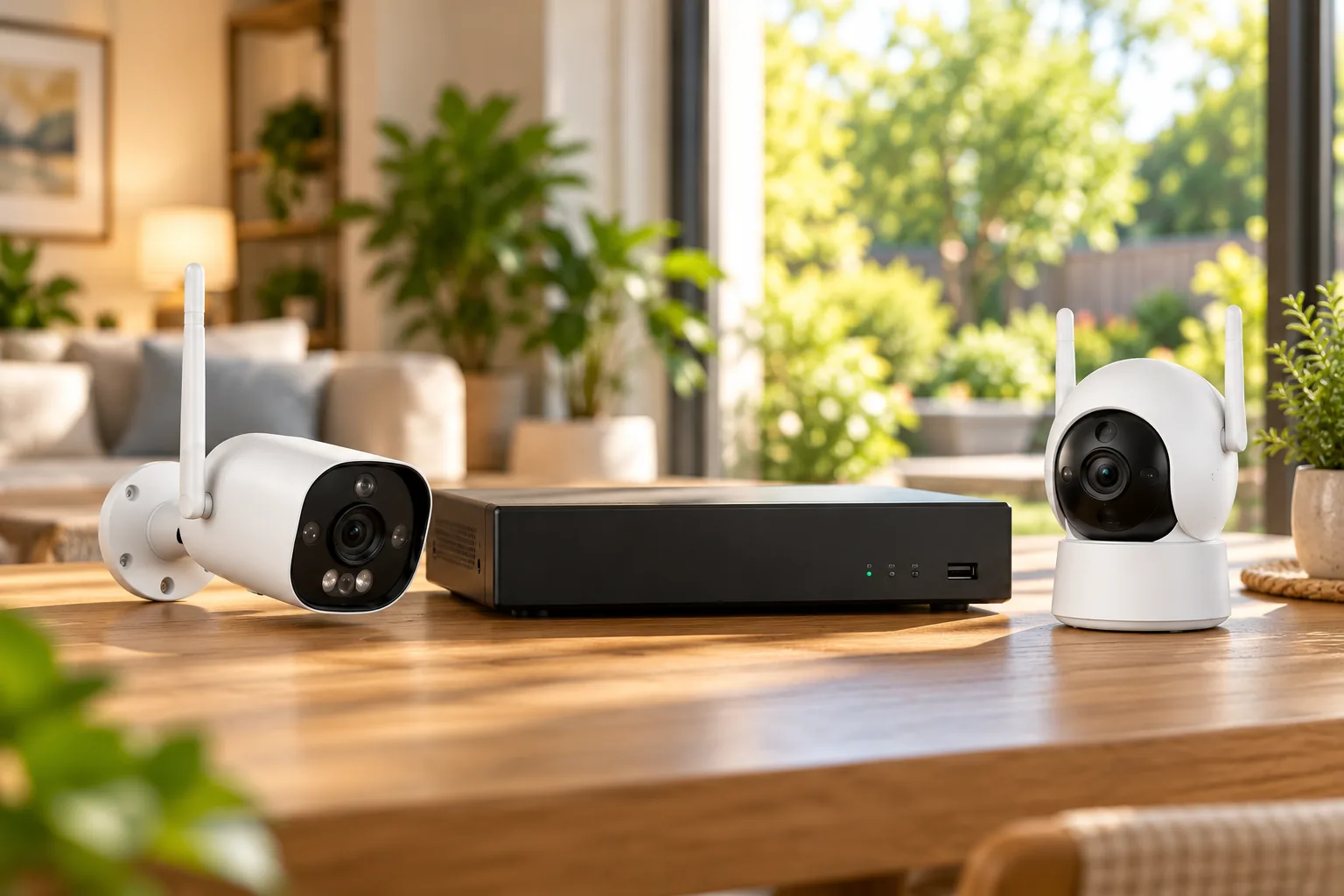
Roku's Outdoor Camera SE description specifies an internal rechargeable battery and a base station, with up to four Outdoor Cameras per base station. That is a documented limit for the described Outdoor SE arrangement. It should not be treated as a compatibility rule for every later Roku Battery Camera. Outdoor Camera SE base-station guidance
If you already own that equipment, identify the base and cameras before buying an addition. A camera appearing in the same mobile app does not by itself establish that it will join the existing base station. Obtain the exact compatibility answer before paying for a loose camera.
For the documented Outdoor Wired category, Roku describes a 12.5-foot outdoor adapter and a location within that reach of a GFCI outlet. Measure the practical cable route, including the path around corners, rather than the straight-line distance alone. Follow the model's instructions for the adapter and exposed connections. Outdoor Wired installation guidance
Outdoor security cameras should be selected around a usable power route and the approach you need to see. If the correct view cannot be reached safely with the documented supply arrangement, address the installation before buying the camera.
Separate live viewing from cloud event history
Roku's subscription guide lists live streaming, basic motion and sound detection, and push notifications without a subscription. It also lists no cloud recording and a five-minute cooldown between event alerts for that free use. Receiving an alert therefore does not establish that a cloud clip was saved for later. Free and paid Roku camera features
With a Roku Smart Home Subscription, the guide describes cloud event storage for up to fourteen days and intelligent detection. The service is listed as US-only, automatically renewing until canceled, with camera participation managed through the account. Check that the cameras you expect to cover are actually selected. Roku subscription requirements
| What you want to do | Documented route | Practical limitation |
|---|---|---|
| Check what is happening now | Live streaming without a subscription | No cloud history from that entitlement |
| Review saved events in the app | Compatible subscription and cloud events | Up to fourteen days of event history |
| Watch card-backed event recordings | Explicitly supported microSD model | Remove card and watch on a computer |
| Watch continuous card recordings | Model that explicitly supports the mode and card storage | Computer playback; do not assume newer Battery Camera support |
The playback distinctions come from Roku's subscription and microSD guidance. Local storage should not be treated as an interchangeable version of the cloud event timeline. Roku recording and playback guide
MicroSD support is model-specific, and playback matters
Roku's card-support article explicitly restricts microSD storage to Indoor Camera SE CS1000R, Outdoor Wired Camera SE, Floodlight Camera SE, Outdoor Camera SE and Indoor Camera 360°. It says other models support cloud recording through a subscription. Use that explicit supported-model list before interpreting the article's broader descriptions of recording modes. Supported microSD models
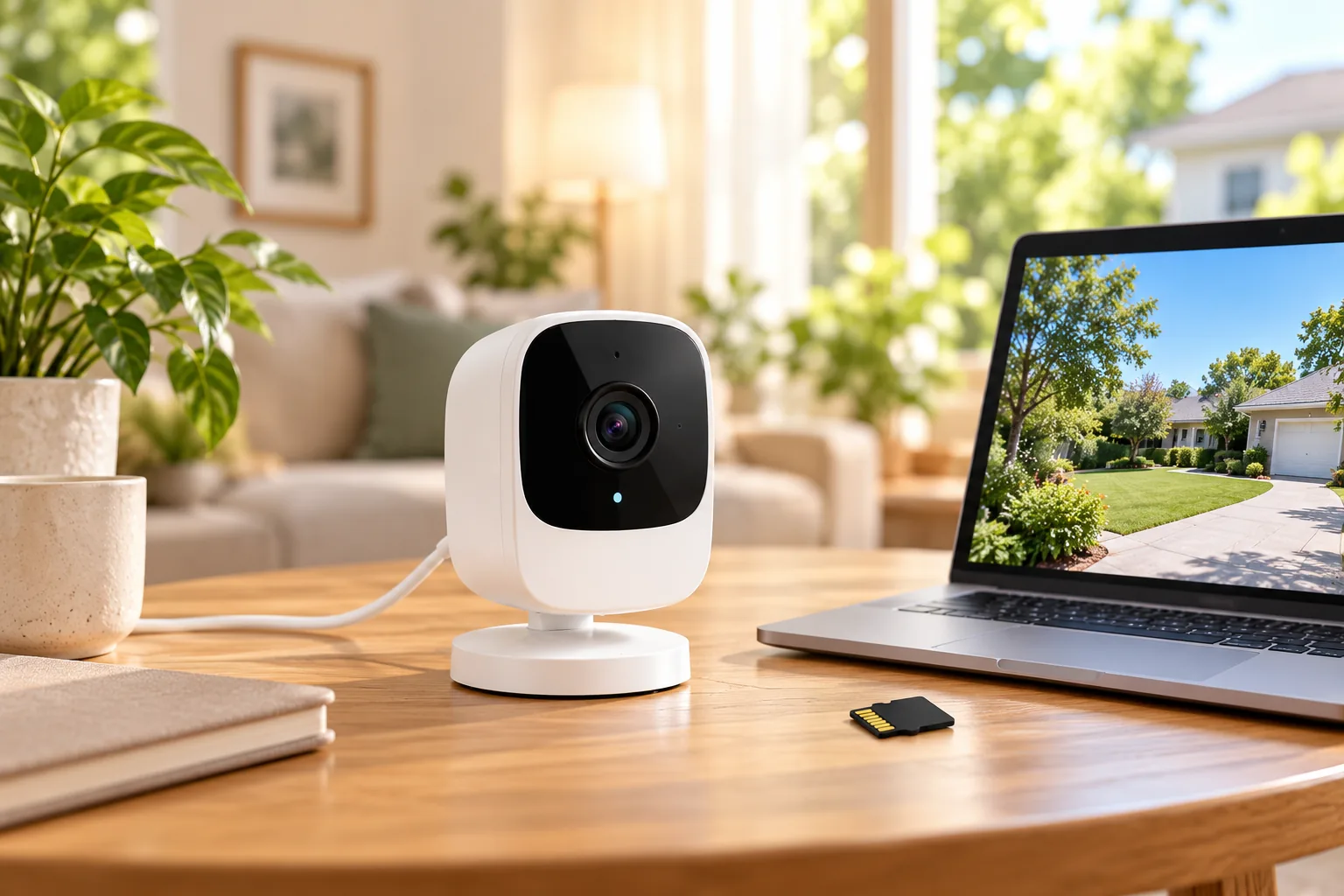
For supported models and recording modes, the article says card-backed event recordings and continuous recordings require removing the card and using a computer to watch them. Scheduled recordings are specifically associated with Outdoor Camera SE. Do not buy a newer Battery Camera expecting universal card support or continuous recording based on the Roku brand alone. Recording modes and playback
For Outdoor Camera SE and its base station, Roku specifies 8GB to 32GB FAT32 cards. That limit should remain attached to those devices, rather than being turned into a recommendation for every Roku camera. Follow the app's eject process before removing a card, and preserve needed files before formatting because formatting erases data. Roku card requirements and handling
Consider a hypothetical homeowner who needs to check yesterday's event while traveling. A computer-only card-playback route does not satisfy that requirement on its own. Another owner who can retrieve the card at home may accept that workflow. Decide how you need to retrieve footage before choosing a storage feature from a specification list.
If recurring costs drive the purchase, compare security cameras without subscription by both recording and playback requirements. “Has local storage” is not enough information when the clip-retrieval process is central to your use.
A setup and ownership checklist
Before committing to a Roku installation, write down:
- The exact device label and corresponding dedicated setup guide.
- The power or charging source at each location.
- The 2.4GHz network and a successful connection at the planned mount.
- Whether you need live viewing, saved events or continuous history.
- The approved storage mode for that exact camera.
- How you will retrieve a clip: app timeline or computer/card reader.
- Subscription coverage and renewal settings where applicable.
During a temporary setup, create a harmless sample event and locate the resulting footage through your intended playback route. If you cannot find it, check the selected camera, recording settings, storage support and subscription assignment before moving the camera permanently. Live view alone is not a recording verification.
Common Roku camera questions
Does wireless mean battery-powered?
No. Indoor Camera CS1000R uses Wi-Fi for its network connection but still requires a suitable 5V/1A supply. The named Battery Camera family uses rechargeable power. Identify the model and power arrangement before deciding where to mount it.
Can I add a memory card to avoid cloud service?
Only use the explicit supported-model list. Even when a card is supported, check the recording mode and retrieval process. Card-backed events and continuous recordings use computer playback according to Roku's guide; that is different from browsing saved cloud events on your phone.
Which Roku camera should I choose?
Start with the installation and saved-video workflow. A documented indoor card-capable model can suit an accessible indoor location and computer playback; a Battery Camera can address a difficult power route if its cloud recording arrangement fits. Verify the exact label before buying either.
For Roku wireless security cameras, the next step is to match one camera's actual setup guide to one real location and one playback requirement. Confirm that complete path before expanding the system.