As an Amazon Associate we earn from qualifying purchases.
Choose Toucan's S4 when battery power makes the desired camera position practical, or its outlet-powered Floodlight Security Camera when you want lighting and video at a location with suitable power. Then check the saved-video plan: included one-day event history has download, sharing and viewing limits that may matter more than the words “no subscription required.”
For a US household choosing Toucan wireless security cameras, match the power arrangement and the way you retrieve footage together. This guide compares current documented S4 and floodlight features, plus the published Free and AI+ plan limits. It is a manufacturer-documentation comparison, without hands-on image, battery-life or alert-accuracy testing.
As an Amazon Associate I earn from qualifying purchases. We may earn a commission when you buy through links on this page.
Quick choice: S4 avoids a permanent power cable at the camera; the optional S4 solar accessory can reduce charging work. The floodlight uses continuous outlet power. Free suits limited recent-event review by one user, while longer history, more downloads or sharing call for checking the optional in-app plans.
On this page
- Hardware comparison
- Charging and placement
- Free and paid video plans
- AI alerts
- Pre-mounting checklist
- Questions
S4 and the outlet-powered floodlight solve different jobs
| Choice | Documented hardware | Main placement condition |
|---|---|---|
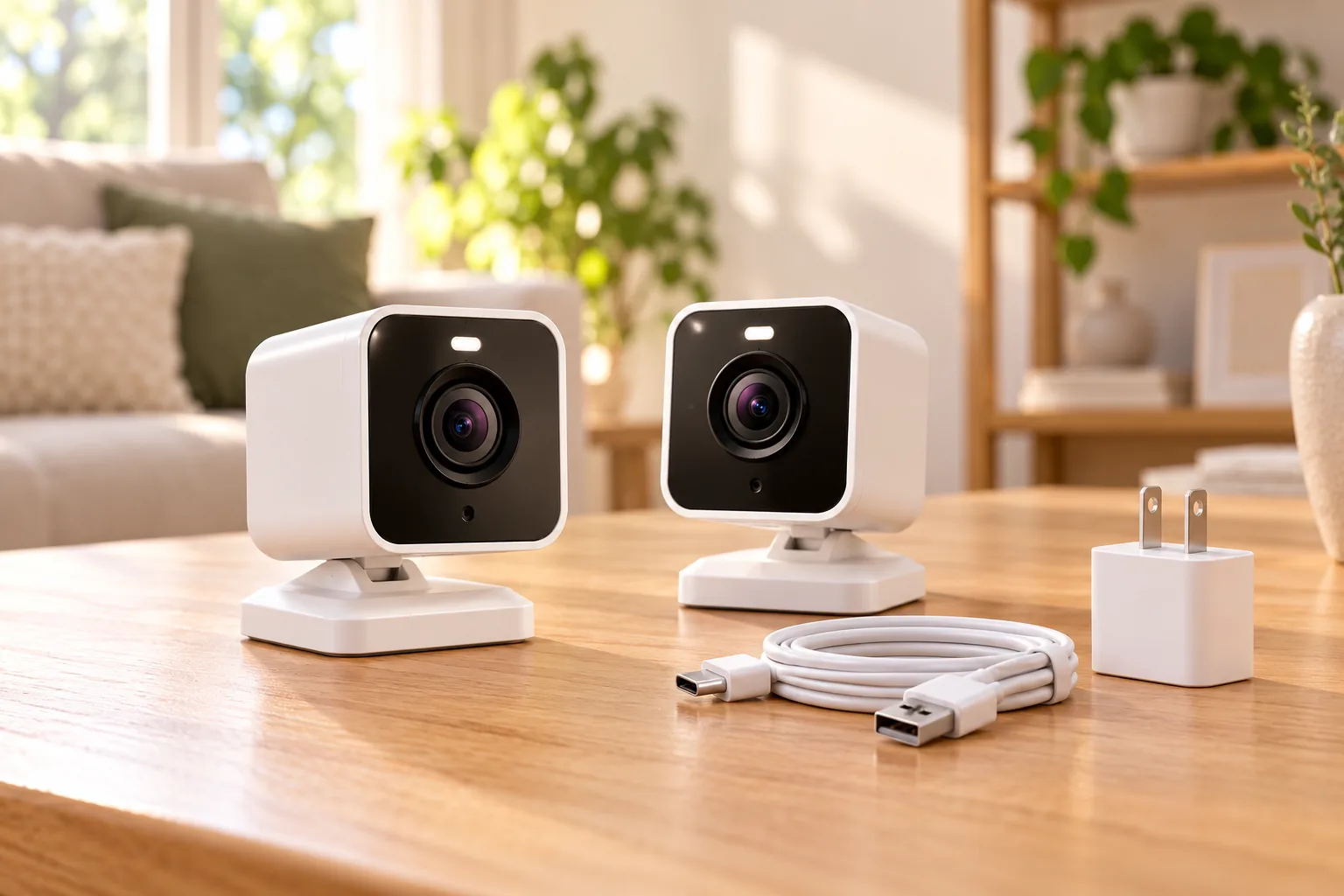
| S4, SKU TWC400S | 2K camera with built-in rechargeable battery; no hub required | Suitable 2.4GHz Wi-Fi and access for charging |
| S4 with its solar charger | S4 plus the model-specific optional charging panel | Camera view and useful sunlight must both be practical |
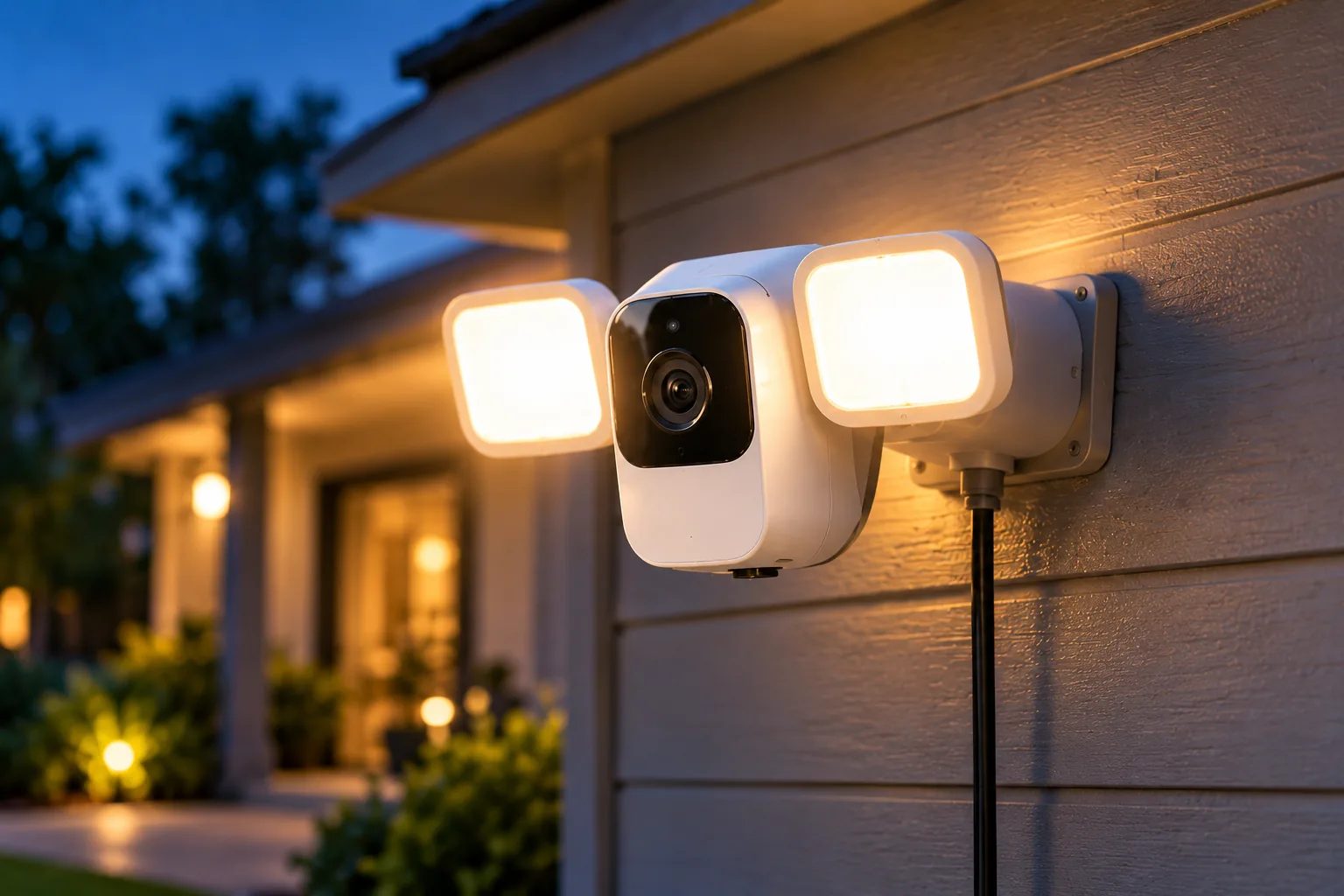
| Floodlight, SKU TSLC10WU | 1080p camera, 146° view, adjustable 1,200-lumen light; no hub required | Suitable outlet and route for included 8-meter cable |
Sources: Toucan S4 product page, S4 solar charger and Toucan floodlight product page. The older floodlight address leads to the current storefront; match the actual SKU when checking instructions or a retailer listing.
S4's battery arrangement can suit an entrance or indoor position where running an external power cable is inconvenient. The floodlight is a different proposition for a driveway, garage or side entrance where both light and a camera view are useful. Neither choice eliminates the need for a working network connection.
The S4 page specifies 2.4GHz Wi-Fi and says it is not compatible with a 5GHz-only network. The floodlight also uses 2.4GHz Wi-Fi. Confirm that the required band is available at the intended location before ordering. A network name alone is not a reliable substitute for checking your router configuration and the product's setup instructions.
Plan charging around the final location
S4 battery power: make recharging accessible
S4's built-in rechargeable lithium-ion battery removes the need for a permanent power cable at the mounting point. Its documented features include PIR motion alerts, custom motion zones, two-way talk and a siren through the Toucan Smart Home app. S4 power and app features.
Choose a location you can reach safely for maintenance. A high position may create an attractive overview but make each charging visit difficult. Before installing, check how the camera is removed from its mount, where charging will happen and who will handle it.
This guide does not assign a measured runtime to your installation. Set up the camera, observe its actual charging needs under your activity and settings, and adjust the maintenance plan accordingly. Busy and quiet scenes should not be assumed to create the same battery demand.
Solar charging: check the camera and the panel separately
Toucan's solar accessory is specifically made for S4. The product page lists a 9.8-foot cable, a weather-resistant USB-C connector and an IP65 rating for the accessory. The S4 camera itself is IP56-rated; adding the panel does not change that camera rating. S4 solar accessory details, S4 camera specification.
The manufacturer says charging depends on sunlight, panel orientation, weather and camera activity, and manual recharging may still be necessary. Plan the panel position for sun and the camera position for a usable view, then check whether the cable can join those positions under the installation instructions.
For example, assume the camera's best view is under a shaded overhang but a nearby section of wall receives sun. A separate panel may make that arrangement workable if the cable route fits. If the available sunlight is poor or the camera remains difficult to reach, solar does not remove the maintenance problem.
Solar panels for security cameras should be selected by exact camera compatibility and charging conditions. A connector that appears to fit is insufficient evidence that another model's panel is suitable.
Floodlight: outlet access replaces battery maintenance
The TSLC10WU floodlight uses continuous outlet power and includes an eight-meter weather-resistant cable. Its documented camera body rating is IP56. It also lists radar motion detection, custom zones and a ten-second pre-recording buffer. Toucan floodlight power and recording features.
Measure the actual route from the outlet to the mounting position, including bends and secure routing. An eight-meter cable does not mean an outlet eight meters away in a straight line will work. Follow the manufacturer's outdoor installation instructions and avoid improvised exposed electrical connections.
The 1,200-lumen specification describes the light output; it is not a tested promise of identification detail across a whole driveway. Check where the light falls and what the camera records at night. Include nearby windows and neighboring areas when choosing the angle.
Outdoor camera placement needs to balance a useful view, suitable power and respectful framing. Solve those conditions before treating a lighting feature or headline resolution as the deciding advantage.
What the included Free plan actually provides
Toucan's current published matrix lists one day of event-video history, five video downloads per month, one user and unlimited supported devices in the Free tier. That is useful recent-event access, with specific limits. It is not evidence of uninterrupted 24/7 recording, unlimited household sharing or unlimited clip downloads. Toucan Shield plan comparison.
Event history refers to the window in which supported event recordings remain available to review. Event duration describes the length of each recording. Live-view timeout describes how long the viewing session can stay open. These are three different limits, so compare them separately.
| Published plan feature | Free | AI+ Pro | AI+ Elite |
|---|---|---|---|
| Event history | 1 day | 30 days | 90 days |
| Video downloads | 5 per month | Unlimited | Unlimited |
| Users | 1 | Up to 10 | Up to 10 |
| Event time options | 30 seconds | 30 / 60 / 90 seconds | 30 / 60 / 90 seconds |
| Live-view timeout | 1.5 minutes | 3 minutes | 5 minutes |
Source: Current Toucan Shield matrix. Toucan warns that names, eligibility, prices and features can vary by device, firmware, app version, account and region. Verify the offer actually shown in your app before subscribing.
Choose by your review habits
For an assumed household where one person checks events each evening and rarely exports a clip, Free may match the basic workflow. If that person checks after several days away, one-day history may not meet the requirement. Longer event history becomes a practical feature, rather than an abstract storage number.
Similarly, assume you download two clips each week over four weeks. That produces eight downloads by arithmetic, exceeding the published five-per-month Free allowance. This is a planning example, not an observed account result; it explains why a household can value unlimited downloads even if one-day review otherwise feels sufficient.
If two adults need shared access, the published one-user Free limit also belongs in the decision. Check the app's actual sharing options rather than casually sharing a login. The optional tiers list up to ten users, but device and account eligibility still apply.
Security camera recording options should be judged by how reliably you can find and preserve the event you need. Before paying for longer history, decide how often you review events, who needs access and how often footage must be exported.
What AI alerts do and do not establish
Toucan's current plans list supported person, vehicle, pet and package detection alerts across the tiers. Paid AI+ options list advanced AI and intelligent alerts. These are manufacturer feature descriptions, not accuracy results from this guide. Availability and behavior depend on the actual supported device and conditions. Toucan app features and detection limits.
Test the alerts that matter at your own location. Walk through the intended detection area, inspect whether the notification is useful and review the resulting event. Adjust supported zones and sensitivity if irrelevant activity dominates. A category name in a plan table does not ensure the camera sees every relevant event.
Check model identity and account settings before mounting
Toucan's current app guidance covers compatible S4, S5 and Floodlight families. That is an app-family statement; it does not give every camera identical hardware or prove that an older Toucan device supports every current feature. Use the exact product page and the options available to your account. Toucan Smart Home app compatibility.
For an existing owner, note the camera model, app version and current plan before comparing advice found in older reviews or plan descriptions. A historical Pro plan and today's AI+ tiers should not be assumed to have identical entitlements. Confirm the current in-app offer instead of buying around an old screenshot.
Follow this pre-mounting checklist:
- Confirm the exact camera SKU and any solar accessory match.
- Check compatible 2.4GHz Wi-Fi at the proposed position.
- Complete the model-specific app setup and any available firmware update.
- Test live view, two-way audio and a representative motion alert.
- Find the saved event and verify the recording and download workflow under your plan.
- Review household access, motion zones and notification preferences.
- Confirm safe charging access or the floodlight's outlet/cable arrangement.
These checks follow the practical priorities in Toucan's app setup guidance. They are proposed installation checks, not claimed test results. Keep account access limited to people who need it and frame the view to avoid unnecessary private areas.
Search Amazon for Toucan S4 wireless cameras or search Amazon for Toucan TSLC10WU floodlight cameras. Verify the model and included accessories; search results do not establish current stock, price or plan eligibility.
Questions to resolve before buying
Does “no monthly fee” mean unlimited stored video?
No. The published Free plan has one-day event history and five downloads monthly, with one user. Optional plans extend history and other limits. Check your actual account's offer, and distinguish event history from continuous recording. Included essential access can be useful while still having meaningful limits.
Does the S4 solar panel make charging unnecessary?
Toucan says solar charging depends on sunlight, orientation, weather and camera activity; manual charging may still be needed. Keep maintenance access practical. The solar accessory's IP65 rating also does not upgrade the S4 camera's separate IP56 rating or establish compatibility with every Toucan camera.
Is the floodlight a battery-powered wireless camera?
This TSLC10WU uses continuous outlet power and an included eight-meter cable. Its Wi-Fi connection is wireless, while its power supply is wired. Choose it where that cable route is practical and lighting is useful; choose S4's battery arrangement when permanent power routing is the obstacle.
Choose power and playback as one purchase
S4 fits the battery-placement decision, its solar accessory can reduce charging work under suitable conditions, and the floodlight fits outlet-powered lighting and video. Pair that choice with an honest account of your review, sharing and download needs. Check the exact model and in-app plan, then verify a saved event before finishing the installation.