As an Amazon Associate we earn from qualifying purchases.
Choose REVO wireless security cameras by matching three identities: the kit SKU, the recorder family and the app named in that product's documentation. The officially listed RUW42B4E-1T is a four-channel REVO ULTRA Wireless kit whose description specifies the Revo ULTRA app. Older REVO Wireless and Wireless Combo instructions belong to a different documentation path. Shared branding does not establish interchangeable cameras or apps. Official ULTRA Wireless kit
This guide helps US homeowners evaluate that kit or identify an older installation. It compares documented requirements and compatibility limits; it does not report hands-on testing or verified current stock.
As an Amazon Associate, we earn from qualifying purchases. We may earn a commission when you buy through links on this page.
Start here: photograph the recorder label, save the complete kit SKU, count the cameras you ultimately need, and check the specified app before buying. Resolve an uncertain replacement-camera match with REVO before ordering.
In this guide
- Identify the exact REVO system first
- Wireless video still requires power planning
- Four cameras and four channels leave an expansion question
- Match the app to the recorder documentation
- What the older Wireless Combo guide actually establishes
- Check recording and ownership before checkout
- Common REVO buying questions
Identify the exact REVO system first
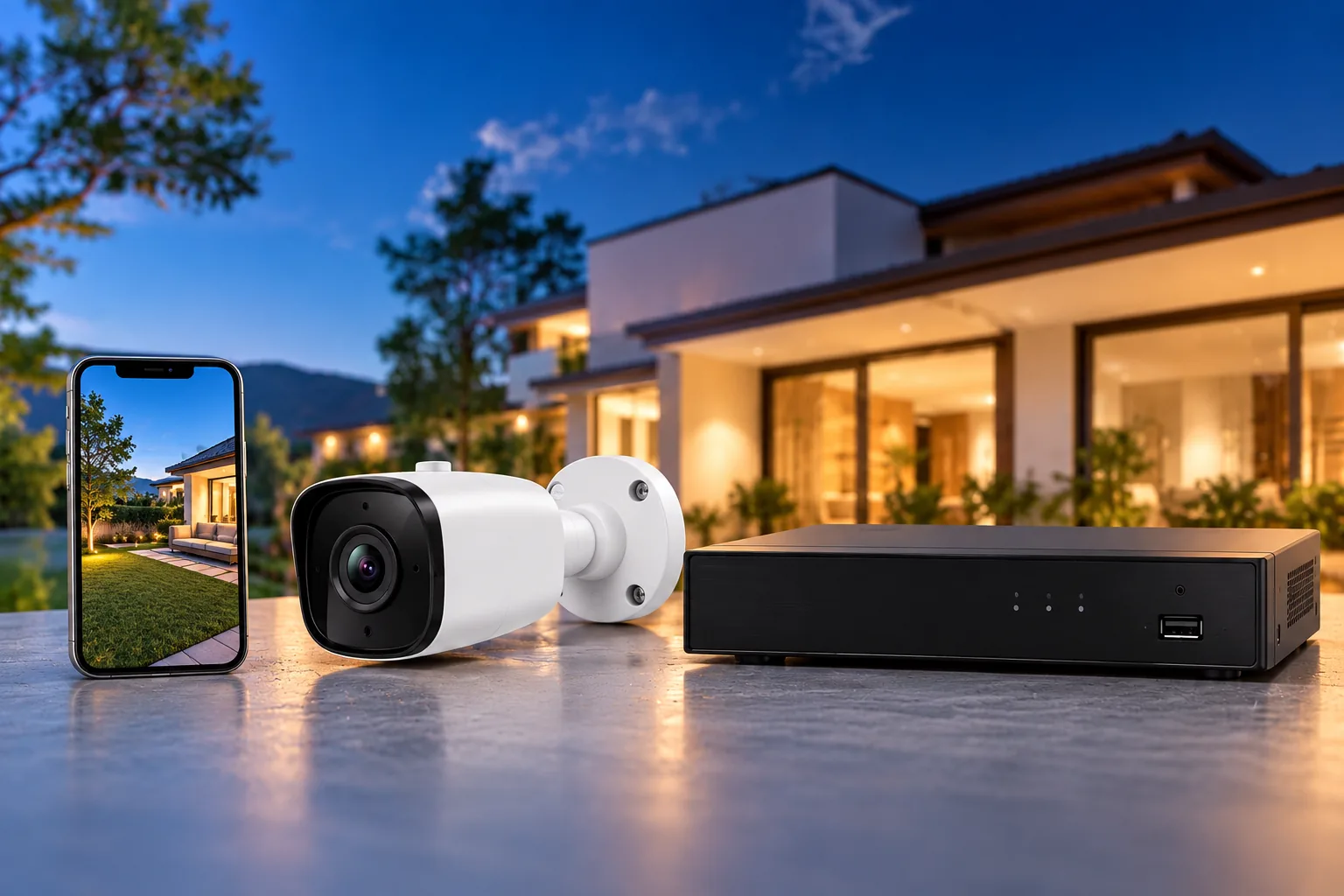
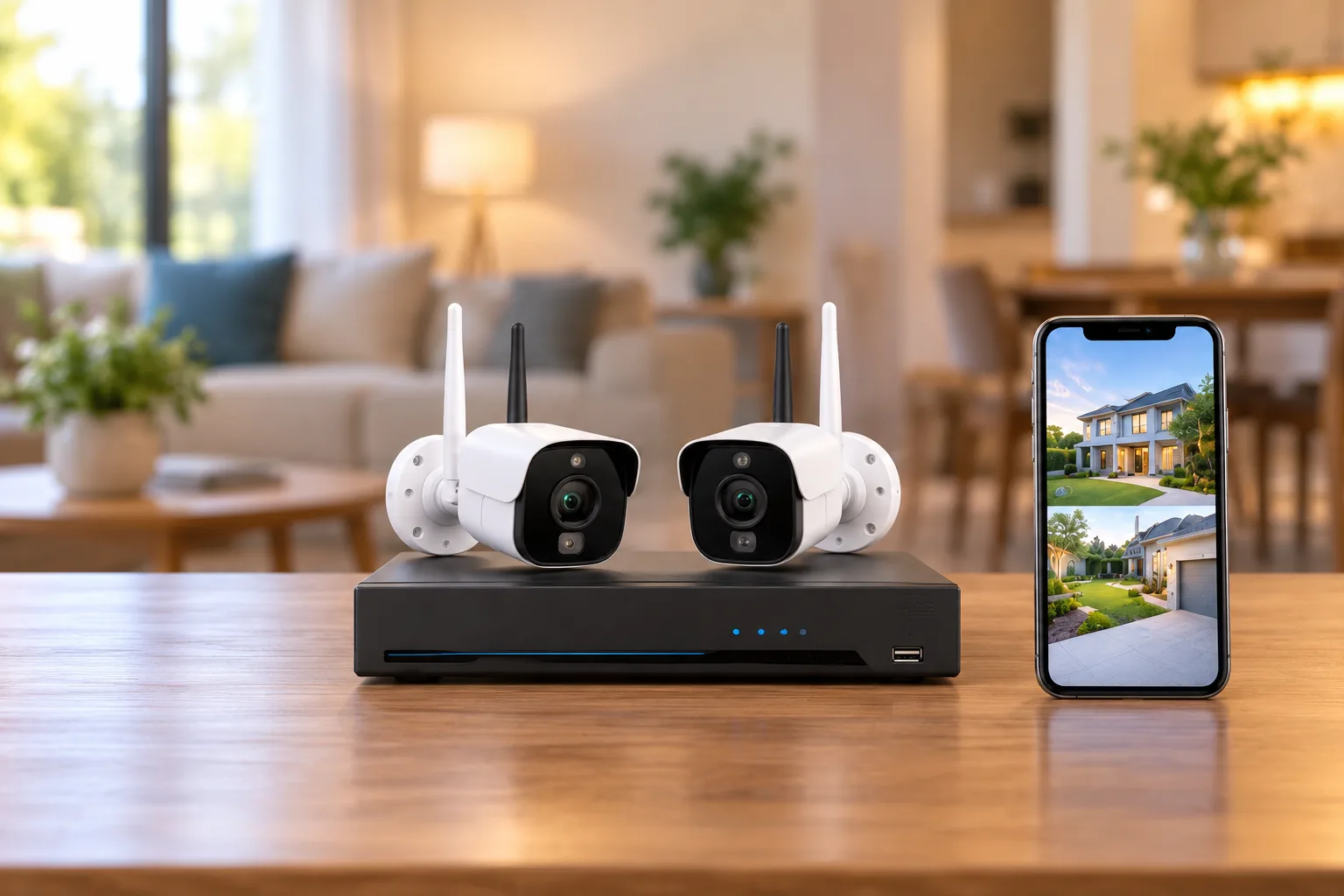
REVO's wireless collection identifies RUW42B4E-1T as a four-channel, 1080p ULTRA Wireless system. The product page specifies four 2.1MP indoor/outdoor bullet cameras and a Wi-Fi network video recorder with a preinstalled 1TB surveillance hard drive. An NVR is the central recorder receiving and storing camera video. REVO wireless collection and RUW42B4E-1T product details
Keep that exact combination together in your notes. A retailer heading containing “REVO,” “Wireless” and “1080p” may still refer to another SKU. Record the camera and recorder model labels separately, particularly if a seller is offering loose components or a used system.
| System identity | Documented distinction | Decision consequence |
|---|---|---|
| ULTRA Wireless RUW42B4E-1T | Four-channel NVR, four supplied cameras, 1TB drive; product description names Revo ULTRA app | Evaluate the complete kit against your planned camera count |
| Legacy Wireless Combo | Built-in monitor and two USB ports in its official guide | Use the Combo documentation for interfaces and compatibility |
| Legacy REVO Wireless setup path | Official instructions name the Revo Wireless app | Identify the recorder before borrowing ULTRA setup advice |
The Combo and legacy app distinctions come from their own official support documents, rather than from a claim that every system carrying a similar name uses the same hardware. Wireless Combo guide and Wireless mobile setup guide
If the seller's title and the label disagree, stop the purchase comparison until the SKU is resolved. Otherwise, you may be comparing storage or camera counts from one kit with the app and compatibility limits of another.
Wireless video still requires power planning
For RUW42B4E-1T, REVO directs owners to plug the recorder and cameras into nearby power outlets. Wireless video transmission therefore does not make this a battery-powered kit. The product describes Auto-Pair for connecting its supplied cameras to the recorder; that is not evidence that an arbitrary replacement camera will pair. Kit power and pairing description
Draw two routes for each proposed location: one for power and one for the wireless connection to the recorder. Check whether the power route is practical before judging how much cable installation the kit avoids. Follow the exact installation instructions for adapters, connections and mounting rather than assuming every component can be exposed outdoors.
Wireless camera installation starts with a temporary connection check at the intended mounting point. Set up the recorder in its intended location and check each camera before permanent drilling. A successful pairing with the camera beside the recorder does not demonstrate that the final position will work.
REVO specifically warns that rain, foliage, metal, concrete and neighboring Wi-Fi devices can affect wireless range. Treat a quoted distance as insufficient for approving your own route. The practical decision is whether the complete installed path performs acceptably under the conditions at your property. REVO range limitations
For example, assume you want to watch an entrance, a driveway, a side path and a back door. Before assigning the four supplied cameras, mark where each can receive power and whether its route to the recorder crosses significant obstacles. If the back door has no feasible outlet, that location remains an installation problem even though a fourth camera is included.
Four cameras and four channels leave an expansion question
RUW42B4E-1T is documented as a four-channel kit with four supplied cameras. Plan it as that documented package. Do not assume an unlisted higher channel limit because another REVO product has a larger number in its title. RUW42B4E-1T specifications
Suppose your plan has four views today but a fifth location after a garage renovation. The fifth view belongs in your purchase decision now. Ask REVO what exact recorder and camera combination supports that final layout before committing to a system already described with four channels and four cameras.
Separate expansion from replacement. Replacing a failed camera within a recorder's capacity still requires a compatible model. Adding another camera requires both compatibility and sufficient recorder capacity. Neither question is answered by matching resolution alone.
A written compatibility request should include the installed recorder model, kit SKU, camera model to be replaced and proposed replacement SKU. Ask whether pairing, recording and playback are supported together. If the answer only repeats that both products are “REVO Wireless,” request the specific model match before treating it as approval.
The supported research does not establish a replacement-camera matrix for RUW42B4E-1T. That prevents a responsible recommendation of a loose add-on model here. It does not prevent evaluating the supplied kit as a purchase, provided the documented camera count and installation requirements fit.
Match the app to the recorder documentation
The ULTRA Wireless kit description directs owners to the Revo ULTRA app and describes adding the NVR by scanning its QR code. REVO's ULTRA app guide lists Android and iOS support, P2P account connection, live viewing and playback. P2P here is the documented account connection method, not a promise about every network or future app version. Kit mobile-viewing instructions and ULTRA app guide
By contrast, the legacy REVO Wireless setup guide names the Revo Wireless mobile application and describes recorder QR-code or LAN methods. Use this as an identity distinction for older equipment. Confirm the current instructions for your actual recorder rather than following a similar-looking screen from another product family. Legacy Wireless app documentation
Security camera phone access should be verified with recorded footage as well as a live picture. Create a short, noncritical sample event and locate it afterward. Confirm the camera name, recorder date and time, playback selection and any export method you expect to use.
The ULTRA app guide describes selecting an accessible NVR, camera and date/time for playback. It also describes timeline zoom and filters for All or Motion Detection recordings. Those controls help you look for a clip; they do not prove what recording schedule was active when the event occurred. ULTRA playback instructions
The same guide allows a favorites layout to contain cameras from multiple NVRs. Treat that as a viewing convenience. A combined app layout does not increase the physical capacity of one recorder or demonstrate that a camera from one family can be paired to another family's NVR.
What the older Wireless Combo guide actually establishes
The official Combo guide describes a built-in monitor, two USB 2.0 ports, Ethernet, HDMI output, two Wi-Fi antennas and a 12V DC, 2A power input. It says to use the supplied, unmodified power adapter. The HDMI connection duplicates the built-in screen; it is an output rather than an input or independent extended desktop. Combo interface guide
Those details matter when taking over an existing installation. If a second monitor shows the same layout, that matches the documented mirroring behavior. If you are planning an independent second display, verify another solution rather than expecting an undocumented extended-monitor mode.
For camera compatibility, the guide names existing 2MP H.265 REVO Wireless cameras and expressly excludes REVO Wireless 5MP cameras. H.265 is a video-compression format, but matching a compression label by itself is not proof of compatibility. This documented ceiling belongs to the Combo system; it should not be generalized to the newer ULTRA Wireless kit. Combo camera limitations
The Combo guide also specifies Ethernet to an internet-connected router for remote viewing. An integrated screen and camera-to-recorder Wi-Fi connection do not, by themselves, establish off-site viewing. For used equipment, confirm the current app, firmware and account requirements with the exact model before relying on remote access.
Check recording and ownership before checkout
A preinstalled 1TB drive tells you the kit's stated storage size. It does not establish how long your chosen settings will retain video. Decide what history you need, then ask about recording modes, overwrite behavior and practical retention for the actual cameras and settings. Compare security camera recording options before deciding that a particular drive capacity meets your needs.
Use this purchase worksheet to turn an attractive bundle into an installation decision:
- Identity: complete kit SKU plus separate recorder and camera labels.
- Coverage: required views now and after any planned expansion.
- Installation: outlet and tested wireless path for every camera.
- Recording: required schedule, retention and overwrite behavior.
- Viewing: exact app, current phone compatibility and account setup.
- Evidence: demonstrated playback and a usable clip-export route.
- Replacement: written confirmation of the exact compatible camera SKU.
If the supplied kit matches those requirements, search Amazon for REVO RUW42B4E-1T to compare listings. A search result is not confirmation of SKU, stock or compatibility; check the actual seller's description and included components.
Common REVO buying questions
Can I use a higher-resolution replacement camera?
Not solely because it is REVO-branded. The older Combo guide explicitly rejects 5MP Wireless cameras while supporting specified 2MP H.265 Wireless cameras. For the ULTRA kit, obtain the replacement SKU match from REVO. More pixels are not evidence of recorder compatibility.
Does a local hard drive prove there are no service costs?
No. Check the features and services you actually plan to use rather than inferring every entitlement from the presence of a drive. This guide does not verify current subscription terms, remote-service availability or support duration for the kit or older families.
Which system should an existing Combo owner choose?
First establish whether the goal is repairing the existing system or replacing it. For repair, follow the exact Combo camera boundary and seek a confirmed replacement SKU. For a new kit, evaluate ULTRA Wireless as its own recorder, camera and app package.
For REVO wireless security cameras, the useful next step is a model check: save the labels and ask any unresolved compatibility question before purchase. Choose the documented kit only when its camera count, power routes, recording plan and app requirements all fit the installation you intend to build.