As an Amazon Associate we earn from qualifying purchases.
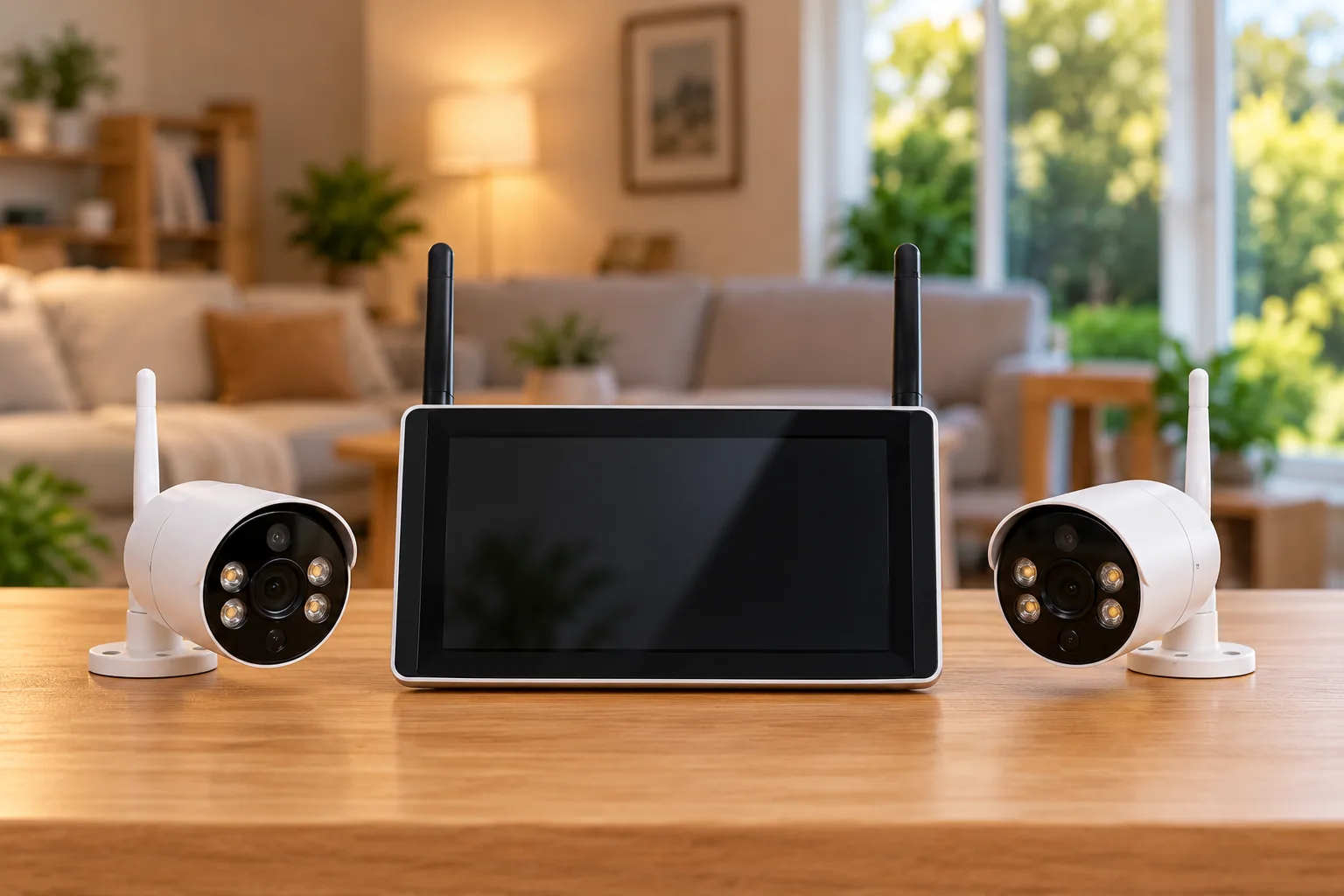
Choose Night Owl wireless security cameras by matching the full camera model to the full recorder model, then checking power and storage. WNIP8 cameras use Wi-Fi for video but still require wired power; BWNIP4 is a separate battery-powered family. A shared Night Owl logo or a “wireless” label does not establish compatibility, identical motion features or included recording storage.
As an Amazon Associate, we earn from qualifying purchases. We may earn a commission when you buy through links on this page.
Quick decision: For an existing system, photograph the recorder’s support sticker before shopping. For a new kit, request the actual recorder, camera and storage model details before comparing camera counts.
This guide is for US households choosing a kit or expanding an existing installation. It compares official model specifications and support pages checked October 18, 2026. It does not claim hands-on testing, current stock, battery runtime or guaranteed wireless range. Doorbells and replacement accessories require their own compatibility checks.
Contents
- Start with the recorder sticker
- Compare WNIP8 plug-in and BWNIP4 battery cameras
- Check compatibility in both directions
- Separate camera count from usable recording storage
- Verify one camera before permanent mounting
- A buying worksheet for a new kit or add-on
- Common questions
Start with the recorder sticker
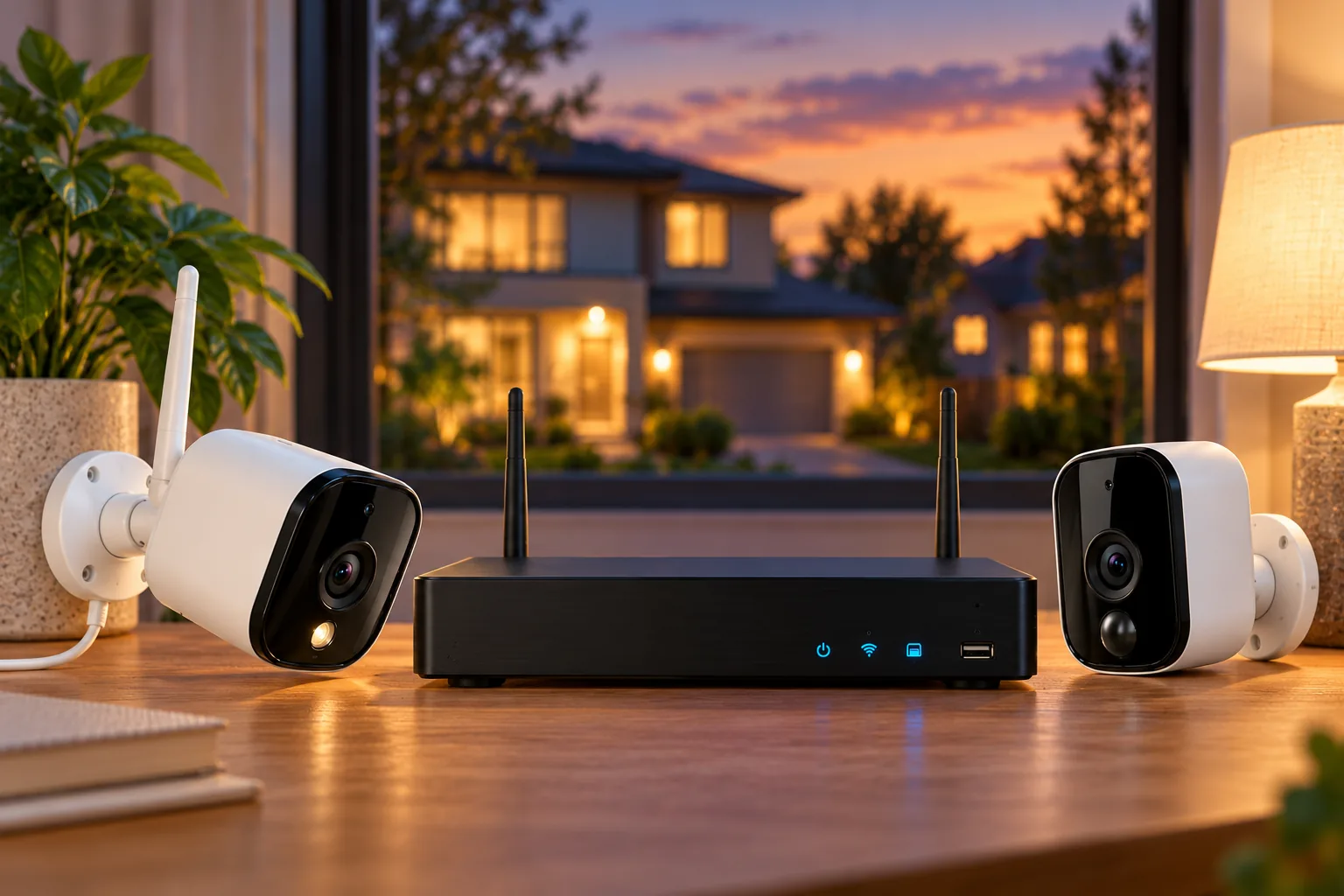
Night Owl’s hardware setup page tells owners to verify the model number on the support sticker on top of the recorder. It separates BTWN8 recorders, WNVR-BTWN8-1 and WNVR-BTWN8-1-V2, from WNIP2 recorders, WNVR-WNIP2-1 and WNVR-WNIP2-1-V2. The BTWN8 instructions include Bluetooth wireless setup; the WNIP2 instructions do not. Night Owl’s setup guide is the appropriate starting point.
Bluetooth here describes onboarding. It does not mean the camera sends its normal video over Bluetooth, or that a Bluetooth setup feature determines usable camera range. WNIP8 specifications identify Wi-Fi transmission, while BWNIP4 specifies Wi-Fi IP transmission. Check setup method and video connection as separate fields.
Write down the full label, including suffixes. The BTWN8 recorder page lists “WNVR-BTWN8-1-V2,” while the BWNIP4 compatibility page uses the shorter “WNVR-BTWN8-V2.” Those support-page spellings should prompt a manufacturer lookup for your actual label rather than an assumption that every similar name is interchangeable. BTWN8 support and BWNIP4 support preserve that distinction.
For a new kit, ask the same questions before purchase. A box advertising several cameras does not answer which future add-ons it accepts. Save the full kit identifier and the individual model numbers in one note so an expansion decision later does not depend on a retailer’s abbreviated description.
Compare WNIP8 plug-in and BWNIP4 battery cameras
The most useful initial split is the power arrangement. WNIP8 removes the video cable between camera and recorder, but it does not remove the need for power at the camera. BWNIP4 offers battery power, with a different resolution, storage specification and operating-temperature ceiling.
| Point to compare | WNIP8 | BWNIP4 |
|---|---|---|
| Documented model | WNIP-8LTA-BS/U and WNIP-8LTA-BS-V2 | BWNIP-4TA-BS |
| Resolution | 3840 × 2160 | 2560 × 1440 |
| Video transmission | Wi-Fi | Wi-Fi IP |
| Camera power | 12V 2A; AC-powered wireless | Rechargeable 18650 lithium-ion batteries |
| Field of view | 100 degrees | 100 degrees |
| Weather-resistance specification | IP65 | IP65 |
| Operating temperature | -4°F to 140°F | -4°F to 122°F |
| Storage detail relevant here | Confirm recorder and kit media separately | microSD or compatible recorder HDD; media sold separately in camera specification |
These are manufacturer specifications from the WNIP8 specification page and BWNIP4 specification page. They are not measured weather, detail or reliability results.
Choose plug-in power when a suitable outlet is practical
WNIP8 is worth considering when you have an approved recorder pairing and can provide suitable camera power at the intended location. Its specification includes two-way audio, a microphone and speaker, but that should not be used to infer every audio or notification feature on every recorder. Plan the supply and cable route before treating a Wi-Fi camera as an easy installation.
For example, assume a homeowner has a compatible BTWN8 recorder and wants a garage view close to an existing suitable power source. A WNIP8 candidate can be evaluated against that actual view and connection. If the useful position is across a yard without power, the same camera creates an electrical-installation problem that the word “wireless” does not solve.
Choose battery placement with maintenance in mind
BWNIP4’s specification says two batteries are included per camera and each camera holds up to four. That is a capacity description, not a runtime estimate. Do not assume that doubling the number of cells establishes a particular number of months between charges. Check the manufacturer’s approved batteries and charging instructions, and choose a mount you can reach safely for maintenance. Night Owl’s BWNIP4 specifications identify the battery arrangement.
The same page gives a 300-foot line-of-sight Wi-Fi range. Line of sight is an explicit condition, not a promise for a route through exterior walls, floors or other obstructions. Test the actual intended position before drilling. Wireless camera connectivity should be evaluated at the camera’s final location, with the recorder in its planned location.
Check compatibility in both directions
Start on the recorder support page and find the candidate camera’s exact model. Then open that camera’s own support page and find the recorder. This two-way check is a practical method for catching a similarly named model, an abbreviated list or a feature exception before ordering.
The BTWN8 support page includes WNIP-8LTA-BS/U, WNIP-8LTA-BS-V2 and BWNIP-4TA-BS among its supported cameras. It also lists specific BWNIP2 variants and BW-4TA-SOLAR. That is a model list for this family; it does not establish universal Night Owl compatibility. Check the actual BTWN8 list.
WNIP8’s camera support page lists specific wired DVRs, wired NVRs and wireless NVRs. Examples include DVR-BTD8-4, DVR-BTD8-8, DVR-BTD8-16, DVR-FTD8-8, DVR-FTD8-16, NVR-BTN8-8, NVR-BTN8-16, NVR-FTN8-16, WNVR-BTWN8 and WNVR-FWR8G1-8. The page also warns that basic pixel-change motion detection is not supported with the listed BTN8 NVRs. A compatible video connection therefore does not prove identical motion behavior. WNIP8 compatibility guidance supplies that qualification.
BWNIP4 has its own list, including WNVR-BTWN8-1, the abbreviated WNVR-BTWN8-V2 and WNVR-FWR8G1-8, plus specified wired models. Do not copy the WNIP8 list across to it. Where the full label or desired function remains unclear, send Night Owl the recorder and camera identifiers and ask about that exact combination before purchase.
Separate camera count from usable recording storage
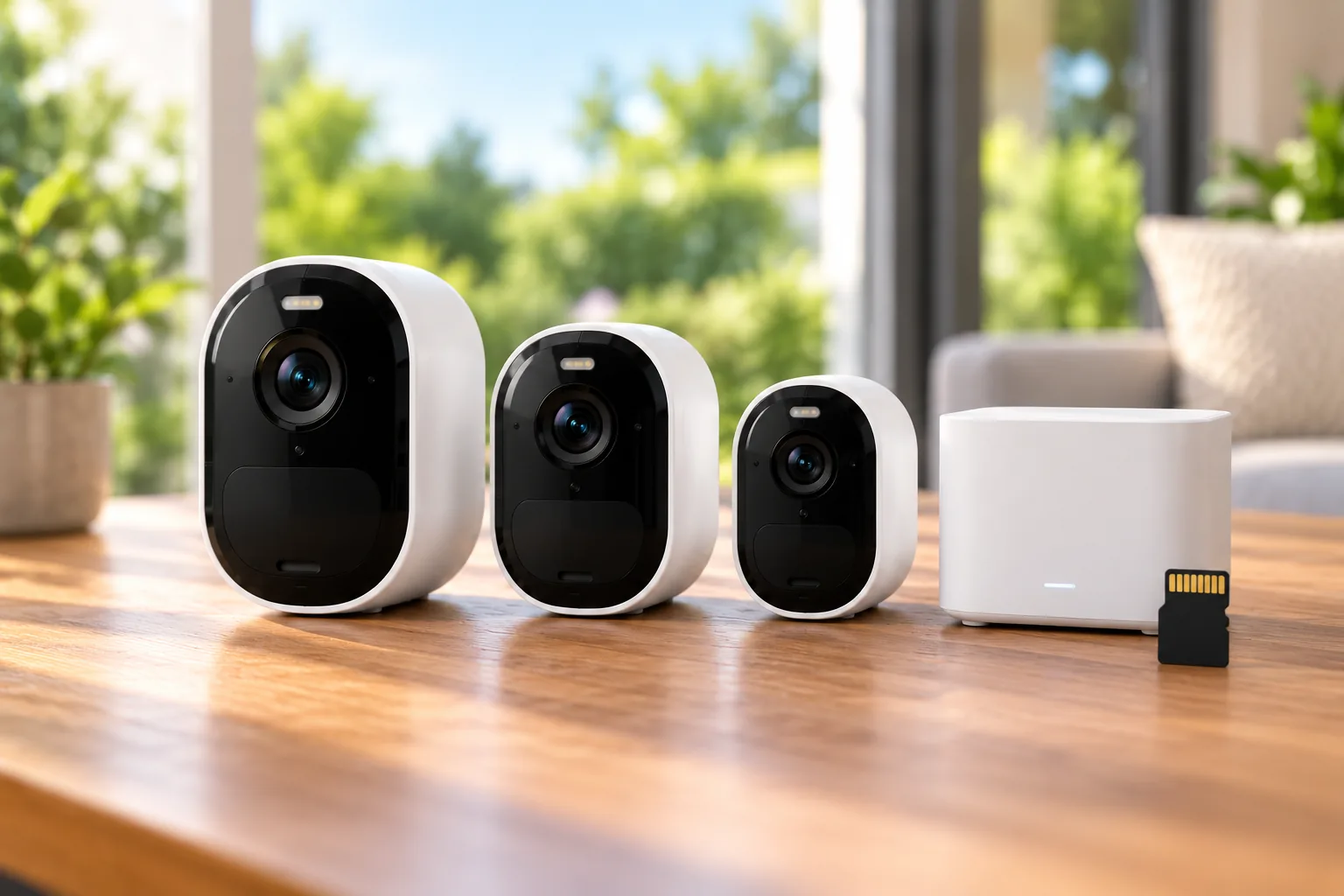
A camera appearing in live view is only one part of a working recording system. You also need the selected storage destination, media, recording settings and a successful playback check. BWNIP4’s specification offers microSD recording or local storage to a compatible recorder hard drive and marks microSD cards and HDDs as sold separately. That camera-level statement does not tell you the contents of every retail bundle. Read the storage row and the exact kit contents together.
Make a separate budget line for media rather than assuming a kit’s camera count determines its retention. Ask what drive or card is included, whether it is installed, and which recording modes the exact combination supports. This guide does not establish current subscription terms or a universal no-fee feature set.
Security camera recording options should be compared by what you can retrieve after an event. A system that displays all cameras but cannot play back the required footage has not met that requirement, regardless of how straightforward pairing seemed.
Verify one camera before permanent mounting
Use the manufacturer’s exact instructions for your camera and recorder. A useful documented example is BWNIP2 paired with BTWN8 through Night Owl Protect; those instructions should not be relabeled as universal steps for BWNIP4 or another family.
For that specific BWNIP2/BTWN8 combination, Night Owl says to add the BTWN8 recorder to Night Owl Protect first. From the recorder’s device details, add the wire-free camera with the plus control, ensure the camera is in pairing mode, and complete the prompts. The guide then calls for checking the camera in the recorder details and viewing its live feed. Night Owl’s BWNIP2 pairing guide documents the Android and iOS paths.
Apply the broader acceptance principle to your own model without copying unsupported reset procedures:
- Confirm identity: Match both labels to the correct support pages.
- Confirm power: Use the specified supply or approved battery arrangement.
- Pair one camera: Follow that model’s app and recorder instructions.
- Check the planned position: Verify the live view where the camera will actually operate.
- Check recording: Create an ordinary test event, then find and play back the saved footage using your chosen storage configuration.
- Check needed functions: Confirm audio and the particular motion behavior you depend on.
- Mount afterward: Preserve safe maintenance access and follow the installation instructions.
Do not delete an existing system’s recordings or factory-reset multiple cameras merely to troubleshoot a new add-on. If identity, power and the correct pairing procedure do not resolve the problem, stop and ask manufacturer support about the named combination.
A buying worksheet for a new kit or add-on
Before ordering, fill in these fields: recorder model and revision; camera model and revision; compatibility-page references; camera power source; required recording behavior; media included; maintenance access; and any unresolved feature exception. Treat a blank compatibility or power field as a reason to clarify the listing.
Outdoor camera placement should account for the useful viewing angle and safe access to power or batteries. Keep the view focused on the property area you need to watch, and review audio settings with the people using that space.
When the exact family fits, you can search Amazon for Night Owl WNIP8 cameras or search Amazon for Night Owl BWNIP4 cameras. Results may mix models and bundles; verify the full label and included storage rather than assuming the search confirms them.
Common questions
Does a wireless Night Owl camera need a power cord?
Some do. WNIP8 is documented as AC-powered wireless with a 12V 2A supply, while BWNIP4 is battery-powered. “Wireless” alone describes neither the complete installation nor its maintenance requirements. Compare the power row for the actual model before deciding where it can go.
Will any Night Owl camera work with my recorder?
Use the exact compatibility lists. BTWN8 supports particular models, and WNIP8 and BWNIP4 have their own recorder lists. Feature exceptions can remain even where a pairing is listed, including the WNIP8/BTN8 basic pixel-change motion limitation. A brand match is insufficient.
Which app or firmware instructions should I use?
Use the support page for your exact device. The captured BWNIP4 page identifies firmware 2.2.0 and says updates occur through Night Owl Protect or the paired recorder. Recheck that page for current guidance; the version noted here is a dated support observation, not a command to install a guessed firmware file. BWNIP4 support is the reference.
Choose the kit or add-on only after its model, power, compatibility and recording destination are clear. Then prove one camera’s live view and playback at the intended position before mounting the whole installation. That sequence makes the purchase depend on the job it must perform rather than an ambiguous wireless label.