As an Amazon Associate we earn from qualifying purchases.
For a homeowner comparing AOSU solar security cameras, the first choice is between fixed viewpoints in a SolarCam P1 SE kit and the adjustable pan-and-tilt view of a SolarCam D1 Classic. The second choice is just as consequential: a standalone D1 camera and a D1 kit have different recording requirements. Start with the areas you need to see, then match the exact camera, package and base generation to those needs.
Quick decision: Consider P1 SE for several defined approaches, D1 Classic for an adjustable view, and a continuously powered alternative if you need a complete recording timeline. A solar panel replenishes a battery; it does not establish continuous recording support.
As an Amazon Associate, we earn from qualifying purchases. We may earn a commission when you buy through links on this page.
This guide compares documented specifications and support guidance for P1 SE and D1 Classic packages. It does not claim hands-on testing or rank every AOSU model. The key documents were checked October 18, 2026.
Contents
- Compare the AOSU solar camera packages
- Local storage, subscriptions and event retention
- Solar charging requires a suitable mounting location
- What works when the internet goes down?
- Verify the base generation before expanding
- Questions before ordering
- Make the final choice from your coverage sketch
Compare the AOSU solar camera packages
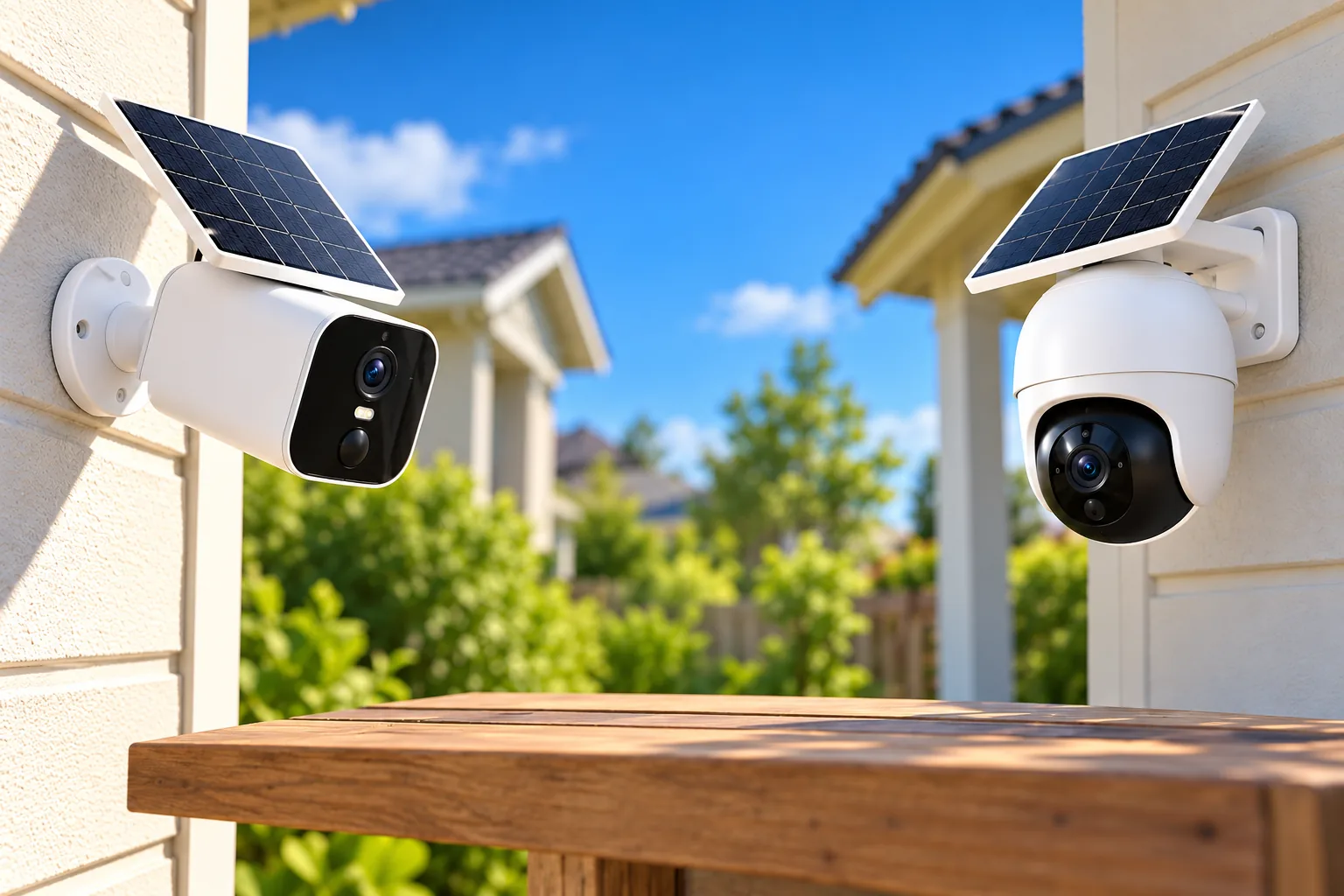
The P1 SE product page describes two- and four-camera kits with 32GB of local aosuBase storage, 2K video, IP65 protection and two-way talk. It also describes viewing four areas simultaneously in the app. That makes it a relevant starting point when the job is watching several separate entrances from established viewpoints.
The D1 Classic kit documentation describes pan-and-tilt control, motion tracking and 2K/3MP video for the documented C9C3CA11 kit. Pan and tilt means the camera changes its viewing direction. It does not mean the camera sees every direction simultaneously, or that a single rotating camera replaces every fixed viewpoint around a building.
| Package | Documented recording arrangement | Main buying question |
|---|---|---|
| P1 SE two- or four-camera kit | 32GB local aosuBase storage without a required subscription | Can the fixed viewpoints cover the approaches you care about? |
| D1 Classic standalone camera | Base not included; compatible microSD card or optional cloud plan needed to save events | Do you want one camera, and have you included recording storage? |
| D1 Classic two- or four-camera kit | Included base with 32GB local event storage | Do the camera positions and included base suit the whole installation? |
| Larger D1/base bundles | Capacity and compatibility depend on the named base and bundle | Does the exact bundle support the intended expansion? |
The standalone distinction comes from the D1 Classic single-camera selector and the kit FAQ. A search result containing the words “D1 Classic” is therefore insufficient to establish what is inside the box.
Choose coverage before choosing camera count
Sketch your property from above and mark each approach: front walk, driveway, side gate and rear entry, for example. Give every camera one primary job. “See a person crossing the side gate” is a clearer goal than “cover the side of the house.”
For a hypothetical home with a front walk and rear gate, a two-camera kit may match two distinct jobs. Adding a driveway and detached-building entrance creates two more jobs and a reason to investigate four cameras. Those are planning examples, not a promise that either kit covers a particular property size.
With D1 Classic, choose a default viewing direction that watches the important approach. AOSU's FAQ specifically recommends pointing the default view toward likely movement and testing detection before finishing installation. A camera pointed away from the approach while you inspect another area should not be treated as simultaneous coverage of both places. Compare outdoor camera placement with your sketch before buying extra hardware.
Local storage, subscriptions and event retention
AOSU says the D1 Classic kit can save motion-triggered recordings to the included 32GB base without a subscription or separate SD card. The same FAQ says standalone customers need a compatible separately purchased microSD card or an optional cloud plan to save and review events. Cloud storage is optional for kit users who want an off-site copy. These are package-specific statements, not a rule for every AOSU camera. Source: D1 Classic kit FAQ.
That distinction changes a fair cost comparison. Compare a standalone camera plus suitable recording storage with a kit that already includes its recording base. If you want off-site backup, include the optional cloud service separately. Do not assume that buying a camera automatically includes permanent access to a cloud recording history.
“Days of recording” describes stored events
The D1 FAQ estimates up to 120 days of motion-triggered events for a two-camera kit and up to 60 days for a four-camera kit. Both use 32GB of included storage. The estimates depend on activity, recording length, video settings and detection frequency; they do not describe uninterrupted footage. When loop recording fills the storage, new events replace the oldest ones. Source: retention and recording FAQs.
Imagine two cameras observing quiet approaches, then four cameras with one overlooking frequent driveway activity. The second system has more opportunities to generate clips. You cannot calculate its retention by dividing a headline number mechanically: the activity and recording settings are different. Check the actual oldest available clip after installation, and download important footage before loop storage overwrites it.
Security camera recording options are worth deciding before you select the kit. If your essential question is “What happened during the interval between two alerts?”, D1 Classic's event-only design may leave that question unanswered. The manufacturer explicitly says it does not record continuously 24/7 and suggests a continuously powered wired camera for a complete timeline.
Solar charging requires a suitable mounting location
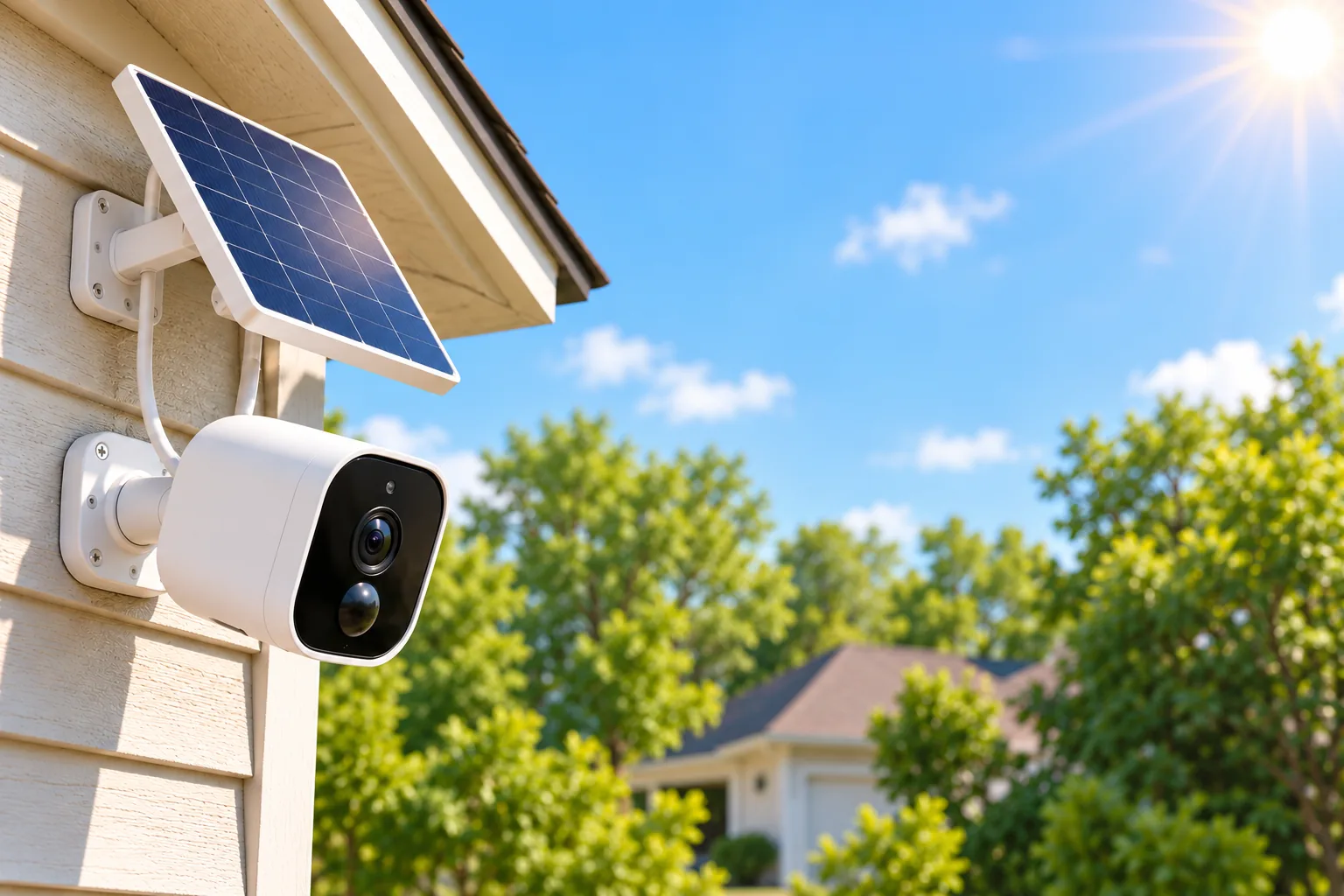
For D1 Classic, AOSU estimates approximately two hours of direct sunlight per day under typical usage. It lists season, weather, temperature, orientation, shade, activity, recording length, tracking, spotlight use and live viewing as variables. The battery can continue operating when solar input is limited, but that statement does not tell you how long your particular installation will run. Source: solar charging FAQ.
Treat solar charging as an energy budget. A shaded mounting point and a busy scene can work against that budget at the same time. Moving the camera to a sunnier wall could improve charging while making the view less useful. Resolve both requirements together instead of approving a location solely because the app initially shows a picture.
Use this site checklist before drilling:
- Identify the exact approach the camera must watch and its default direction.
- Observe direct sunlight at the proposed position, including shadows from eaves, trees and nearby structures.
- Consider how winter shade and shorter days differ from the conditions you see now.
- Check camera-to-base communication and perform a walk-through detection check from the actual approach.
- Make sure the unit remains safely accessible for maintenance or supplemental charging if necessary.
The D1 page says charging is supported above −10°C, or 14°F. That is a charging condition, not an established operating-temperature range for every camera and base. If winter charging is decisive, verify the exact unit's manual and support guidance rather than converting that single threshold into a broader durability promise.
A solar security camera still needs a maintenance plan. Review battery level through changing weather and inspect whether vegetation or dirt is obstructing sunlight. For a location that cannot combine a useful view with adequate charging, reconsider the power arrangement before relying on solar alone. Solar panels for security cameras raise a separate compatibility question; an arbitrary third-party panel should not be assumed to work with this integrated system.
What works when the internet goes down?
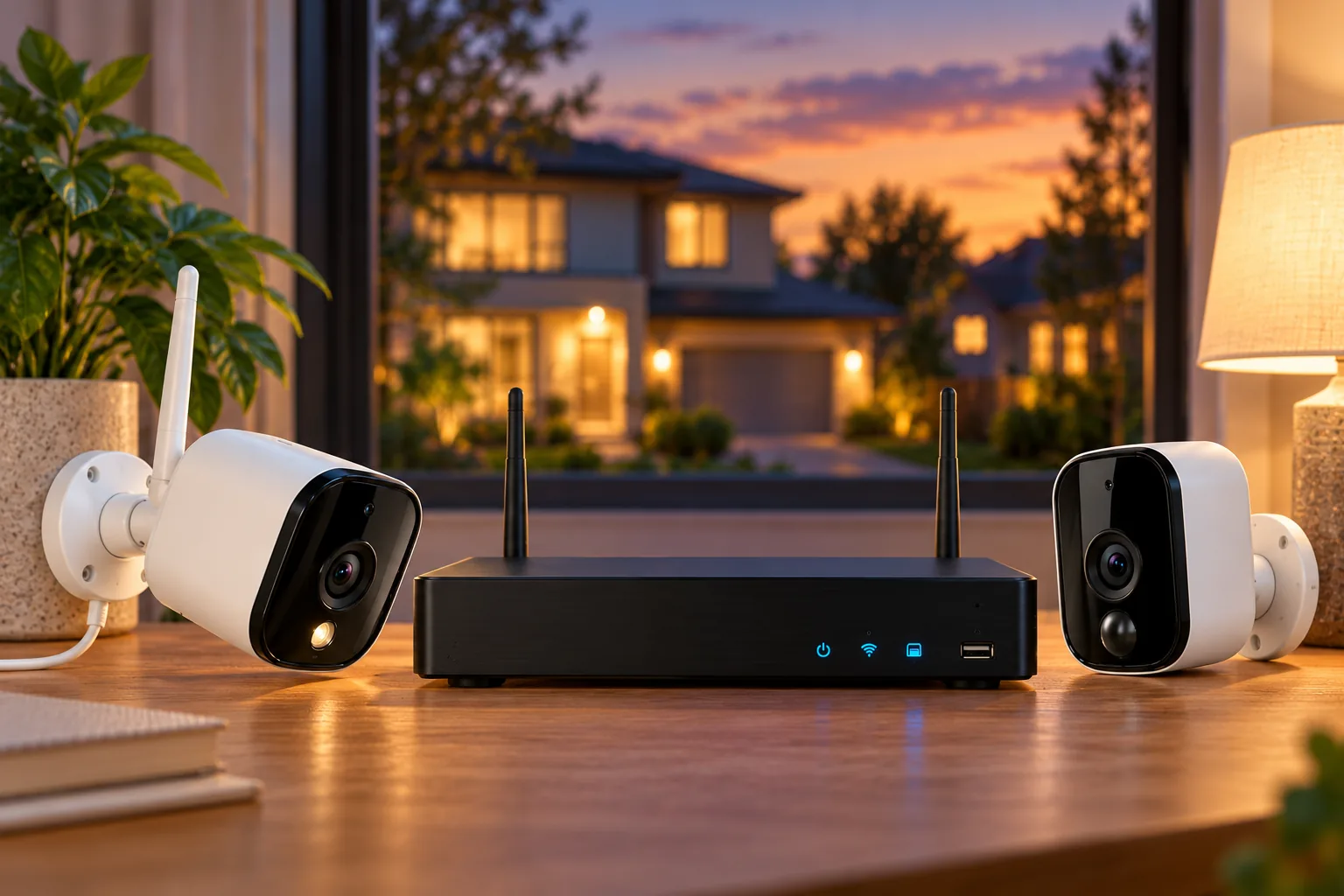
The D1 kit FAQ distinguishes local camera-to-base operation from remote internet access. Motion events can continue recording locally during a home internet outage if the cameras and aosuBase remain powered and connected to each other. Remote live view, remote pan-and-tilt control, remote playback and app alerts require internet access. Source: D1 remote-access FAQ.
This means an internet outage and a power outage are different failure cases. A charged camera cannot keep a powerless base recording. Likewise, a working local recording path does not mean an alert reaches your phone away from home.
Write down which outcome matters: saving evidence for later, receiving immediate notice, or both. Then test those functions separately after installation using a noncritical planned check. Confirm that an event is actually saved and can be replayed after connectivity returns; a visible live picture alone does not prove recording worked.
Verify the base generation before expanding
AOSU's D1 page distinguishes aosuBase 1.0, supporting up to four cameras, from aosuBase 2.0, supporting up to six. That maximum is not proof that every camera model can join either base. The P1 SE page has conflicting expansion notes: one refers to four different cameras, another to four cameras of the same model. Mixed-model expansion is therefore unresolved by that page. Sources: D1 kit, P1 SE.
A separate D1 bundle comparison describes aosuBase 1.0 as 32GB without expansion and aosuCortex as 32GB built in with hard-drive expansion up to 16TB and support for up to eight devices. Those are the named bundle's claims. They do not establish that an existing P1 SE or D1 installation can be upgraded simply by swapping bases.
Before an expansion purchase, complete this worksheet and obtain confirmation for any unanswered compatibility item:
| Record | Your installation |
|---|---|
| Camera family and full model label | Photograph the label; do not use only the storefront name |
| Included base and generation | Record aosuBase 1.0, 2.0 or aosuCortex exactly |
| Existing camera count and intended additions | List models individually |
| Recording destination and expansion needs | Distinguish included capacity from supported expansion |
| Confirmed pairing support | Save the exact support answer or compatibility document |
The battery disclosure identifies P1 SE System as C8E and several D1 Classic variants under C9C model labels. It is useful for distinguishing identities, but a battery-chemistry table is not a compatibility list.
Questions before ordering
Does cross-camera tracking provide a continuous video timeline?
No. For D1 Classic, it organizes related motion-triggered clips into a connected review experience. It does not create video that was never recorded between events. Choose the feature for easier review of captured activity, and assess continuous recording as a separate requirement. Source.
Can I mix P1 SE and D1 Classic cameras on one base?
Do not assume so. P1 SE's own expansion wording conflicts, while D1 base limits do not establish cross-family pairing. Ask AOSU about the exact camera model, hardware revision and base generation before purchasing an add-on. A shared brand and app do not resolve that compatibility question.
What should I compare in a shopping search?
Compare the complete package name, camera count, base generation and recording accessories. Search Amazon for AOSU SolarCam P1 SE kits or search Amazon for AOSU SolarCam D1 Classic kits. Search results do not establish a listing's current stock, exact contents or compatibility.
Make the final choice from your coverage sketch
Choose P1 SE when its fixed viewpoints and documented kit arrangement fit your approaches. Choose the documented D1 Classic package when adjustable views and local event storage meet the job, after checking the standalone-versus-kit distinction. If continuous footage is essential, compare wired security cameras before committing to an event-recording solar system.
Your next step is to match every required viewpoint to a feasible mounting position, then verify the exact kit and base labels. That turns a broad AOSU solar security camera search into a purchase decision you can check against real coverage, charging and recording needs.