As an Amazon Associate we earn from qualifying purchases.
Choose SimpliSafe's Smart Alarm Wireless Indoor Camera for indoor coverage within a Gen 3 system, or Outdoor Camera Series 2 for an exterior location. Then choose the service separately: basic operation, saved video and live agent intervention have different requirements. Outdoor Active Guard enrollment also requires an Outdoor Power Cable, even though the camera can otherwise run on its battery.
For an existing SimpliSafe owner, the key purchase is the camera, power arrangement and plan together. A wireless camera does not automatically include every advertised monitoring feature. This guide compares manufacturer specifications and support instructions rather than hands-on image quality or response testing.
As an Amazon Associate, we earn from qualifying purchases. We may earn a commission when you buy through links on this page.
Quick choice: Confirm Gen 3 compatibility first. Choose Smart Alarm Indoor for its indoor privacy shutter and optional intruder intervention. Choose Outdoor Series 2 for exterior coverage, and plan a suitable outlet before paying for outdoor agent protection.
Contents
- Choose the camera model
- Separate viewing, recording and intervention
- Compare event recordings
- Plan camera power
- Check Wi-Fi and placement
- Set indoor privacy
- Use the purchase checklist
- Common questions
Which SimpliSafe camera matches the location?
| Camera | Documented role | Main ownership requirement |
|---|---|---|
| Smart Alarm Wireless Indoor Camera | Battery-powered indoor camera; 1536p video and 125° field of view | Gen 3 system, Base Station, Keypad, 2.4GHz Wi-Fi and mobile app |
| Outdoor Camera Series 2 | Exterior camera; 1080p video, 140° field of view and IP65 rating | Gen 3 system and 2.4GHz Wi-Fi; power cable for Active Guard |
| SimpliCam Wired Indoor Camera | Separate entry-level wired indoor model | Treat its identity and recording behavior separately from Smart Alarm Indoor |
The Smart Alarm Indoor product page identifies the indoor requirements and distinguishes SimpliCam. The Outdoor Series 2 installation guide supplies the outdoor specifications and installation conditions.
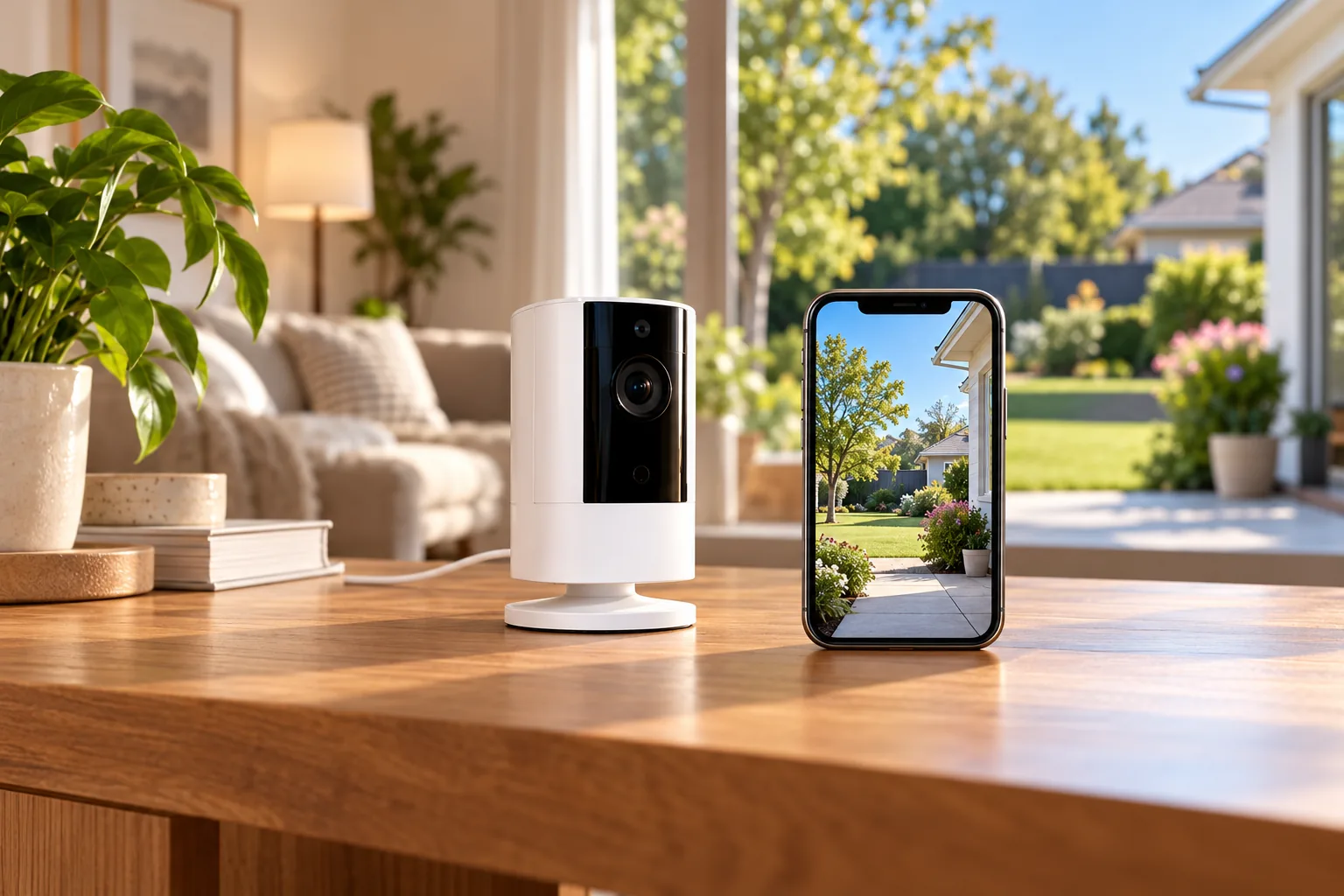
Smart Alarm Indoor cannot operate as a standalone camera: its Base Station and Keypad are required and sold separately. This makes it a more natural addition to an existing compatible system than a simple purchase for someone seeking only one independent indoor camera. Confirm your system generation before ordering; the same brand name does not establish compatibility with an older installation.
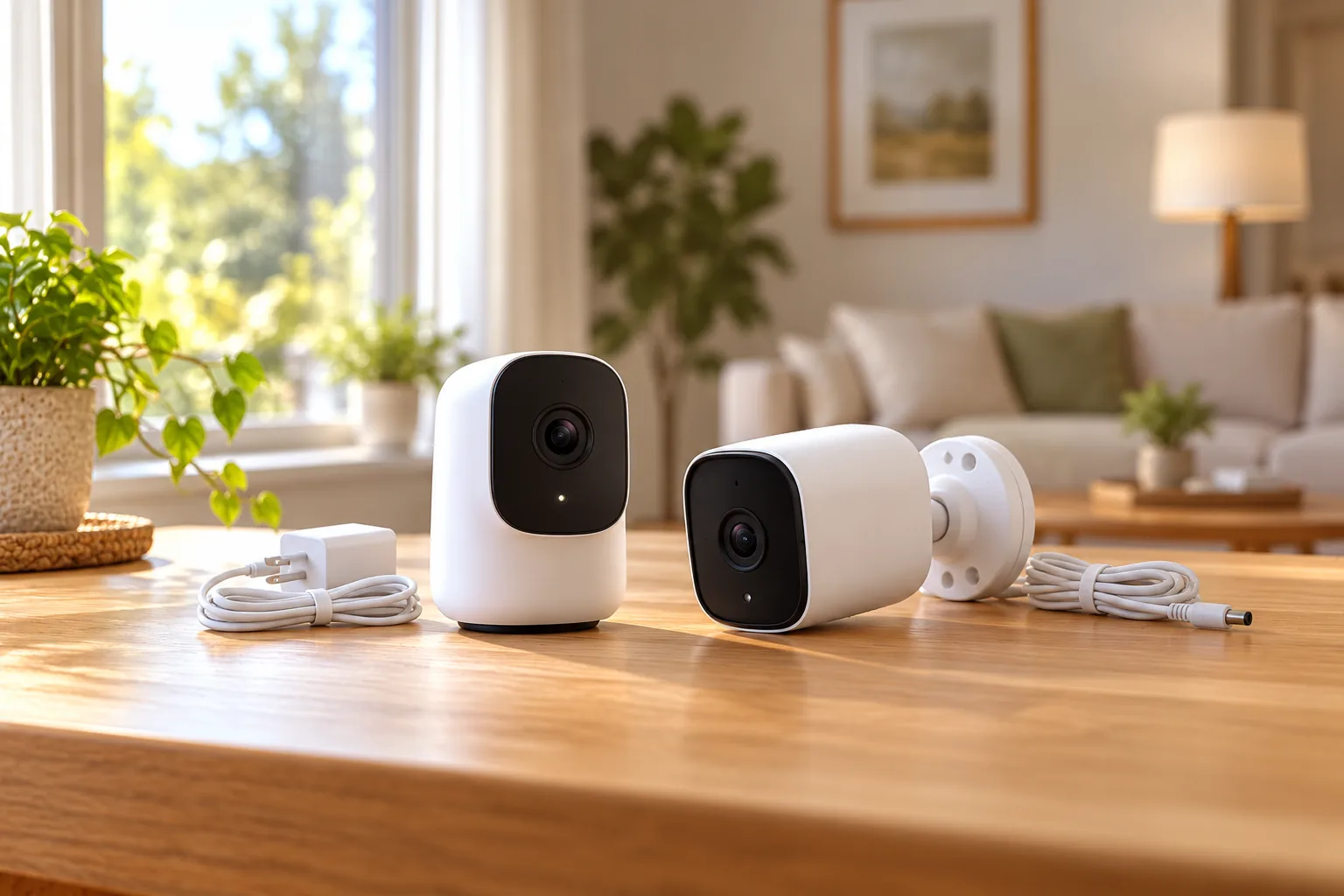
SimpliSafe's additional-products guidance lists Smart Alarm Wireless Indoor and Outdoor Series 2 as camera options. When comparing a retailer's bundle, check which exact camera is inside. A product title saying “SimpliSafe camera” is not enough to distinguish these models.
Indoor security cameras should be chosen around both the room's activity and the household's privacy preferences. A living room, entry route and private bedroom do not create the same expectations about when a camera should be active.
Separate live viewing, recordings and agent access
These three layers answer different questions:
- Live viewing: Can you look at the camera now?
- Saved recordings: Will an event be available to review afterward?
- Agent intervention: Can a monitoring agent access an eligible camera and speak through it under the service's conditions?
For Smart Alarm Indoor, SimpliSafe says a monitoring subscription is not required for the camera to function within the system. The same product page places recording and 30-day storage behind select plans. Intruder intervention requires a qualifying professional monitoring plan, at least one connected Smart Alarm Indoor camera and opt-in. Smart Alarm Indoor feature and subscription requirements.
Consequently, a live view on your phone is not proof that an incident was saved. Before deciding on a plan, identify whether your actual priority is occasional check-ins, reviewing events later or qualifying for agent intervention. Ask for the specific feature in writing rather than relying on the broad word “monitoring.”
Security cameras without subscription fees are worth comparing if your central requirement is keeping recordings without a recurring plan. For SimpliSafe, do not turn “functions without monitoring” into a promise of included saved video. The documented recording conditions remain part of the purchase.
Outdoor plan hours change the decision
SimpliSafe's monitoring page distinguishes Pro's overnight Active Guard Outdoor Protection, from 8 p.m. to 6 a.m. local time, from Pro Plus's 24/7 Active Guard Outdoor Protection. The service also depends on supported hardware, enrollment and applicable system conditions. Confirm the current plan features and local availability before subscribing. SimpliSafe monitoring plans.
Consider a household whose main concern is overnight driveway activity versus one that wants the outdoor service while away during the afternoon. The overnight window matches the first concern; the second requires checking all-day coverage. That comparison concerns when the service is available, rather than a prediction of how an agent will handle a particular incident.
Twenty-four-hour service coverage is different from continuous video recording. SimpliSafe's recording support page describes event-triggered clips. Do not read “24/7 monitoring” or “24/7 live streaming” as a documented uninterrupted recording timeline.
What each camera records during an event
With a recording-eligible subscription, SimpliSafe publishes these behaviors:
| Trigger | Smart Alarm Indoor | Outdoor / Outdoor Series 2 | SimpliCam Wired Indoor |
|---|---|---|---|
| Motion | Starts at 10 seconds; extends up to 3 minutes while motion continues | Starts at 10 seconds; extends up to 3 minutes while motion continues | 1 minute |
| Alarm event | 3 minutes | 3 minutes | 3 minutes |
Source: SimpliSafe recording behavior. These are the documented event durations, not a claim of continuous capture or a guarantee that any particular movement will trigger detection.
For example, assume you want to review the whole period while a delivery vehicle waits outside. A motion-triggered clip that can extend to three minutes is still a different product behavior from an uninterrupted timeline. Check whether the actual saved clips answer that need before expanding the installation.
Existing SimpliCam owners should retain their model's one-minute motion behavior in comparisons. Smart Alarm Indoor's wireless power arrangement and optional intruder intervention should not be attributed to SimpliCam. Similarly, the recording table's joint Outdoor/Series 2 row does not make every hardware feature identical across those generations.
Plan power before choosing the service
Smart Alarm Indoor: battery convenience or a permanent cable
Smart Alarm Indoor has a built-in rechargeable battery. SimpliSafe describes up to three months of use, depending on settings, location and usage, and approximately six hours to charge from depleted. Those are manufacturer estimates rather than a maintenance interval verified for your room. Smart Alarm Indoor charging guidance.
If routine charging is inconvenient, the camera can remain plugged in with its included cable and a power source supplying at least 7.5W. The USB power adapter is not included. An outlet therefore belongs on the shopping checklist if permanent power is your preferred arrangement.
Choose the camera position with cable routing in mind. A shelf location may simplify access for charging, while a higher wall location may need more planning. Avoid running a cable where someone can trip over it or where a door or furniture can damage it.
Outdoor Series 2: Active Guard requires the cable
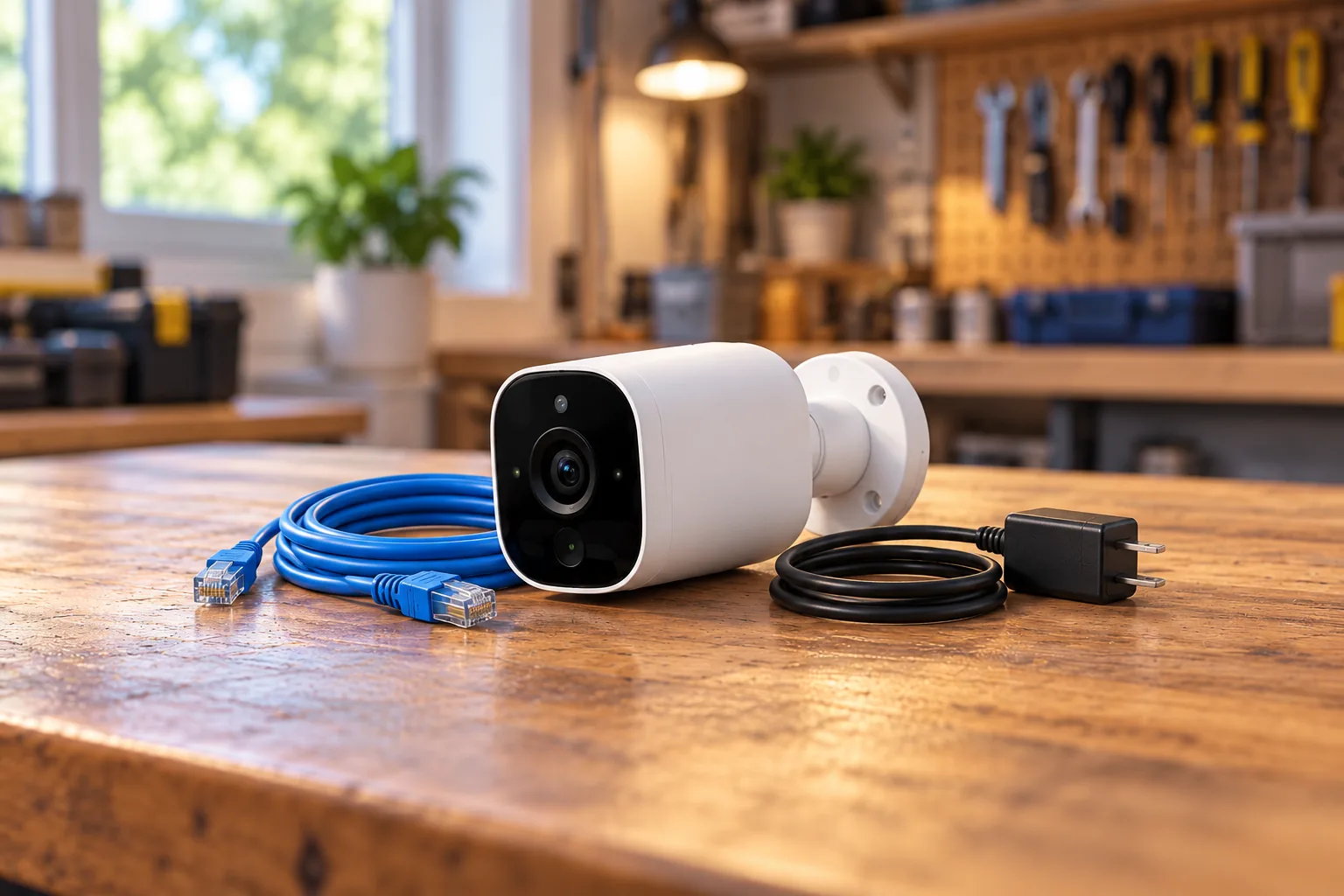
Outdoor Series 2 can use its rechargeable battery, an Outdoor Power Cable or a solar panel to maintain charging. However, SimpliSafe's guide explicitly requires the Outdoor Power Cable for Active Guard enrollment. Solar charging is not documented as an alternative way to satisfy that service requirement. Outdoor Series 2 power and enrollment instructions.
The guide also requires fully charging the battery before installation even if you plan to use the power cable. It specifies a USB charging adapter supplying at least 7.5W. A camera connected to external power still needs the documented preparation.
For Active Guard, choose a mounting position within reach of an exterior outlet. The installation instructions specify an outdoor-rated outlet with a waterproof cover. If an appropriate outlet is absent, include professional electrical work in the project decision rather than improvising an indoor adapter outside.
Battery-powered security cameras can make placement easier, but the chosen service can introduce an external-power requirement. That is the deciding tradeoff for an outdoor location far from the house: first establish whether you need agent protection, then determine whether the required installation is practical.
Test Wi-Fi and placement before drilling
Both named wireless models require 2.4GHz Wi-Fi. The Outdoor Series 2 guide recommends testing the connection at the intended position before mounting. A successful setup beside the router does not establish that the camera will have adequate connectivity at a garage corner. Outdoor Series 2 setup and connection checks.
SimpliSafe calls for 2–3Mbps of upload capacity per camera. As a planning example, three cameras imply 6–9Mbps by simple multiplication, before allowing for other devices and actual conditions. This is a connection budget based on the stated per-camera requirement, not a measured guarantee of performance.
The outdoor guide recommends roughly 6.5 feet of mounting height and a 30° downward angle. It favors a position where subjects move across the camera's view and where branches, flags or other objects do not obstruct it. Use the model's instructions and the actual scene to choose the final position.
Before permanent installation, check daytime and nighttime framing, walk across the intended coverage area and inspect a saved test event if your plan includes recordings. Use authorized system testing procedures; do not deliberately trigger a monitored emergency without following SimpliSafe's test guidance.
Set indoor privacy deliberately
Smart Alarm Indoor has an automatic privacy shutter whose behavior can be adjusted in the app for different alarm states. SimpliSafe describes an audible opening/closing sound and an amber indicator when the camera is in use. Its product page says monitoring agents can access the indoor microphone and video feed only during an active alarm, with intruder intervention requiring the eligible plan and opt-in. Smart Alarm Indoor privacy and intervention details.
Talk through those settings with everyone who uses the room. Check the shutter's behavior in the system states you actually use, rather than assuming the default arrangement matches your household. Place the camera where its field of view meets the purpose without unnecessarily capturing private areas.
A purchase checklist for your system
Before ordering, record these answers:
- Which Gen 3 system, Base Station and Keypad will the camera join?
- Is the exact model Smart Alarm Indoor, Outdoor Series 2 or SimpliCam?
- Does the intended location have working 2.4GHz coverage and sufficient upload capacity?
- Do you need live viewing, saved events, agent intervention or all three?
- Does the selected plan cover the relevant feature and hours?
- If using outdoor Active Guard, where will the required cable and suitable outlet go?
- Who will charge batteries, review recordings and manage privacy settings?
Search Amazon for SimpliSafe Smart Alarm Wireless Indoor cameras or search Amazon for SimpliSafe Outdoor Camera Series 2. Verify the exact model and bundle contents; these searches do not establish stock, a plan inclusion or a particular price.
Common questions
Can I buy Smart Alarm Indoor without a SimpliSafe system?
It is not a standalone camera. SimpliSafe requires the Gen 3 system, Base Station and Keypad, alongside Wi-Fi and the mobile app. If you do not already own compatible equipment, compare the whole required setup with your needs before treating the camera's hardware price as the total cost.
Does the solar panel qualify Outdoor Series 2 for Active Guard?
The cited installation guide requires the Outdoor Power Cable for enrollment. Although solar is listed as a charging option for ordinary operation, do not substitute it for that service requirement. Confirm the current installation and plan conditions before buying accessories for an agent-protection setup.
Should existing SimpliCam owners automatically replace it?
Base that decision on a missing feature. Smart Alarm Indoor has a different power design, specifications and optional intruder intervention, while the official recording table gives SimpliCam distinct event behavior. This guide does not establish a discontinuation date, guaranteed support period or need to replace functioning equipment.
Choose the complete arrangement
A compatible system owner should match the camera to the location, then confirm recording access and monitoring conditions. For outdoor Active Guard, solve permanent power and plan hours before purchase. For Smart Alarm Indoor, decide how its shutter, charging and optional agent access fit the room. Verify those details with the exact model and current plan rather than choosing on the word “wireless” alone.