As an Amazon Associate we earn from qualifying purchases.
For most renters, a sensible apartment camera setup starts with a freestanding camera aimed at your own entry or interior, a suitable nearby outlet and a clear household agreement about viewing and sound. An exterior or shared-hallway position needs separate permission and privacy checks. A magnetic base or “no-drill” mount solves an attachment problem; it does not establish permission to record.
If you are comparing wireless security cameras for apartments, choose the location and camera together. This guide uses documented Tapo C225 and C120 examples to explain power, mounting, storage and privacy decisions. It does not rank doorbells, provide state-specific legal advice or claim these cameras were tested in an apartment.
Quick choice: Consider C225 for a permitted indoor tabletop position where physical lens concealment matters. Consider the documented US C120 V2 configuration for a fixed view with tabletop or suitable magnetic placement. Both still require power and a compatible network. Verify the actual hardware version before ordering.
Contents
- Start with a permission, view and access plan
- Compare two concrete camera setups
- Check building Wi-Fi before opening the box
- Treat privacy controls as separate decisions
Start with a permission, view and access plan
Before buying, write down exactly what the camera will see and who can open its feed. “Cover the entrance” is too vague if the same view includes a roommate's bedroom door or neighbors passing through a shared hall. A rough sketch of the intended frame makes the discussion more useful.
Use this worksheet with your lease, management instructions and household preferences:
| Decision | Question to resolve | Record before installation |
|---|---|---|
| Permission | Is this location and attachment method allowed? | Written permission or the applicable lease/building instruction |
| View | What part of your own unit needs coverage? | Intended frame and areas to exclude |
| Access | Who can watch, change settings or download clips? | Named users and agreed purposes |
| Audio | Is live listening or sound recording needed and appropriate? | Microphone and audio-recording choices |
| Removal | What must be restored when you move? | Original condition, mount method and removal instructions |
A renter-focused TechDigest guide discusses lease alterations, balcony clauses, shared views and roommate concerns. Those are useful planning prompts, not proof of permission for your tenancy. If shared-space or audio requirements remain unclear, obtain local tenant or qualified advice before enabling that setup.
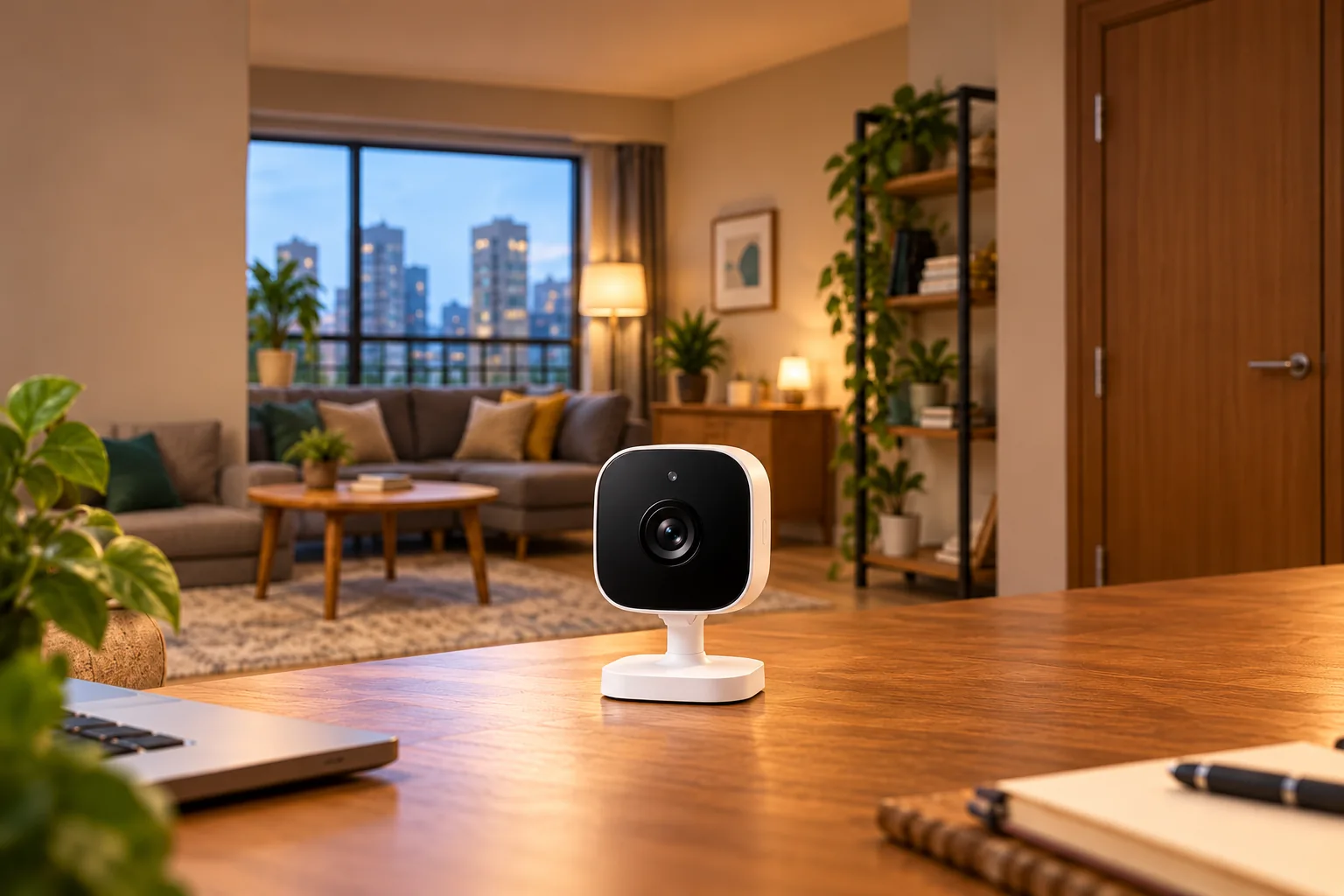
Prefer the smallest useful view. For example, a camera inside your entry aimed toward your own doorway may meet your need without treating the entire floor as your recording area. Whether that particular position is appropriate still depends on the frame, household and applicable rules.
If your main need is talking to visitors outside the door, compare video doorbells for apartments before choosing an indoor camera to do that job.
Compare two concrete camera setups
These are conditional examples based on manufacturer documentation, not a universal apartment shortlist. The C120 US page currently identifies V2; do not transfer its specifications to an older unit merely because the model name matches.
| Apartment requirement | Tapo C225 documented configuration | Tapo C120 US V2 documented configuration |
|---|---|---|
| Placement | Tabletop or ceiling-mounted indoor camera | Tabletop, wall/ceiling or suitable magnetic metal surface |
| Power | 12V DC adapter | 5V, 1A Type-C input; 3m/9.8ft cable |
| Wi-Fi | 2.4GHz | 2.4GHz only |
| Privacy distinction | Button physically conceals lens | Visual Privacy Zones block sensitive parts of the view |
| Local storage | Camera microSD slot, up to 512GB | Camera microSD slot, up to 512GB |
| Main selection limit | Rotating coverage does not mean all angles are captured simultaneously | Camera's IP66 rating does not establish outdoor suitability of every power component |
Sources: Tapo C225 product specifications, Tapo C120 US product page. Cards are separate purchases, and exact hardware support should be checked.
C225: useful when a physical lens control matters
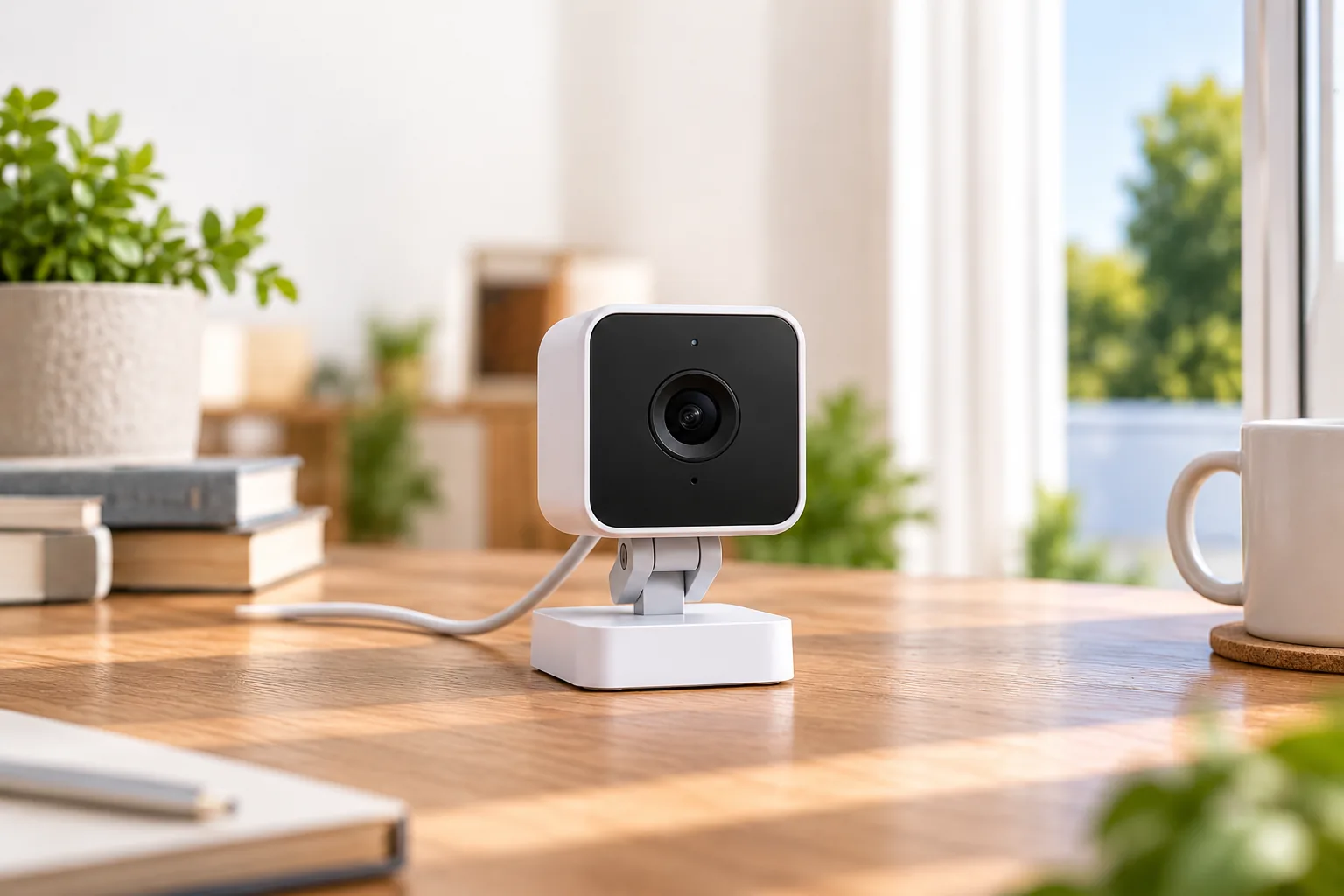
The C225 is a reasonable candidate for a permitted indoor shelf or table position if you want an obvious physical action that hides the lens. Its documented privacy button turns the lens down. That is a different decision from leaving the view active while restricting account access. C225 lens concealment.
Decide whether pan/tilt movement is useful in the room. The specifications distinguish 360-degree mechanical pan coverage from a 100-degree diagonal instantaneous field of view. A rotating camera can look in different directions, but it does not record every direction at once. A room needing two simultaneous views may require a different placement or camera arrangement rather than a promise of whole-room coverage. C225 camera specifications.
Choose it for the specific indoor view and physical control you need. Avoid choosing it solely because “360 degrees” sounds equivalent to multiple fixed viewpoints.
C120 V2: useful when a fixed magnetic position fits
The US C120 V2 page lists tabletop placement and attachment to a suitable metal surface using its magnetic base. This may fit an approved position without drilling into the wall. Verify the surface, mounting instructions, cable route and stability before relying on it; no attachment method in this guide carries a paint, damage or deposit guarantee. C120 mounting options.
Its IP66 camera rating makes a permitted outdoor location worth evaluating, but the whole installation includes more than the housing. The adapter, outlet, cable connection and routing each need to suit their environment under the exact product instructions. Do not run a cable through a door where it gets pinched or treat the camera's rating as approval to expose an indoor power adapter.
Choose this example when the permitted mounting surface and fixed view fit your plan. If your only possible location requires an uncertain exterior attachment or unsafe power route, resolve that constraint first.
Wireless video still needs a power plan
Neither of these documented examples is cable-free. C225 uses its 12V DC adapter; C120 V2 uses a 5V, 1A Type-C input, with a specified cable length of 3m, or 9.8ft. Check those actual power arrangements instead of treating the word “wireless” as a battery specification. C225 power, C120 power.
Measure the usable cable path along furniture and permitted surfaces. The straight-line distance to an outlet is not the installed route. Leave access for unplugging and maintenance, keep cords away from walkways and follow the manufacturer's cable and adapter instructions.
Suppose your intended shelf is six feet from an outlet in a straight line, but routing around a doorway adds several feet. That is a reason to measure before purchasing, not evidence that the included cable will reach. If it does not, choose another position or a manufacturer-approved solution rather than assuming any extension is suitable.
For a broader room-by-room comparison, evaluate indoor security cameras once you know the allowed position and power route.
Check building Wi-Fi before opening the box
An apartment's advertised Wi-Fi is not enough to establish compatibility. Both examples use 2.4GHz Wi-Fi. Tapo's general support guide excludes captive Portal and WPA/WPA2-Enterprise networks, which can matter in a building-managed setup requiring a browser login or enterprise credentials. Tapo network requirements.
Ask management which connection method your unit receives and whether a camera can join it. Do not alter shared network equipment or assume your phone connecting successfully proves a camera will work. If you control a separate router, follow its instructions and the building's requirements.
The FTC recommends secure router settings, updated software, strong unique passwords and WPA2 or WPA3 network encryption. It also suggests considering a separate camera network where the router supports it. Check camera compatibility alongside those security choices. FTC camera-security guidance.
Moving is another network event. Tapo says changing wireless networks requires resetting and reconfiguring the camera. Build that setup time into your move rather than assuming the device will automatically find your next home's connection. Tapo network changes.
Treat privacy controls as separate decisions
Activity Zones select alerts; Privacy Zones limit the view
C120's visual Privacy Zones block sensitive areas from monitoring and recording. Activity Zones filter the areas used for supported detection events. Reducing alerts from a roommate's door is not the same as removing that part of the image. C120 zone descriptions.
Check the saved playback as well as live view after configuring a zone. Recheck boundaries after the camera moves. A software mask also does not, by itself, establish that nearby conversations are excluded.
Microphone-off differs from audio-recording-off
Google's Nest guidance provides a useful example of why labels matter: switching the microphone off stops audio streaming and recording; switching audio recording off can leave live listening available. This behavior is documented for Nest and should not be assumed to describe identical controls on every Tapo model. Google audio controls.
For any apartment camera, ask two questions: can someone listen now, and will sound be saved? Verify each answer in the exact camera's settings and documentation. A muted phone speaker answers neither question about what the camera captures.
Full privacy mode changes recording availability
Tapo Privacy Mode stops audio/video streaming, recording and event notifications. That is appropriate to consider when the household wants recording stopped, but it also means footage will not exist for that period. Tapo Privacy Mode.
Agree how privacy mode will be used before relying on camera coverage. A clear household routine is more useful than discovering after an incident that one resident expected continuous recording while another expected private time.
Choose storage and access for the household
The documented C225 and C120 configurations support microSD storage up to 512GB, with optional Tapo Care cloud storage. The capacity ceiling is not a retention promise; recording settings and activity affect the footage you can keep. A card inside a camera is also physically tied to that camera, so plan how important clips will be exported. C225 storage, C120 storage.
Compare security camera recording options if you need to choose event clips, continuous video or a particular retrieval workflow.
Assign viewing rights deliberately. The FTC recommends looking for different permission levels, such as a viewer who cannot change settings, while noting that not every camera offers them. Verify what the actual platform permits rather than sharing a single administrator password. Use unique account passwords and enable two-factor authentication where available. FTC sharing and account guidance.
For a roommate or temporary helper, write down when access begins and ends. Review who can watch live video, download footage and redirect a pan/tilt camera. Those are different powers, especially in a shared living room.
Apartment setup and move-out checklist
Before relying on the camera:
- Confirm the location, mount and view against your permission plan.
- Place it without blocking a door, walkway or safe cable route.
- Join the documented network and update the app and firmware.
- Set visual privacy controls, microphone behavior and recording schedule.
- Check live view, recorded playback and one exported clip.
- Verify authorized users and explain the privacy routine to the household.
An interior camera behind glass deserves a separate nighttime check. Tapo warns that infrared reflection from a window can blur or overexpose the picture. An indoor window position is not automatically a substitute for an outdoor installation. Tapo night-view guidance.
Before moving, save wanted footage, review shared accounts, follow the exact manufacturer's reset and reconfiguration instructions, and remove attachments according to the mount and surface guidance. Keep a record of the original and restored condition. Those records help explain what was installed; they do not guarantee a deposit outcome.
Common apartment camera questions
Is a magnetic camera automatically allowed in a rental?
No mounting feature establishes lease permission. A magnetic base can reduce the need for drilling on a suitable surface, but the location, view, power route and building rules still need review. Shared-hallway or exterior placement should be discussed explicitly rather than inferred from permission for an indoor shelf camera.
Can one pan/tilt camera cover the whole apartment?
Only evaluate the views it can actually see from its permitted position. C225's mechanical rotation and instantaneous field of view are different specifications. Walls, closed doors and the camera's current direction still determine what is visible; this guide makes no measured coverage claim.
What if roommates disagree about audio?
Resolve that disagreement before enabling listening or recording in the shared space. Check microphone and recording controls separately, and obtain qualified local advice if applicable requirements are unclear. A visual Privacy Zone or reduced motion alerts does not answer the sound question.
Choose a setup you can explain and remove
A useful apartment camera fits one clearly permitted view, a safe power route, a compatible network and an agreed privacy routine. Start with that written plan, then match the exact camera revision to it. If any of those conditions fails, changing the position or feature requirement is a better next step than buying extra hardware to work around an unresolved constraint.