As an Amazon Associate we earn from qualifying purchases.
The cheapest useful wireless security camera is the one that meets your recording needs after you add storage, power accessories, and any recurring service. Compare the complete installed cost before choosing a low camera price. A plug-in Tapo C120 or Wyze Cam v4 can make sense where an outlet is available; a battery-powered Tapo C425 addresses a different installation problem. None is established here as the lowest-priced camera across all sellers.
This guide is for US buyers planning affordable indoor or outdoor Wi-Fi coverage. It compares documented product differences and provides a one-year and three-year cost worksheet. It does not claim hands-on tests, live deals, or a universal cheapest ranking.
As an Amazon Associate, we earn from qualifying purchases. We may earn a commission when you buy through links on this page.
Start here: Write down the view you need, whether you need saved events or continuous footage, and which alerts matter. Eliminate cameras that cannot meet those requirements, then compare complete quotes for the remaining options.
In this guide
- Compare useful budget camera examples
- Define what “free recording” needs to include
- Use a complete one-year and three-year cost worksheet
- Decide which low-cost tradeoffs are acceptable
- Verify the purchase before making it permanent
- Common budget-camera questions
Compare useful budget camera examples
These examples show three different cost structures. They are starting points for a shortlist, rather than a current price ranking.
| Camera | Power and connection | Supported recording or detection distinction | Extra cost to check |
|---|---|---|---|
| Tapo C120, documented US v2 specifications | Plug-in USB power; 2.4GHz Wi-Fi | Local microSD up to 512GB; free person, pet, vehicle, and baby-cry detection | Separate memory card; optional paid Tapo Care |
| Wyze Cam v4 | USB power with included 6-foot cable; 2.4GHz Wi-Fi | 24/7 local microSD recording; Cam Plus adds AI alerts and cloud features | Card, optional service, and separate outdoor power adapter |
| Tapo C425 | Rechargeable battery; 2.4GHz Wi-Fi; no required hub | Wire-free placement avoids a camera power cable | Separate memory card and optional solar panel; charging access |
Sources: TP-Link Tapo C120, Wyze Cam v4, Tapo C425, and Wyze local versus Cam Plus recording.
Read wireless as a description of the network connection unless battery power is explicitly specified. C120 and Wyze Cam v4 still need power cables. C425 removes that camera cable but retains the Wi-Fi requirement and introduces a charging task. That distinction often affects the budget more than a small difference in advertised resolution.
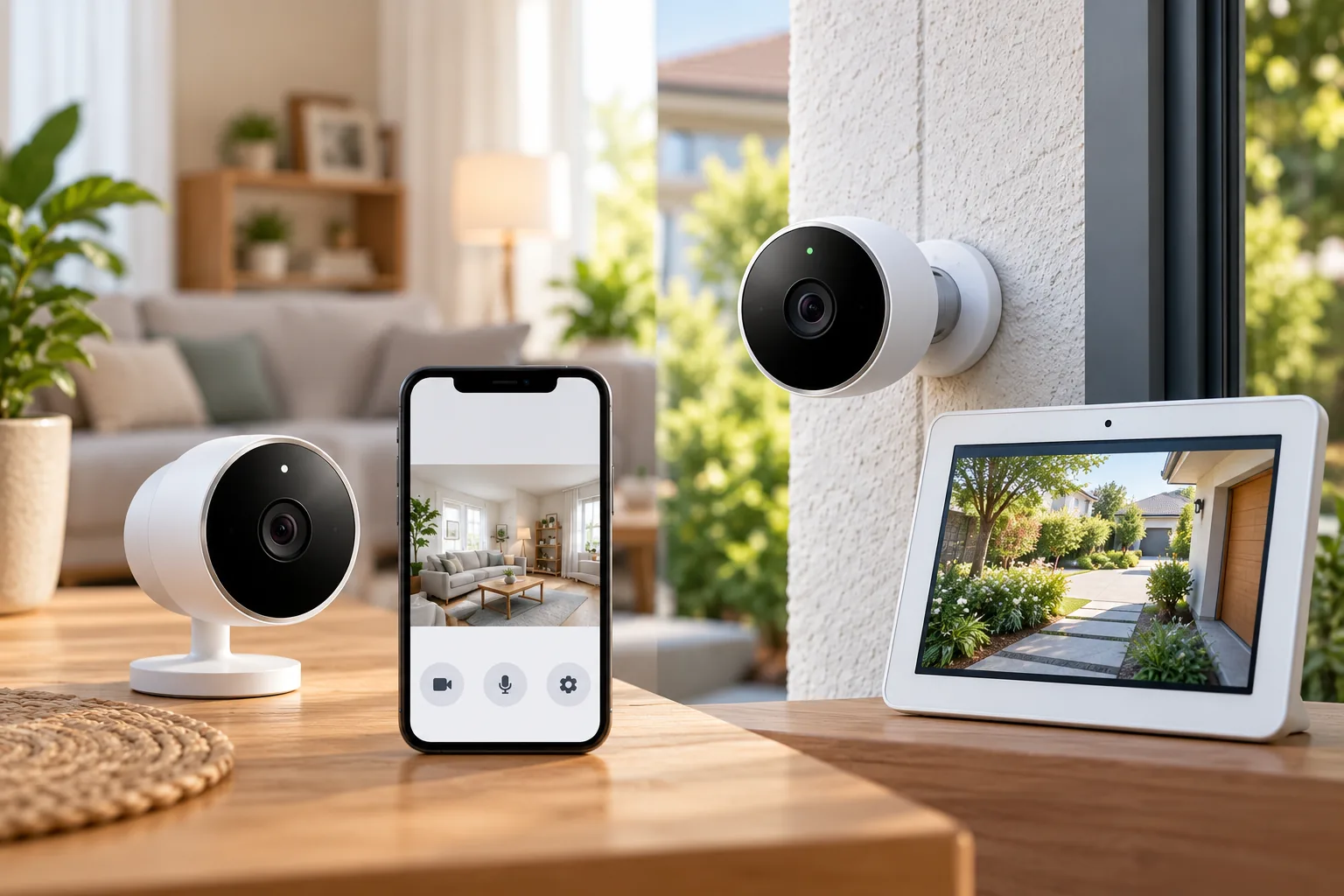
Indoor security cameras are easier to budget when the outlet location and privacy expectations are settled before shopping.
Tapo C120: a useful starting point when local storage and free detection matter
The documented US C120 v2 specifications list 2560 × 1440 video at 20 frames per second and a 98.5-degree horizontal field of view. Its housing is IP66 for indoor/outdoor placement. The package includes a USB adapter, Type-C cable, mounting hardware, and cable organizers, while the microSD card is purchased separately. C120 specifications and package contents.
C120's financial distinction is that person, pet, vehicle, and baby-cry detection are offered without a subscription. It supports local storage up to 512GB, with paid Tapo Care as an optional cloud route. This lets a buyer compare the features they need without assuming that useful classification alerts always require a recurring plan. C120 detection and storage.
That does not mean every cost disappears. Add the appropriate card, confirm its compatibility, and check the power route. The housing's weather-resistance rating should not be treated as evidence that every adapter, plug, or cable connection can be exposed to rain. Resolve the complete outdoor power arrangement against manufacturer instructions.
The hardware revision also matters. Compare a seller's exact unit with the US v2 specifications used here rather than copying a feature from another regional or older C120 page. Keep the full model and revision on your quote so a cheaper listing is still a like-for-like comparison.
Wyze Cam v4: compare continuous local recording with paid extras
Wyze Cam v4 lists 2560 × 1440 video, IP65 weather-resistant housing, and 2.4GHz Wi-Fi. It uses USB power, including a 6-foot cable; its supplied adapter is for indoor use, while the outdoor power adapter is a separate purchase. Wyze Cam v4 specifications.
The product page documents 24/7 local recording with microSD. Wyze's support comparison distinguishes that local continuous recording from Cam Plus motion-triggered cloud recordings and smart features such as person, package, and pet detection. A card and a subscription solve different problems. Wyze product recording information, Wyze microSD versus Cam Plus.
For example, a buyer who wants to review the minutes before and after a driveway event may value a continuous local timeline. Someone who primarily wants classified cloud notifications may assess the optional service differently. Identify the workflow before comparing totals; a camera with saved footage but the wrong retrieval method can be poor value for your particular use.
Do not infer that Cam Plus is required for every saved recording, or that adding a card reproduces every paid feature. Verify how you will find, play, and export the footage using the configuration you intend to retain. If the camera will be outside, price the correct outdoor power arrangement at the same time as the camera.
Tapo C425: budget for placement freedom and maintenance
C425 is a battery-powered, wire-free option that does not require a hub, but it still connects through 2.4GHz Wi-Fi. Its optional solar panel and memory card are separate purchases. This is worth comparing when a suitable camera view is available but a practical outlet is not. Tapo C425 documentation.
TP-Link's 300-day battery figure is conditional: it assumes 230 seconds of use per day, including recording and live viewing. Actual life depends on settings, use, router specifications, and environment. The headline should not become a guaranteed charging interval for a busy entrance. C425 battery-life conditions.
For context, 230 seconds is 3 minutes and 50 seconds by arithmetic. A household that frequently opens live view or records a busy walkway should not assume its usage matches that example. Plan safe access for charging and observe actual use after setup before deciding whether a solar accessory is worthwhile.
Solar can also change the initial quote. Include the panel and mounting work if you want that configuration, and check placement against the manufacturer's instructions. Do not assume purchasing a panel eliminates all future charging or maintenance under every combination of weather and usage.
Define what “free recording” needs to include
Separate three questions that are often collapsed into a single no-fee label:
- Can the camera save the footage I need? Identify event clips versus a continuous timeline.
- Can I retrieve it conveniently? Confirm playback, search, and export with the intended account.
- Will I get the alerts I want? Check which object classifications or cloud features require a plan.
C120's free detection and local microSD option are different benefits. Wyze's local continuous recording and optional Cam Plus features are also different benefits. Compare them against your own list rather than assuming that all free recording packages are equivalent. C120 storage and detection, Wyze recording comparison.
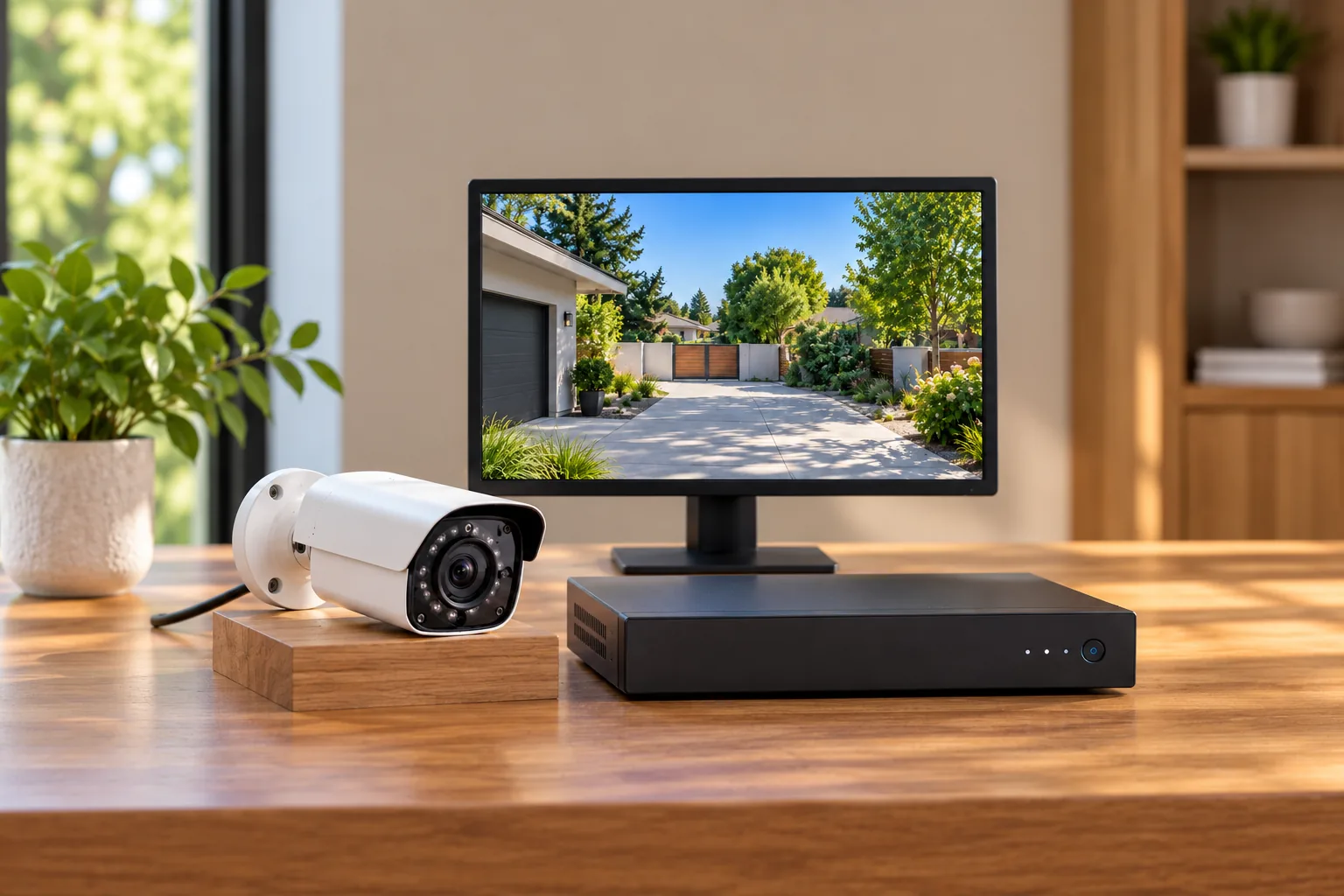
Security camera recording options should be compared by the footage you need to recover, not just the presence of a memory-card slot.
A card's supported maximum capacity is not a guaranteed retention period. Recording mode and settings affect the amount stored, so obtain model-specific guidance rather than translating gigabytes directly into calendar days. Also confirm whether the selected bundle includes media: a camera with a slot can arrive without a card.
Use a complete one-year and three-year cost worksheet
Get current quotes for the exact hardware and service configuration. Leave a cell blank until verified; do not treat an unknown charge as zero.
| Cost item | Quote or assumption to record | How to compare it |
|---|---|---|
| Camera hardware | Exact model, revision, and quantity | Match equivalent packages |
| Recording media | Supported card and quantity | Include only if not supplied |
| Required power equipment | Outdoor adapter, cable, or installation work | Separate included parts from extras |
| Optional accessories | Solar panel or mounting changes you actually want | Keep optional and essential items distinct |
| Subscription | Applicable plan and camera count | Record trial, first-year, and renewal terms |
| Delivery and tax | Current checkout total | Compare on the same basis |
| Maintenance | Charging access and possible replacement items | Record the task even when cost is uncertain |
For one year, add the initial installed hardware total to the subscription charges actually due during that period. For three years, add the next two years of applicable service charges and any separately estimated maintenance. Keep unknown future replacement costs labeled as unknown instead of inventing a battery or card failure rate.
A worked example using assumed quotes
Assume two fictional quotes for the same one-camera coverage task. Package A costs $75 complete and requires an $8 monthly service for the chosen features. Package B costs $115 complete and meets those same chosen requirements without a recurring service. Assume both remain usable for three years, the monthly rate stays constant, and there are no additional costs or trials. These are arithmetic examples, not prices or performance claims for the cameras above.
| Period | Package A | Package B |
|---|---|---|
| First year | $75 + 12 × $8 = $171 | $115 |
| Three years | $75 + 36 × $8 = $363 | $115 |
Under those assumptions, A's lower initial price is offset after five monthly payments because the $40 hardware difference equals 5 × $8. Change the result if the plan is optional, its features are valuable only on A, or the packages do not provide equivalent recording. The exercise is useful because it forces those assumptions into view.
For multiple cameras, check whether a plan charges per camera or covers the intended collection. Do not automatically multiply a single-camera rate if a different plan applies, or assume a household rate covers every model. Use the actual terms from the current quote.
Decide which low-cost tradeoffs are acceptable
A reasonable budget compromise is accepting a feature you do not need to avoid paying for it. Examples include choosing an outlet-powered camera where charging freedom offers no benefit, or omitting an optional cloud service when verified local recording meets your needs. An unreasonable compromise is leaving the core job unresolved, such as buying a camera before establishing how it will save footage.
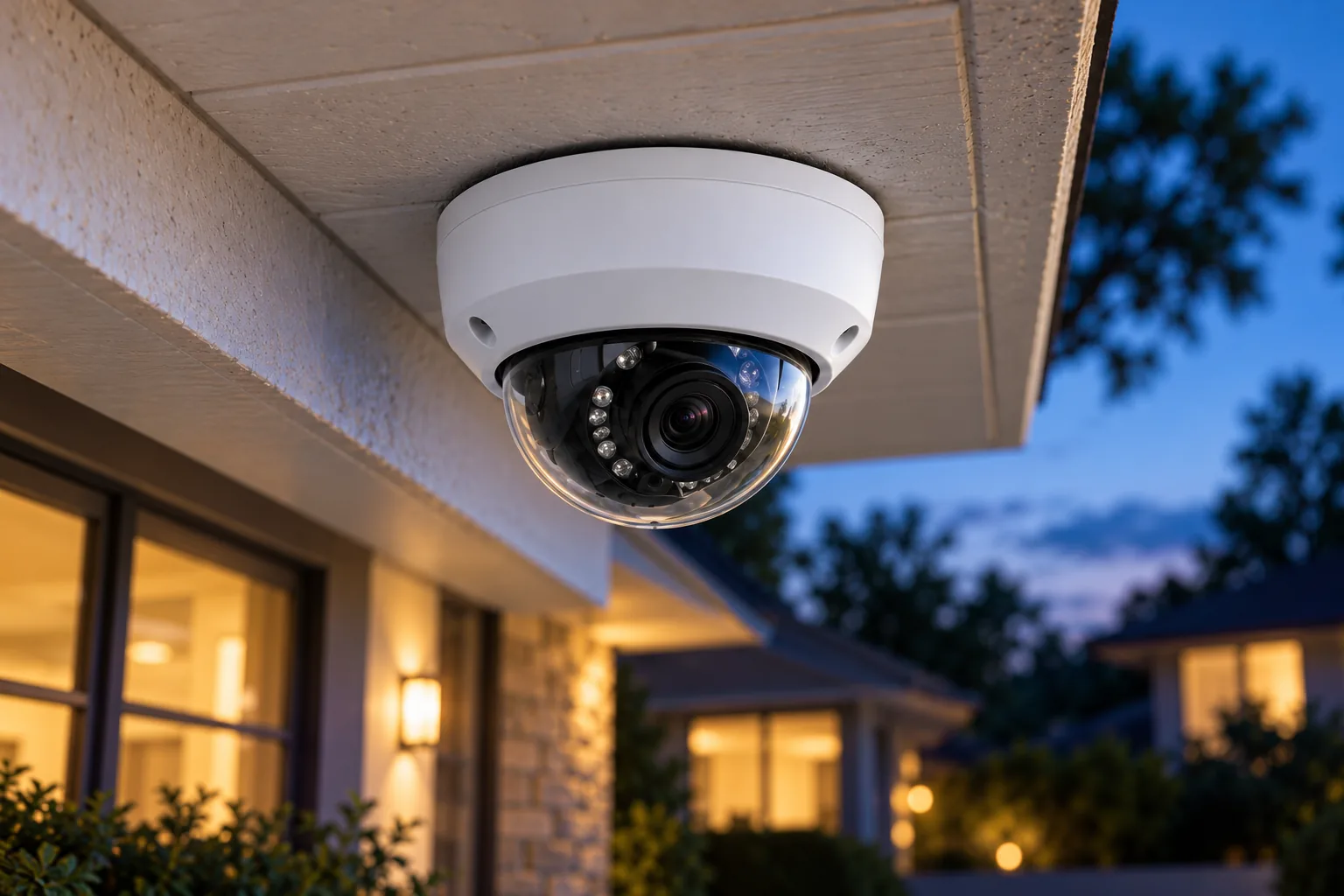
Outdoor security cameras need a complete weather-appropriate power and mounting arrangement as part of the budget.
Keep resolution in proportion. The documented C120 and Wyze examples both list 2560 × 1440, but that does not establish equal nighttime performance or usable detail at your mounting distance. This guide provides no comparative image test. Verify the actual view and saved footage during setup instead of treating matching pixel counts as identical results.
For an indoor room, privacy and outlet access may be the limiting factors. For a detached structure, a battery camera still needs a working Wi-Fi connection. For an outdoor doorway with an outlet, the required adapter can decide whether a seemingly cheaper camera remains cheaper after installation. Each situation changes the relevant quote.
Verify the purchase before making it permanent
Before ordering, save the model/revision, included items, recording mode, optional service, and complete checkout total. Confirm return terms directly with the seller rather than assuming all marketplaces or bundles have identical conditions.
During setup, test the final intended position before permanent mounting. Make a representative daytime and nighttime recording, find it, and export it. Check that alerts behave as expected using the service configuration you intend to keep after any trial. If a feature is essential, verify its documented requirement before relying on temporary trial access.
Wireless camera installation should include a saved-video and retrieval check before the mounting position becomes permanent.
After you have a complete shortlist, search Amazon for Tapo C120 cameras, search Amazon for Wyze Cam v4, or search Amazon for Tapo C425 cameras. These are searches, not verified offers; inspect the actual revision, accessories, price, and stock separately.
Common budget-camera questions
Which wireless security camera is cheapest?
There is no verified universal lowest-priced model in this guide. Compare current complete quotes for cameras that meet the same coverage and recording task. Include the card, required power equipment, service, delivery, and tax. A lower camera price can produce a higher ownership cost when essential extras are added.
Do budget Wi-Fi cameras need batteries?
Not necessarily. Tapo C120 and Wyze Cam v4 use plug-in power while transmitting over Wi-Fi. Tapo C425 uses a rechargeable battery and still needs Wi-Fi. Choose by outlet access and maintenance requirements, rather than interpreting wireless as a guarantee of cable-free power.
Is a subscription always necessary?
No. The documented examples include local recording options, and C120 offers specified smart detections without a subscription. However, local recording and advanced cloud alerts are separate features. Verify the exact capabilities you need rather than assuming that a card removes every possible service dependency.
Choose affordable coverage you can use
A sensible budget camera purchase starts with the recording task and ends with an itemized total. Compare C120 for its documented local-storage and free-detection combination, Wyze Cam v4 for its documented continuous local recording option, and C425 when battery placement solves a real power-route problem. Get matching quotes, calculate the relevant ownership period, and verify a saved clip before considering the installation complete.