As an Amazon Associate we earn from qualifying purchases.
Google video doorbells should be chosen by exact Nest generation, available power, and the footage you expect to retrieve. The Nest Doorbell wired third generation is the stronger documented fit for a new wired installation seeking 2K video and optional continuous history. The battery model suits an entrance without suitable wiring, but cannot provide 24/7 history even when connected to wires. Existing wired second-generation owners should compare the actual recording and framing changes before replacing a working unit. Google's doorbell comparison
As an Amazon Associate I earn from qualifying purchases. We may earn a commission when you buy through links on this page.
Key distinction: Six hours of included history on the wired third generation means a rolling window of event previews up to ten seconds long. It does not mean six hours of continuous recording. Battery and wired second-generation models have different included-history limits.
This guide compares US Google Store specifications and support instructions checked October 18, 2026. It covers family selection and ownership, with summary wiring and display checks. It does not report hands-on performance tests or rank transformer accessories.
Contents
- Compare Nest generations
- History windows and clip length
- Google Home Premium plans
- US power and chime requirements
- Google Home and announcements
- Choose for your household
Compare the three documented Nest doorbell options
Google's comparison separates the battery doorbell, wired second generation, and wired third generation. Their names can look similar in shopping results, while their power and included recording differ substantially.
| Feature | Wired third generation | Battery | Wired second generation |
|---|---|---|---|
| Video | 2K HDR | 960p HDR | 960p HDR |
| Diagonal field of view | 166 degrees | 145 degrees | 145 degrees |
| Image shape | 1:1 square | 3:4 portrait | 3:4 portrait |
| Included history window | Six hours of event previews | Three hours of event history | Three hours of event history |
| Included maximum clip length | Ten seconds | Three minutes | Five minutes |
| Optional paid event history | Up to 60 days | Up to 60 days | Up to 60 days |
| Optional paid continuous history | Up to ten days | Unavailable, including when wired | Up to ten days |
These are manufacturer specifications from the Google Store comparison, not independent image or detection measurements. All three list included alerts for people, packages, animals, and vehicles. That does not make their included video-history arrangements identical.
For a new purchase, the wired third generation is worth considering when compatible power is available and its wider square framing or higher listed resolution addresses your needs. The battery model is worth considering when avoiding a new powered circuit is the deciding factor. The wired second-generation column is particularly useful for owners deciding whether an upgrade solves an actual problem.
You can search Amazon for Nest Doorbell wired third-generation models after checking power and recording requirements. Search results may include older generations or different bundles; the link does not establish stock, price, or the identity of any individual offer.
Separate the history window from the clip length
A history window tells you how far back a retained event can be available. A clip length tells you how much of one event a clip can contain. Neither term by itself means the camera saves everything between events.
For wired third generation, Google's included six-hour window contains previews up to ten seconds long. Battery provides three hours of event history with clips up to three minutes; wired second generation provides three hours with clips up to five minutes. The newer model has a longer included window but shorter previews. That is a tradeoff, rather than an across-the-board expansion of free recording. Google's generation-specific history table
Consider a hypothetical delivery at noon. Assume you first check at 4 p.m., with no subscription and no clip previously saved. A six-hour rolling window can still include that event, while a three-hour window would have moved beyond noon. However, a ten-second preview may show less of the event than a longer clip. This example explains the documented limits; it does not promise that every event will be detected or recorded successfully.
Now assume you cannot check until 8 p.m. Both short included windows would have moved past noon. If delayed review is your normal use, an extended event-history plan is more relevant than choosing only by the free window. Video doorbells without a subscription should be assessed against your actual checking schedule.
When Google Home Premium changes the decision
The wired third-generation US product page describes Google Home Premium Standard with 30 days of event history. Advanced adds 60 days of event history and ten days of continuous video history. The comparison table lists up to 60 days of paid event history for all three models and up to ten days of continuous history for the wired second and third generations. Current US product and plan description, family comparison
Event history is appropriate when you want to revisit detected activity. Continuous history adds the time between those detected events. If you want to investigate an uncertain time rather than a particular alert, that distinction can determine whether the doorbell meets your requirement.
The battery Nest Doorbell cannot gain 24/7 history through an upgrade in subscription or optional hardwiring. Google states that restriction explicitly. Do not transfer the behavior of a powered Nest Cam battery camera to the Nest battery doorbell; they are different products. Google's event and continuous-history guidance
Some support material still uses Nest Aware terminology. For the current consumer plan names in this US comparison, use the Store's Google Home Premium descriptions and verify the plan offered to your account before buying. Avoid combining a historical plan name with a different plan's features or an old advertised price.
The wired third-generation page also lists Activity Zones and Zoom & Crop among included features. Familiar-face alerts and expanded history belong to the paid-feature discussion. If your main concern is focusing notifications on part of the entrance, distinguish the included zone controls from the additional features you would subscribe for. Included and paid feature list
Check US power and chime requirements
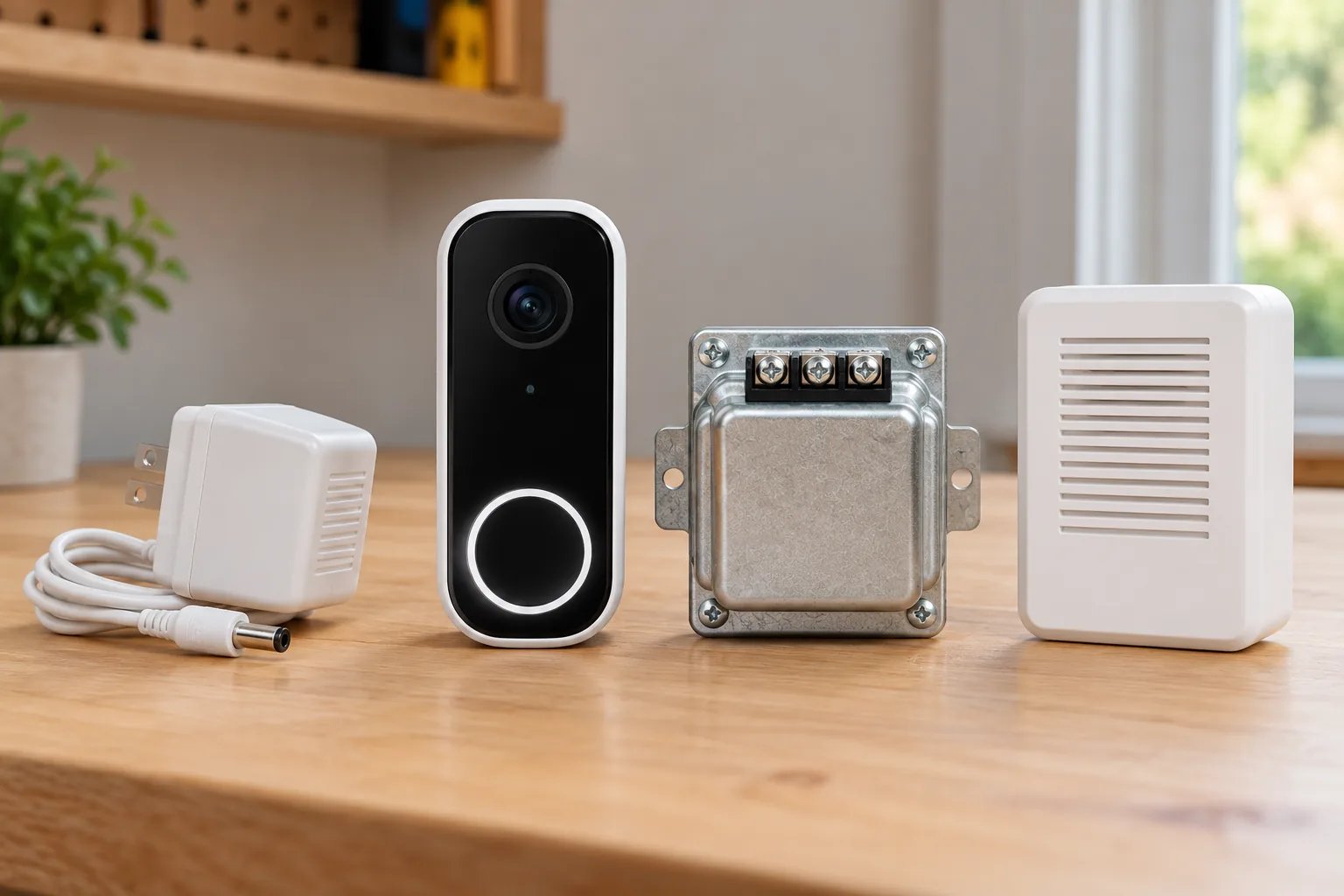
For North American wired Nest doorbells, Google's compatibility guide specifies 16–24 V AC, 10–40 VA, and 50–60 Hz. Optional wiring for the battery model uses 8–24 V AC and 10–40 VA. A working conventional doorbell does not by itself prove that the circuit meets the chosen Nest model's requirements. Google's compatibility guide
Have the existing transformer rating and chime arrangement identified before purchase. If labels are unclear, the wiring is unusual, or an upgrade is required, use a qualified professional. Turn off power before wiring work and follow the exact generation's instructions. Doorbell transformers should be selected by both voltage and VA rating, with the complete installation in mind.
When connecting to an existing chime, the wired Nest generations require their included chime connector; the battery model does not require that connector. This requirement belongs to the existing-chime installation path. It should not be confused with using an indoor adapter to supply power separately. Google's connector and wiring requirements
A battery-only chime with no wires does not become compatible simply because the Nest doorbell can also use a battery. Google says those chimes do not work with Nest. Intercom and gate-control systems also typically need a different approach or professional assessment. Video doorbell chime compatibility is therefore a separate buying check from whether the camera can receive power.
What if there is no compatible doorbell circuit?
The battery model can operate without existing doorbell wiring. For a wired model, Google's guidance offers an optional indoor power adapter as an alternative to an appropriate doorbell circuit. The adapter is not weatherproof and must not plug into an outdoor outlet. A cable route to an indoor outlet becomes part of the installation. Compatibility alternatives, indoor adapter safety guidance
If you rent, obtain permission for mounting and any cable routing before treating either choice as suitable. Battery power reduces the circuit requirement, but it does not settle property permission or the camera's view of shared space. Wired video doorbells are worth comparing when continuous history is essential and a permitted power route is feasible.
Does wiring the battery model eliminate battery concerns?
No. The battery doorbell still operates from its battery while wiring gradually charges it. Google says charging stops below freezing to protect the battery. If winter conditions are part of your use case, do not choose optional wiring on the assumption that battery maintenance becomes irrelevant. Google's battery and cold-weather guidance
Plan the Google Home app and indoor announcements
Nest Doorbell wired third generation requires the Google Home app and a Google Account. It does not work with the Nest app or home.nest.com. Google says cameras and doorbells set up in the Home app can also be viewed through Google Home for web in a browser. Third-generation app requirements
For an existing Nest household, this is a practical ownership change to check before upgrading. List which app you currently use, who needs access, and where the family expects to view the entrance. Do not assume that replacing the doorbell preserves every older app workflow unchanged.
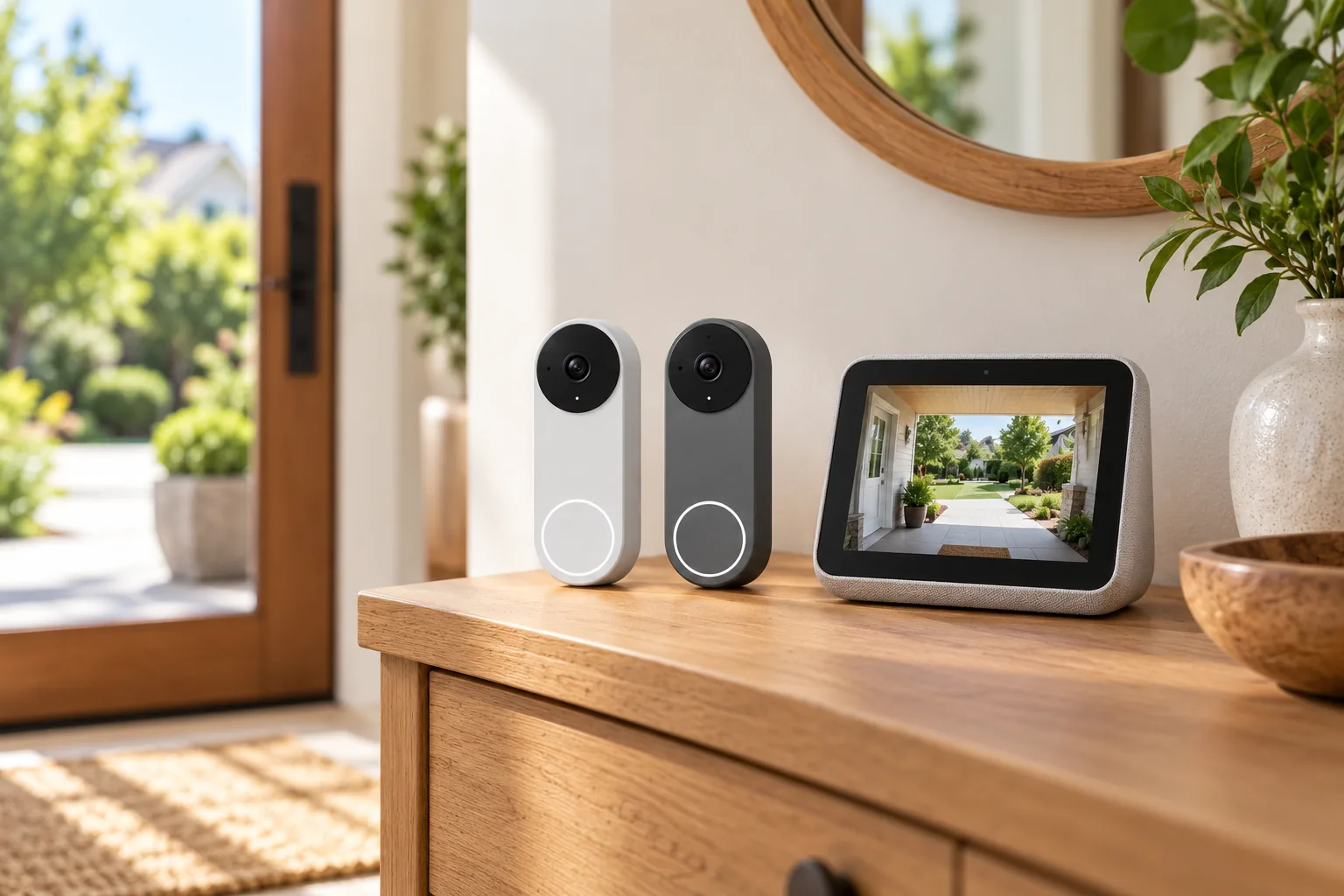
Google speakers and compatible displays can announce a visitor after the products and their apps are set up. A compatible display can also show the doorbell feed. If announcements do not work, Do Not Disturb is one documented troubleshooting check. Google's visitor-announcement instructions
This is useful if someone needs to hear the doorbell without keeping a phone nearby. Test an actual press on the intended indoor device during setup, rather than treating a successful live-view screen as proof that announcements work too. “Works with Google” on a third-party doorbell does not guarantee visitor announcements; Google advises confirming that feature with its manufacturer.
Match the model to your household
| Your situation | Starting point | Why and what to confirm |
|---|---|---|
| No suitable wires and mounting is permitted | Nest Doorbell battery | Avoids the existing circuit requirement; accept charging and event-only recording |
| Need continuous footage between alerts | Wired third generation with the appropriate paid plan | Confirm power, installation route, and Advanced continuous-history entitlement |
| Already have wired second generation | Compare before replacing | It already supports optional continuous history; decide whether 2K and square framing solve a problem |
| Rely on the older Nest app workflow | Check the app transition first | Third generation uses Google Home and Google Home for web |
| Mostly want included alerts and brief recent checking | Compare included history closely | Third-generation previews and older event clips differ in both duration and retention |
These recommendations follow the documented feature boundaries, rather than a claim that one model outperforms another in every home. In particular, a second-generation owner who already pays for satisfactory continuous history may have less reason to upgrade than a new buyer seeking a different view.
Before ordering, write down the exact generation, available power, chime method, app, and recording plan. Preview the intended framing with a person and a package at your entrance. After installation, verify visitor announcements, live view, and the type of retained footage your plan actually provides.
For Google video doorbells, the decisive choice is between installation flexibility and the recording arrangement you need. Choose battery for a permitted installation without suitable power; choose wired when continuous history or the third generation's documented imaging changes matter. Confirm the whole workflow before committing to the hardware.