As an Amazon Associate we earn from qualifying purchases.
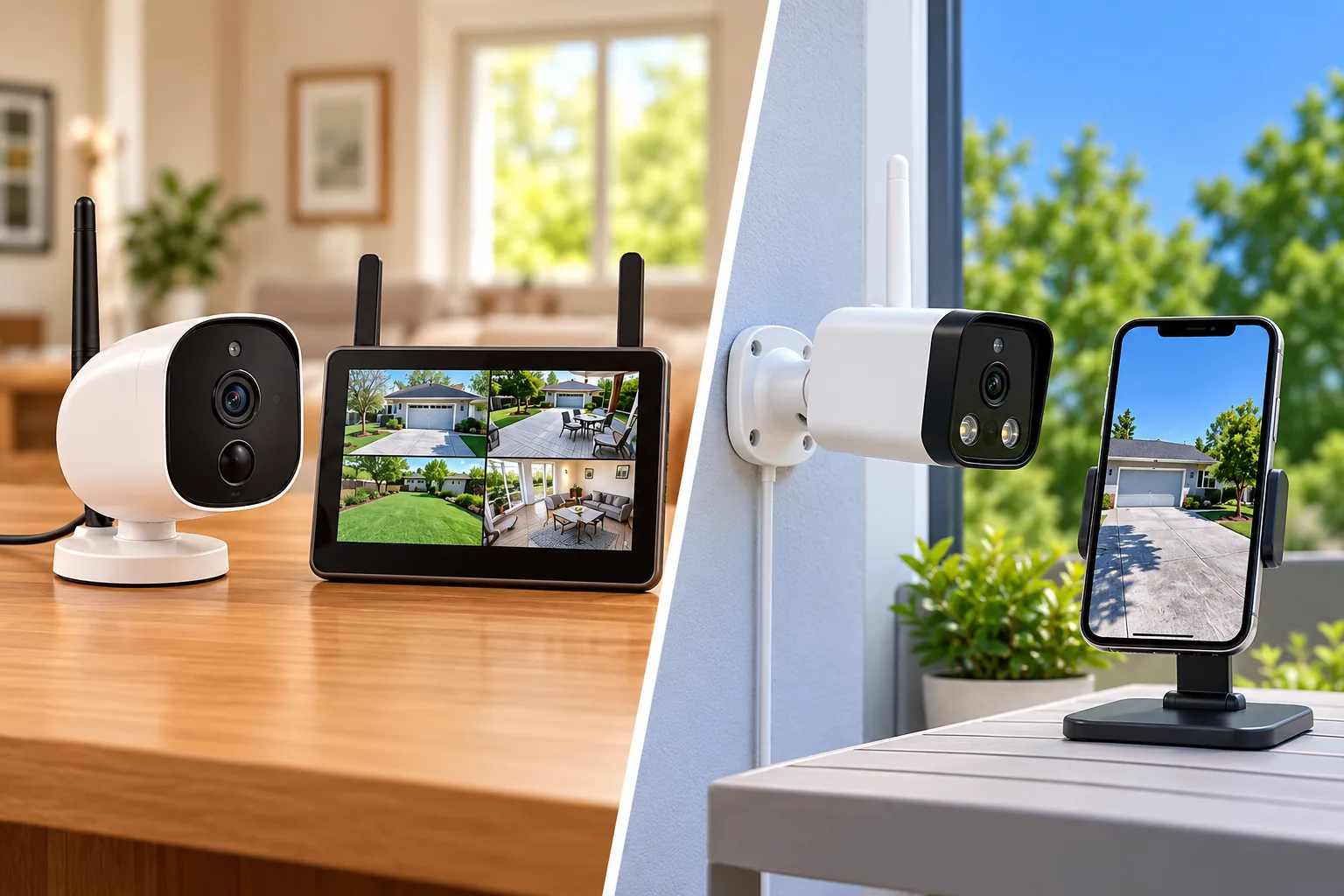
Choose Defender PhoenixM2 if you want to watch cameras on a dedicated local monitor without internet. Choose the documented 4K Guard Pro IP8MCB1 if you want smartphone viewing through the Defender Guard app. These are separate systems: a Guard camera is not an expansion camera for a Phoenix monitor.
For homeowners comparing Defender wireless cameras, the first question is where you need to see the picture. The second is where you can supply power. Both options covered here use plug-in power; “wireless” describes their video connection. This guide compares manufacturer specifications and setup guidance for PhoenixM2 and IP8MCB1, rather than reporting hands-on tests or covering every Defender product.
As an Amazon Associate, we earn from qualifying purchases. We may earn a commission when you buy through links on this page.
Quick decision: PhoenixM2 suits local, app-free monitoring when its documented VGA resolution is sufficient. The 4K Guard Pro suits phone-based viewing when you can provide the required network and account. Verify the exact model label before buying an add-on, storage card or kit.
Contents
- PhoenixM2 and Guard Pro at a glance
- Choose the viewing destination before the camera count
- Expand within the exact family
- Plan power and radio coverage together
- Choose recording deliberately
- A pre-purchase and installation worksheet
- Questions before choosing Defender wireless cameras
PhoenixM2 and Guard Pro at a glance
| Decision | PhoenixM2 | 4K Guard Pro IP8MCB1 |
|---|---|---|
| Main viewing destination | Included 7-inch LCD monitor | Defender Guard app |
| Wireless connection | Dedicated 2.4 GHz camera-to-monitor link | Home Wi-Fi; setup guide specifies 2.4 GHz pairing |
| Power | Cameras and monitor need outlets | Camera needs plug-in power |
| Documented camera resolution | VGA, 640 × 480 | 3840 × 2160 at 25 fps |
| Local recording location | SD card in the monitor | microSD card in the camera |
| Documented maximum card capacity | 256 GB | 256 GB |
| Expansion boundary | Four paired cameras per monitor | Compatible Guard app family; separate app and building limits |
| Main reason to decline | You need remote phone viewing or higher capture resolution | You need a standalone monitor system without network setup |
The table draws on Defender's PhoenixM2 specifications, 4K Guard Pro specifications and the model-specific quick-start guides discussed below. Identical storage-capacity numbers do not make their cards, recording behavior or systems interchangeable.
Choose the viewing destination before the camera count
PhoenixM2: a monitor you use at the property
PhoenixM2 does not connect to the internet or transmit footage to a phone app. Its dedicated camera link and monitor make sense when the viewer is normally at the property and wants to look at a screen without managing an app account. For example, a homeowner who wants to check a nearby outbuilding from the kitchen may prefer this arrangement, provided the power and radio-link checks work at that property. Defender explicitly describes the system as local and app-free on its PhoenixM2 product page.
This makes remote viewing a deciding requirement, rather than an optional setting to enable later. If checking the property while traveling is essential, PhoenixM2 does not satisfy that requirement. Buying another Phoenix camera will add a view within the system's capacity; it will not add a smartphone connection.
Resolution also deserves a separate decision. Defender lists the camera video as 640 × 480 and the monitor as 800 × 480. The screen's dimensions do not increase the detail captured by the camera. If your plan depends on inspecting fine detail, assess the recorded image against that task before committing to this family; the word “wireless” says nothing about image resolution.
4K Guard Pro: phone viewing with setup requirements
The IP8MCB1 guide directs owners to the Defender Guard app, a compatible Android or iOS phone and an email account for verification. It describes remote live viewing, recorded playback and sharing through that app. The guide also states that web-browser viewing is unavailable; exporting the SD card to a computer with a compatible reader is a separate workflow. See the 4K Guard Pro quick-start guide.
Treat that distinction seriously if your intended viewer is a desktop computer. A phone-compatible camera does not automatically provide a browser dashboard. Before ordering, have the person who will actually use the system confirm the app and device requirements.
For remote monitoring, security camera phone access is part of the buying decision from the beginning. Decide who needs access, which devices they will use, and whether they can manage their own accounts. The Guard guide allows sharing with up to five additional users, each with an account; this is more useful planning information than assuming everyone will use the owner's login.
Expand within the exact family
The current four-camera PhoenixM2 page identifies the kit as PHOENIXM24C. Defender's separate PhoenixM2 additional-camera page identifies PHOENIXM2C. Match that family and the installed equipment label rather than searching for a generic “Defender wireless camera.”
The PhoenixM2 quick-start guide sets two important boundaries: one monitor supports four paired cameras, and a camera can pair with only one monitor at a time. A four-camera kit therefore already occupies that monitor's documented camera capacity. An extra camera does not create a fifth channel, and a second monitor cannot simply duplicate a camera that remains paired to the first.
Consider an existing two-camera Phoenix setup, assuming its label and guide confirm PhoenixM2 compatibility. Adding a third compatible camera is a channel-expansion question. Adding a fifth is a system-design question because it exceeds the documented monitor limit. Record the current camera count before shopping, then confirm the exact add-on with Defender if the installed revision differs.
Guard expansion uses different numbers. The 4K guide says the Defender Guard app can connect 16 cameras and display four at once, but recommends no more than six named Guard-family cameras in one home or building to avoid interference. Six, 16 and four describe different constraints; none is a Phoenix monitor specification. The same guide names Guard, Guard Pro, Guard Pro PTZ and Guard Pro Dual-Lens compatibility and excludes other Defender systems.
A shared manufacturer name is therefore insufficient evidence of interoperability. If the proposed camera uses another Defender app or belongs to another product family, obtain explicit model-to-model confirmation before buying it as an expansion device.
Plan power and radio coverage together
An outlet beside the router does not solve power at a camera mounted across the yard. Both systems require a power plan at each camera location, and Phoenix also needs power at the monitor. Make a simple location list: camera position, outlet position, cable route, viewing destination and the obstacles between them.
PhoenixM2 has a manufacturer maximum of 450 feet with clear line of sight. Its guide warns that concrete, metal structures and nearby operating microwave ovens can reduce or disrupt the signal. Use that figure as a documented test condition, not a promise that a detached garage 450 feet away will work. Temporarily place the camera and monitor where you intend to use them and check the actual picture before drilling.
Wireless camera connectivity depends on the path through the building as well as the distance. A shorter path through obstructing materials can still fail your practical requirements. Moving a monitor or camera during a temporary trial is easier than repairing mounting holes after discovering that the link is unreliable.
For IP8MCB1, the 4K guide requires the phone to be on a 2.4 GHz Wi-Fi network before pairing and uses Bluetooth-assisted setup. Wi-Fi 6 branding alone does not establish 5 GHz support. Follow the exact guide's pairing instructions, then use its Wi-Fi detection tool and live-feed check at the final position. The guide specifically tells owners to test signal and footage before mounting.
Protecting the adapter is equally important. Phoenix's product specifications describe an IP65 camera housing while stating that its power supplies are not water-resistant and should not be used outdoors. The Guard guide likewise warns that its power supply is not waterproof. A weather-resistant camera body does not make an exposed plug or adapter suitable for rain. Follow the supplied installation instructions and get qualified help if a suitable power location requires electrical work.
Choose recording deliberately
PhoenixM2 stores footage on an SD card in its monitor. Its guide offers motion-based recording and camera-specific schedules. A schedule records continuously during its selected window and overrides motion recording settings. If you expect clips only when motion occurs, an active schedule can explain why the system is recording more than you intended. The Phoenix guide documents that interaction.
IP8MCB1 stores local recordings on a microSD card in the camera, with up to 256 GB documented in its guide. The same maximum capacity does not establish equal retention across the two systems. Resolution, recording settings and actual activity matter to the footage you retain; do not purchase based on an assumed number of days.
Security camera recording options should match how you plan to retrieve an incident. During setup, create a short test recording, find it again, and practice saving the footage. For a monitor-based system, make sure the regular user can find playback locally. For an app-based system, confirm that the authorized users can access the intended camera and understand the export workflow.
Also separate an internet failure from a power failure. Defender's older Guard Pro outage FAQ says that model keeps recording to its SD card when the home network is unavailable, but stops during a power outage because it has no built-in battery backup. That statement is model-specific; it does not establish outage behavior for IP8MCB1 or every newer Defender battery product. Check the exact camera's documentation for the failure scenario that matters to you.
A pre-purchase and installation worksheet
Complete these checks for each proposed view:
- Identify the equipment. Write down the camera, monitor or kit model from the label, plus the matching guide.
- Name the viewer. Choose local monitor viewing, phone viewing or computer export; confirm the system actually supports the required method.
- Count expansion capacity. Check Phoenix channels or the Guard family's documented app and building guidance, as applicable.
- Locate power. Confirm an appropriate outlet and adapter location before choosing a mounting point.
- Trial the connection. Test the live picture at the intended camera and viewing positions before permanent installation.
- Verify recording. Make, locate and save a sample recording using the intended storage and schedule.
- Check the exact bundle. Confirm card inclusion, accessories and model revision with the seller rather than inferring them from another kit.
The last step matters because the Phoenix product page and its guide describe different included card sizes. This guide does not resolve that bundle discrepancy or promise an included capacity. Match the particular package you are considering.
Questions before choosing Defender wireless cameras
Can PhoenixM2 footage be viewed on my phone?
No. Defender describes PhoenixM2 as a standalone system without an internet or mobile-app connection. Choose based on its local monitor workflow. If phone viewing is a required feature, evaluate a documented app-based family rather than planning to add that capability to PhoenixM2 later.
Does wireless mean battery powered?
For the PhoenixM2 and IP8MCB1 models covered here, no. Both require plug-in power. Confirm the actual power arrangement in the exact model guide, especially when comparing these cameras with other Defender products that use different battery or solar arrangements.
Which family should I compare first?
Start with PhoenixM2 when local monitor viewing and its documented resolution meet the job. Start with IP8MCB1 when phone viewing is essential and you can meet its network, account and power requirements. Then verify expansion and recording before comparing sellers.
For model-specific shopping research, you can search Amazon for Defender PhoenixM2 systems or search Amazon for Defender 4K Guard Pro IP8MCB1. Search results do not confirm exact-model stock, bundle contents or compatibility. Use the model label and guide as your final check.